

Nioh 2: Complete Edition — the complete edition of the hardcore role-playing action game Nioh 2 with a third-person view in Japanese style... Read more
Files for Nioh 2: Complete Edition / Animation and Graphics
Find the best animation and graphics mods and skins for Nioh 2: Complete Edition. Download the newest and top enhancements to elevate your gaming experience.
This category offers a wide selection of high-quality files that will transform Nioh 2: Complete Edition's graphics. From detailed animations to visual upgrades, users can download, comment, and rate the files.
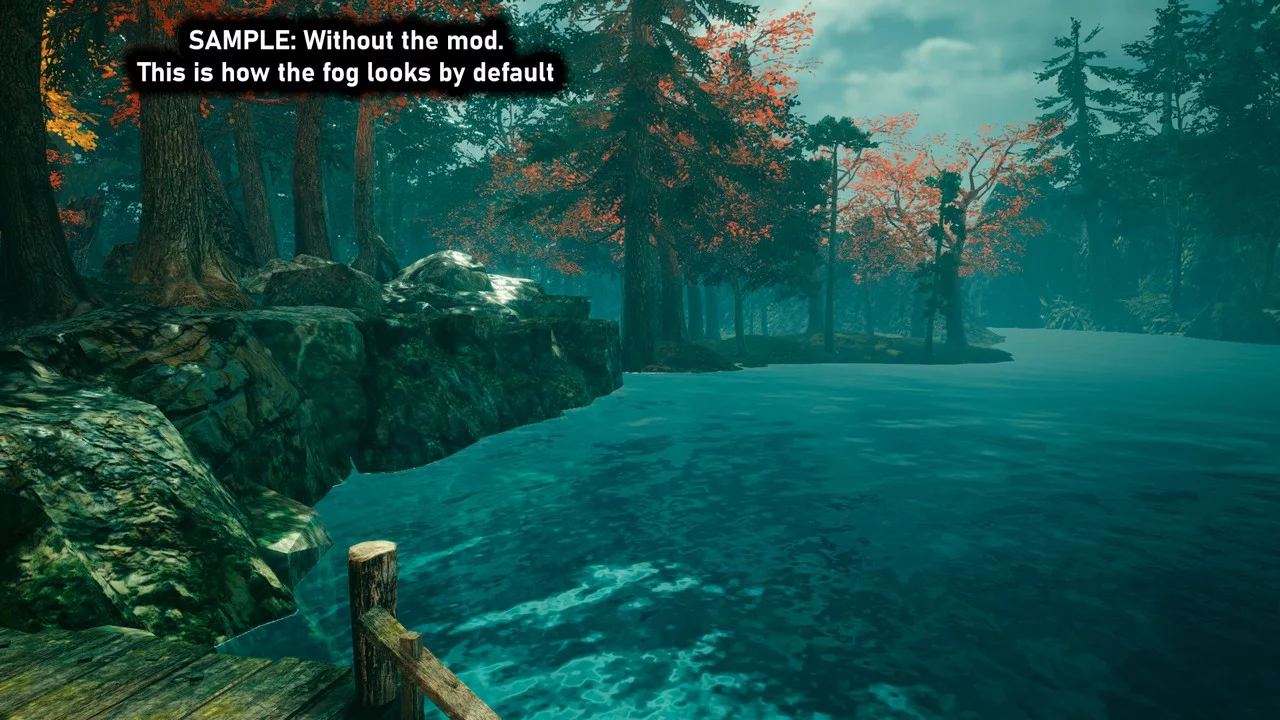
Fog Removal in Shadows

Download
FOG Disable V2 — No bloom — Shadow dehaze. Disables volumetric fog. Ensure both settings: Motion Blur and Dynamic Reflections are turned off (a restart may be required). 2K / 4K resolution is not supported.
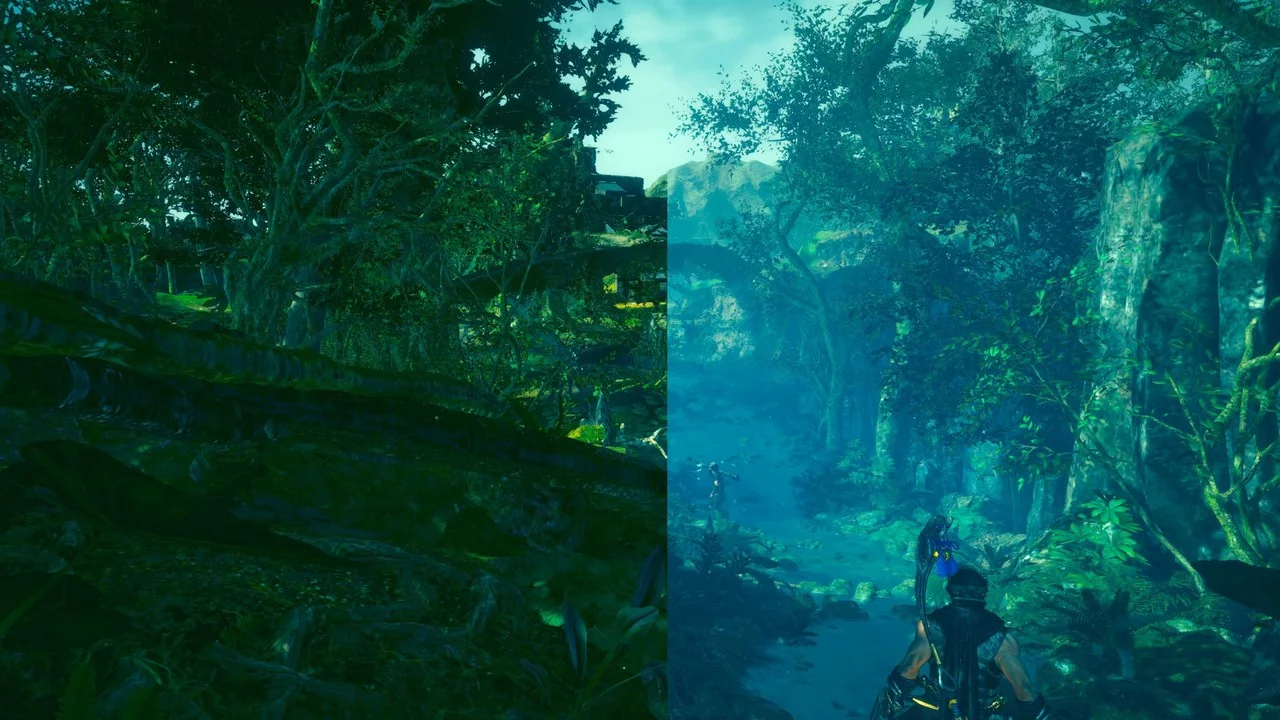
Fog Has Disappeared
Download
Fog Begone. Removes the annoying blurry fog. There is still fog in some stages because a different texture is used for it.
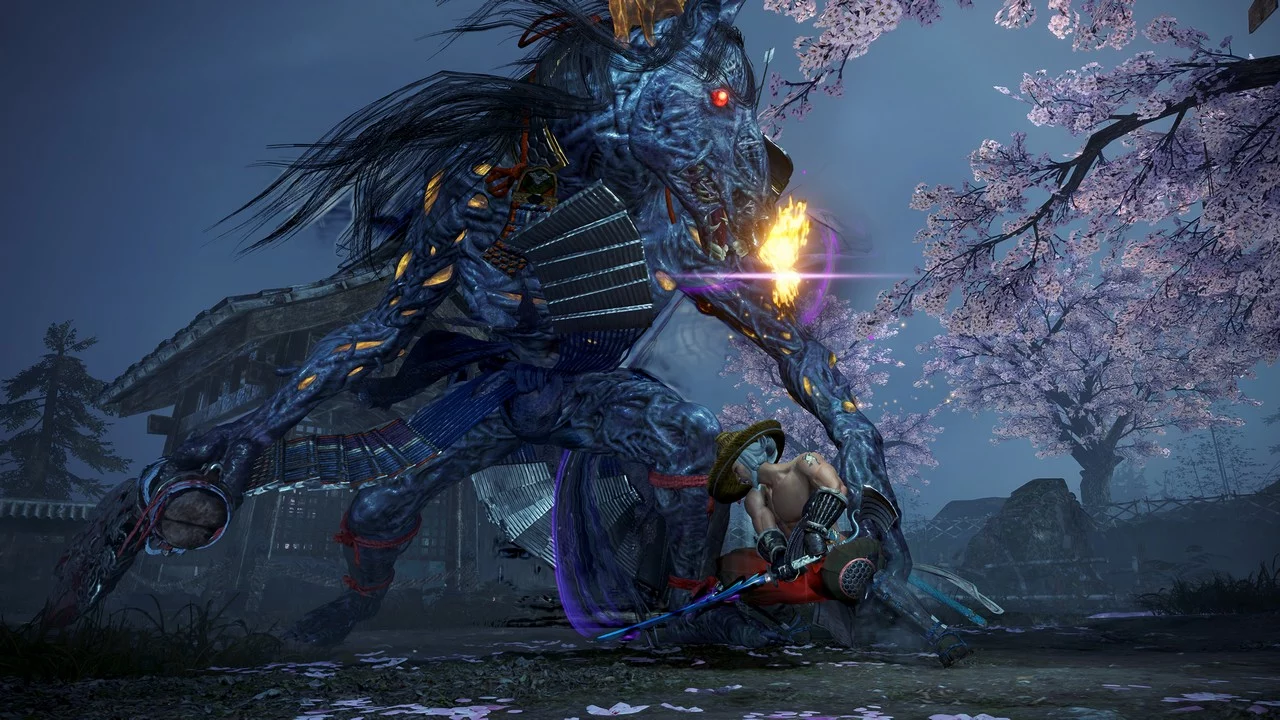
Enhanced Combat Effects
Download
Improved Combat Effects. Reduces but does not eliminate the number of particle effects occurring during combat. Yellow splashes upon hitting yokai, floating amrita, and effects when hitting enemies with purity weapons — all toned down to a reas ...
Cinematic Graphics

Download
Nioh 2 Remastered — Vivid and Cinematic Enhancements with Balanced Optional Effects — 3 ReShades. Brings a pseudo-HDR look and adds additional, well-thought-out cinematic effects to modernize the game's appearance, making it more in line ...
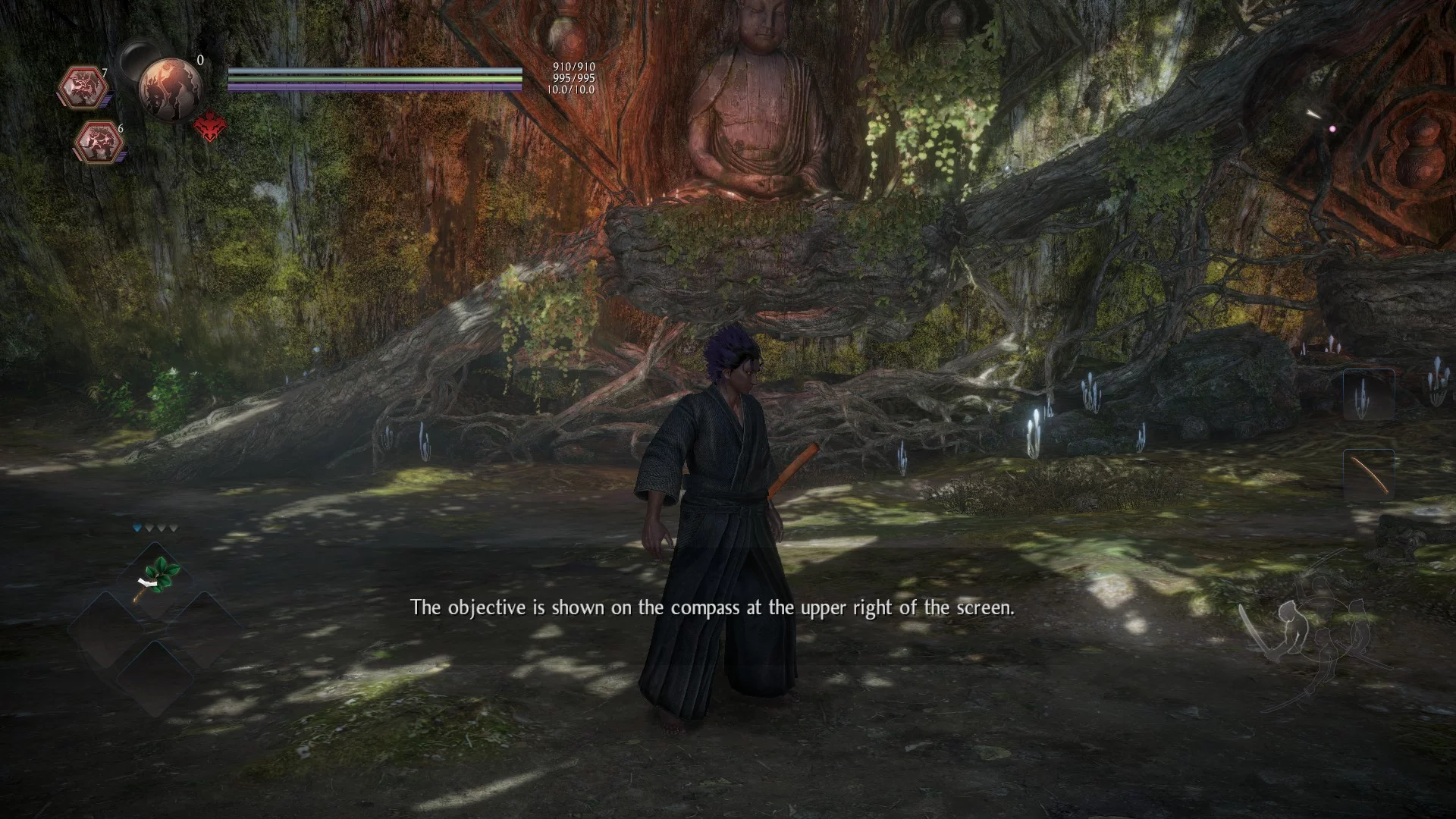
HDR Simulation
Download
Magic HDR ReShade preset for Nioh 2. This HDR ReShade preset utilizes the Magic HDR shader along with some others to replicate a true HDR effect. Minimal impact on performance!
Shadow Enhancement for Low-End PCs
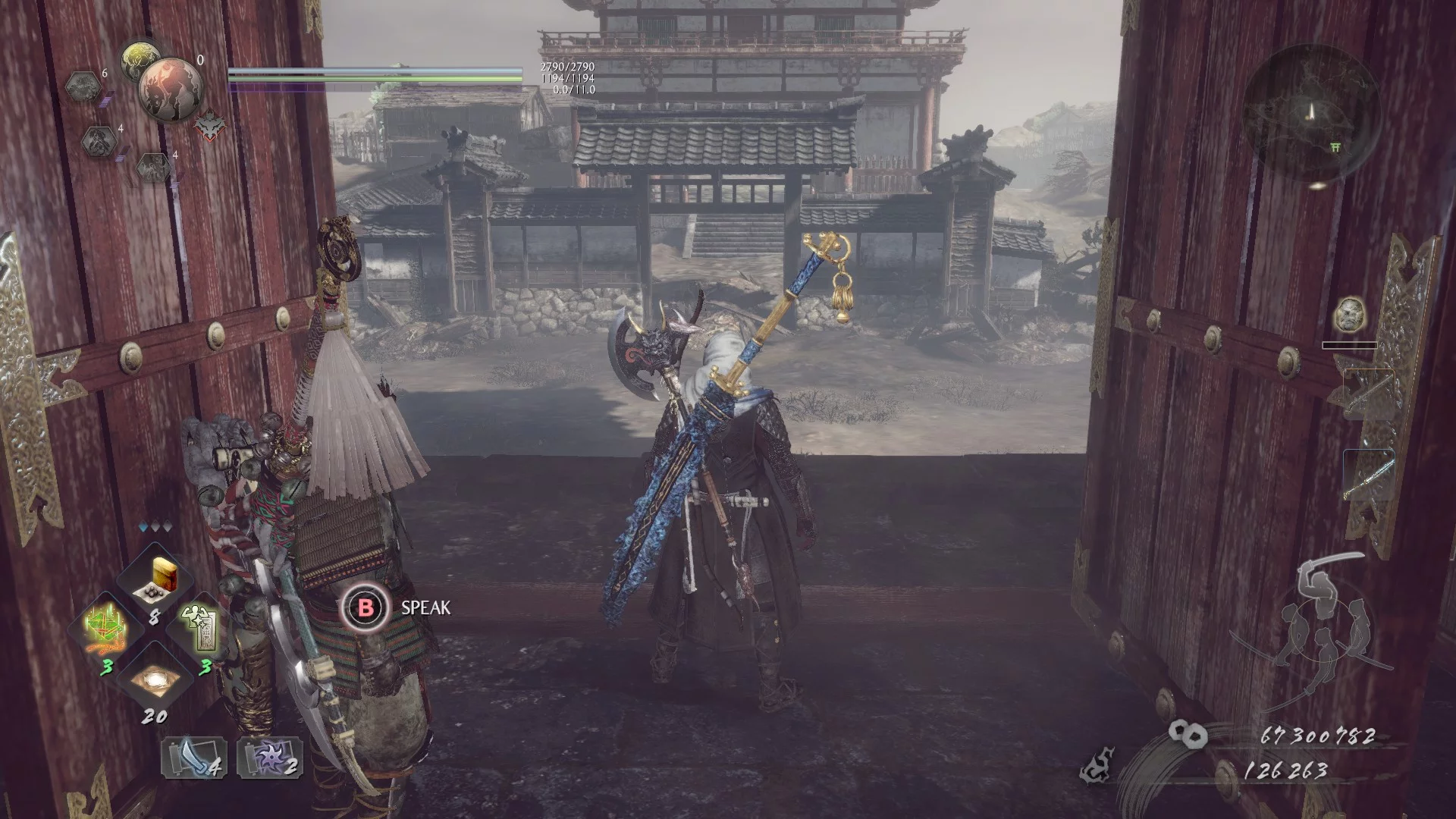
Download
Reshade RTGI with minimal performance impact. Enhances shadows in various areas. The shaders used were qUINT_rtgi.fx, SMAA.fx, Tonemap.fx, FakeHDR.fx. Installation: 1. Install Reshade in the game directory. 2. Copy the RTGI files into the reshade- ...