An arcade action-survival game from a third-person perspective in a vast open world with the key mechanic of taming unusual creatures called Pal. They resemble... Read more
VGTimes:
Players:
Steam:
Metacritic:

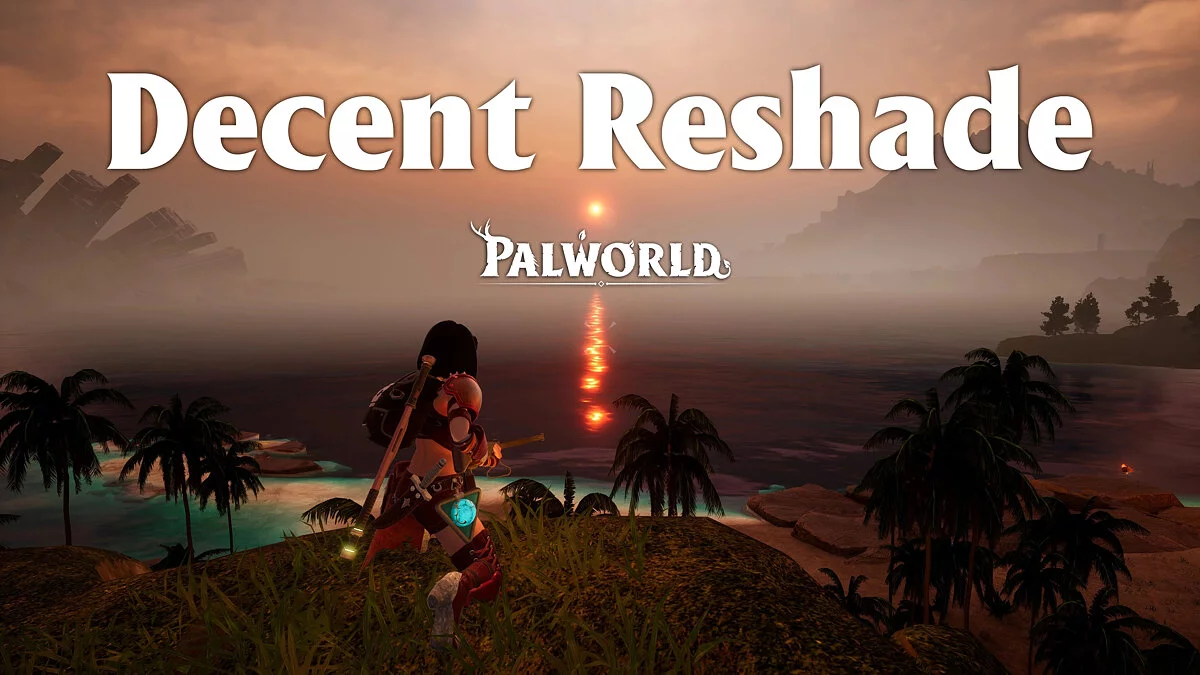
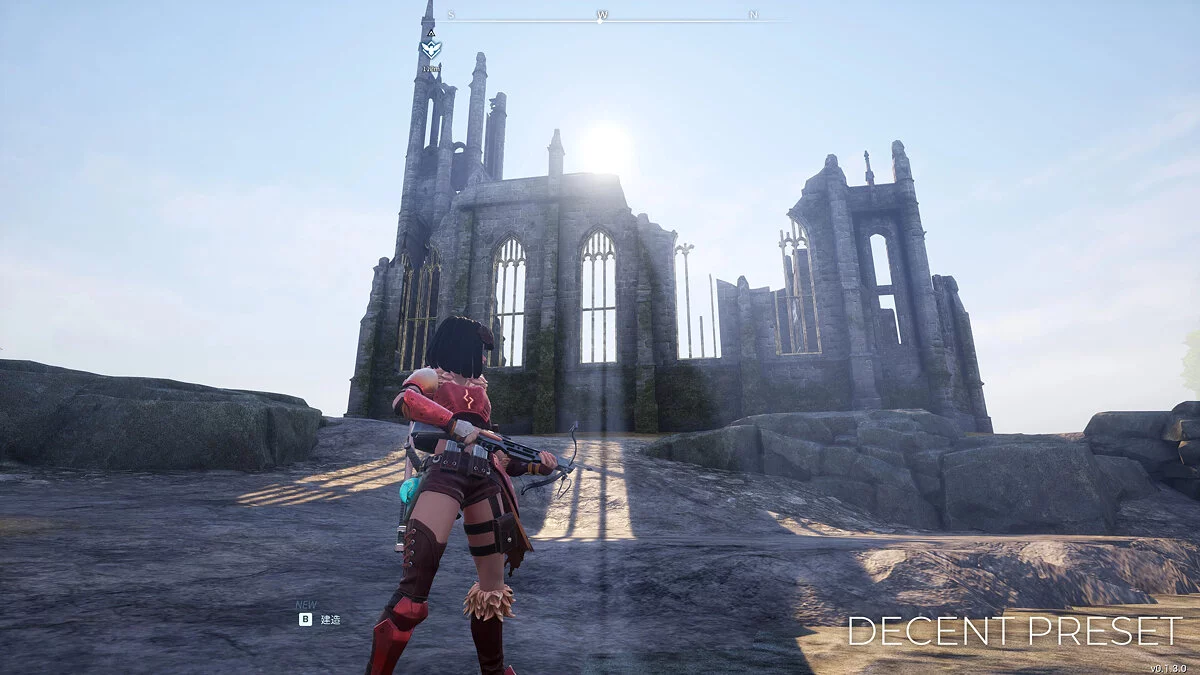
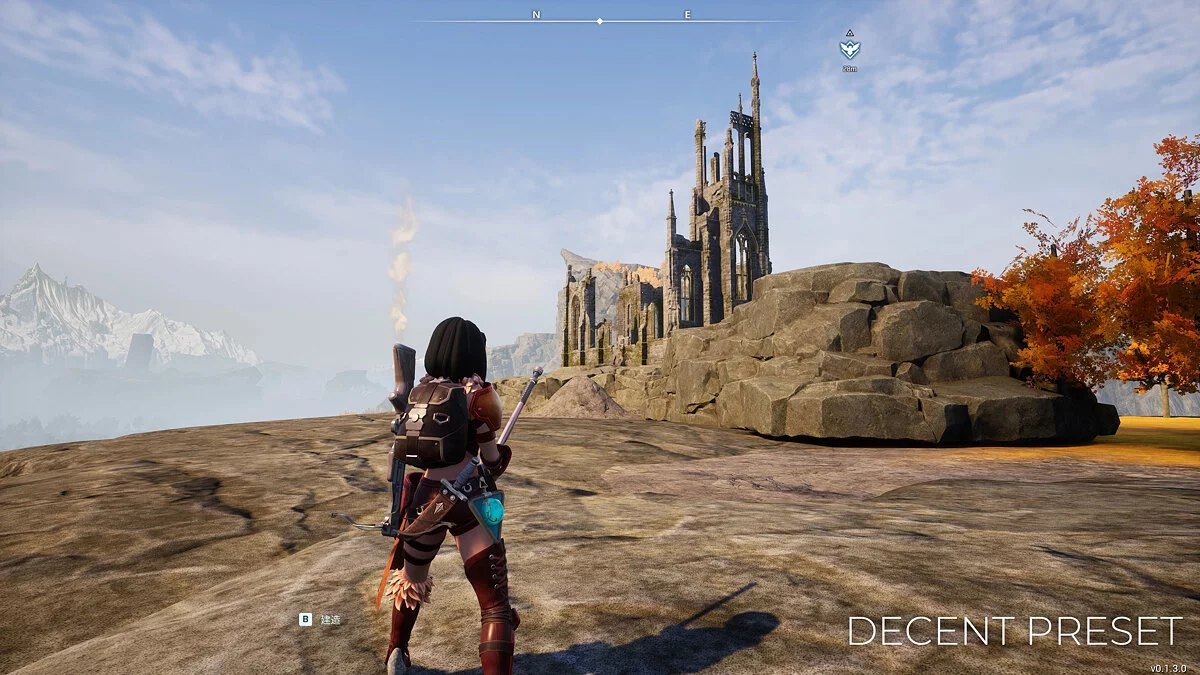
DECENT ReShade — naturalness and performance
Author:
zyd232
Uploaded by:

Size:
423 байт
Date:
January 28, 2024, 11:35 PM
Downloads:
622
-
Download (423 байт)January 28, 2024, 11:35 PMdecent-reshade-naturalnost-i_1706474140_665321.7z
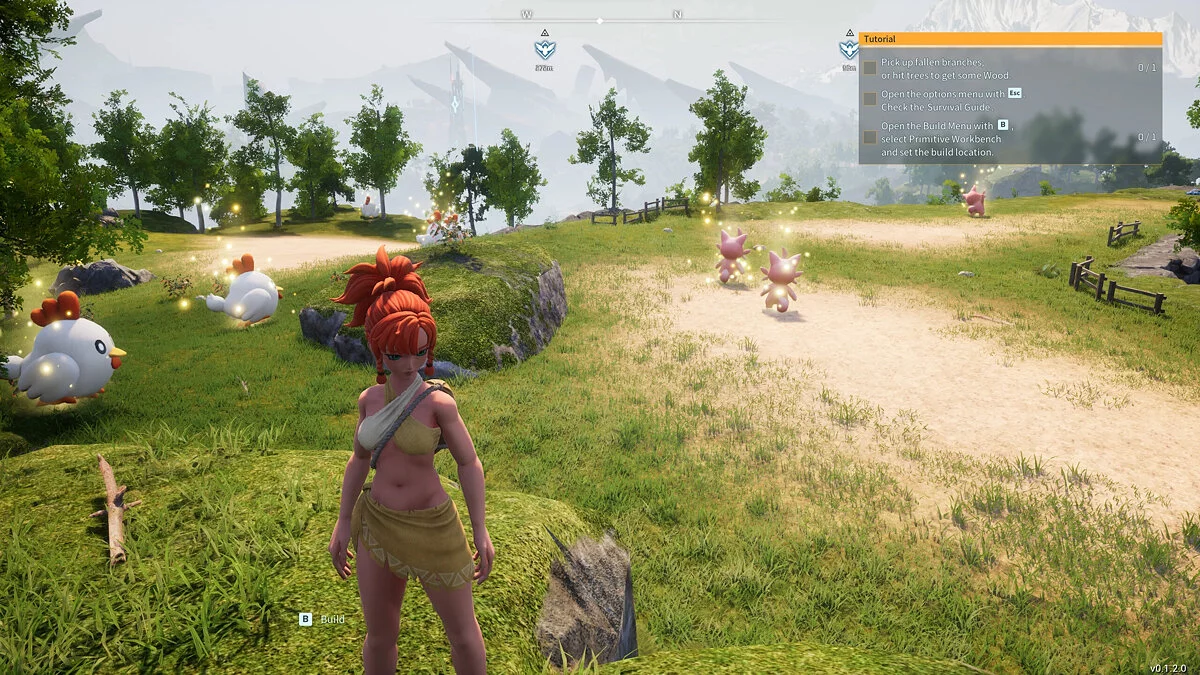
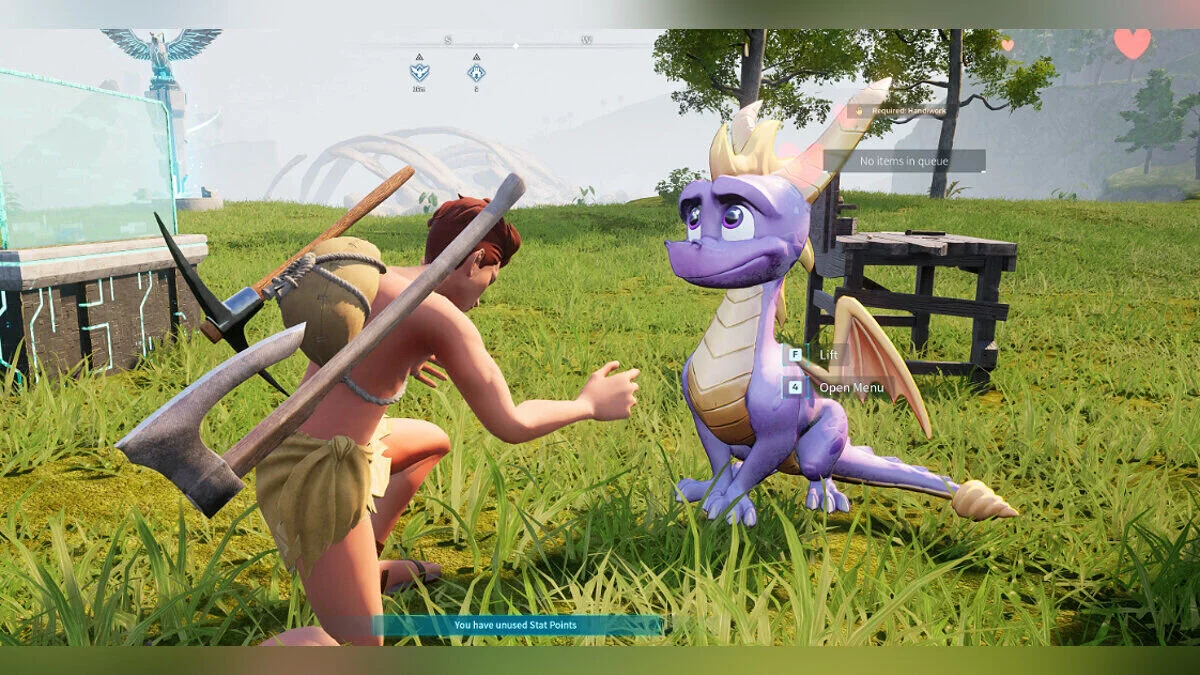
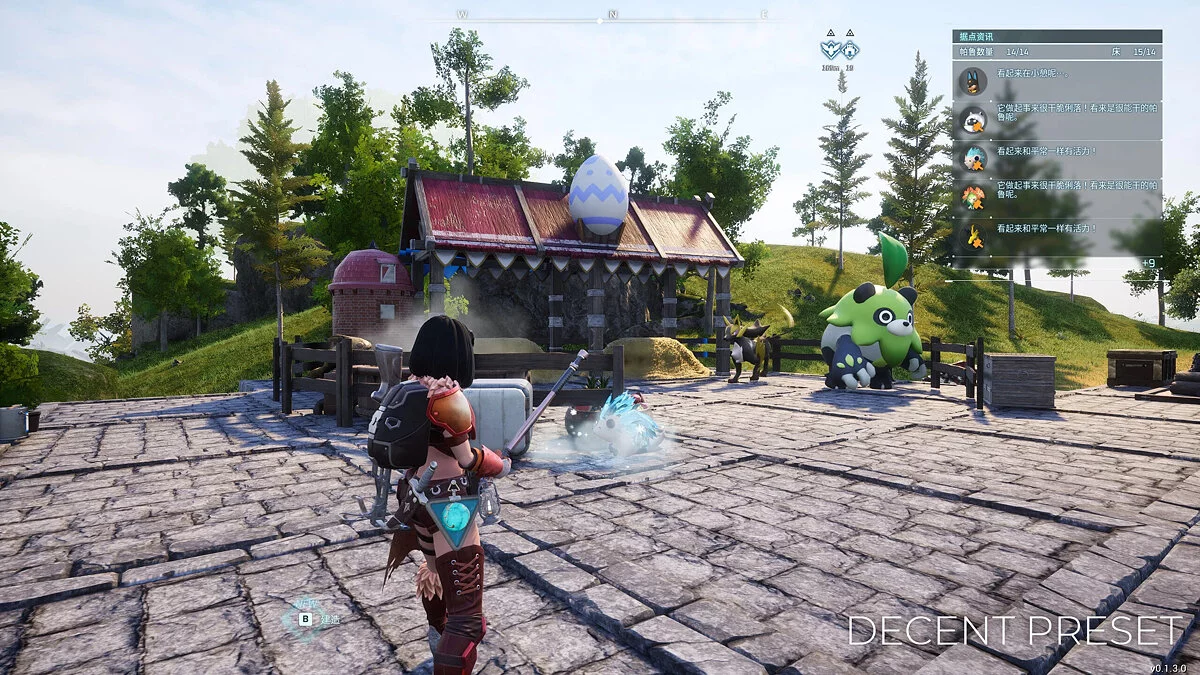
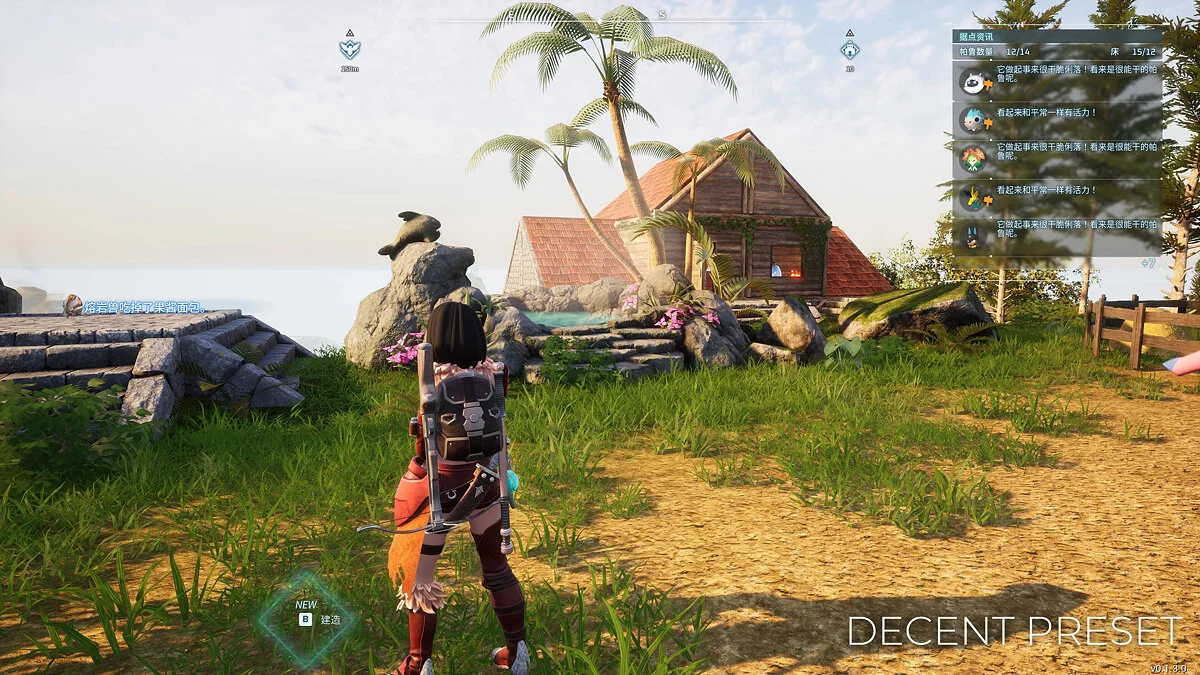
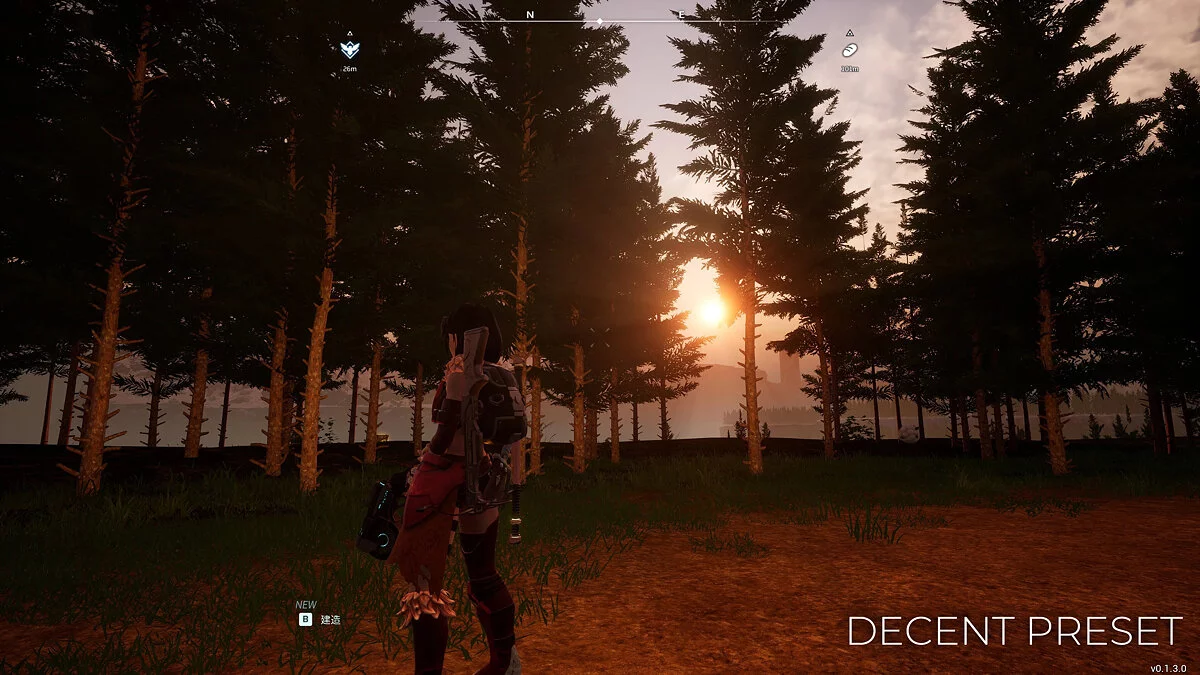
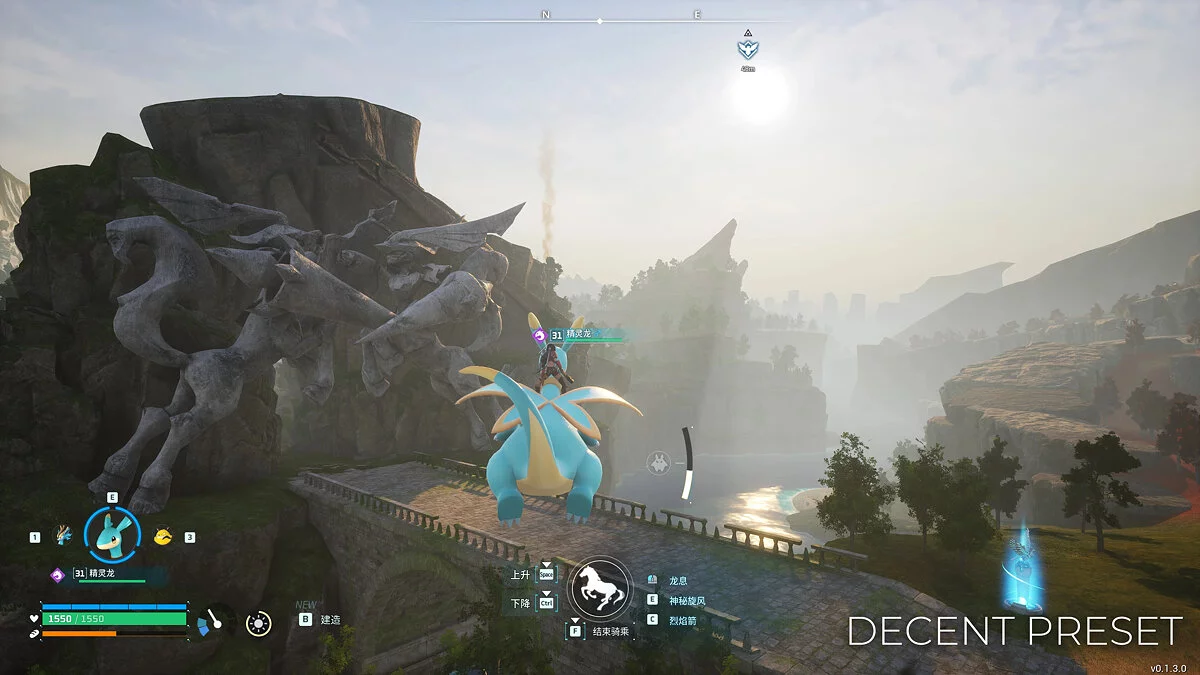
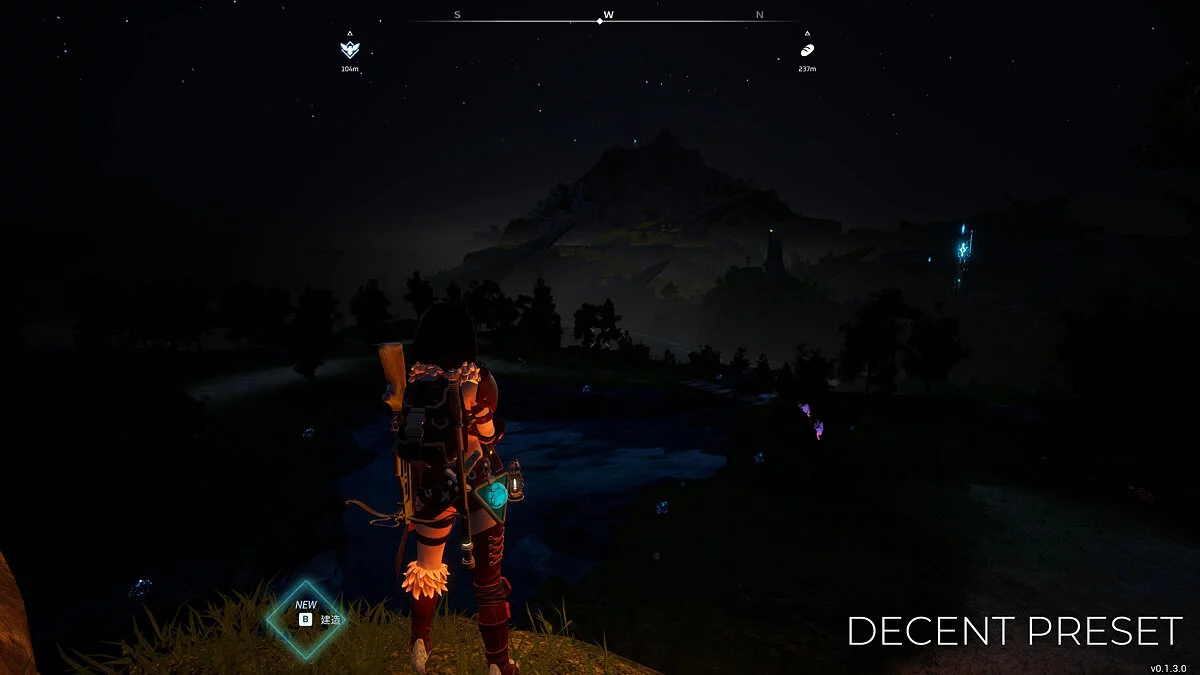
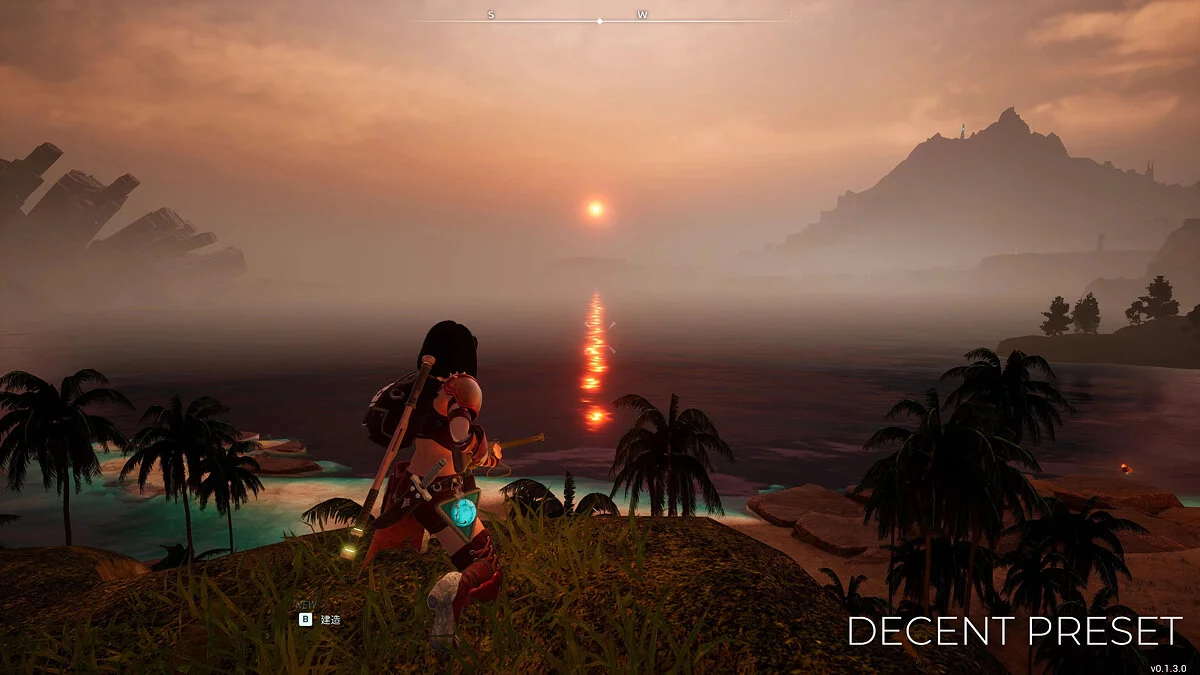
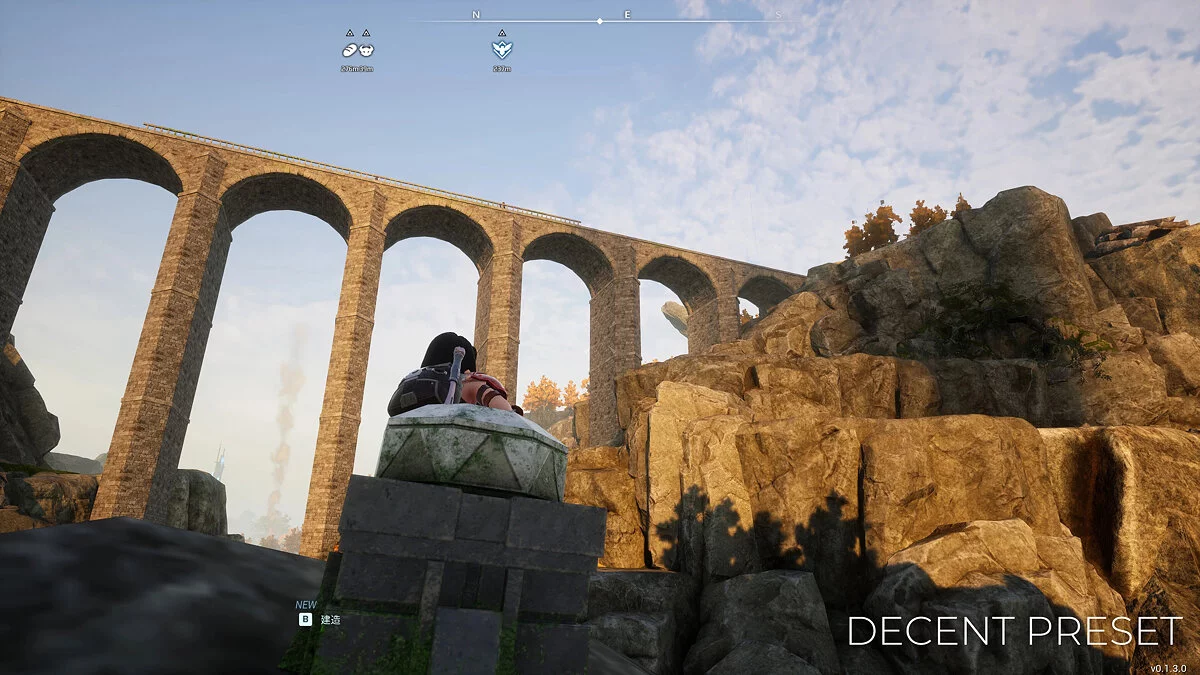
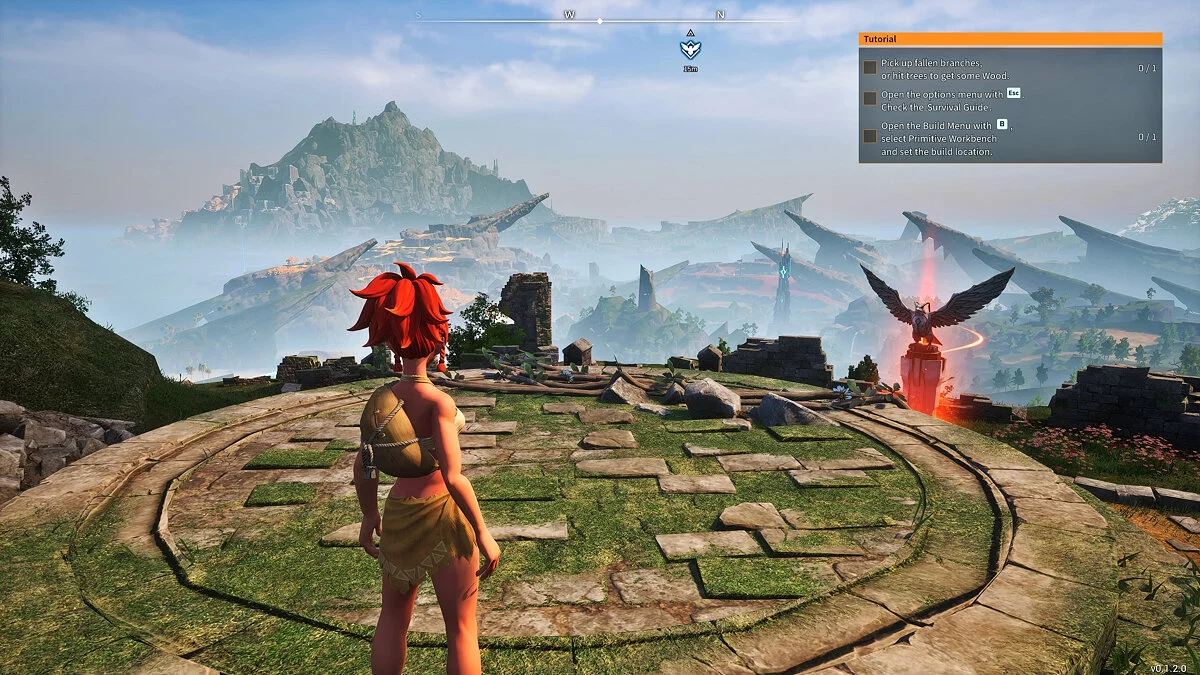
This ReShade preset aims to make the game more vibrant while remaining playable. It is optimized for gameplay, so it won't cause significant performance drops.
Features
- Textures become sharper with LumaSharpen.
- Provides better light/dark contrast, darker nights, and brighter lights with fake HDR.
Installation:
- Download the archive and unpack it.
- Place "DECENT ReShade Preset.ini" in the path: Palworld/Pal/Binaries/Win64/(in the same directory as "Palworld-Win64-Shipping.exe").
- Download ReShade.
- Run the Reshade Setup program and follow the instructions:
- Step 1: Select the game Palworld.
- Step 2: Choose DirectX 10/11/12.
- Step 3: When prompted to "Select effects to install", choose "DECENT ReShade Preset.ini", which you just downloaded as the preset file, to install only the effects it uses. No further changes are needed, you can click "Next" at each step.
The file name and description have been translated Show original
(RU)Show translation
(EN)
DECENT ReShade — натуральность и производительность
Этот пресет ReShade призван сделать игру более яркой и в то же время играбельной. Он оптимизирован для игрового процесса, поэтому не вызовет сильного снижения производительности.
Особенности
- Текстуры становятся более четкими с помощью LumaSharpen.
- Обеспечение лучшего контраста свет/тьма, более темной ночи и более яркого света с помощью фиктивного HDR.
Установка:
- Скачать архив и распаковать его.
- Поместить «DECENT ReShade Preset.ini» по пути: Palworld/Pal/Binaries/Win64/(в ту же директорию, где и «Palworld-Win64-Shipping.exe»).
- Скачать ReShade.
- Запустить программу Reshade Setup и следовать инструкциям:
- Шаг 1: Выбрать игру Palworld.
- Шаг 2: Выбрать DirectX 10/11/12.
- Шаг 3: Когда будет предложено «Select effects to install», выбрать «DECENT ReShade Preset.ini», который только что скачали в качестве файла пресета, чтобы установить только те эффекты, которые он использует. Далее ничего менять не нужно, можно нажимать «Next» на каждом шаге.
Useful links:
![Palworld — Trainer (+46) [EA: 01.24.2024]](https://files.vgtimes.com/download/posts/2024-01/thumbs/trejjner-46-ea-24-01-2024_1706297930_850266.webp)
![Palworld — Cheat Engine Table [UPD: 22.01.2024]](https://files.vgtimes.com/download/posts/2024-01/thumbs/tablica-dlja-cheat-engine-upd-22-01-2024_1705998644_383991.webp)
![Palworld — Table for Cheat Engine [UPD: 01.25.2024/Gamepass]](https://files.vgtimes.com/download/posts/2024-01/thumbs/tablica-dlja-cheat-engine-upd-25-01_1706297644_528083.webp)