An arcade action-survival game from a third-person perspective in a vast open world with the key mechanic of taming unusual creatures called Pal... Read more
VGTimes:
Players:
Steam:
Metacritic:

Creative Menu


Author:
Okaetsu
Uploaded by:

Size:
416.99 kB
Date:
July 11, 2026, 04:41 PM
Downloads:
201
-
Download (416.99 kB)July 11, 2026, 04:41 PMcreative-menu-spavner-i-redaktor-palov_1783777272_178797.zip
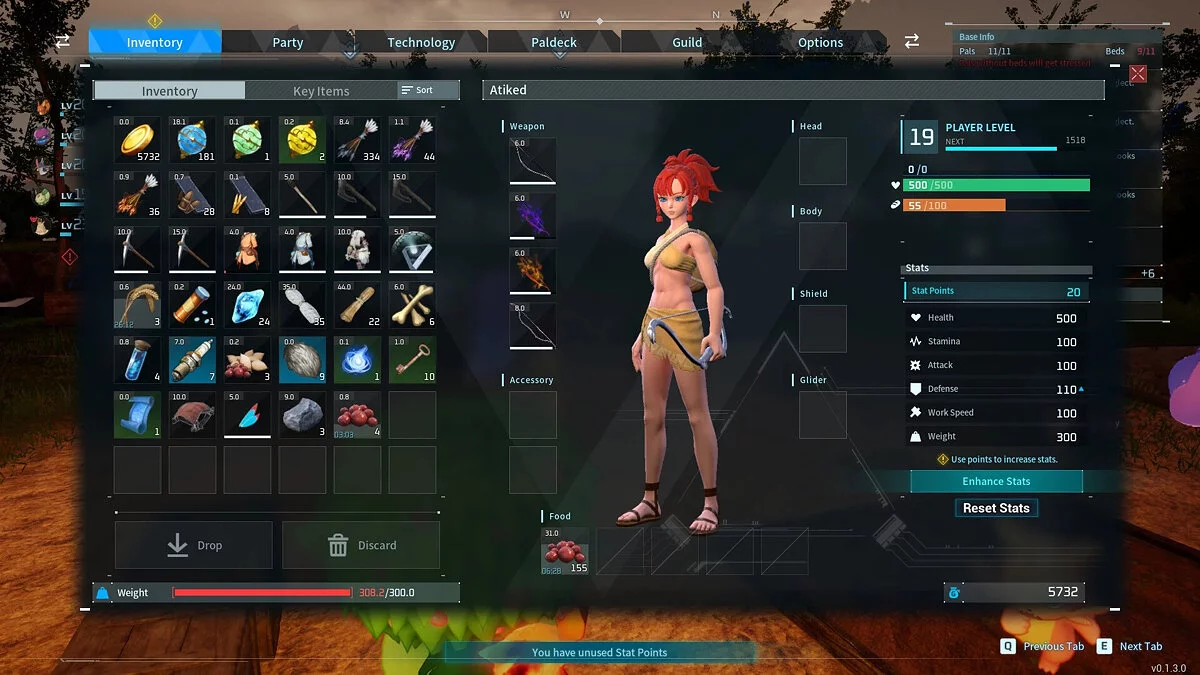
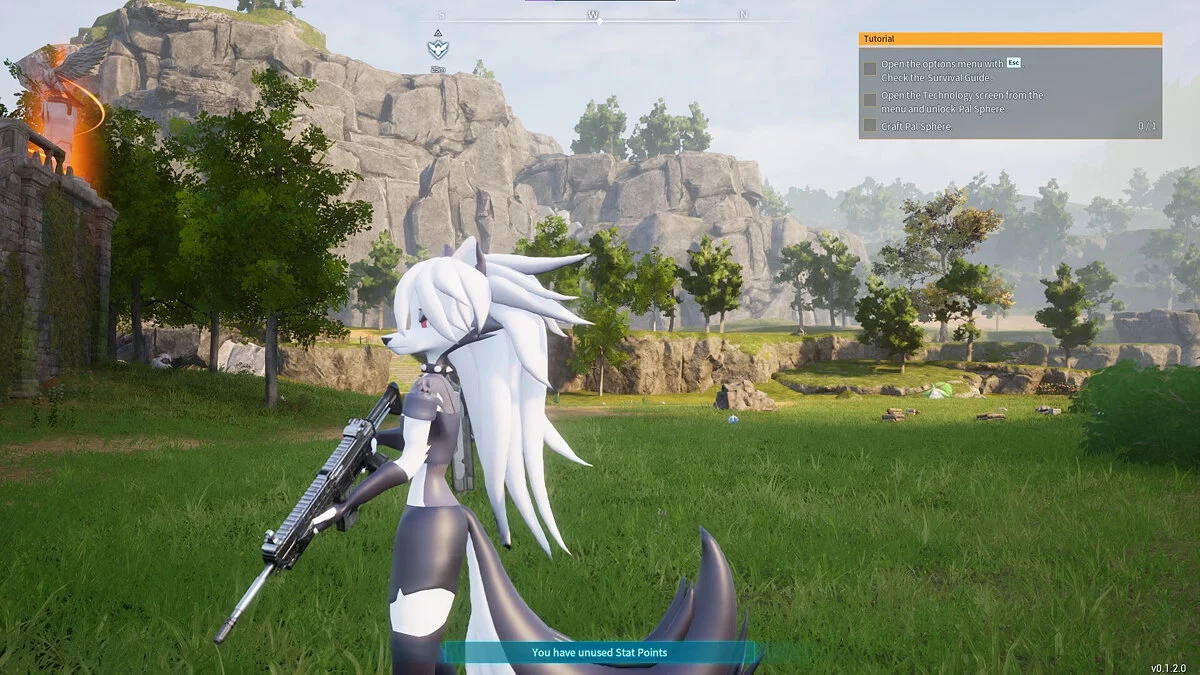
An advanced, feature-rich utility framework that grants absolute control over the Palworld sandbox ecosystem. This modification enables dynamic asset injection for Pals and NPCs, complex attribute/IV fine-tuning prior to deployment, and immediate item delivery tools.
Core Features & Mechanics:
- Advanced Pal Modification: Fully customize stats, individual values (IVs), abilities, and passive traits before generating the asset. This allows you to bind elite traits like Legend or Lucky to standard, non-shiny, or non-legendary Pal frames.
- Direct Ingestion Options: Choose to either spawn the configured Pal directly into the environment world space or add them instantly into your personal inventory structure.
- Comprehensive Item Spawner: Features a dedicated inventory delivery matrix to instantly grant yourself any item asset registered within the game data files.
- Multiplayer Compatibility: Spawning assets and items is fully operational in multi-user network sessions. However, you must either hold Admin status or be explicitly cleared by the server host via Options -> Permission Management. Both host and client machines strictly require the mod files installed.
Installation instructions:
- Navigate to your local game directory tree path: ...\Palworld\Pal\Content\Paks\.
- If the designated ~mods subfolder does not exist inside your local Paks directory, create it manually.
- Copy and drop the extracted modification file into the active ~mods folder layout.
- Note: If you have previously deployed an older legacy build of this mod, ensure you locate and delete the old CreativeMenu.pak file inside your local LogicMods folder.
Operational Blueprint & Controls:
- F1 — Default hotkey configuration to toggle the Creative Menu layout overlay.
- Upon initial initialization, a structural UI configuration popup will prompt you to alter your custom keybind. To retain the default mapping layout, simply click "OK."
- If you accidentally bypassed the initial binding layout configuration window, you can manually trigger the menu overlay at any time by holding the crouch input button for exactly 3 seconds.
Related files:
Useful links:
![Palworld — Cheat Engine Table [0.1.2.0]](https://files.vgtimes.com/download/posts/2024-01/thumbs/tablica-dlja-cheat-engine-0-1-2-0_1706083741_270077.webp)
![Palworld — Cheat Engine Table [UPD: 22.01.2024]](https://files.vgtimes.com/download/posts/2024-01/thumbs/tablica-dlja-cheat-engine-upd-22-01-2024_1705998644_383991.webp)
![Palworld — Cheat Engine Table [UPD: 21.01.2024 Fixed]](https://files.vgtimes.com/download/posts/2024-01/thumbs/tablica-dlja-cheat-engine-upd-21-01_1705825417_445177.webp)