An arcade action-survival game from a third-person perspective in a vast open world with the key mechanic of taming unusual creatures called Pal. They resemble... Read more
VGTimes:
Players:
Steam:
Metacritic:

Mod Config Menu (UI)


Author:
DekitaRPG
Uploaded by:

Size:
11.25 MB
Date:
July 11, 2026, 04:52 PM
Downloads:
27
-
Download (11.25 MB)July 11, 2026, 04:52 PMmod-config-menu-ui-vnutriigrovoe-menju_1783777978_564236.zip
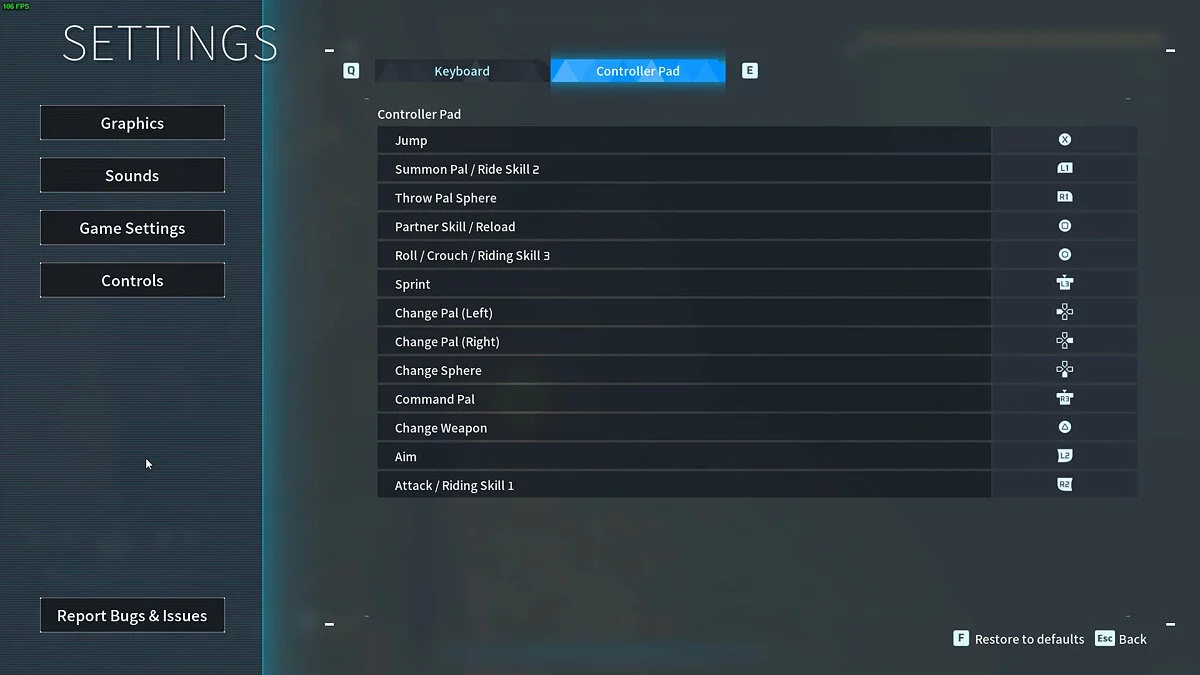
A specialized user interface modification that integrates a dedicated in-game configuration dashboard for your installed mods into Palworld. This utility allows players to control and rewrite mod configuration .json files seamlessly from within the live game application environment.
Core Features & Framework Properties:
- In-Game HUD: Provides a comprehensive graphical user interface layer to tweak internal modification options on the fly.
- Direct JSON Control: Directly rewrites active mod config script data from within the runtime environment.
- Authentic Art Style: Seamlessly designed after the layout and aesthetic choices of the vanilla default game UI elements.
- Developer Friendly: Engineered to be lightweight and simple for creators to implement while remaining completely accessible to standard users.
Technical Notice:
- This modification is strictly a Client-side asset. Do not attempt to deploy this mod files onto a dedicated server framework. It must be installed solely into your local client directories.
- The distribution pack asset for this mod MUST strictly retain the filename DekModConfigMenu_P.pak. Do not alter its character string layout (do not append z, !, or any priority sorting indicators to the prefix), or the loading order routine will break.
Prerequisites:
- Active installation of the core UE4SS modding framework.
Installation instructions:
- Download and extract the core UE4SS package files using an archive tool (WinRAR, 7-Zip, etc.). Copy the internal asset files directly into your game's binary directory path:
For Steam Clients: ...\Palworld\Pal\Binaries\Win64\ - Download and extract this modification's ZIP archive package.
- MERGE the extracted folder named Pal from this mod package directly into your main local directory root path: ...\Palworld\Pal\.
- Launch the game application.
Related files:
Useful links:
![Palworld — Cheat Engine Table [UPD: 22.01.2024]](https://files.vgtimes.com/download/posts/2024-01/thumbs/tablica-dlja-cheat-engine-upd-22-01-2024_1705998644_383991.webp)
![Palworld — Cheat Engine Table [UPD: 01/20/2024]](https://files.vgtimes.com/download/posts/2024-01/thumbs/tablica-dlja-cheat-engine-upd-20-01-2024_1705824402_838842.webp)
![Palworld — Cheat Engine Table [0.1.2.0]](https://files.vgtimes.com/download/posts/2024-01/thumbs/tablica-dlja-cheat-engine-0-1-2-0_1705919198_328620.webp)