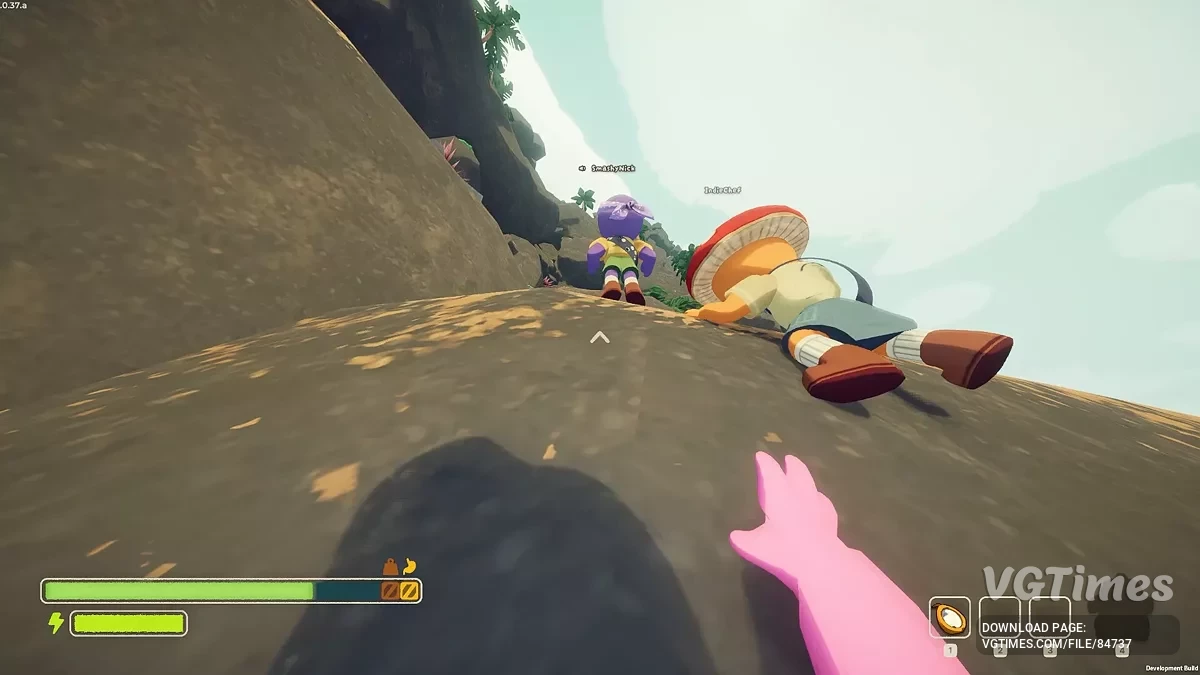
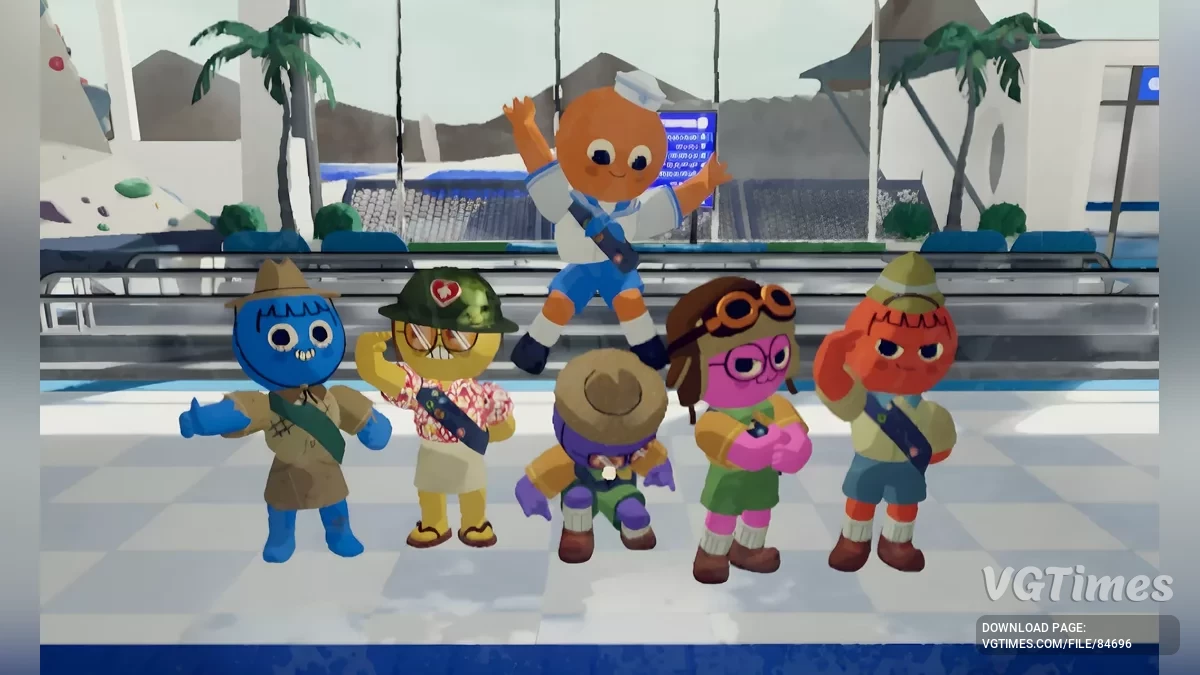
A cooperative game in which 4 gamers try to climb to the top of a mountain. The heroes are lost on the island, and this is the only way to salvation. You need to... Read more
CustomMessages

-
Download (123.24 kB)June 24, 2025, 02:51 PMcustommessages-svoi-soobshhenija-v_1750765909_699966.zip
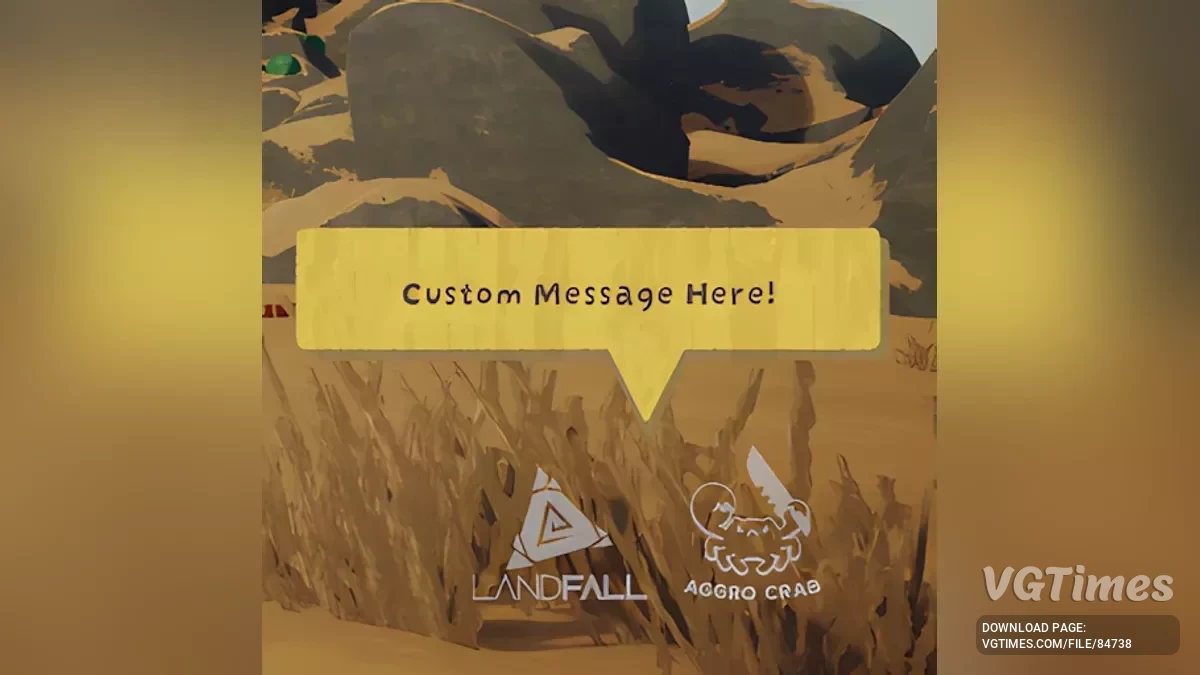
You can set a list of messages in the in the config and have a randomly choosen one replace the dev message in the bottom left.
Theres only one config option which is Messages; You can seperate entries with a comma (,); Make sure to not include any commas in a singular message or they will be considered different messages.
Example: "Message 1, Message 2, Hello World, [Insert funny joke]", this will result one of these 4 messages to appear in the main menu instead of the dev message.
I recommend to keep the number of characters per message under 192 characters.
Installation:
- Install BepInExPack.
- Extract the contents of the archive into your game directory (default: C:\Program Files (x86)\Steam\steamapps\common\PEAK).
- Start the game and close it — this is necessary for the initial BepInEx setup.
- Download this mod.
- Go to ...\PEAK\BepInEx\plugins and extract the archive into this folder.
- Start the game.
Useful links: