A cooperative game in which 4 gamers try to climb to the top of a mountain. The heroes are lost on the island, and this is the only way to salvation. You need to... Read more
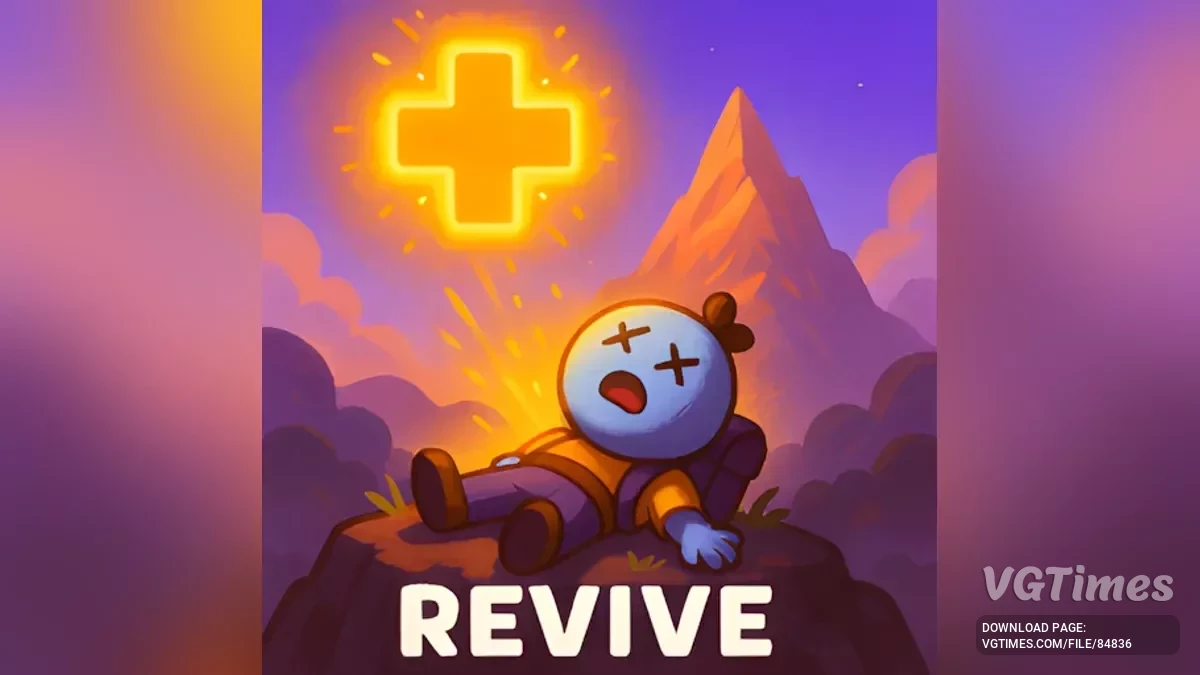
ReviveHotkey
Author:
Smokes
Uploaded by:

Size:
118.23 kB
Date:
June 27, 2025, 12:30 PM
Downloads:
321
-
Download (118.23 kB)June 27, 2025, 12:30 PMrevivehotkey-vozmozhnost-voskresit-sebja_1751016651_639659.zip
Adds a customizable hotkey that lets you revive yourself when knocked unconscious, with optional limited revives.
This mod adds a single, lightweight feature to PEAK:
- Press a configurable key (default: Z) to revive your character only when unconscious.
- A configurable revive limit is now supported — default is infinite.
Configuration:
- After running the game once with this mod installed, a config file will be generated at:
BepInEx/config/com.revivehotkey.cfg.
You can edit this file to change your settings:
[General]
## Key used to revive yourself when unconscious
- ReviveKey = Z
## How many times you can use the revive key (-1 = infinite)
- ReviveLimit = -1
Set the revive key to any valid KeyCode (like R, F, Space, etc.).
Change ReviveLimit to any positive number to enforce a limit.
How It Works:
- Only functions when your character is fully unconscious (not standing, not ragdolled, not dead).
- Blocks usage when dead.
Installation:
- Install BepInExPack.
- Extract the contents of the archive into your game directory (default: C:\Program Files (x86)\Steam\steamapps\common\PEAK).
- Start the game and close it — this is necessary for the initial BepInEx setup.
- Download this mod.
- Go to ...\PEAK\BepInEx\plugins and extract the archive into this folder.
- Start the game.
Related files:
Useful links: