A colorful strategy game in the tower defense genre, where an ordinary country house is under siege by an army of funny but extremely persistent zombies. The only... Read more
GS Difficulty Mod

-
Download (64.00 MB)November 14, 2024, 01:43 PMmod-na-osobuju-slozhnost-gs_1731581023_461755.zipArchive password: vgtimes
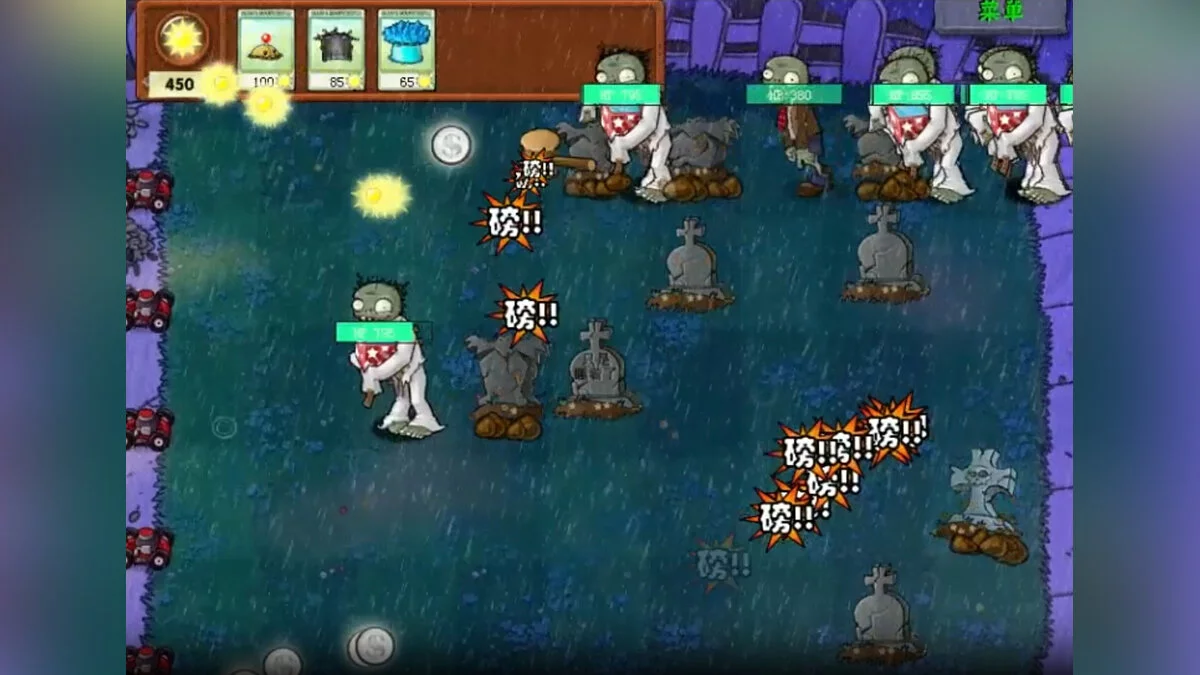
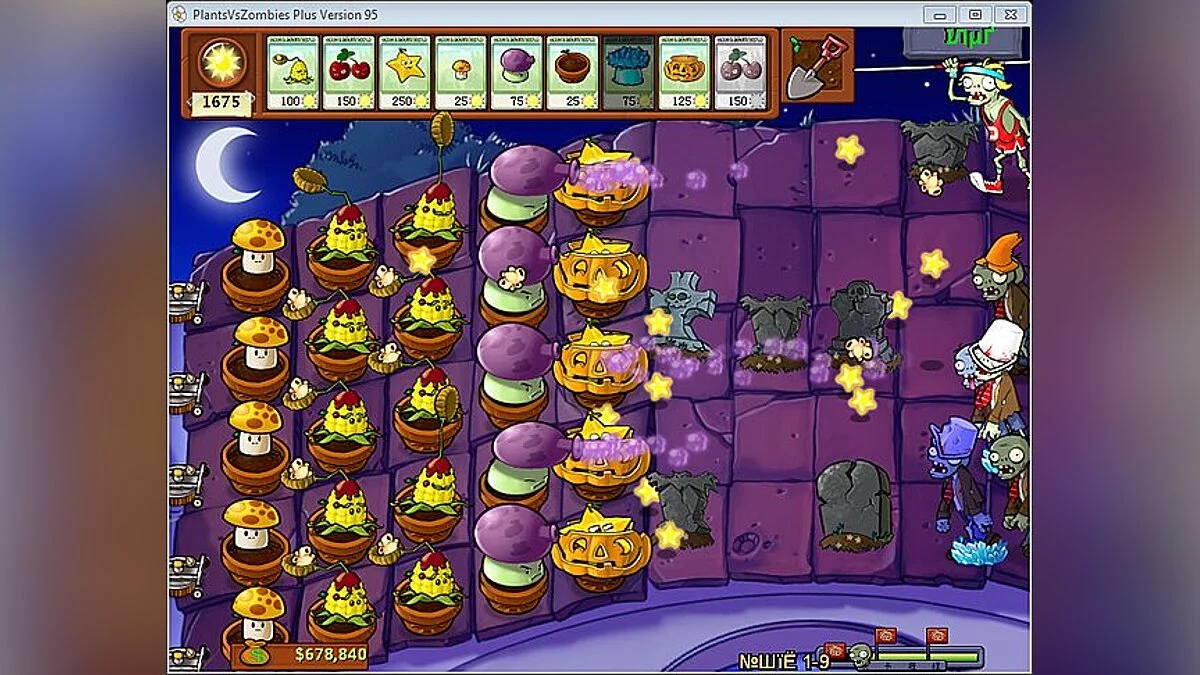
A mod for Plants vs. Zombies that alters the difficulty level of the original game. In this version, the difficulty has become incredibly high. The author has added numerous changes to the game, including sunlight parameters, blood volume, and other characteristics. Now the game's difficulty is so high that the author recommends using Cheat Engine tables.
Note:
This mod is not available in Russian. You can use:
Installation:
Download the archive and extract it to any convenient location. The folder name and path should not contain Cyrillic characters. Launch the mod through the executable file.
Fixing the black screen after launch:
You need to switch the main language of Windows. To do this, go to the Start menu → Settings → Time & Language → Language & Region and select "English" as the main language. After that, restart your computer and launch the mod.
Мод для Plants vs. Zombies, который изменяет уровень сложности оригинальной игры. В этой версии сложность стала невероятно высокой. Автор добавил в игру множество изменений, среди которых — параметры солнечного света, объём крови и другие характеристики. Теперь сложность игры настолько высока, что автор рекомендует использовать таблицы Cheat Engine.
Примечание:
Данный мод недоступен на русском языке. Можно воспользоваться:
Установка:
Скачать архив и распаковать его в любое удобное место. Название папки и путь к ней не должны содержать кириллицу. Запускать мод через исполняемый файл.
Исправление черного экрана после запуска:
Необходимо переключить основной язык Windows. Для этого перейдите в меню «Пуск» → «Параметры» → «Время и язык» → «Язык и регион» и выберите «Английский» в качестве основного языка. После этого перезагрузите компьютер и запустите мод.
Useful links:
![Plants vs. Zombies — Trainer (+2) [1.2.0.1095: Steam] [MrAntiFun]](https://files.vgtimes.com/download/posts/2017-03/thumbs/1488920568_15qpy32y.webp)
![Plants vs. Zombies — Trainer (+3) from 17.11.19 [WeMod]](https://files.vgtimes.com/download/posts/2019-12/thumbs/1577647713_2019-12-29_222725.webp)
![Plants vs. Zombies — Trainer (+3) [1.0] [Abolfazl.k]](https://files.vgtimes.com/download/posts/2017-03/thumbs/1488920516_d33o85xx.webp)