A zombie apocalypse is about to occur in the world of Project Zomboid. So far, humanity has not understood what happened, but the houses still have water and... Read more
Improved Zoom Feature

-
www.nexusmods.comDownload
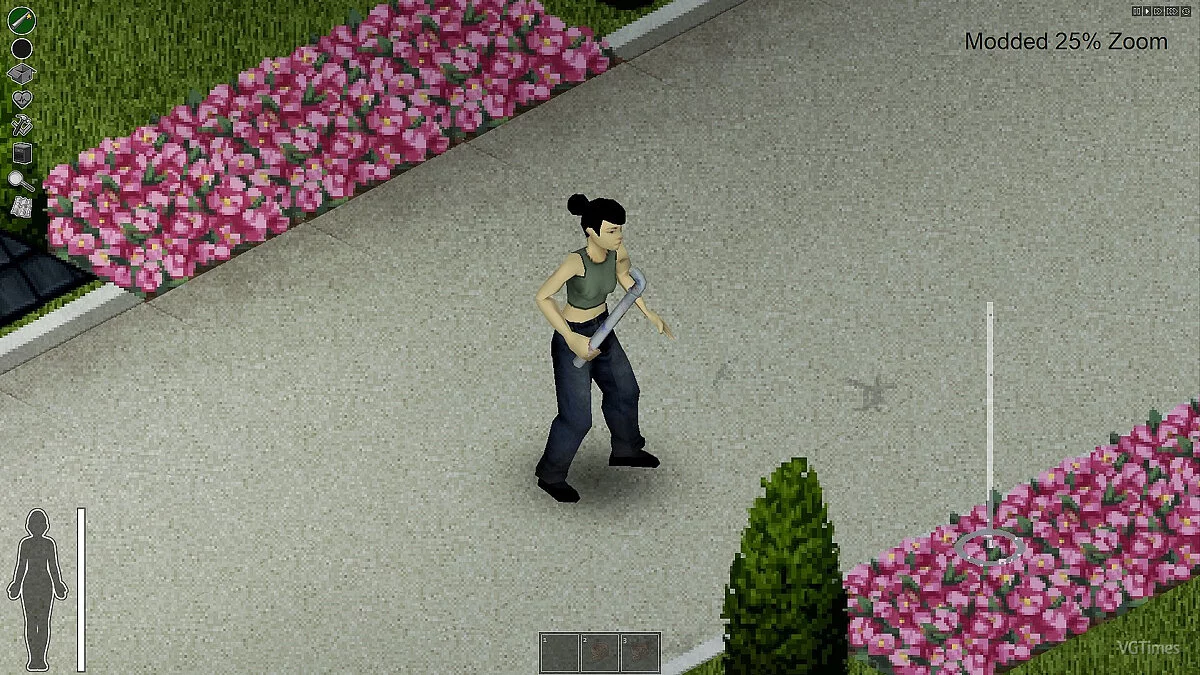
Enhanced Zoom In.
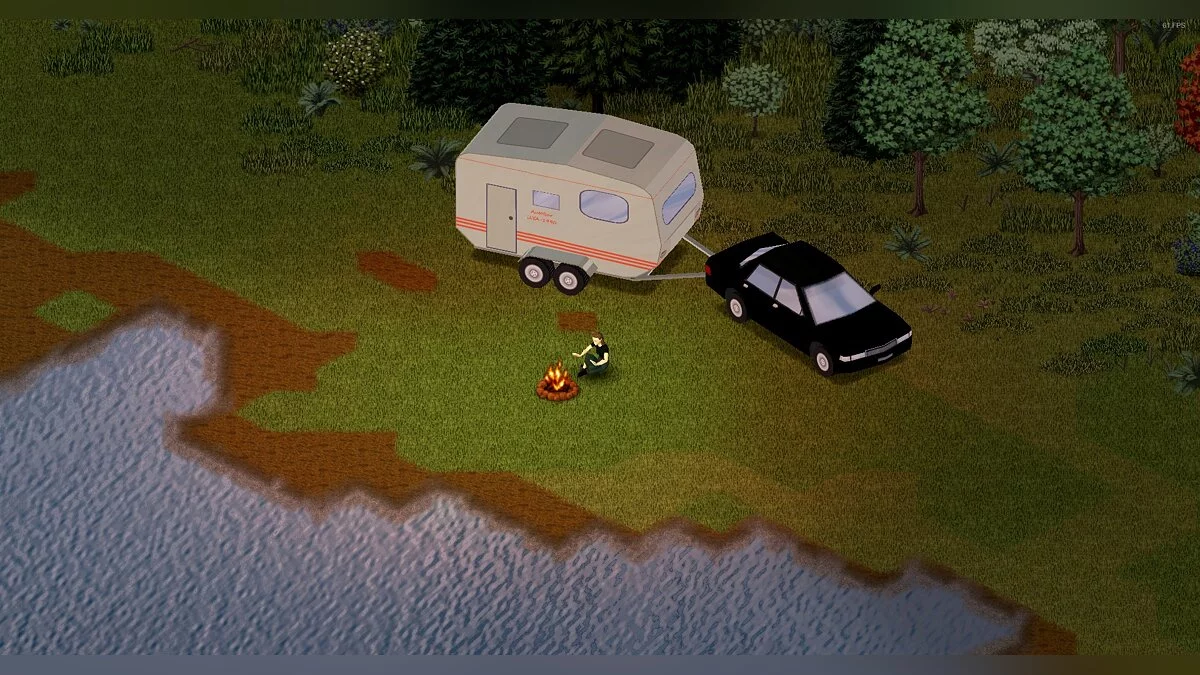
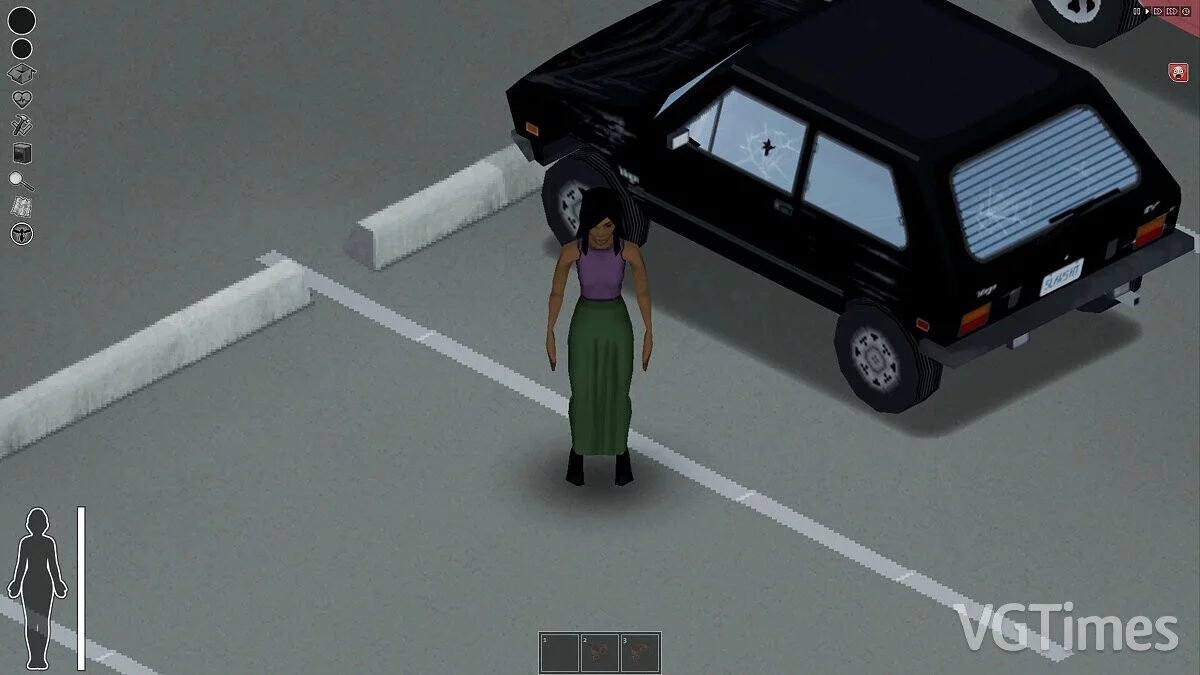
This mod adds a closer zoom level. This is a simple edit of one of the Java game files, so the installation differs from that of Lua files which are typically modified.
Installation:
1. Go to your Steam library and navigate to the folder /ProjectZomboid/zombie/core/textures 2. Backup MultiTextureFBO2 by making a copy in a safe location (optional)
3. Drag the mod file to replace the vanilla MultiTextureFBO2 file
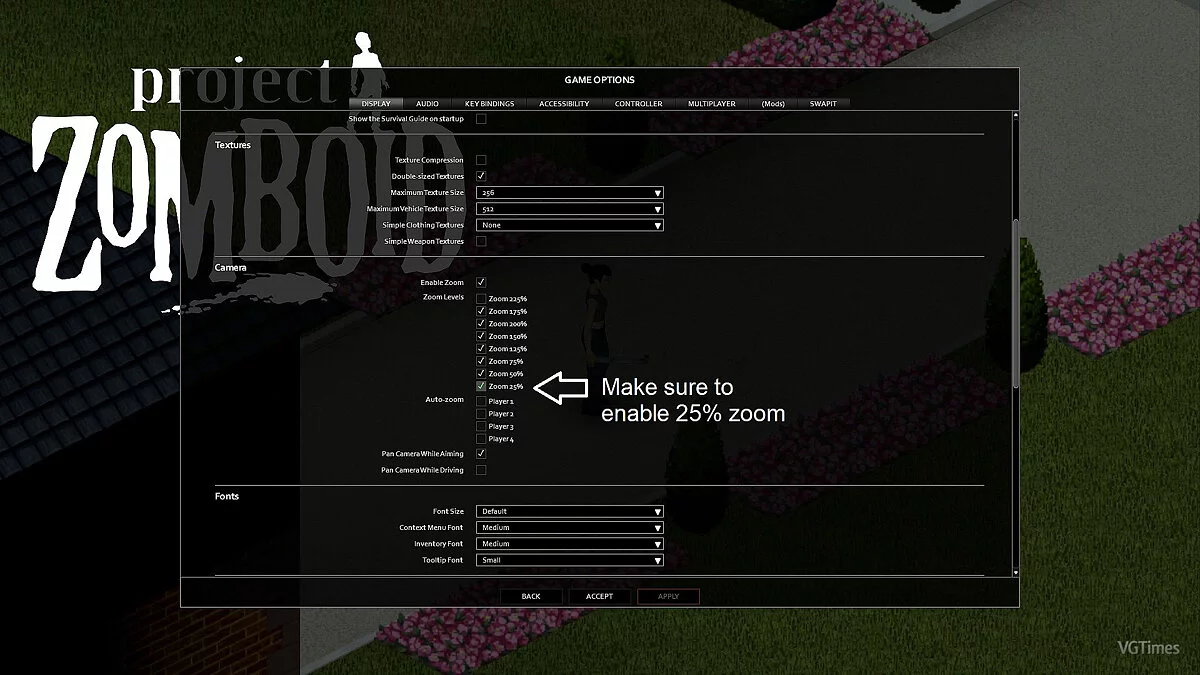
4. Enter the game menu and activate the zoom level of 25%.
Enhanced Zoom In.
Этот мод добавляет более близкий уровень масштабирования. Это простое редактирование одного из файлов игры Java, поэтому установка отличается от установки файлов Lua, которые обычно модифицируются.
Установка:
1. Зайдите в свою библиотеку Steam и перейдите в папку /ProjectZomboid/zombie/core/textures 2. Сделайте резервную копию MultiTextureFBO2, сделав копию в безопасном месте (необязательно)
3. Перетащите файл мода, чтобы заменить ванильный файл MultiTextureFBO2
4. Зайдите в игровое меню и активируйте уровень масштабирования 25%.
Useful links: