Continuation of the adventure action game from 2008 with a third-person view in a large open world. Players are once again invited to conquer the Wild West... Read more
Dynamic Seasons

-
www.nexusmods.comDownload
Dynamic Seasons.
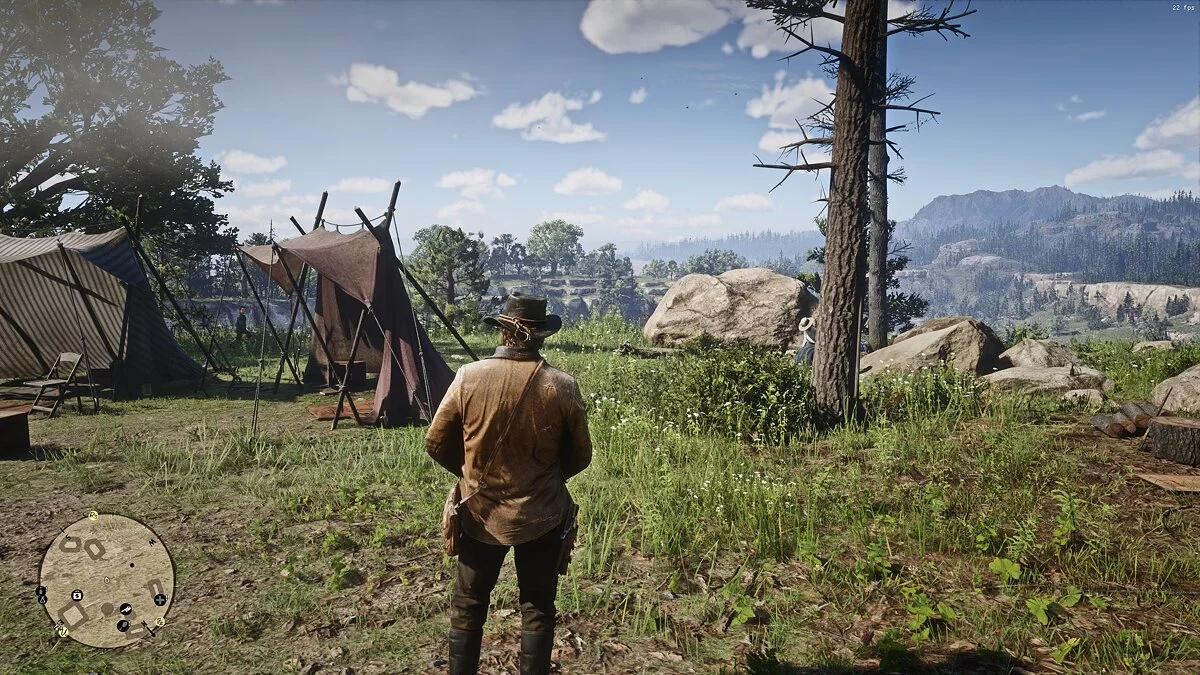
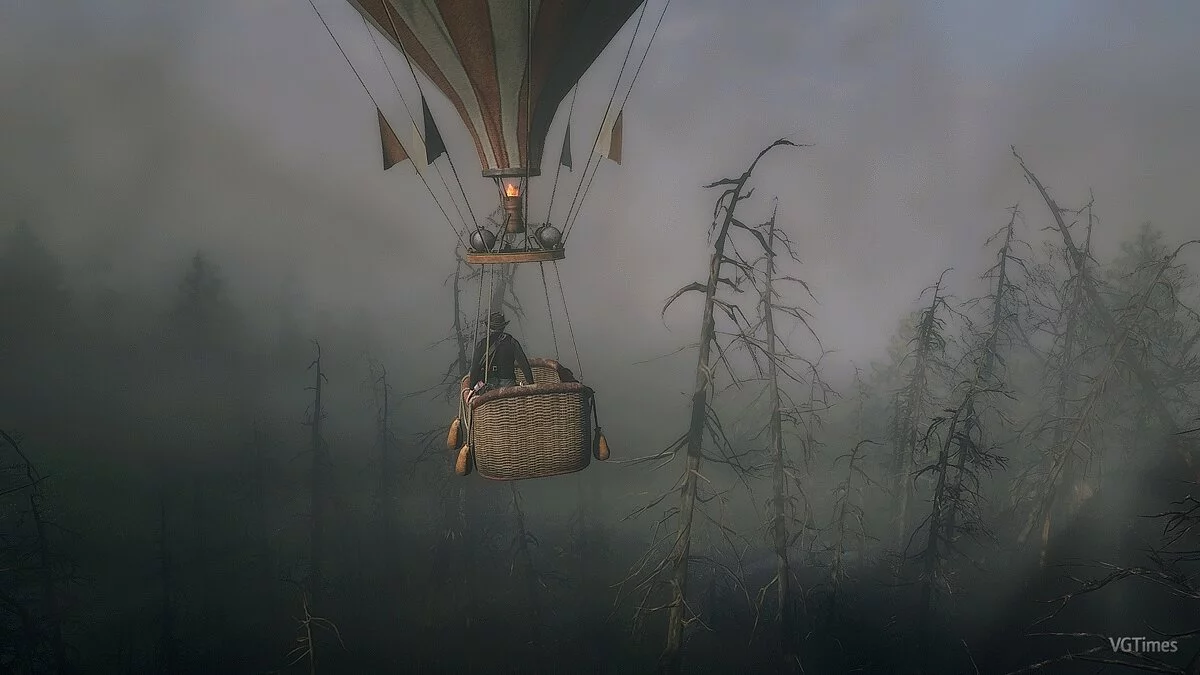
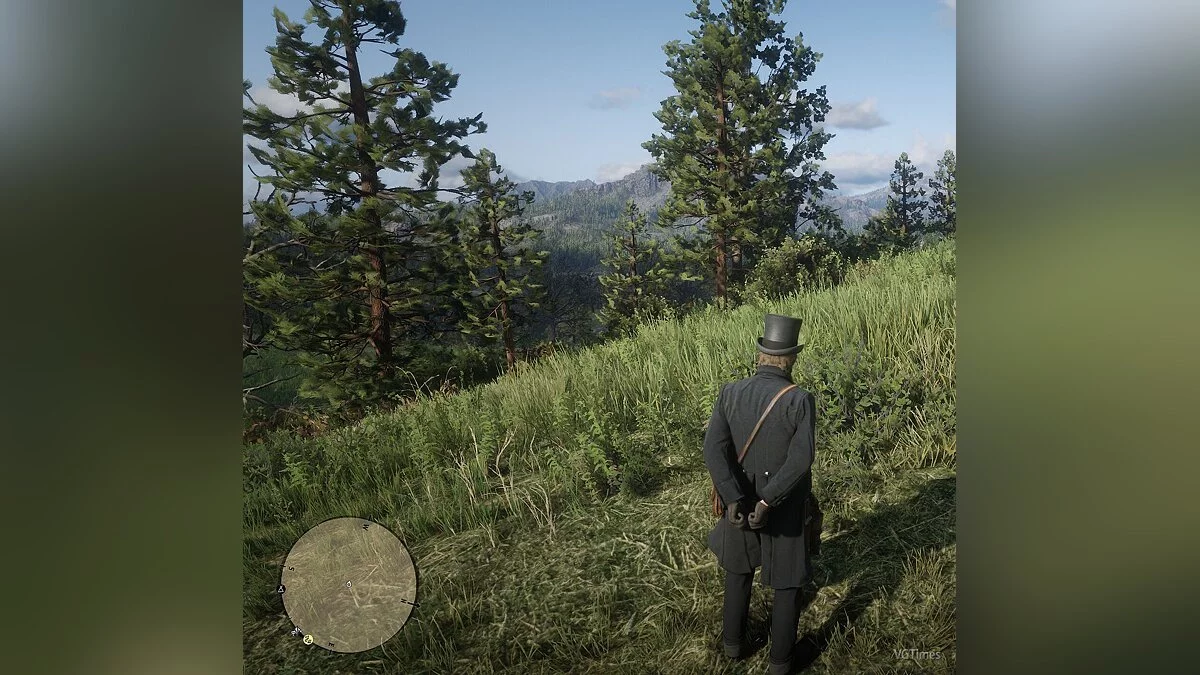
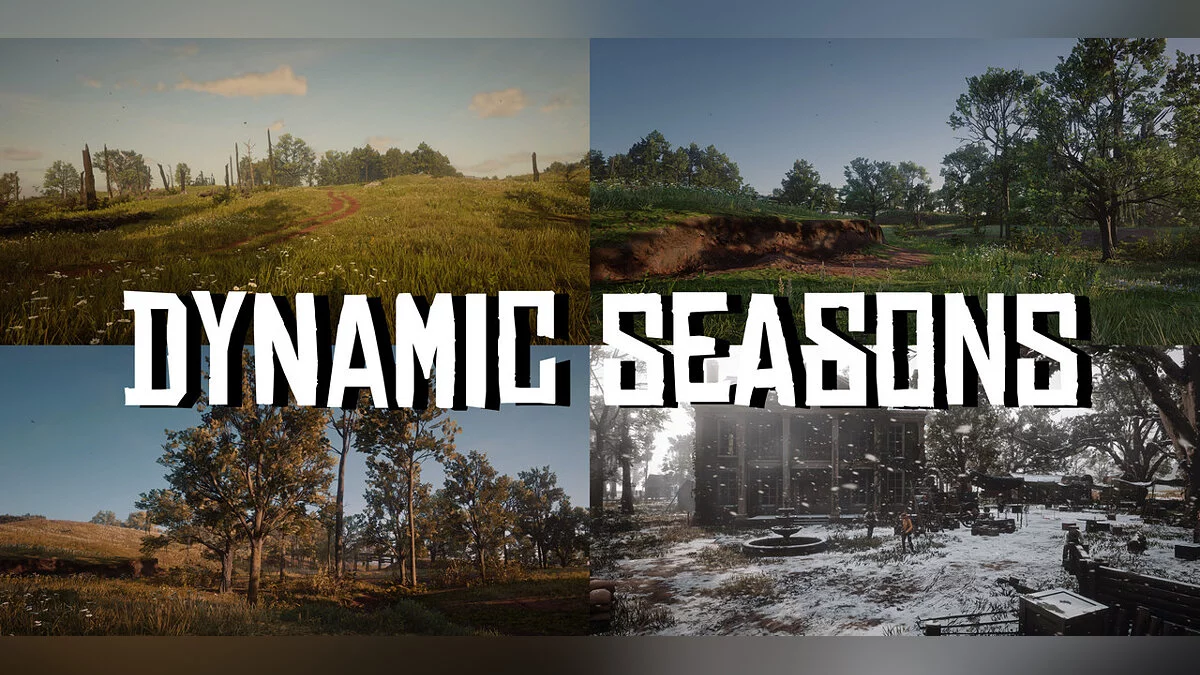
A mod that adds all 4 seasons! Each season has its own color palette, temperature, sunrise/sunset times, and much more!
Seasons
Seasons last about 10 actual (non-game) hours and will switch between gaming sessions, so for example, if you played about 10 hours over 3 gaming sessions, when you launch the game again, the season will change! (The duration of the season can be changed in the ini file.)
When the season changes, you will receive a notification upon launch!
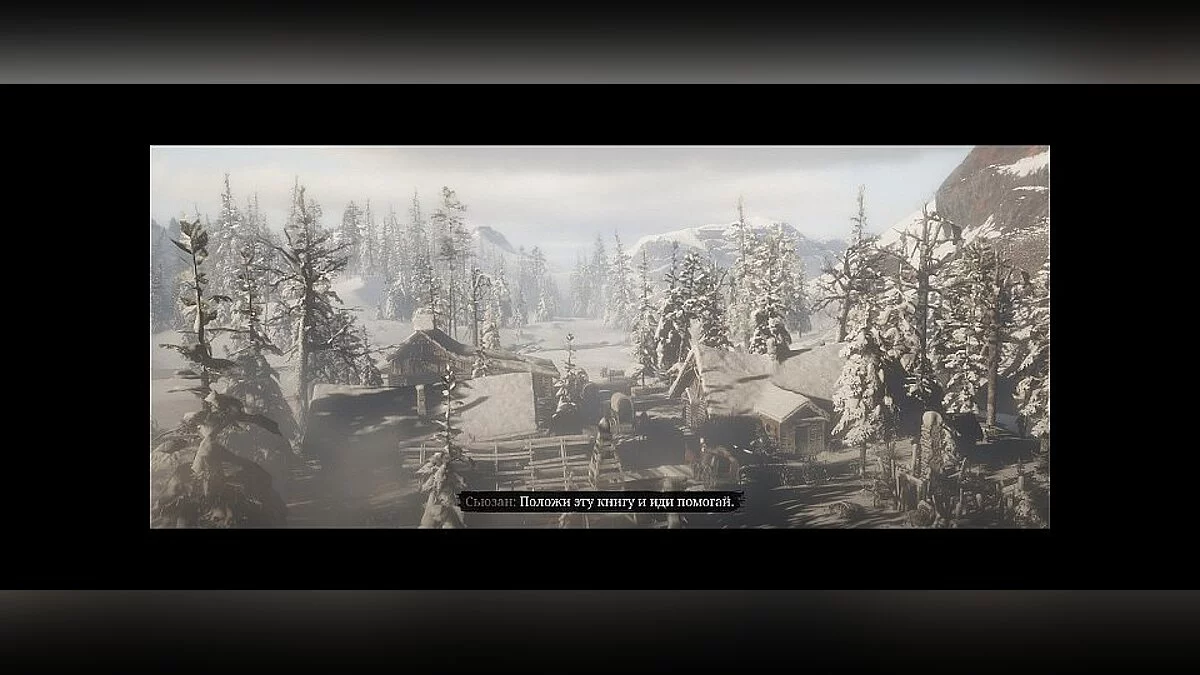
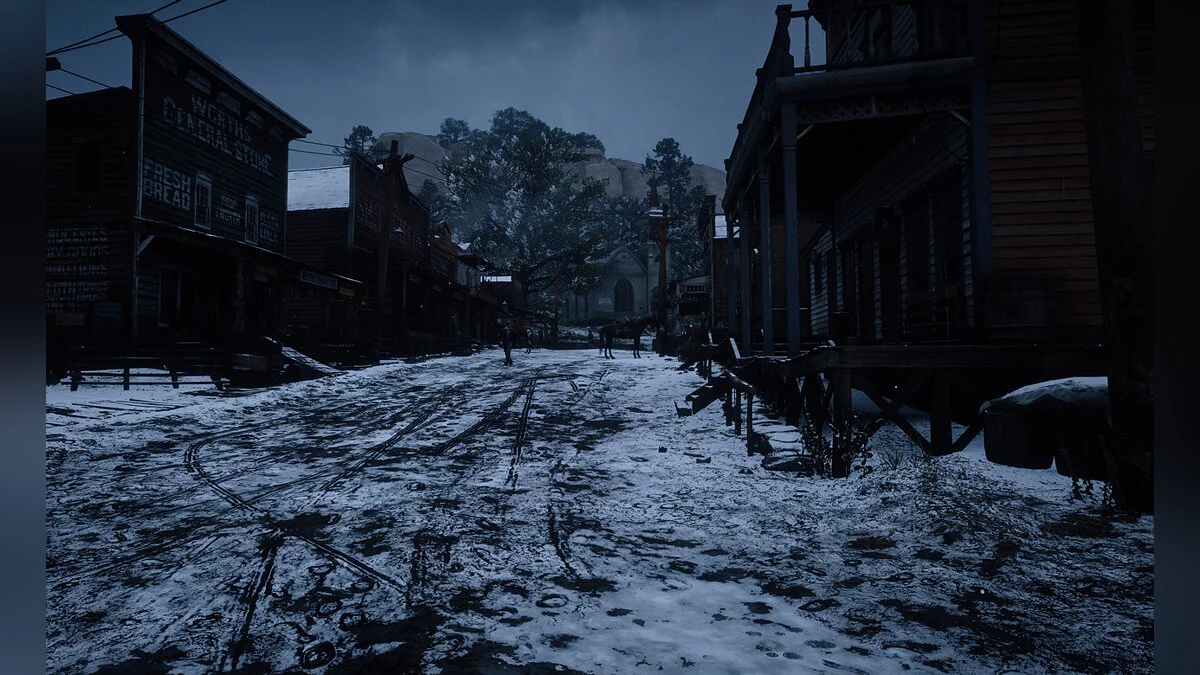
Winter
In winter, the entire map (except New Austin) is covered in snow, and the temperature is very low. Weather conditions are harsher than ever, snow/blizzards can come at any moment; anywhere! Everything is also very gray for precise atmosphere. Days are very short, almost 3-4 hours shorter than in summer, the sun rises about 2 hours later and sets about 2 hours earlier.
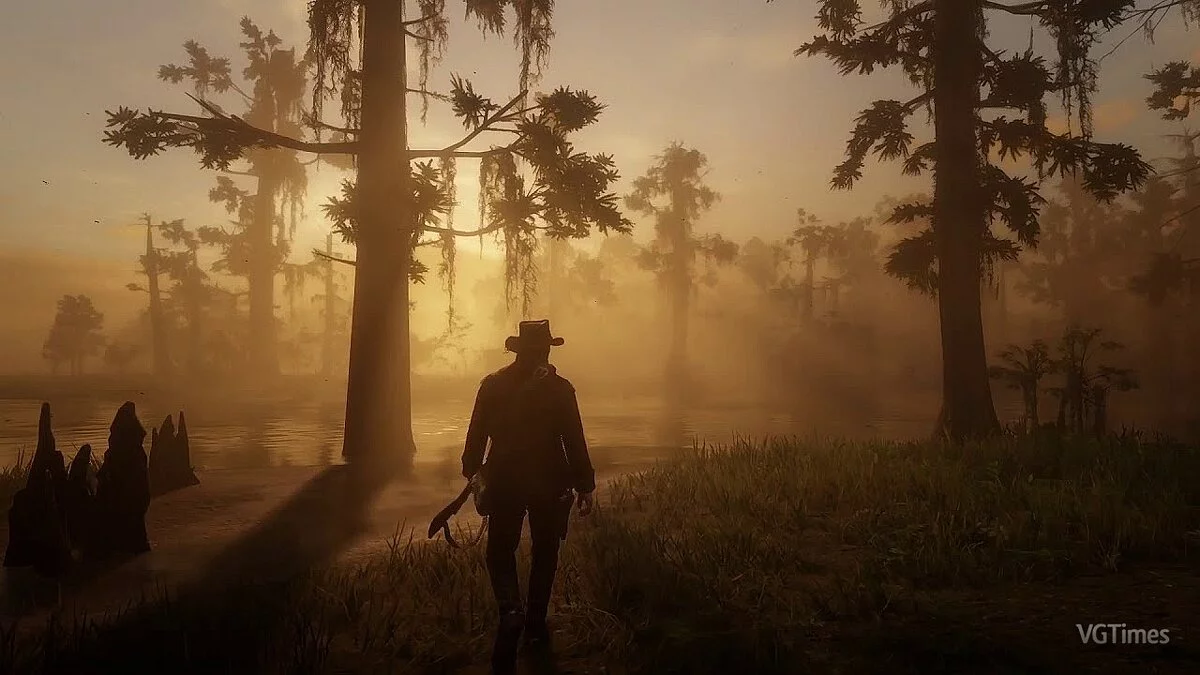
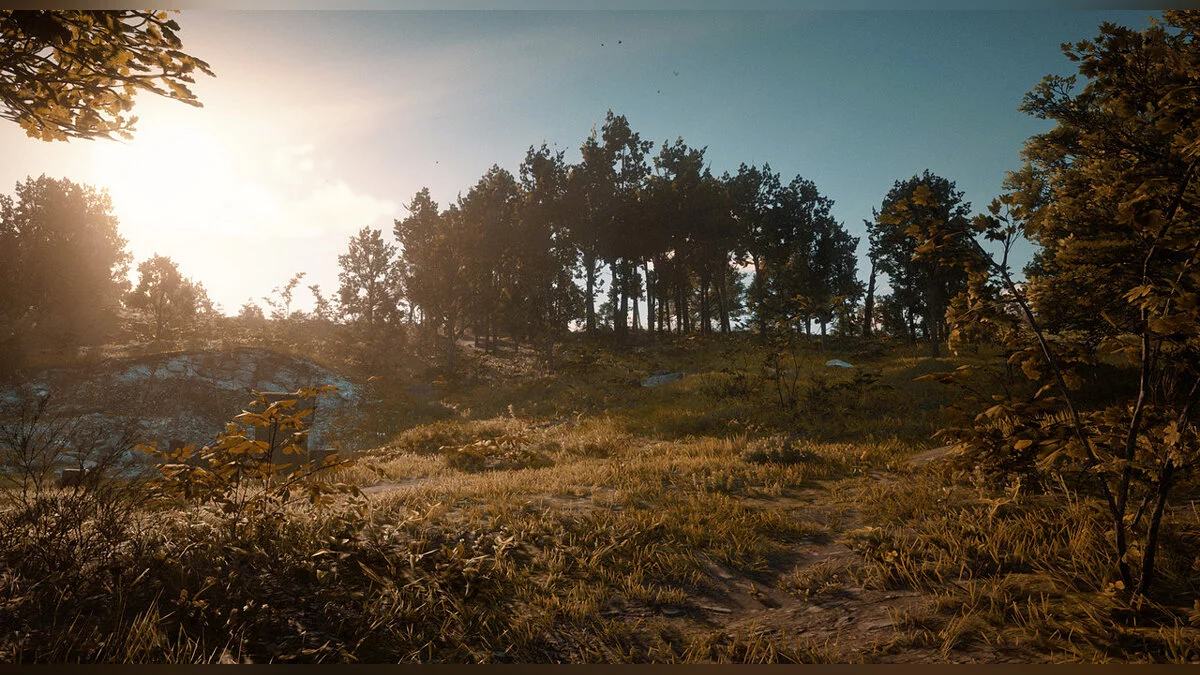
Autumn
Definitely the second most exciting season — autumn. As mentioned in the introduction, the season is characterized by a stunning orange-yellow color palette. The temperature conditions are not as harsh as in winter, but obviously, there is a high chance of rain or wet snow during this time of year! Compared to summer, days are also much shorter (about 2 hours).
Spring
Visually aimed at a slightly brighter "yellowish" mix of green. Weather conditions are not too different from the original, just a bit cooler, and the days are not yet fully long. Some snow from winter has not completely melted, so you can expect more snow in the mountains!
Installation:
Unpack the archive and place in the game folder Seasons.asi, Seasons.dat, Seasons.ini, and scripthook rdr2. Then place the Seasons folder in the main directory, and the other Seasons folder (inside the lml folder) in the lml folder in the game directory.
For compatibility with mods using visual settings (like Vestigia), simply delete the corresponding file in the lml/Seasons folder and set the value of that file in the ini file to "0".
Dynamic Seasons.
Мод, добавляющий все 4 сезона! Каждый сезон имеет собственную цветовую палитру, температуру, время восхода/захода солнца и многое другое!
Времена года
Сезоны длятся около 10 фактических (не игровых) часов и будут переключаться между игровыми сессиями, поэтому, например, если вы наиграли около 10 часов в течение 3 игровых сессий, когда вы снова запустите игру, сезон изменится! (Продолжительность сезона можно изменить в файле ini.)
Когда сезон изменится, вы получите уведомление при запуске!
Зима
Зимой вся карта (кроме Нью-Остина) покрыта снегом, а температура очень низкая. Погодные условия суровее, чем когда-либо, снег/метель могут прийти в любой момент; в любом месте! Тоже все очень серенько, для точного настроя. Дни очень короткие, почти на 3-4 часа короче, чем летом, солнце встает примерно на 2 часа позже и садится примерно на 2 часа раньше.
Осень
Определенно второй самый захватывающий сезон — осень. Как упоминалось во введении, сезон характеризуется потрясающей оранжево-желтой цветовой палитрой. Здесь не такие суровые температурные условия, как зимой, но, очевидно, в это время года велика вероятность дождя или мокрого снега! По сравнению с летом дни тоже намного короче (около 2 часов).
Весна
Визуально нацелена на немного более светлую «желтоватую» смесь зеленого. Погодные условия на самом деле не слишком отличаются от оригинальных, просто температура немного ниже, а дни еще не на всю длину. Немного снега с зимы еще не полностью высохло, поэтому вы можете ожидать больше снега в горах!
Установка:
Распакуйте архив и поместите в папку с игрой Seasons.asi, Seasons.dat, Seasons.ini и scripthook rdr2. Затем поместите папку Seasons в основной каталог, а другую папку Seasons (внутри папки lml) в папку lml в папке с игрой.
Для совместимости с модами, использующими визуальные настройки (например, Vestigia), просто удалите соответствующий файл в папке lml/Seasons и установите значение этого файла в файле ini на «0».
Related files:
Useful links: