
A re-release of the legendary fixed-camera action horror game Resident Evil 3: Nemesis. Get ready to dive back into the chaos of a dying Raccoon City as Jill... Read more
Cinematic Graphics Preset

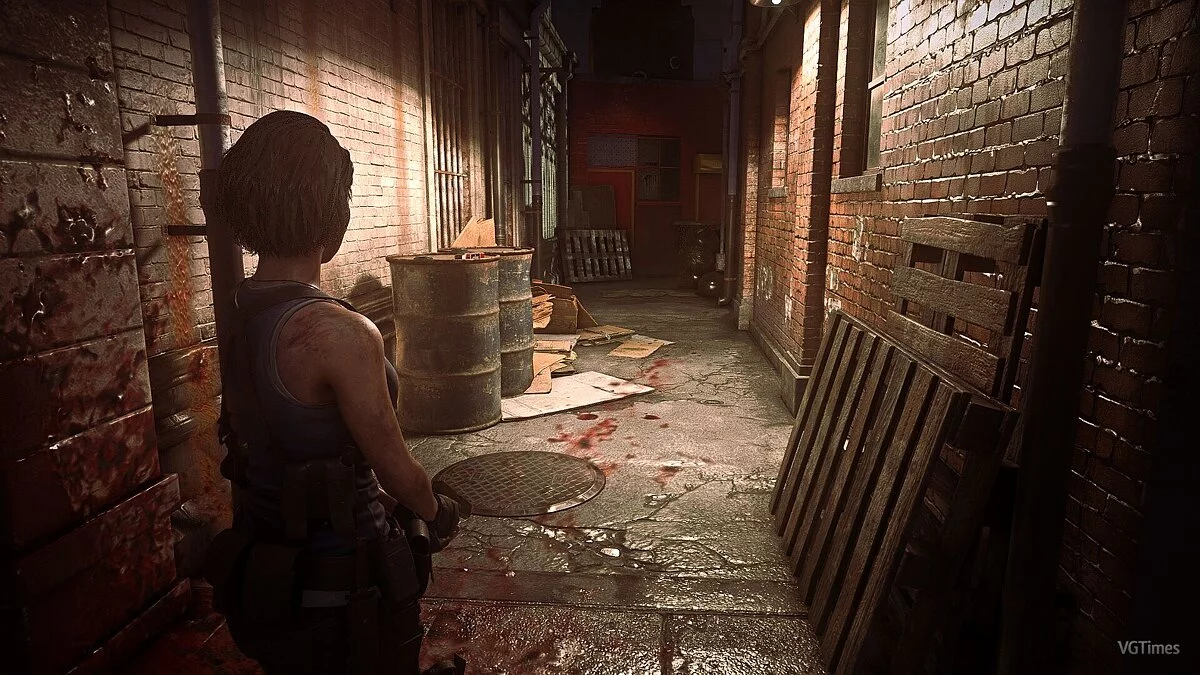

-
1585051679_1585051679_sweetfx_settings_bresident_evil_3_2020_bresident_evil_3_filmic_mode.zipDownload (6.58 kB)
Original title: Doom Eternal Color Grading Pack
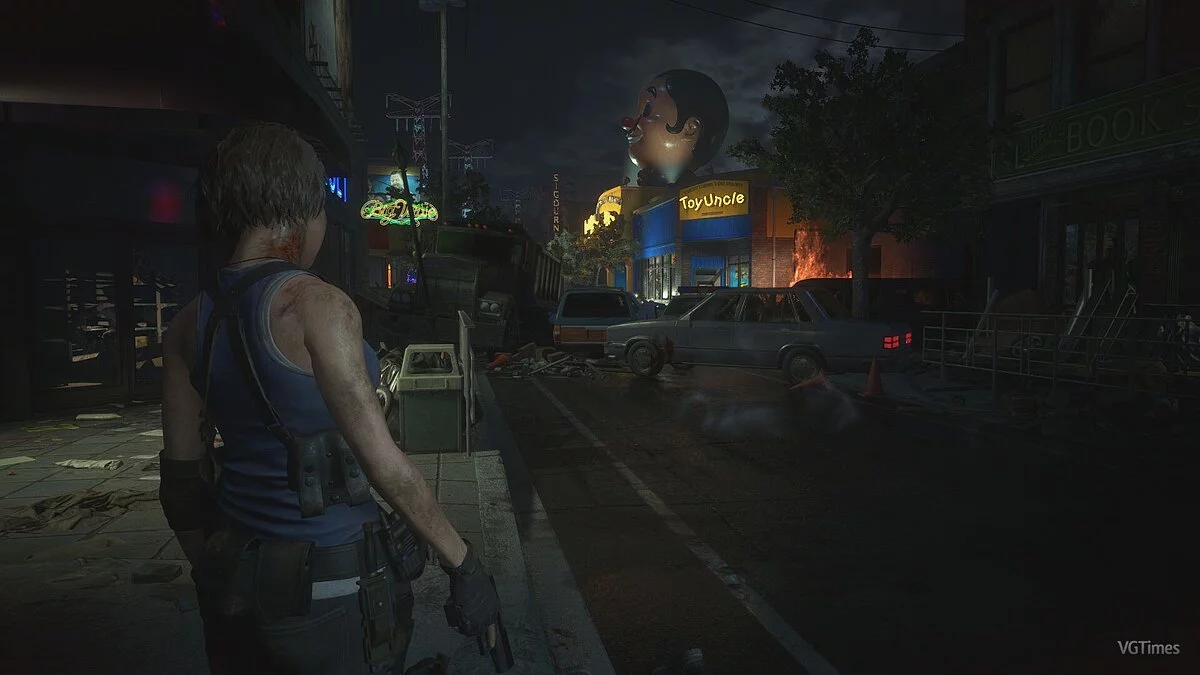
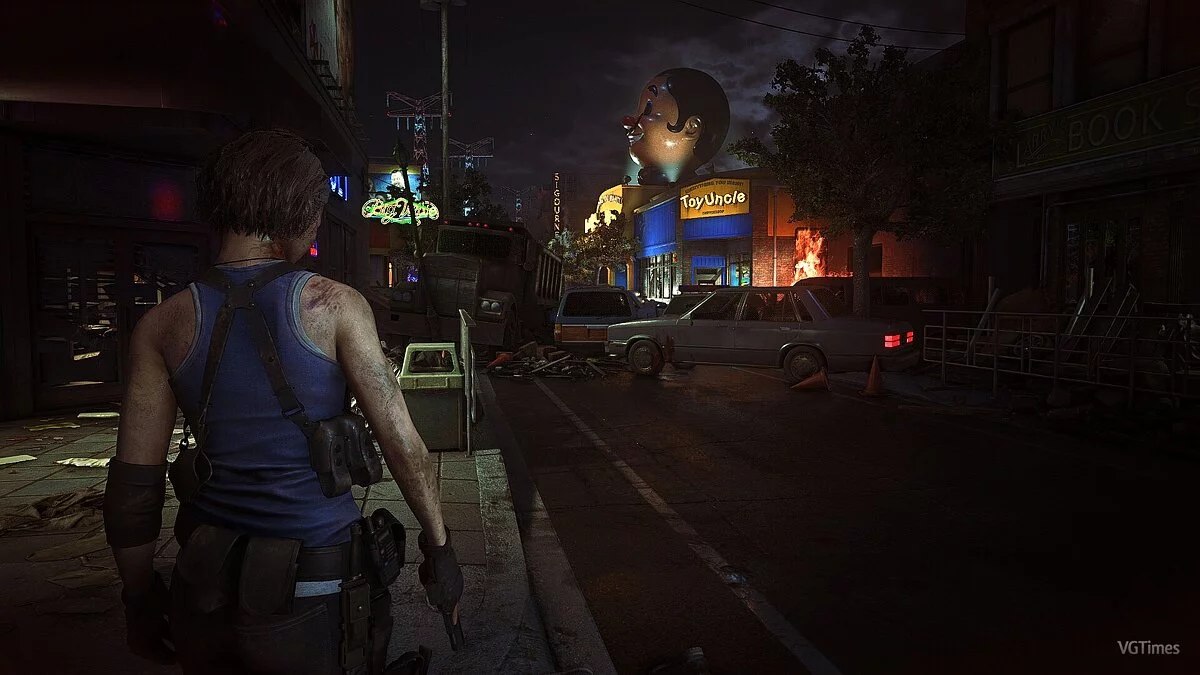
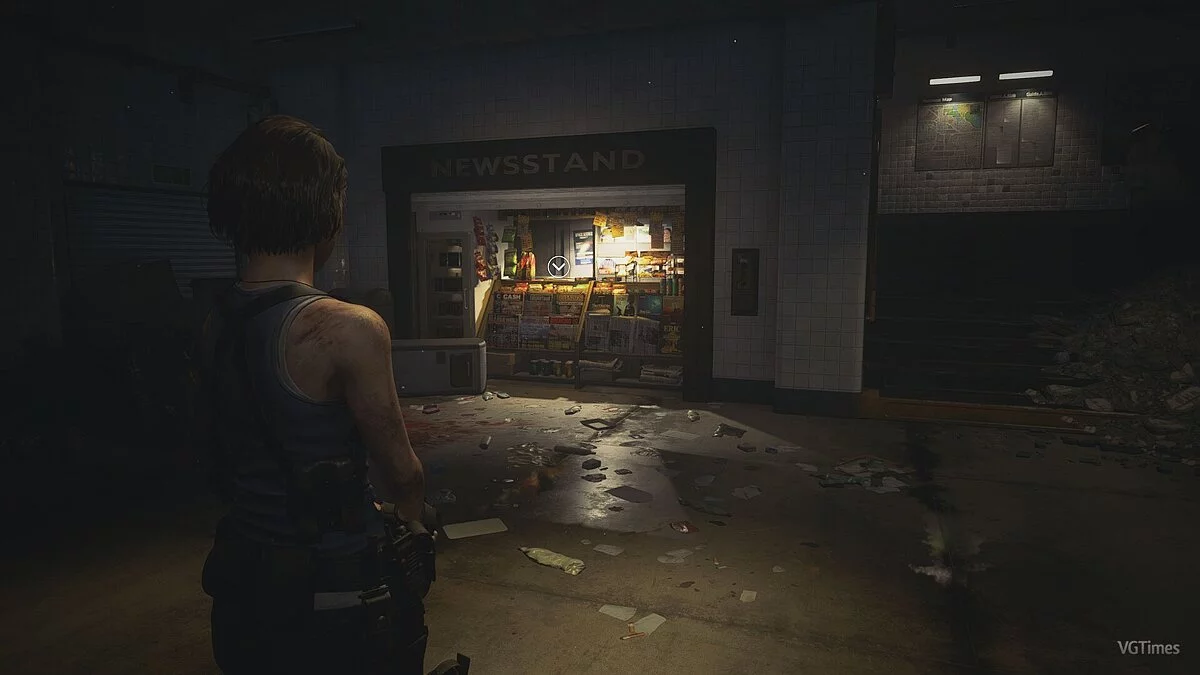
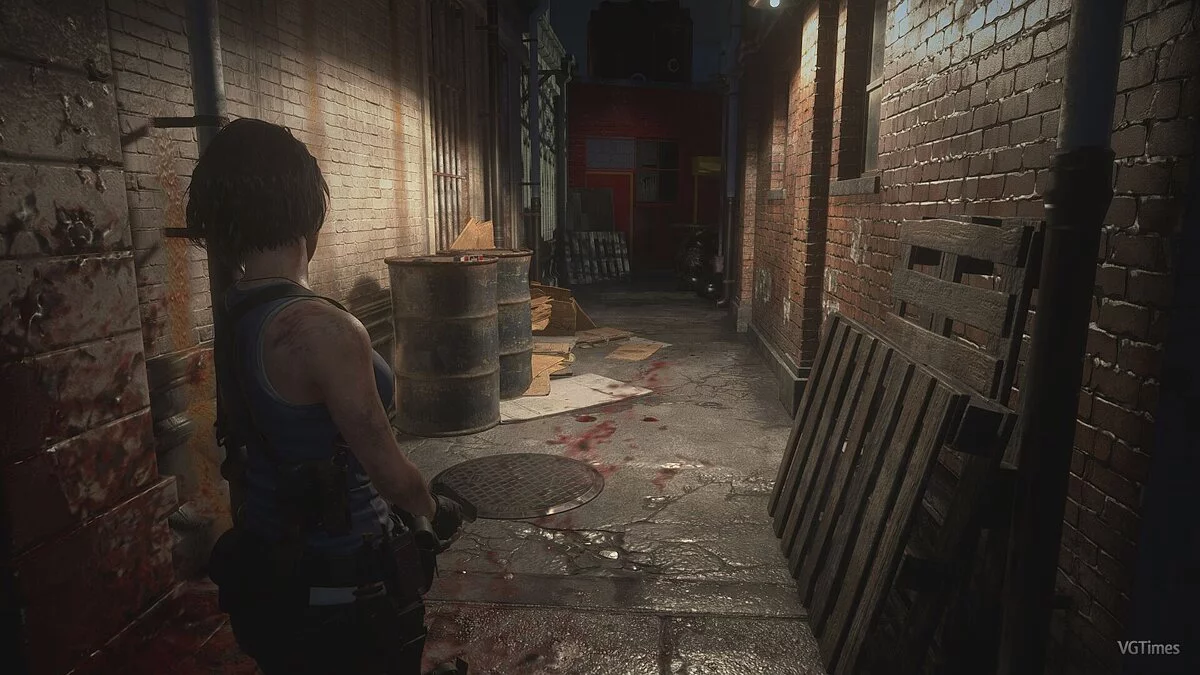
A simple graphics preset for the horror game Resident Evil 3 enhances the visuals to be more cinematic. The preset modifies the standard settings for brightness, black depth, and red color to achieve warmer tones.
Requirements:
Reshade
Installation:
Extract the archive and move the preset to the game folder
Launch Reshade and select your game
In-game, press the "Home" key, click the “+” in the upper right corner, and choose the installed preset.
Оригинальное название: Doom Eternal Color Grading Pack
Простой графический пресет для хоррора Resident Evil 3 делает картинку в игре более кинематографичнее. Пресет изменяет стандартные настройки яркости, глубины черного цвета и красный цвет, чтобы добиться более теплых оттенков.
Требования:
Reshade
Установка:
Распакуйте архив и переместите пресет в папку с игрой
Запустите Reshade и выберете вашу игру
В игре и нажмите клавишу "Home", в правом верхнем углу нажмите «+» и выберите установленный пресет
Useful links:
![Resident Evil 3 — Trainer (+10) from 08.10.2020 [WeMod]](https://files.vgtimes.com/download/posts/2020-08/thumbs/1597152079_2020-08-11_161814.webp)
![Resident Evil 3 — Cheat Engine Table [UPD: 27.09.2024]](https://files.vgtimes.com/download/posts/2024-09/thumbs/tablica-dlja-cheat-engine-upd-27-09-2024_1727519992_521049.webp)

![Resident Evil 3 — Cheat Engine Table [UPD: 01.12.2025/GOG]](https://files.vgtimes.com/download/posts/2025-01/thumbs/tablica-dlja-cheat-engine-upd-12-01_1736762917_236021.webp)
![Resident Evil 3 — Cheat Engine Table [UPD: 06.13.2020]](https://files.vgtimes.com/download/posts/2020-06/thumbs/1592052426_1592052343_858.webp)
![Resident Evil 3 — Cheat Engine Table [UPD: 14.06.2020]](https://files.vgtimes.com/download/posts/2020-06/thumbs/1592223276__6owzm9uvunxtm0jc6mqhg.webp)
![Resident Evil 3 — Trainer (+12) [DEMO]](https://files.vgtimes.com/download/posts/2020-03/thumbs/1584792959_uyfjhreitafwngz7ixugfg.webp)
![Resident Evil 3 — Cheat Engine Table [UPD: 04.05.2020]](https://files.vgtimes.com/download/posts/2020-04/thumbs/1586176141_kizjhebzexlat4sub8jx6g.webp)
![Resident Evil 3 — Cheat Engine Table [UPD: 20.03.2020]](https://files.vgtimes.com/download/posts/2020-03/thumbs/1584726337_bezymyannyy.webp)