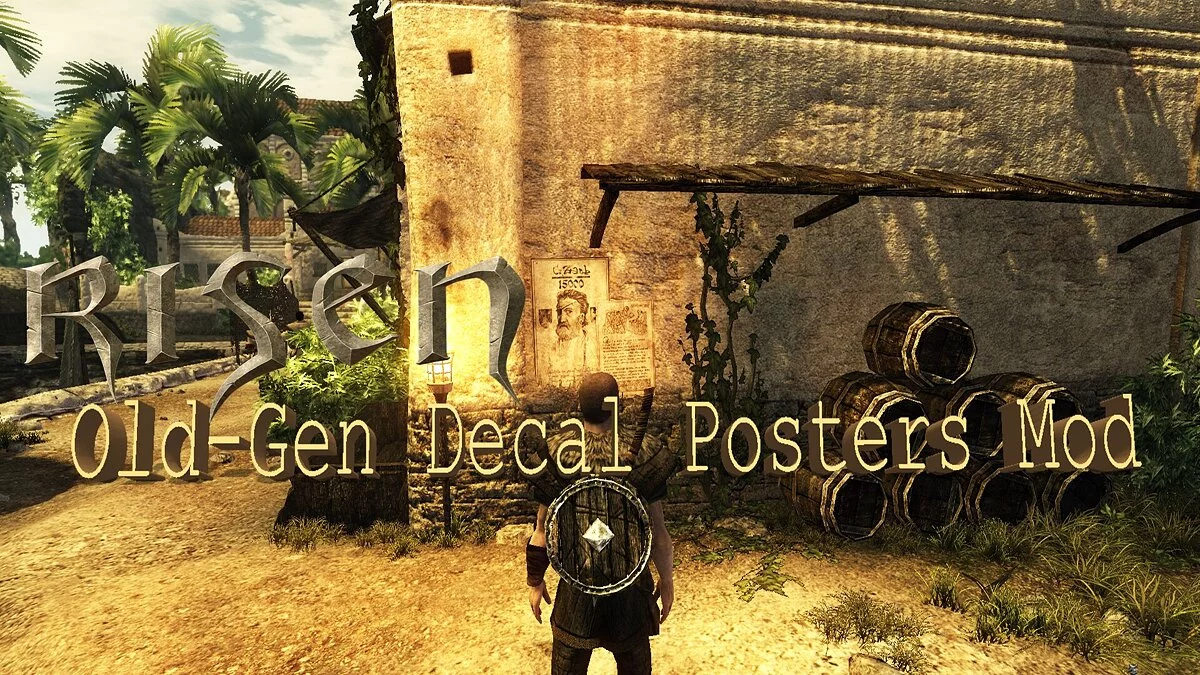
Risen is an atmospheric action role-playing game with a third-person view in a fantasy setting from the creators of the Gothic series. In the game you have to... Read more
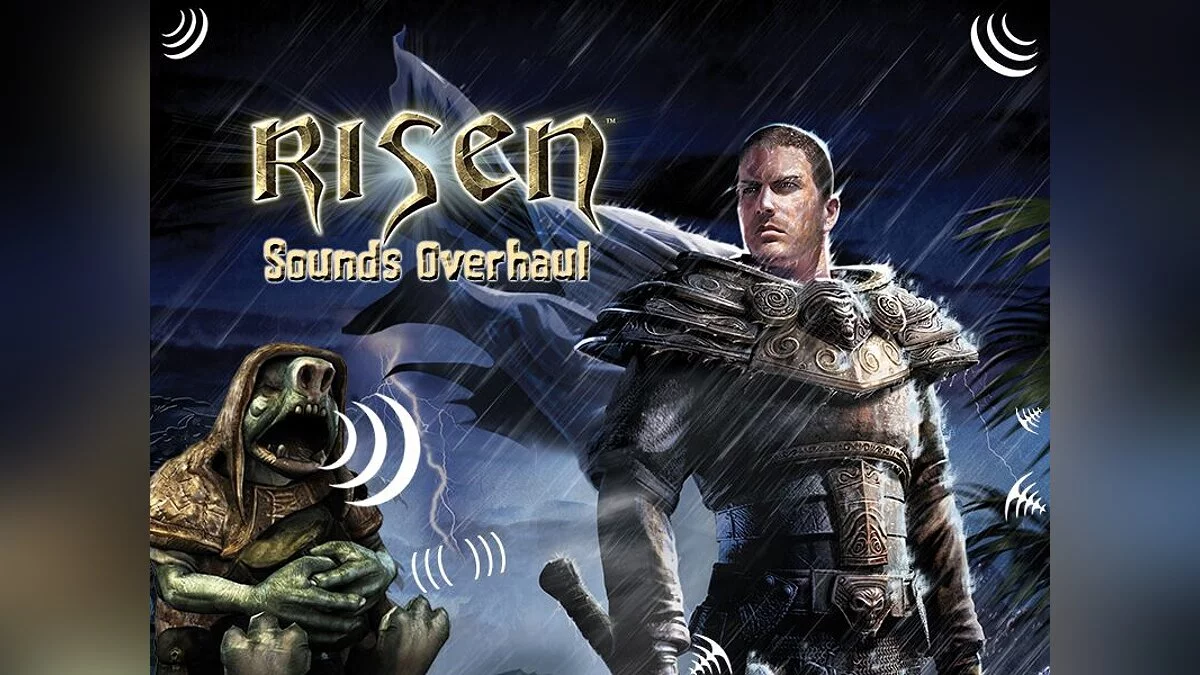
Sounds Overhaul v1.1

-
1663071359_sounds-overhaul-for-all-languages.7zDownload (25.24 MB)
Are you dissatisfied with the combat shouts and impact sounds of the Hero, or do the overall sound effects of in-game battles not meet your expectations? Do you want to enhance your auditory experience while playing Risen? Then check out this mod!
My mod fixes several issues related to in-game sound and revamps nearly all in-game sound effects, including the environment, Hero, monster sounds, BOSS, inventory, and combat sounds in Risen
Fully compatible with both German and English languages
Version 1.1 changes
- Some modified sounds have been adjusted or replaced to better harmonize or fit (the sound of shaking bottles, a slightly muted fire sound, sounds for picking up/opening packages, crossbow reload/shoot sounds, and several spell effects like Light, Illusion).
- Bug fixes in Risen! In the base game, sound effects for stone, earth, and water spells, as well as sprinting, were partially or completely missing. No more!
- Fixed missing ambient ogre noises. I revamped them to better match the German and English ogre voice sets. In the vanilla game, they sounded like tigers/beasts...
- — Weapon and sheath draw sounds have been altered to better suit axes rather than just swords (unfortunately, the same sounds are used in the game).
- Step sounds have been balanced. They can now be recognized/heard more clearly (previously, they were too quiet or not used at all).
I RECOMMEND using the mod with Risen ModStarter 1.3.4.1
INSTRUCTIONS
Mod installation: It works with Risen ModStarter, so you need to copy the extracted mod library "Risen Sounds Overhead v1.1" into RisenMDS/FanMods/ and run ModStarter. Select the mod from the list and click the "Integrate mods" button on the right side of the program.
OR
Manually copy two mod files into your Risen/data/compiled/ library: "sounds.p0x" and "speech_english.p0x" or "speech_german.p0x", then rename the "x" part to the next available number .p0x in the library with the same name. For example: if there is already "sounds.pak" and "sounds.p00", you should name the mod "sounds.p0x" to "sounds.p01" and do the same with the file "speech_english.p0x" or "speech_german.p0x".
Вам не нравятся боевые крики и звуки ударов Героя или не устраивают общие звуковые эффекты внутриигрового боя? Вы хотите получить лучшие звуковые впечатления от игры в Risen? Тогда обратите внимание на этот мод!
Мой мод исправляет некоторые ошибки, связанные с внутриигровым звуком, и перерабатывает почти все внутриигровые звуковые эффекты, окружающую среду, Героя, звуки монстров, БОССА, инвентарь и боевые звуки в Risen
Полностью работает с немецким и английским языком
Изменения версии 1.1
- Скорректированы или заменены некоторые модифицированные звуки, чтобы они больше гармонировали или лучше подходили (звук тряски бутылки, немного приглушенный звук огня, звуки взятия/раскрытия пакета, перезарядка/выстрел арбалета и несколько эффектов заклинаний, таких как Свет, Иллюзия).
- Исправление ошибок в Risen! В базовой игре звуковые эффекты заклинаний камня, земли и воды, спринта частично или полностью отсутствуют. Больше нет!
- Исправлены отсутствующие окружающие шумы огров. Я переделал его и сделал более подходящим к немецкому и английскому наборам голосов огров. В ванильной игре они звучали как тигры/звери...
- — Изменены звуки извлечения оружия и ножен, чтобы они лучше подходили для топоров, а не только для мечей (к сожалению, в игре используются те же звуки).
- Сбалансированы звуки шагов. Теперь их можно распознать/услышать более четко (раньше они были слишком тихими или вообще не использовались).
РЕКОМЕНДУЮ использовать мод с Risen ModStarter 1.3.4.1
ИНСТРУКЦИИ
Установка мода: Работает с Risen ModStarter, поэтому вам нужно скопировать извлеченную библиотеку модов "Risen Sounds Overhead v1.1" в RisenMDS/FanMods/ и запустить ModStarter. Выберите мод из списка и нажмите на кнопку "Integrate mods" в правой части программы.
ИЛИ
Скопируйте вручную два файла модов в вашу библиотеку Risen/data/compiled/ "sounds.p0x" и "speech_english.p0x" или "speech_german.p0x", затем переименуйте часть "x" в следующий свободный номер .p0x в библиотеке с тем же именем. Например: если уже есть "sounds.pak" и "sounds.p00", то вы должны назвать мод "sounds.p0x" на "sounds.p01" и сделать то же самое с файлом "speech_english.p0x" или "speech_german.p0x".
Useful links:

![Risen — Trainer (+17) [1.0.96124.0]](https://files.vgtimes.com/download/posts/2020-05/thumbs/1588768430_thxraegjid5n8w1uf3uo9q.webp)
![Risen — Trainer (+12) [1.0]](https://files.vgtimes.com/download/posts/2020-04/thumbs/1586089804_hwbozrm0xgvltiokvznykw.webp)