Games RuneScape: Dragonwilds Files Trainers Trainer (Mod Menu) — standalone trainer with item spawner quest helper and offline save editor

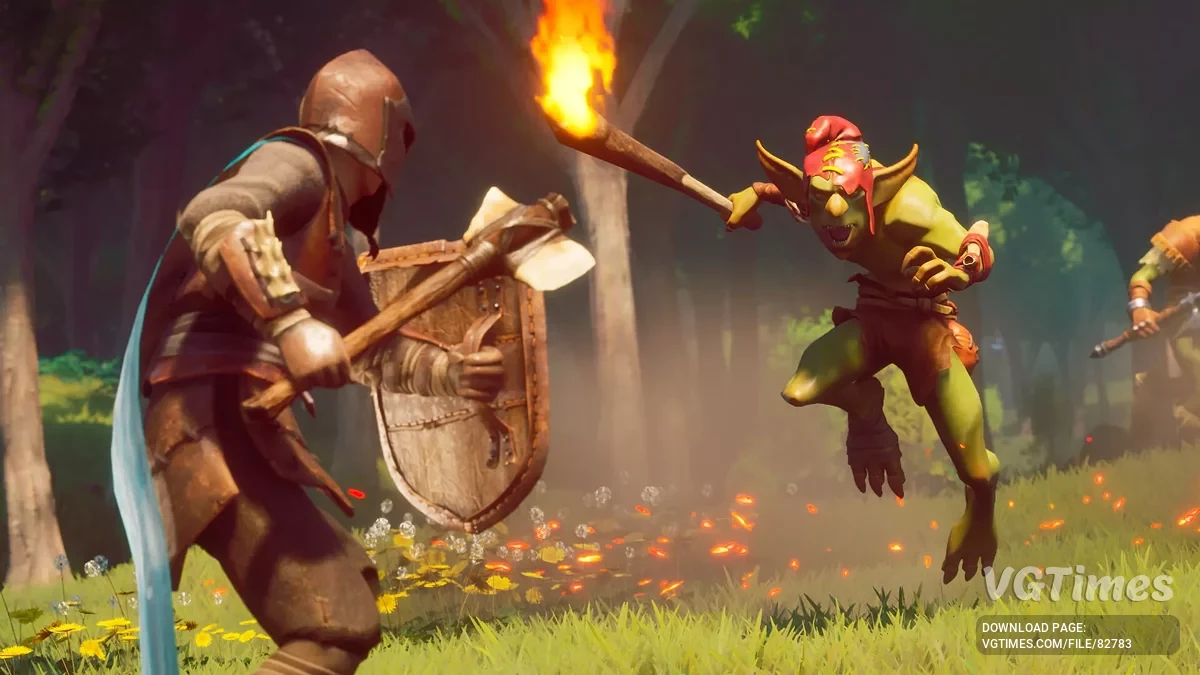
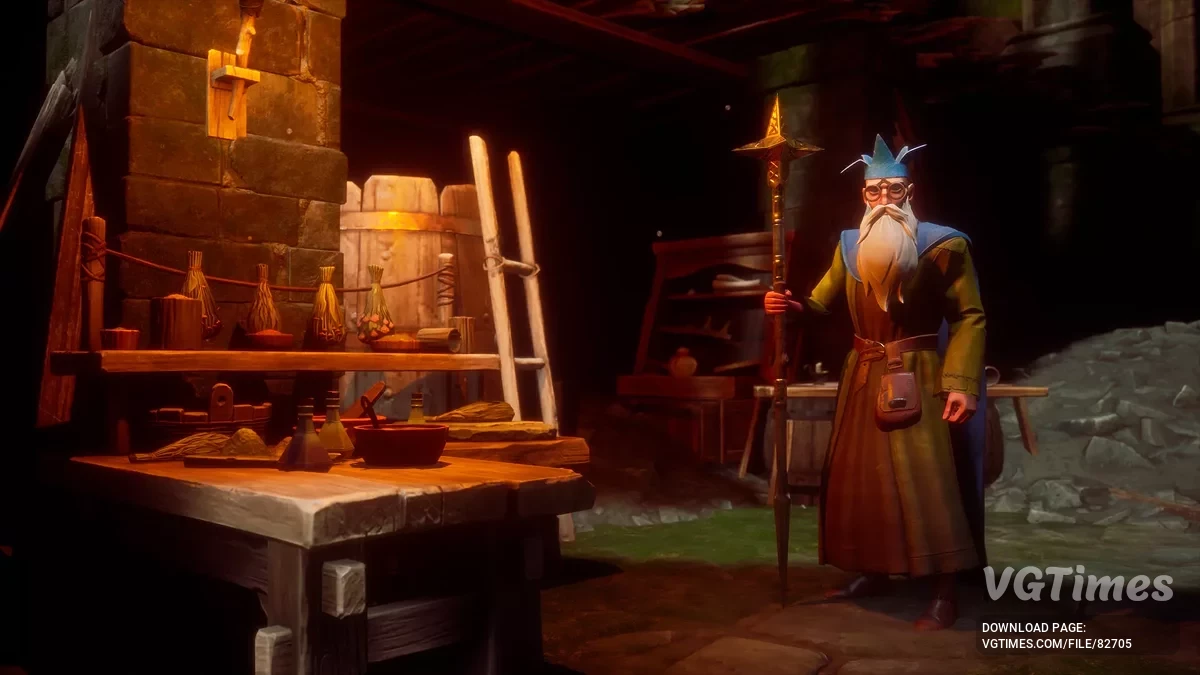
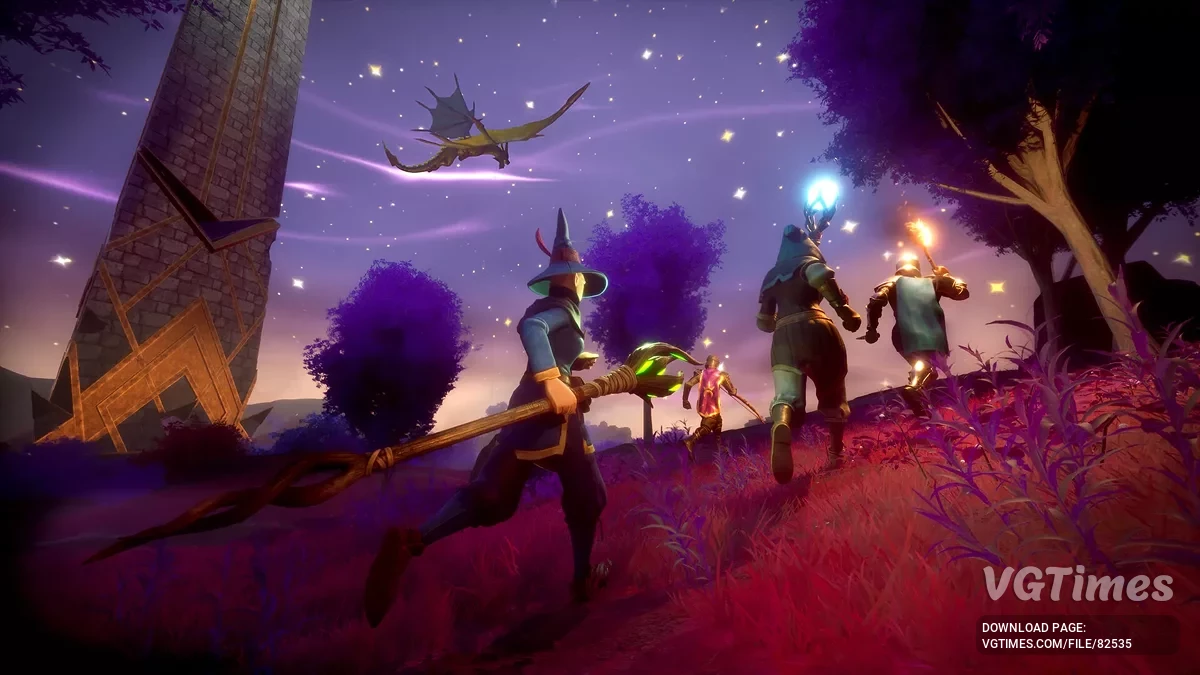
A cooperative game, the action of which unfolds on the Ashshenfall continent in the world Runescape. You can build, study locations, create equipment... Read more
Trainer (Mod Menu) — standalone trainer with item spawner quest helper and offline save editor


Author:
ReggieKilla
Uploaded by:

Size:
64.93 MB
Date:
Today, 13:49
Downloads:
0
-
Download in TelegramNo waiting Download64.93 MBNovember 26, 2026, 01:49 PMtrainer-mod-menu-avtonomnyjj-trejjner_1795690165_493912.zip
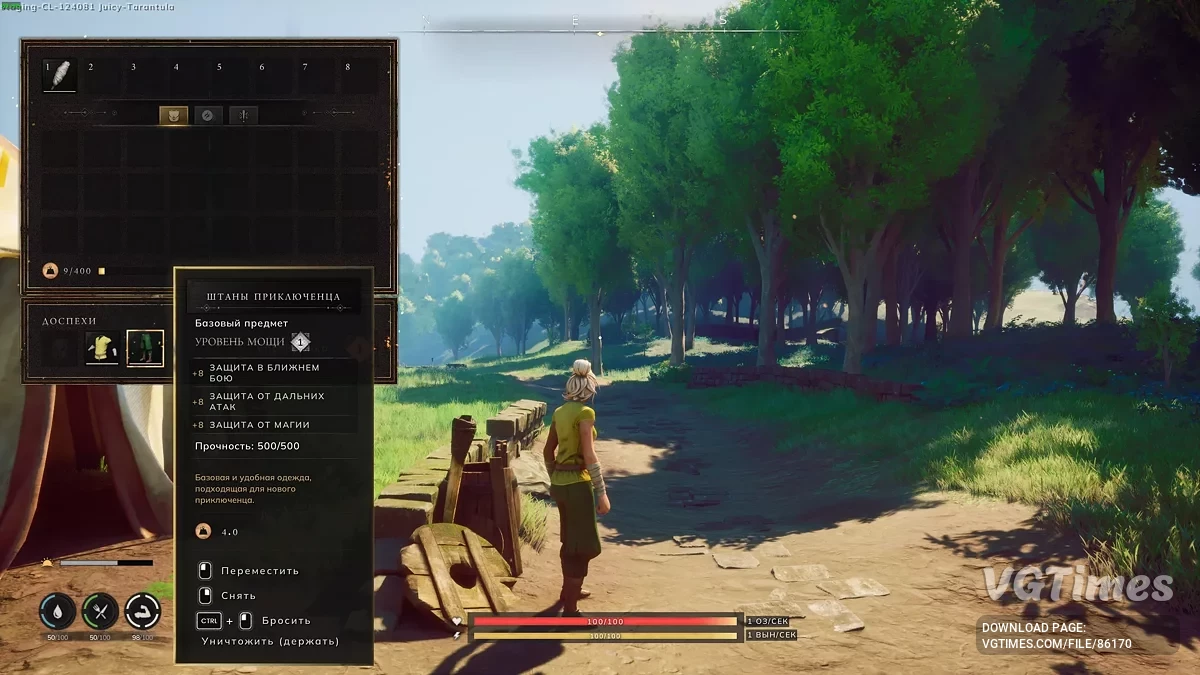
RS DragonWilds Trainer V1 is a standalone Windows trainer built for RuneScape: Dragonwilds singleplayer mode. It grants control over character stats combat movement and inventory alongside a searchable item spawner an offline save editor and a Quest Helper that tracks your current objective. Supports game executables CL 254097 and CL 261625 while certain live features such as quest tracking require CL 261625 version 1.0.2.2.
Main features:
- Player and combat controls: invincibility health stamina movement flight and weapon options.
- Progression and world controls: edit skill levels and XP manage vendor reputation and trigger supported world events.
- Item spawner and inventory editor: search the item catalog filter by Boss Loot spawn items and edit quantities or durability.
- Quest Helper: follow any selected main or side quest and display directions distance and known item locations in game.
- Teleport: save and return to a position enter coordinates directly or teleport to a map waypoint.
- Hotkeys and overlay: assign shortcuts from the Hotkeys tab with a green overlay showing registered shortcuts active toggles and applied values.
- Offline save editing: modify saved stats or inventory with automatic backups created before changes are written.
Requirements:
- Windows x64 operating system with all launch dependencies included in the download.
- RuneScape: Dragonwilds executable CL 254097 or CL 261625.
Installation and usage instructions:
- Extract the entire download into a folder with write permissions.
- Start RuneScape: Dragonwilds and load into a standalone singleplayer world.
- Right click RSDragonWildsTrainer.exe select Properties then Compatibility check Run this program as Administrator click Apply and click OK.
- Launch RSDragonWildsTrainer.exe from the extracted folder so the trainer detects the game automatically.
- On the Player Mods tab check Confirm single player and wait for the status to show Live fields resolved.
- Use the tabs to toggle desired options and click Disable ALL before closing the trainer normally when finished.
Useful links: