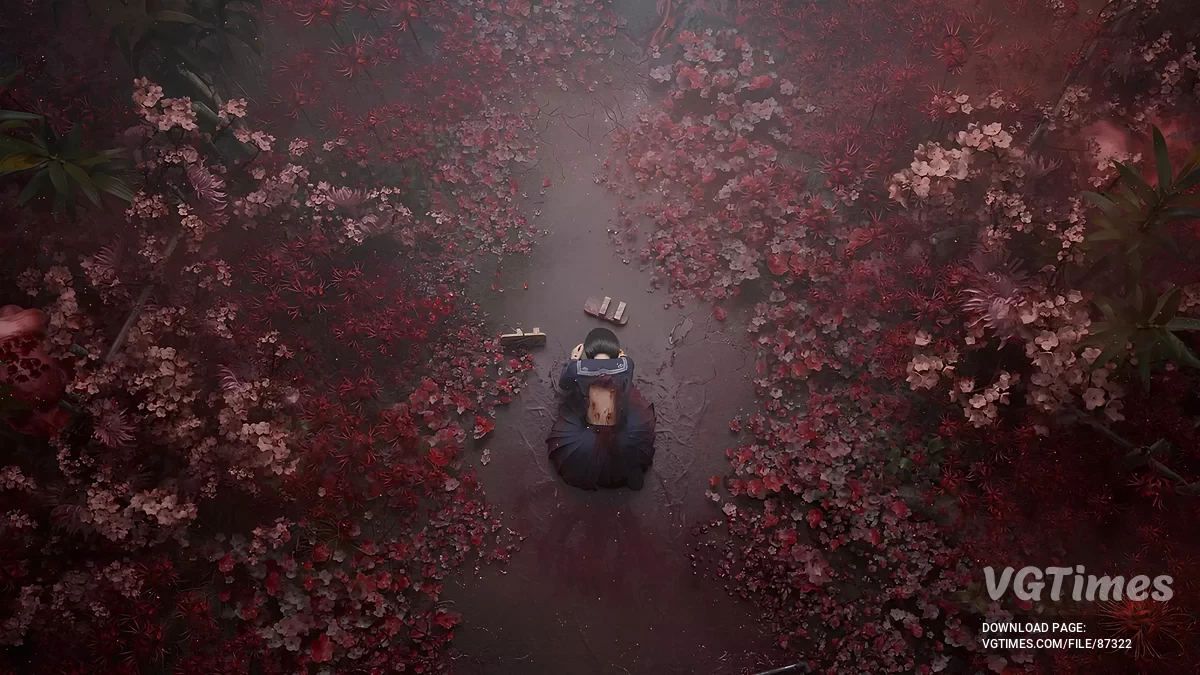
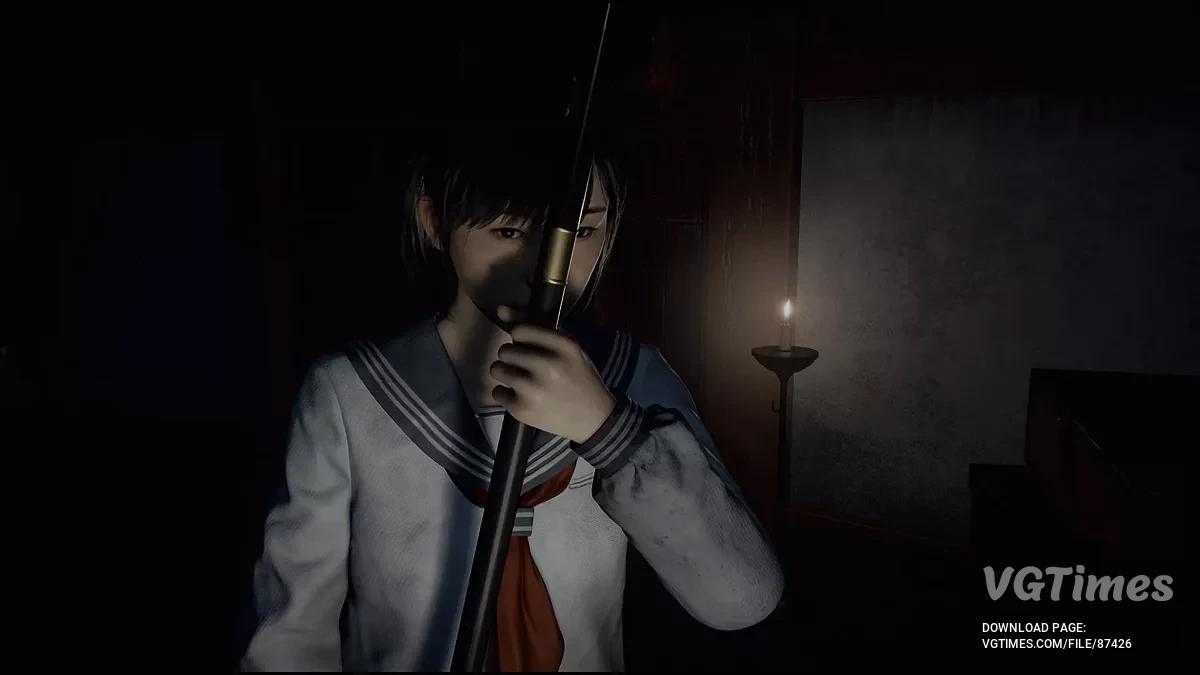
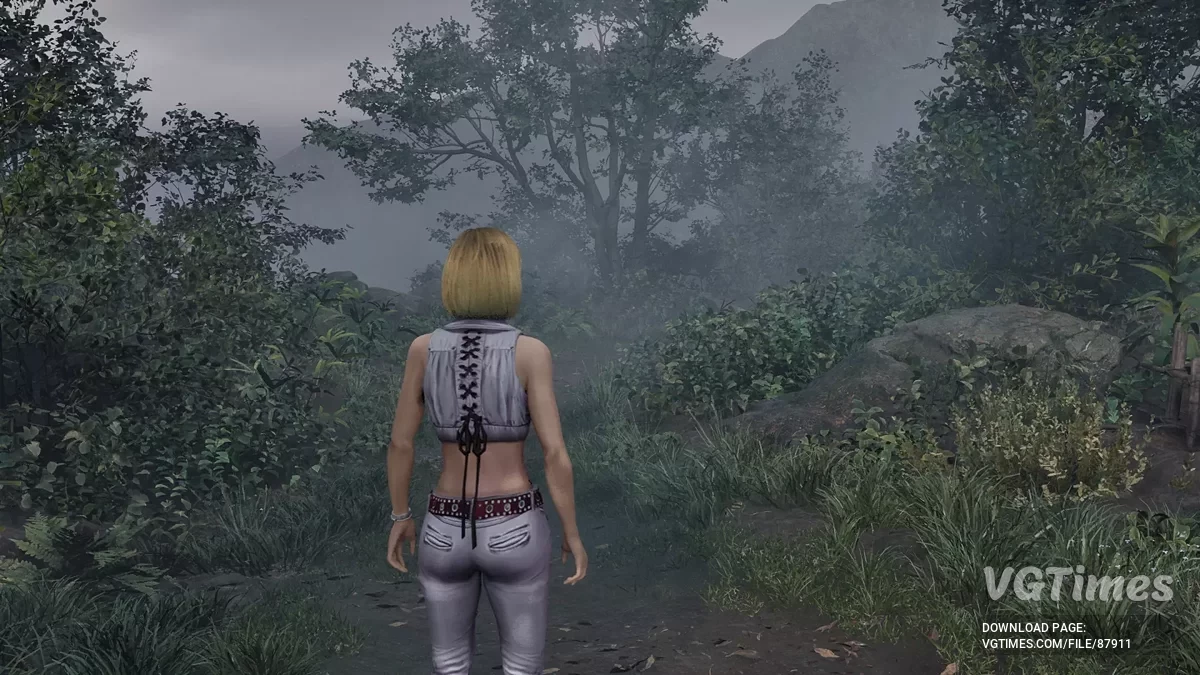
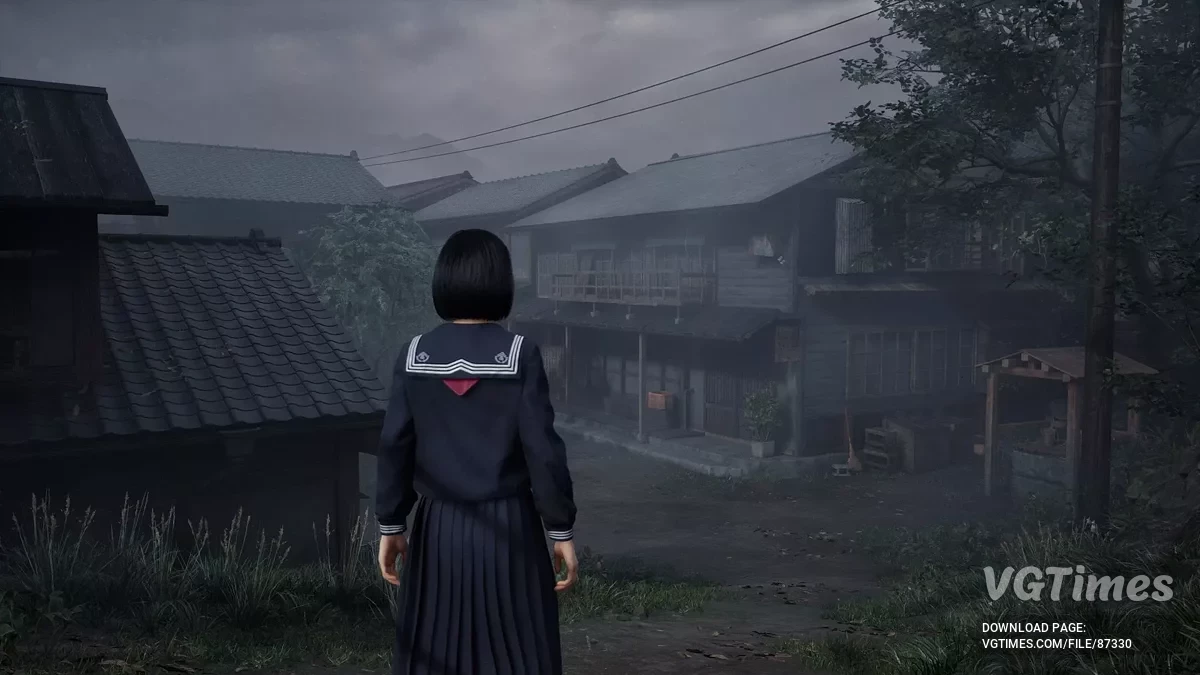
A full-fledged sequel to the cult horror series Silent Hill. The action takes place in the 1960s in the Japanese town of Ebisugaoka. The story tells of a schoolgirl... Read more

Optimization and frame generation


-
Download (1.21 kB)September 24, 2025, 01:34 PMoptimizacija-i-generacija-kadrov_1758710089_693142.rar
This is a small but powerful set of Engine.ini tweaks designed to protect Unreal Engine 5 projects and mods from GPU instability issues on graphics cards with 4–8 GB of memory. By intelligently limiting texture streaming, disabling UE5’s most VRAM-hungry systems, and enabling advanced crash logging, this pack delivers smoother FPS, fewer crashes, and clearer diagnostics — all without touching your game’s assets or source code.
Key features:
- Dynamic Texture Streaming Cap — limits Unreal’s texture pool to a safe percentage of your VRAM so that ultra-high-res textures never cause out-of-memory errors;
- Ray Tracing & Lumen Shutdown — fully disables DirectX 12 ray tracing and all Lumen passes (GI, reflections, hardware rays), forcing UE5 to use lightweight lighting;
- Shader Cache Optimization — enables Unreal’s shader caching to batch and reuse compiled shaders, reducing stuttering and long load times;
- Optional Frame Generation Toggle — enables AMD FidelityFX Frame Interpolation for smoother gameplay with less GPU load.
VRAM recommendations. GPU VRAM — recommended PoolSize:
Start with the recommended value for your graphics card, then monitor VRAM usage in MSI Afterburner. If you still experience crashes, reduce the value by 512 MB until stable — this will give you maximum reliability with minimal loss of quality (some textures may load in a bit later).
How to install:
- Find the Config folder at C:\Users\YOURNAME\AppData\Local\SHf\Saved\Config\Windows;
- Create Engine.ini if it doesn’t exist. If Engine.ini is already there — open it in Notepad. If not — create a new blank text file, rename it to Engine.ini (remove .txt if Windows adds it);
- Add the tweaks. Scroll to the bottom of the file (or leave it blank if new). Copy the block of settings for your VRAM size (see below) and paste it;
- Save and protect. Right-click the file → Properties → set it to “Read-Only”. This will prevent the game from overwriting your custom settings.
Preset Blocks
; 3 GB VRAM (2 GB Texture Pool)
[SystemSettings]
r.TextureStreaming=1
r.Streaming.PoolSize=2048
r.Streaming.LimitPoolSizeToVRAM=1
r.Streaming.DefragDynamicBounds=1
r.RayTracing=False
r.Lumen.DiffuseIndirect.Allow=0
r.Lumen.Reflections.Allow=0
r.Lumen.HardwareRayTracing=0
r.Shadow.Virtual.Enable=0
r.LumenScene.DirectLighting.VirtualShadowMap=0
r.Shadow.Virtual.Cache=0
r.ShaderPipelineCache.Enabled=1
r.ShaderPipelineCache.BatchTime=2
r.GPUCrashDebugging=1
r.FidelityFX.FI.Enabled=1
; 4 GB VRAM (3 GB Texture Pool)
[SystemSettings]
r.TextureStreaming=1
r.Streaming.PoolSize=3072
r.Streaming.LimitPoolSizeToVRAM=1
r.Streaming.DefragDynamicBounds=1
r.RayTracing=False
r.Lumen.DiffuseIndirect.Allow=0
r.Lumen.Reflections.Allow=0
r.Lumen.HardwareRayTracing=0
r.Shadow.Virtual.Enable=0
r.LumenScene.DirectLighting.VirtualShadowMap=0
r.Shadow.Virtual.Cache=0
r.ShaderPipelineCache.Enabled=1
r.ShaderPipelineCache.BatchTime=2
r.GPUCrashDebugging=1
r.FidelityFX.FI.Enabled=1
; 5 GB VRAM (4 GB Texture Pool)
[SystemSettings]
r.TextureStreaming=1
r.Streaming.PoolSize=4096
r.Streaming.LimitPoolSizeToVRAM=1
r.Streaming.DefragDynamicBounds=1
r.RayTracing=False
r.Lumen.DiffuseIndirect.Allow=0
r.Lumen.Reflections.Allow=0
r.Lumen.HardwareRayTracing=0
r.Shadow.Virtual.Enable=0
r.LumenScene.DirectLighting.VirtualShadowMap=0
r.Shadow.Virtual.Cache=0
r.ShaderPipelineCache.Enabled=1
r.ShaderPipelineCache.BatchTime=2
r.GPUCrashDebugging=1
r.FidelityFX.FI.Enabled=1
; 6 GB VRAM (5 GB Texture Pool)
[SystemSettings]
r.TextureStreaming=1
r.Streaming.PoolSize=5120
r.Streaming.LimitPoolSizeToVRAM=1
r.Streaming.DefragDynamicBounds=1
r.RayTracing=False
r.Lumen.DiffuseIndirect.Allow=0
r.Lumen.Reflections.Allow=0
r.Lumen.HardwareRayTracing=0
r.Shadow.Virtual.Enable=0
r.LumenScene.DirectLighting.VirtualShadowMap=0
r.Shadow.Virtual.Cache=0
r.ShaderPipelineCache.Enabled=1
r.ShaderPipelineCache.BatchTime=2
r.GPUCrashDebugging=1
r.FidelityFX.FI.Enabled=1
; 7 GB VRAM (6 GB Texture Pool)
[SystemSettings]
r.TextureStreaming=1
r.Streaming.PoolSize=6144
r.Streaming.LimitPoolSizeToVRAM=1
r.Streaming.DefragDynamicBounds=1
r.RayTracing=False
r.Lumen.DiffuseIndirect.Allow=0
r.Lumen.Reflections.Allow=0
r.Lumen.HardwareRayTracing=0
r.Shadow.Virtual.Enable=0
r.LumenScene.DirectLighting.VirtualShadowMap=0
r.Shadow.Virtual.Cache=0
r.ShaderPipelineCache.Enabled=1
r.ShaderPipelineCache.BatchTime=2
r.GPUCrashDebugging=1
r.FidelityFX.FI.Enabled=1
; 8 GB VRAM (7 GB Texture Pool)
[SystemSettings]
r.TextureStreaming=1
r.Streaming.PoolSize=7168
r.Streaming.LimitPoolSizeToVRAM=1
r.Streaming.DefragDynamicBounds=1
r.RayTracing=False
r.Lumen.DiffuseIndirect.Allow=0
r.Lumen.Reflections.Allow=0
r.Lumen.HardwareRayTracing=0
r.Shadow.Virtual.Enable=0
r.LumenScene.DirectLighting.VirtualShadowMap=0
r.Shadow.Virtual.Cache=0
r.ShaderPipelineCache.Enabled=1
r.ShaderPipelineCache.BatchTime=2
r.GPUCrashDebugging=1
r.FidelityFX.FI.Enabled=1
Useful links:
![Silent Hill f — Trainer (+6) [RUNE]](https://files.vgtimes.com/download/posts/2025-10/thumbs/trejjner-6-rune_1759751696_622568.webp)