![Star Wars Jedi: Fallen Order — Cheat Engine Table [1.2_fixed] / Tables / Cheats](https://files.vgtimes.com/si/gameprev_60135_768_1681069118.webp "Star Wars Jedi: Fallen Order — Cheat Engine Table [1.2_fixed] / Tables / Cheats")
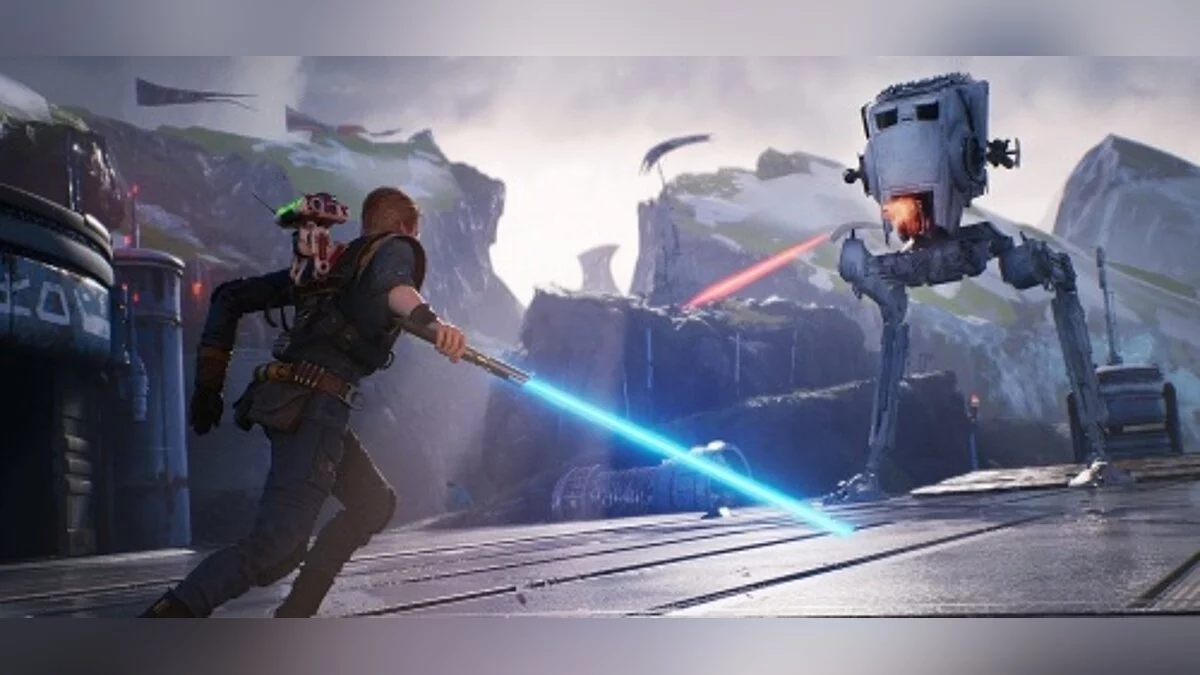
Star Wars Jedi: Fallen Order – a new chapter in the history of "Star Wars", a canonical story from Disney, EA, and Respawn. As a young padawan, the player will have... Read more
Cheat Engine Table [1.2_fixed]
![Star Wars Jedi: Fallen Order — Cheat Engine Table [1.2_fixed]](https://files.vgtimes.com/download/posts/2019-12/thumbs/1575209421_1575209313_884.webp)

-
1575202136_1575202136_starwarsjedifallenorder_toolbox_1.zipDownload (12.30 kB)
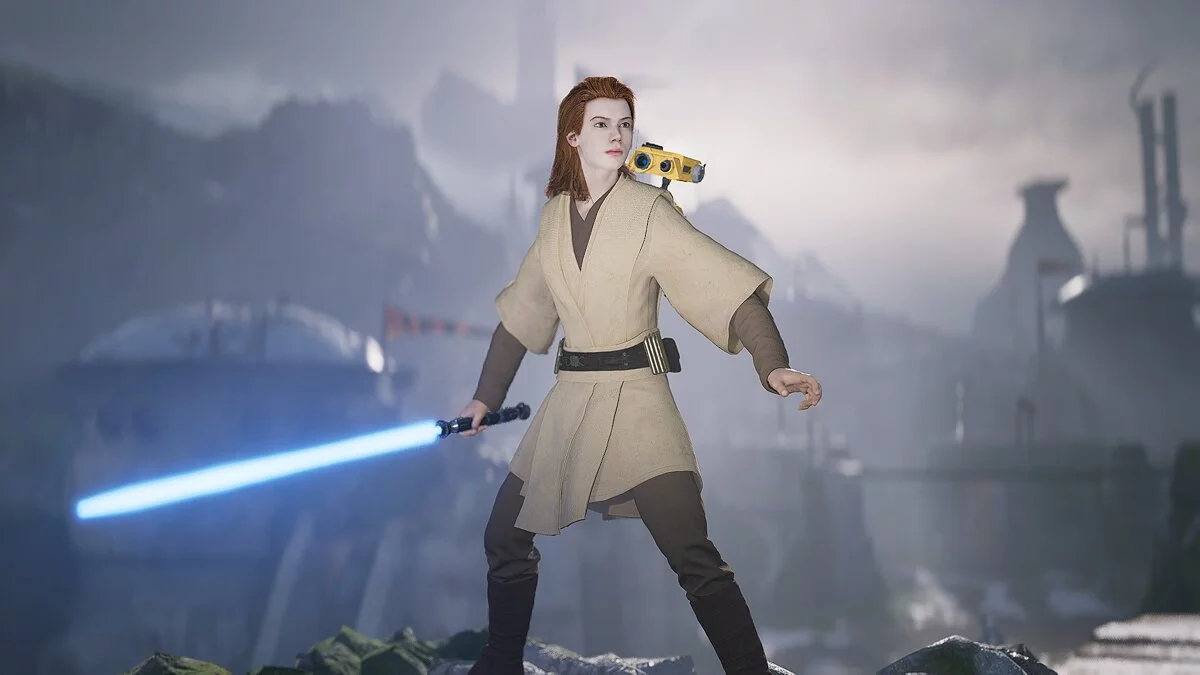
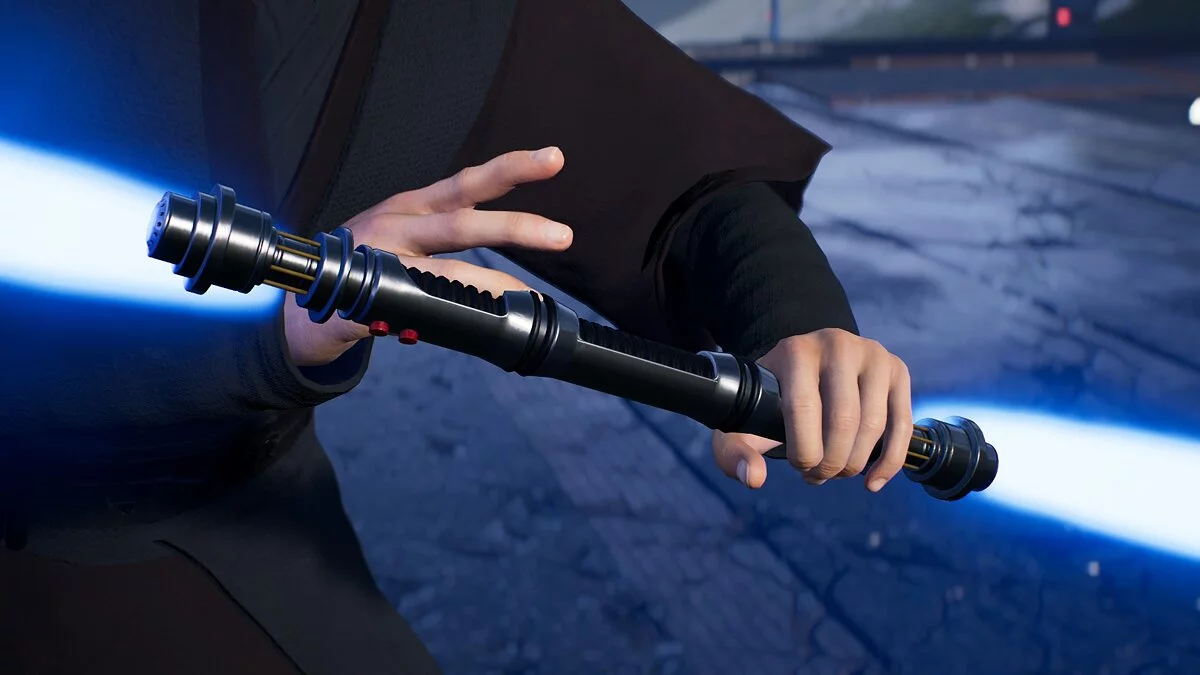
A more stable version of the previous table. The color change has been modified and now requires a workshop.
Instructions for changing the lightsaber color:
1. Launch the game and load the save.
2. Open Cheat Engine and load the table.
3. Click 'Enable', then 'Lightsaber Color Mods'.
4a. Double-click on the 'Kyber Crystal' value (this is the Value, where the color of your saber should be written). A dropdown menu will appear. Select your color.
4b. If 'Unknown' is written next to 'Kyber Crystal', continue with step 4a, then follow the next instruction step.
5. Either meditate to save the game, then reload the save, or open the workshop, go to the crystal selection tab for the saber (do not change anything, the color of your saber should be written there) and then exit the workshop.
6. The lightsaber color should now be changed and will remain so (even after reloading and exiting the game) until you change it again.
FOV — this is self-explanatory.
Cosmetics unlocker:
1. Open the game and load the save.
2. Check the box for "Enable"
2. Wait at least 5 seconds outside of any menu.
3. Check the box for Cosmetics unlocker.
4. Activate any or all scripts depending on what you want to unlock.
5. Wait another 5 seconds, then open your customization menu.
Stims i Skill Points — stims and skill points.
Balance i Difficulty — does not work correctly, can be ignored.
Dangerous modification — not recommended for use. This option increases the damage dealt. The game may break if you kill an enemy that shouldn't die with one hit
Do not touch the 'Debug' option.
Более стабильная версия предыдущей таблицы. Смена цвета подверглась изменению и теперь для этого нужна будет мастерская.
Инструкции по изменению цвета светового меча:
1. Запустите игру и загрузите сохранение.
2. Запустить Cheat Engine и открыть таблицу.
3. Нажать на 'Enable', а затем на 'Lightsaber Color Mods'.
4а. Дважды щелкните по значению 'Kyber Crystal'.( это Value, там должен быть написан цвет вашего меча). Появится раскрывающееся меню. Выберите свой цвет.
4b. Если рядом с 'Kyber Crystal' написано 'Unknown', продолжайте делать 4а, затем следуйте следующему пункту инструкции.
5. Либо медитируйте, чтобы сохранить игру, а затем перезагрузите сохранение или откройте мастерскую, перейти на вкладку выбора кристалла для меча(ничего не трогайте, там должен быть написан цвет вашего меча) а затем выйдите из мастерской.
6. Цвет светового меча теперь должен быть изменен, и он должен оставаться таким (даже после перезагрузки и выхода из игры), пока вы не измените его снова.
FOV — это и так понятно.
Cosmetics unlocker:
1. Откройте игру и загрузите сохранение.
2. Поставить крестик на "Enable"
2. За пределами любого меню подождите не менее 5 секунд.
3. Поставить крестик на Cosmetics unlocker.
4. Активируйте любой или все скрипты в зависимости от того, что вы хотите разблокировать.
5. Подождите еще 5 секунд, а затем откройте свое меню кастомизации.
Stims i Skill Points — стимы и очки умений.
Balance i Difficulty — некорректно работает, можно не обращать внимания.
Dangerous modification — не рекомендуется для использования. Данная опция увеличивает наносимый урон. Игра может поломаться, если вы убьете противника, который не должен умирать, с одного удара
Опцию 'Debug' не трогать.
Useful links:

![Star Wars Jedi: Fallen Order — Trainer (+7) [Ver 1.02] [Update 12.06.2019] [64 Bit]](https://files.vgtimes.com/download/posts/2019-12/thumbs/1575670435_3ecfzvm9caoeaqany4ba7q.webp)