A role-playing action game in a pseudo-open world set in deep space, with a focus on detailed, immersive quests that offer high replayability on every playthrough... Read more
StarUI Interface

-
Download (1.43 MB)November 8, 2023, 10:16 AMinterfejjs-starui_1699427812_884844.7z
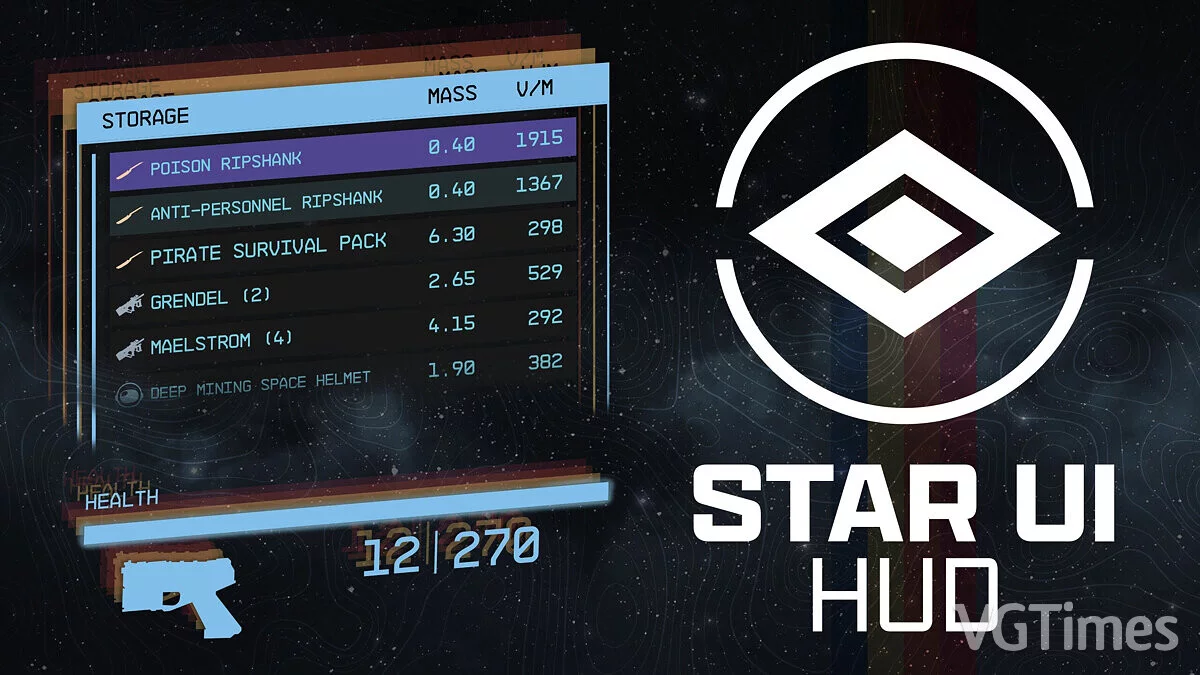
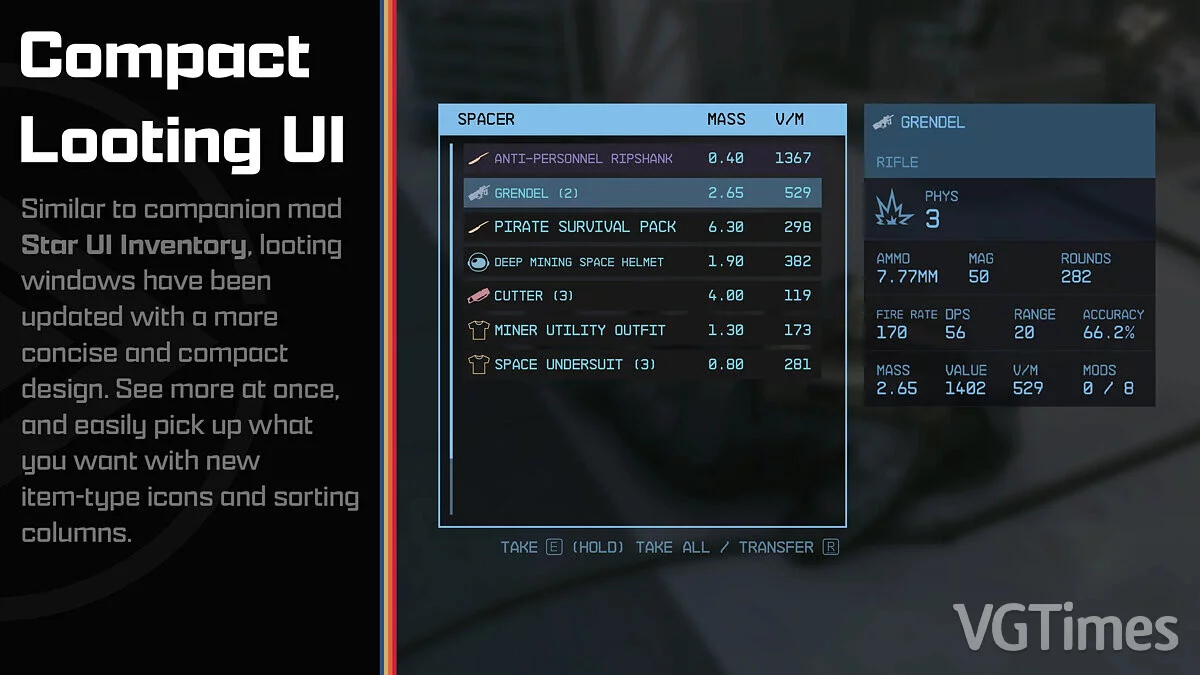
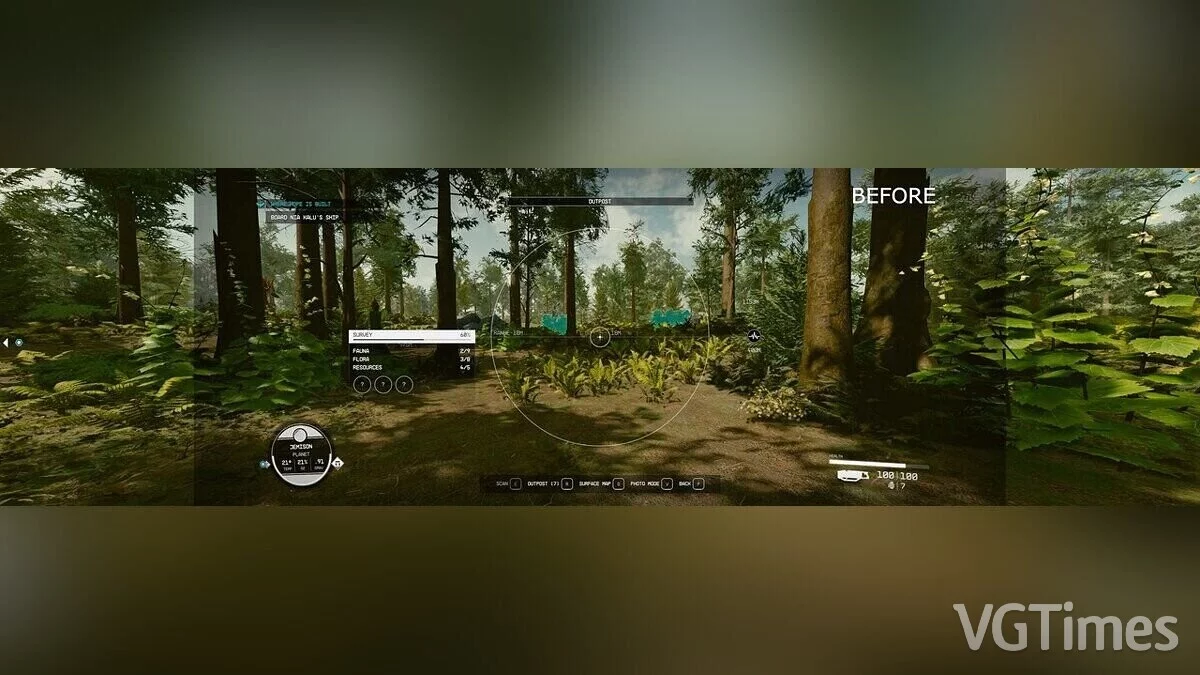
Offers complete control over most HUD widgets and provides an updated loot list and enhanced item maps with DPS and V/W. You can resize, move, recolor, or disable most HUD widgets. The loot list can display additional columns such as V/W (with sorting capability) and show the item card for hovered items.
How to launch:
- copy the Interface/ and StarUI Configurator/ folders from the zip to the Starfield/Data/ folder (where the ba2 files are located) — ignore the fomod and Optional folders;
- for some users, this folder may not work, in which case copy the files to the Documents/My Games/Starfield/Data/ folder (create Data/ if it doesn't exist);
- choose one of the three presets from the StarUI HUD Presets/ subfolder and copy the contents of the INI file to a new StarUI HUD.ini file in the Interface/ folder;
- (optional) 30fps or 120fps version: After completing the above steps, copy the files from the corresponding subfolder in Optional/ and overwrite the existing ones.
- install full translation into Russian.
Предоставляет полный контроль над большинством виджетов HUD и обеспечивает обновленный список лута и улучшенные карты предметов с DPS и V/W. Можно изменять размер, перемещать, перекрашивать или отключать большинство виджетов HUD. Список добычи может отображать дополнительные столбцы, такие как V/W (с возможностью сортировки), и показывать карточку предмета для наведенных предметов.
Как запустить:
- скопировать папки Interface/ и StarUI Configurator/ из zip в папку Starfield/Data/ (где находятся файлы ba2) — игнорировать папки fomod и Optional;
- для некоторых людей эта папка не работает, в этом случае скопировать файлы в папку Documents/My Games/Starfield/Data/ (создать Data/, если она не существует);
- выбрать один из трех пресетов из подпапки StarUI HUD Presets/ и скопировать содержимое INI-файла в новый файл StarUI HUD.ini в папке Interface/;
- (опционально) версия 30fps или 120fps: После выполнения описанных выше действий скопировать файлы из соответствующей подпапки в Optional/и перезаписать существующие.
- установить полный перевод на русский язык.
Useful links:
![Starfield — Table for Cheat Engine [1.16.236+]](https://files.vgtimes.com/download/posts/2026-04/thumbs/tablica-dlja-cheat-engine-1-16-236_1777191371_497993.webp)
![Starfield — Cheat Engine Table [UPD: 01.09.2023 Fixed]](https://files.vgtimes.com/download/posts/2023-09/thumbs/tablica-dlja-cheat-engine-upd-01-09_1694174060_480380.webp)
![Starfield — Cheat Engine Table [UPD: 17.09.2023]](https://files.vgtimes.com/download/posts/2023-09/thumbs/tablica-dlja-cheat-engine-upd-17-09-2023_1695035862_297605.webp)

![Starfield — Cheat Engine Table [UPD: 22.08.2024]](https://files.vgtimes.com/download/posts/2024-08/thumbs/tablica-dlja-cheat-engine-upd-22-08-2024_1724839192_390008.webp)