
A role-playing action game in a pseudo-open world set in deep space, with a focus on detailed, immersive quests that offer high replayability on every playthrough... Read more
Players:
Steam:
Metacritic:
Files for Starfield / Optimization
Discover the best mods and skins to optimize your gaming experience. Download the latest files to enhance Starfield performance.
This category offers a selection of optimization files that improve gameplay and enrich the user experience. Users can rate and comment on each file, helping the community identify the best available options.
DLSS 3.5.10

Download
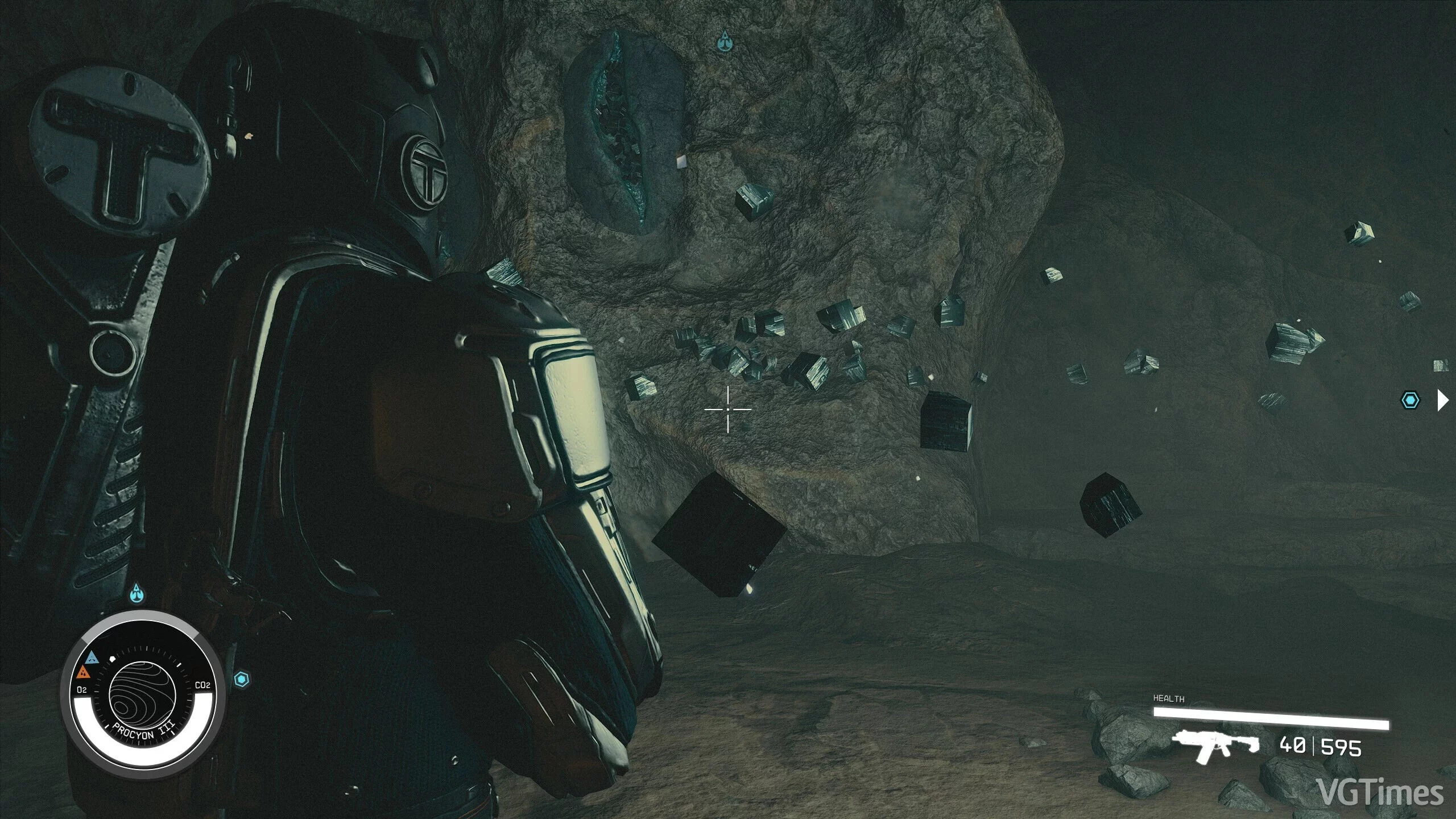
Update DLSS 3.50 to the latest version DLSS 3.5.10 for Nvidia cards. Tested on the Starfield Update 1.8.86 patches. How to run: extract to this path X:/SteamLibrary/steamapps/common/Starfield.
Optimal Performance on Low Settings
Download
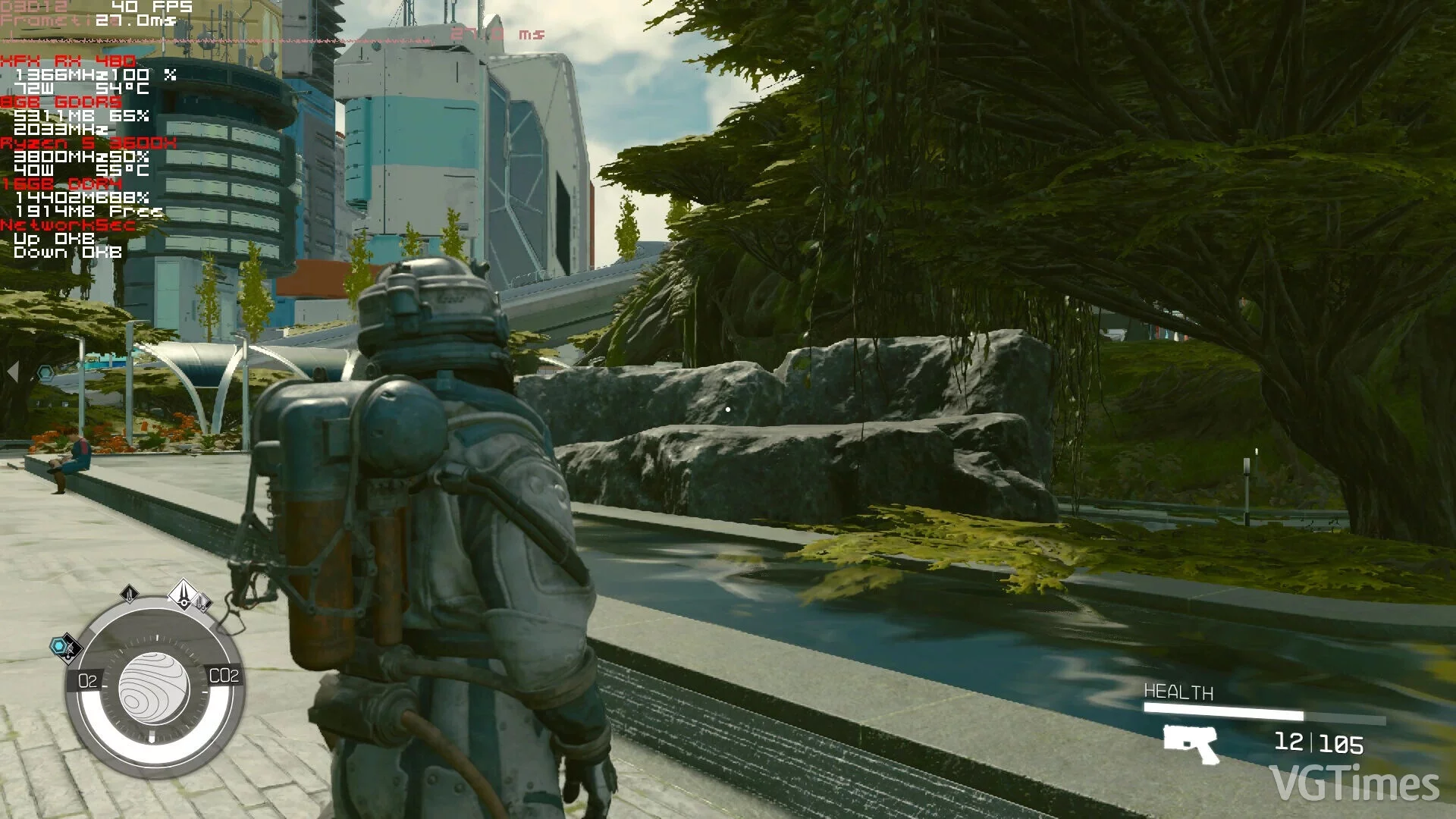
Replaced the low.ini configuration file, enhancing performance and visual clarity/sharpness. reduces shadow resolution (for some shadows — significantly); decreases the size of the reflection array (this affects visual effects less than reduc ...
Performance Boost
Download
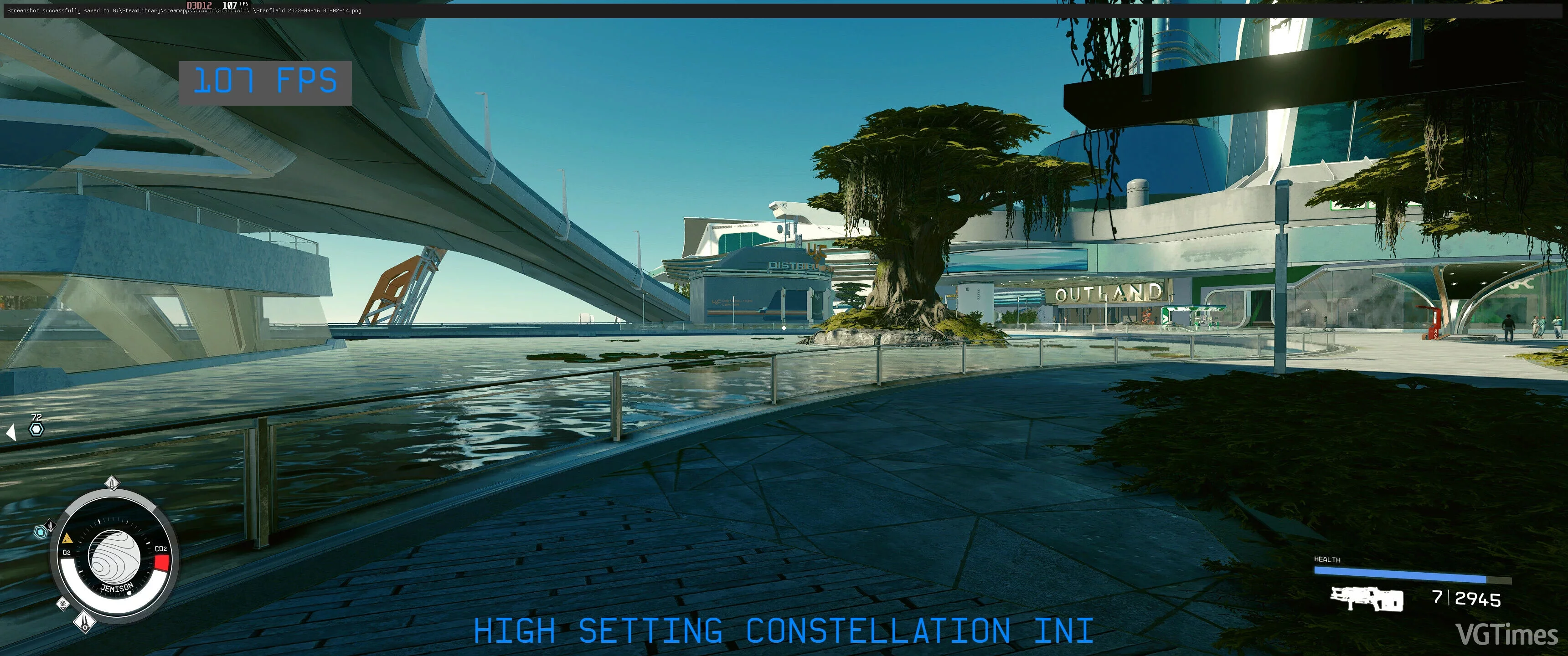
How to install: Extract to the main game folder (where Starfield.exe is located); Launch the game; In-game, go to the 'Settings' section and on the 'Display' tab change the 'Graphics Preset' setting to 'High'.
Unofficial Performance Patch
Download
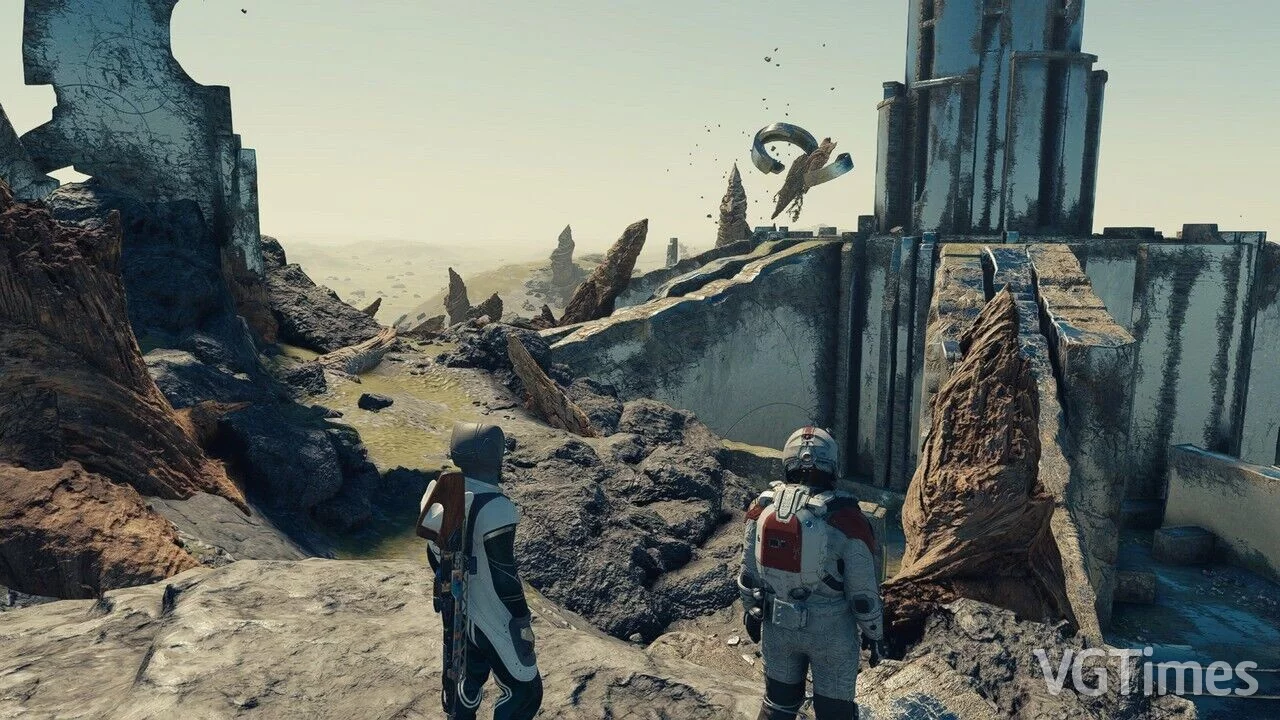
This is a small, powerful, and straightforward mod aimed at significantly enhancing performance while maintaining quality. The mod is 100% compatible with other mods and has been tested on a wide range of hardware. It is very easy to install, effect ...
Performance Boost
Download
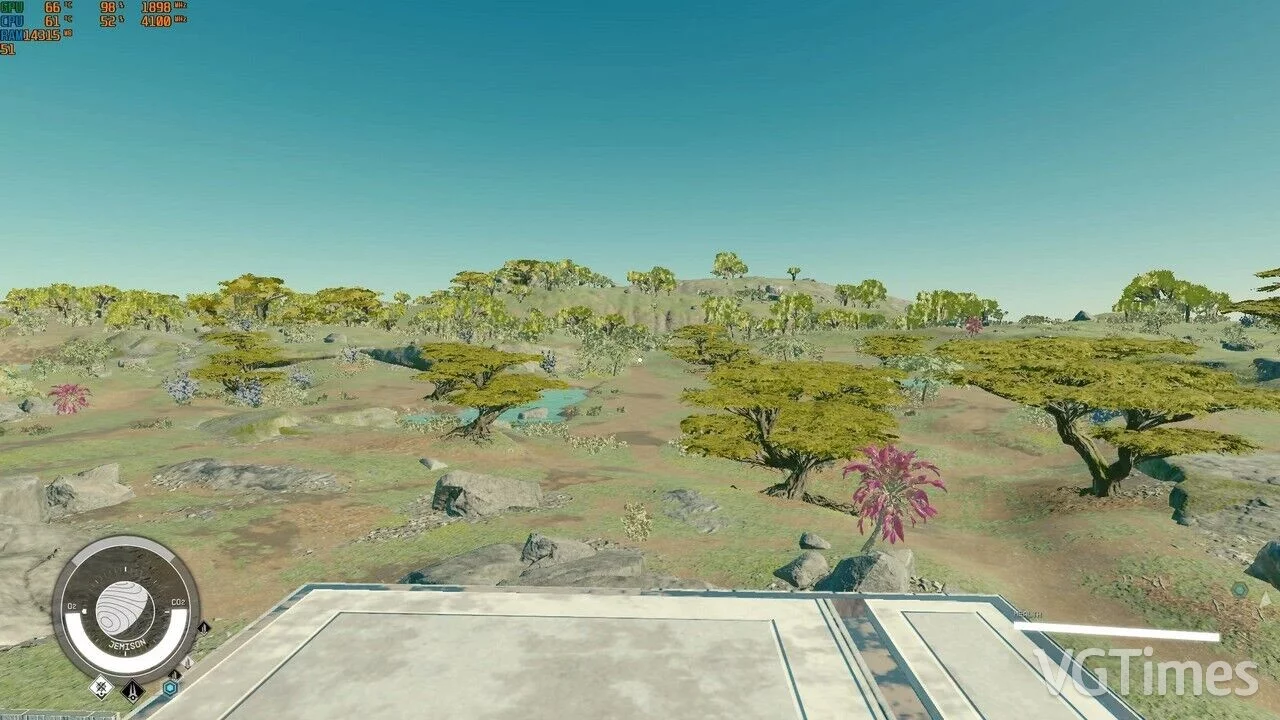
Disables and optimizes graphical effects such as shadows, grass, water, etc., to enhance performance. How to run: extract StarfieldCustom.ini to /Documents/My Games/Starfield; extract Low.ini in the game folder (where the game exe file is loc ...
Disabling Volumetric Lighting
Download
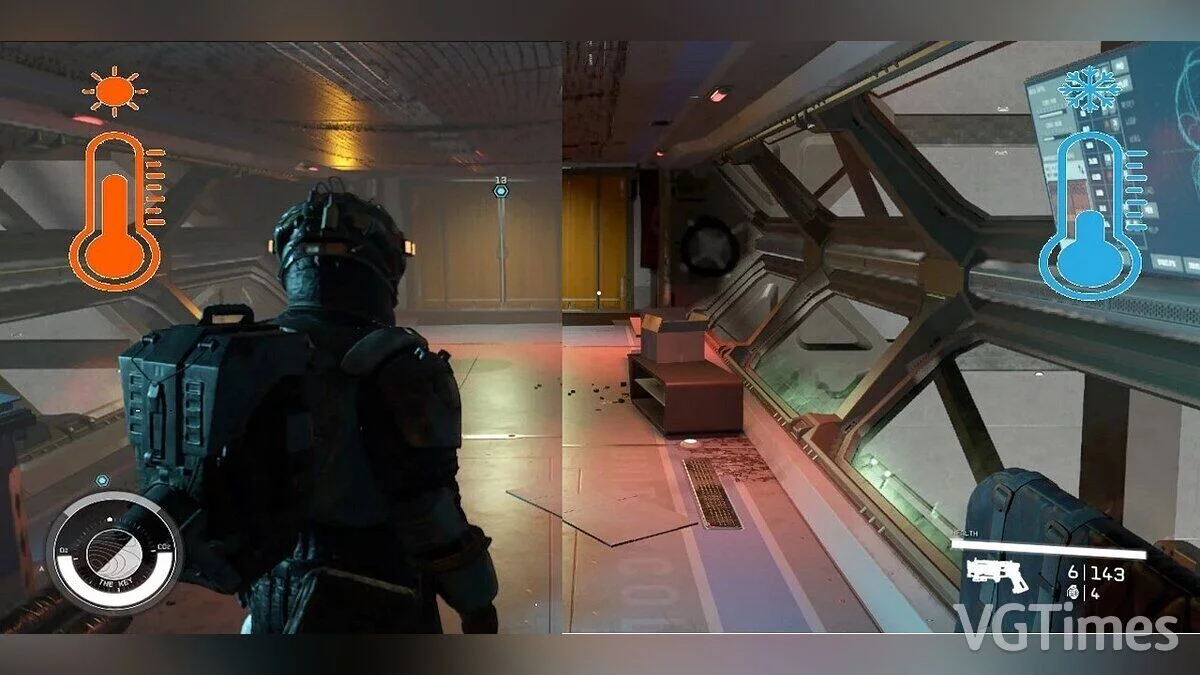
Just a minor adjustment to eliminate all volumetric light beams/fog. To boost FPS.
Performance Boost on Ultra Settings
Download
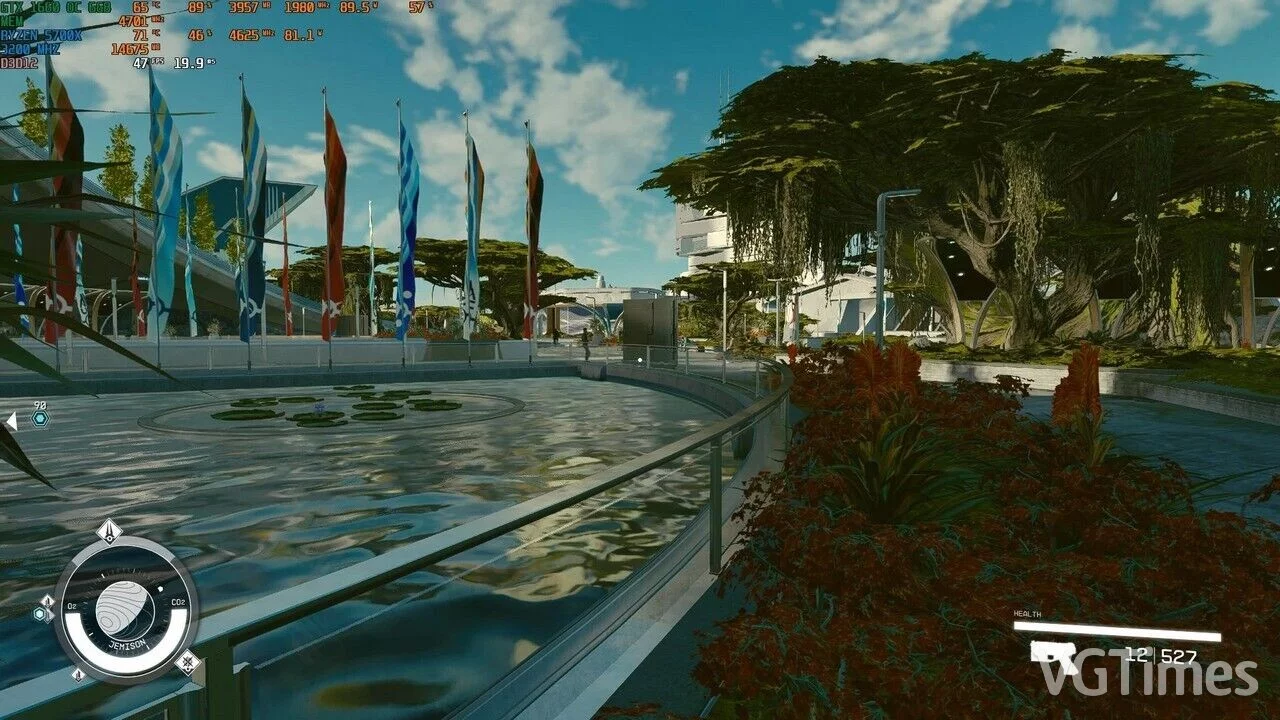
This is a basic ini file that completely removes AO and significantly reduces the number of shadows, textures, and distances. How to run: extract the file to the game folder where Starfield.exe is located, then launch the game and set the Ultra ...
Graphics Quality Enhancement
Download
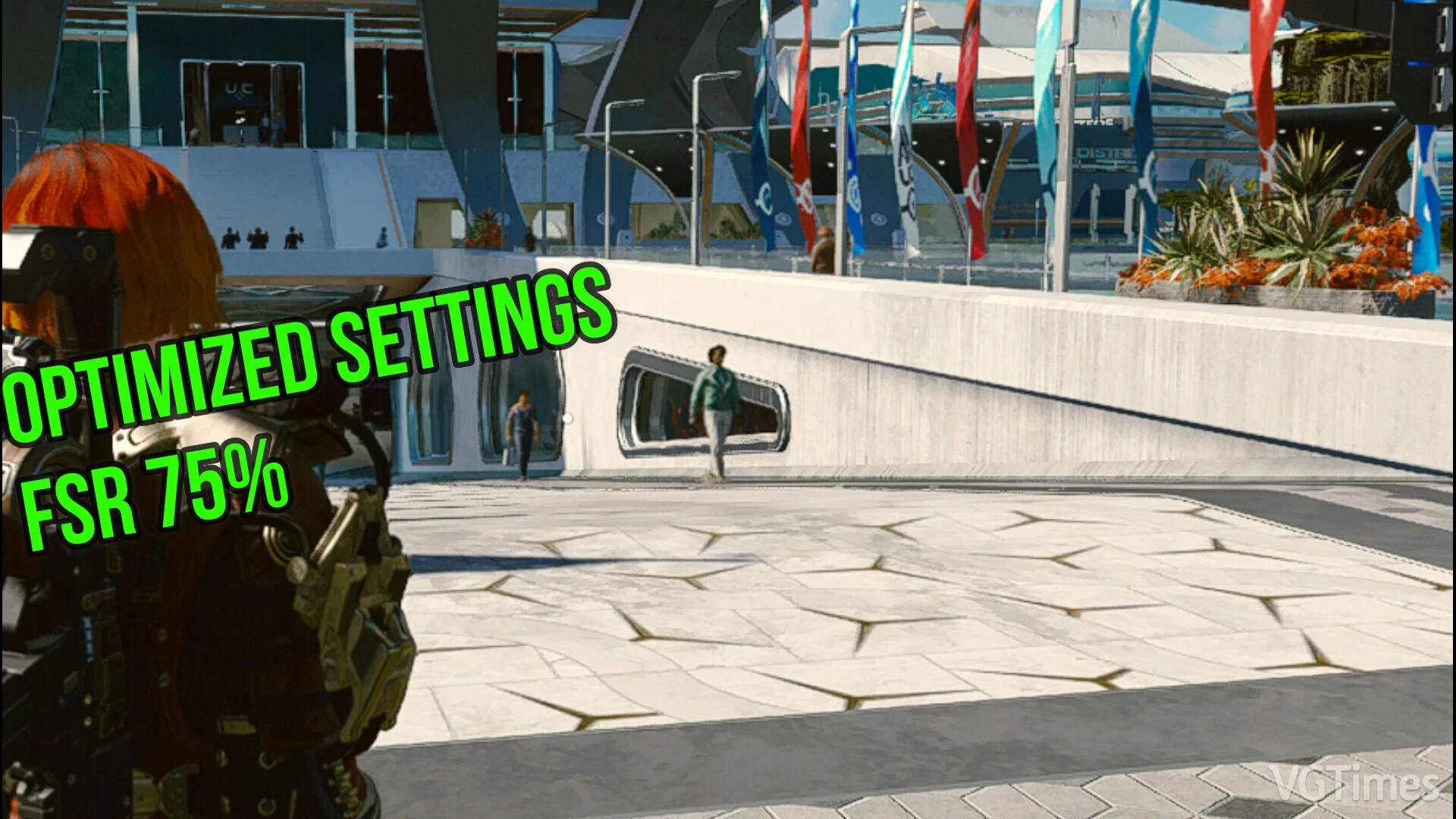
This mod is aimed at enhancing the graphics quality and visuals while maintaining a frame rate close to average quality. How to install: extract to this path Documents/My games/Starfield.
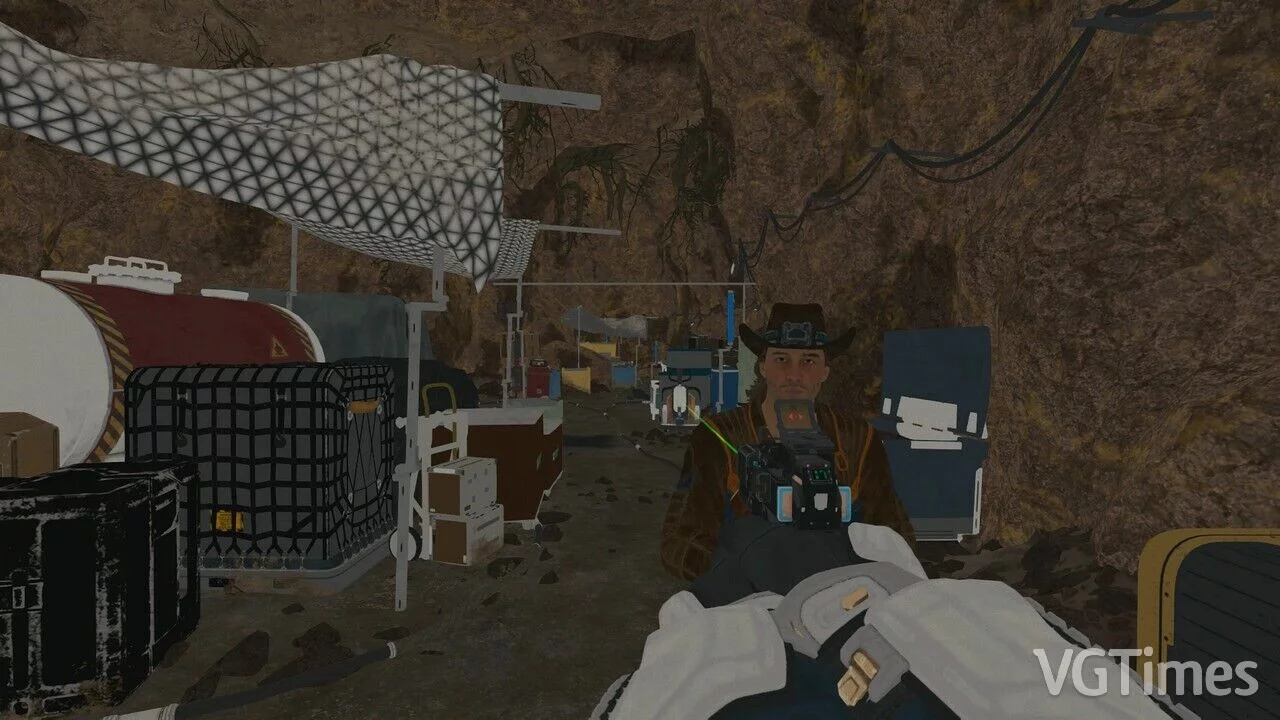
Instant Potato Mode (FPS Boost)
Download
Utilizes several console commands that can significantly enhance FPS at the cost of terrible graphics. How to launch: in the game, enable the console and type bat autoexec.
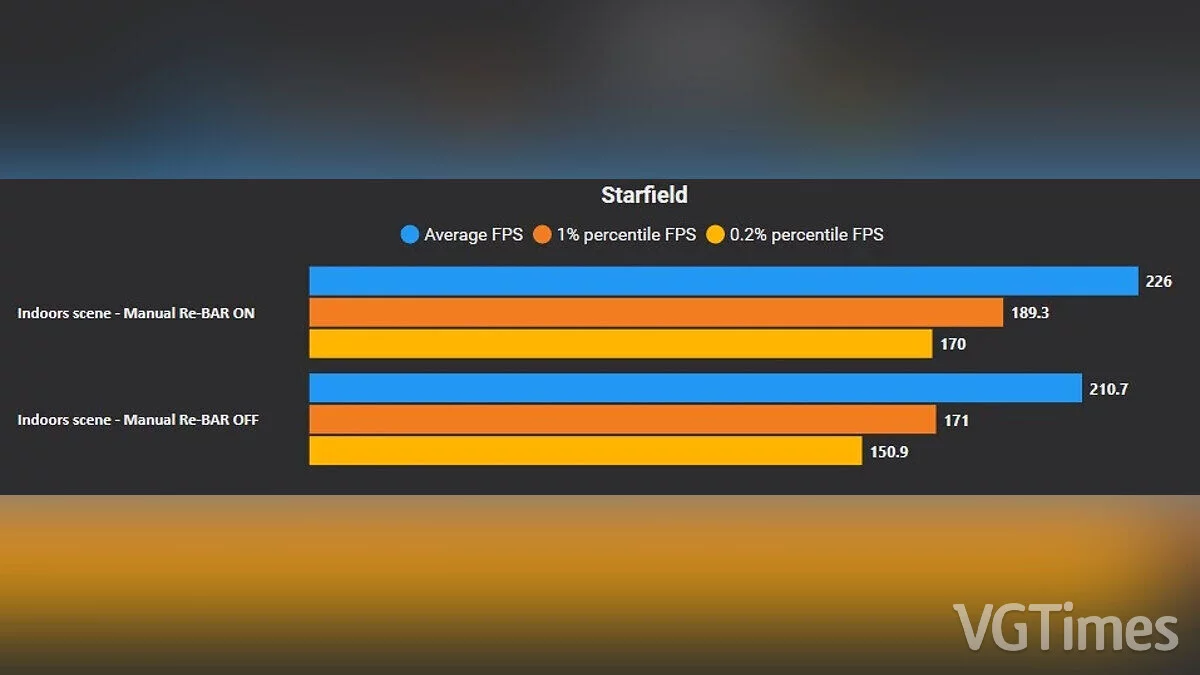
Increase FPS by 20 Percent
Download
2 tweaks to boost frame rates by up to 20% without losing quality. The first adjustment concerns the CPU priority in Windows. In most cases, this works quite well, but there is potential for improvement. The second adjustment only works on Nvidia RT ...
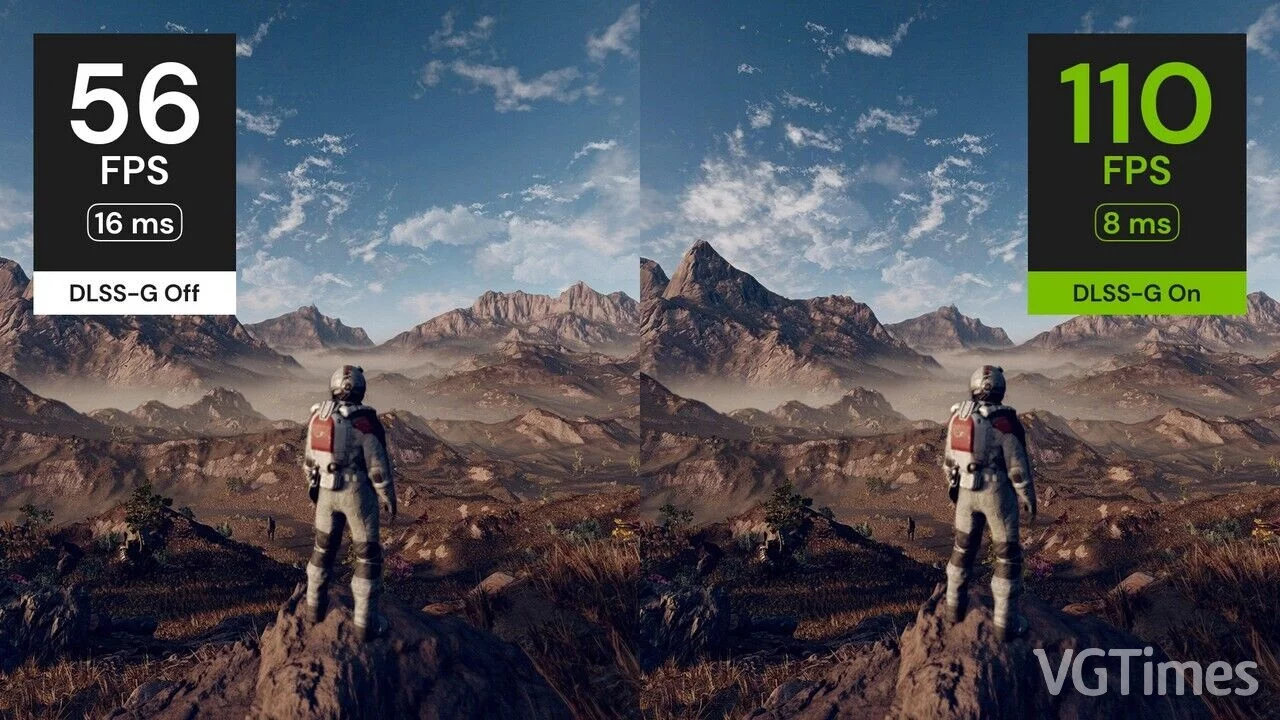
Replacing FSR2 with DLSS-G
Download
Replaces the built-in version of FSR2 with DLSS3 + DLSS-G to enable frame generation. Requires DLSS DLL and DLSS-G DLL . An additional sharpening pass is also provided through Nvidia Image Scaling (NIS). Although part of the mod "Frame Generatio ...
Shadow Optimization

Download
Optimized shadows for improved performance. Minor visual difference. Preset 'Medium + Low'.
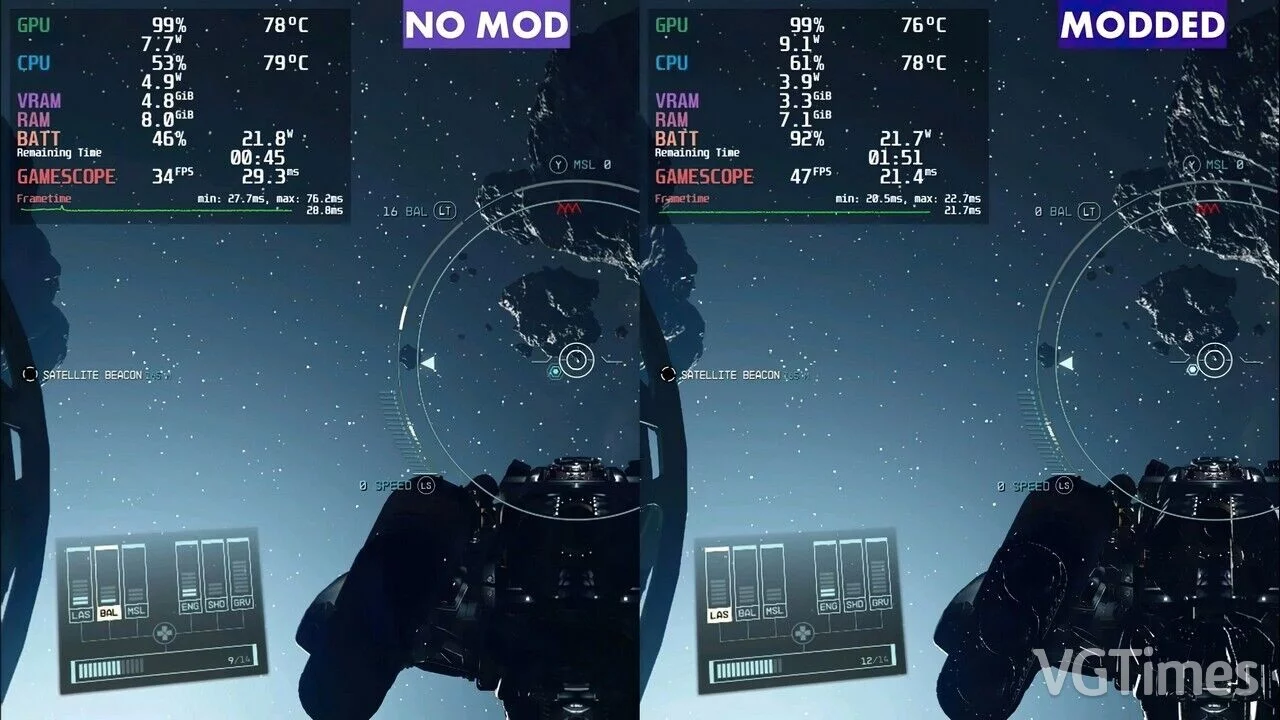
Optimization for Low-End PCs
Download
The goal of this mod is to enhance performance, stability, and consistency for Steam Deck and other low-powered portable computers. Performance is 38% higher compared to standard Low settings depending on the scene. How to launch: unpack to thi ...
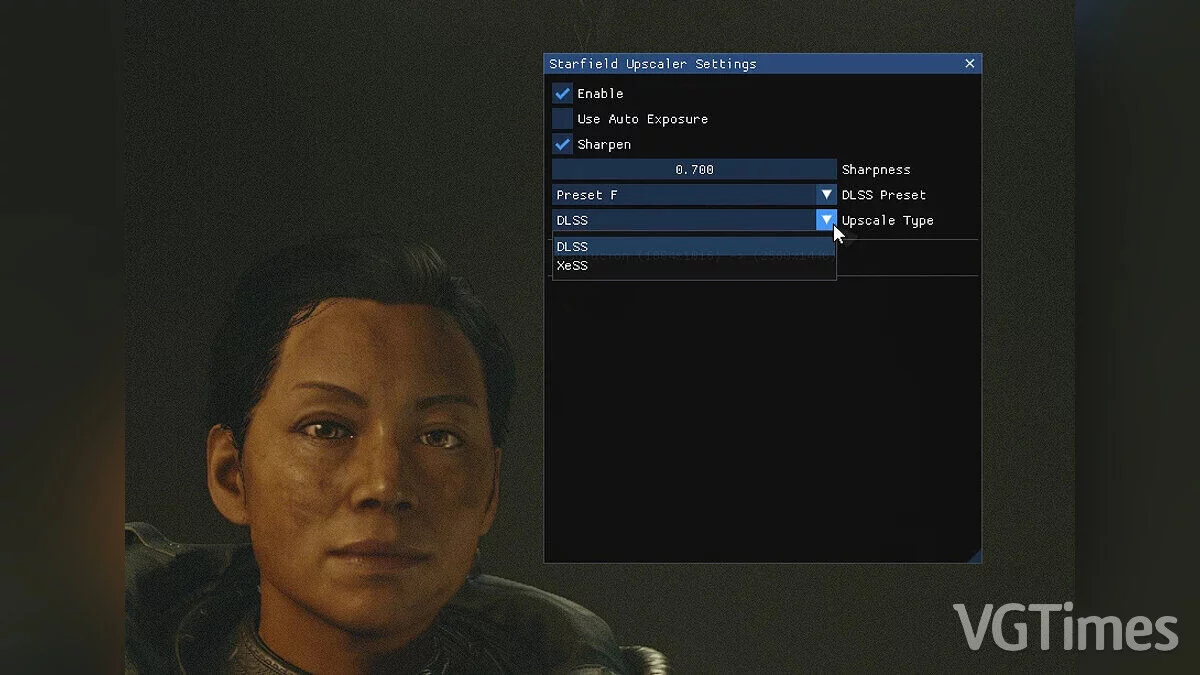
Replacing FSR2 with DLSS or XeSS
Download
Plugin for replacing FSR2 with DLSS/XeSS. This version only supports DLSS2, not DLSS3. How to launch: extract this mod to the root folder of the game; install Upscaler Base Plugin , place PDPerfPlugin.dll in the mods/UpscalerBasePlugin fold ...
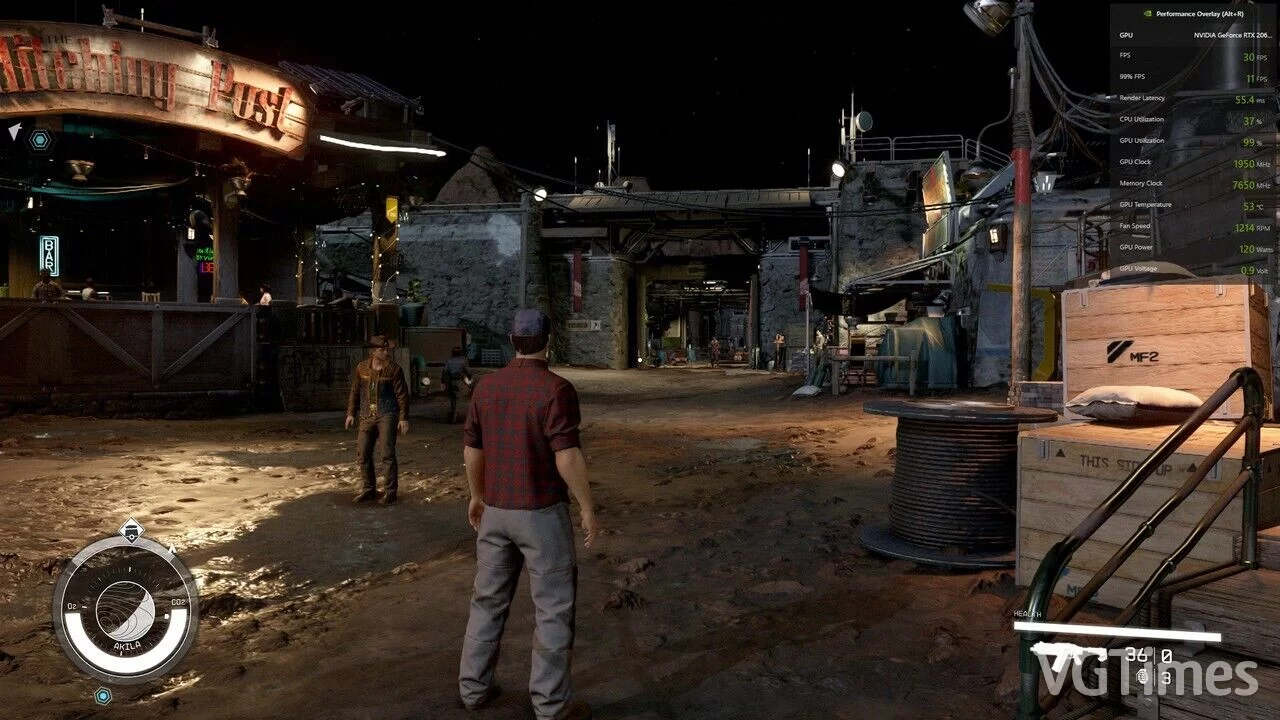
Optimization for Ultra Settings
Download
The author has modified the ultra preset, and the game now runs much better while maintaining excellent graphics. You can achieve 20-30 FPS from this, with the cities benefiting the most, and they no longer kill the FPS. How to run: you need to ...