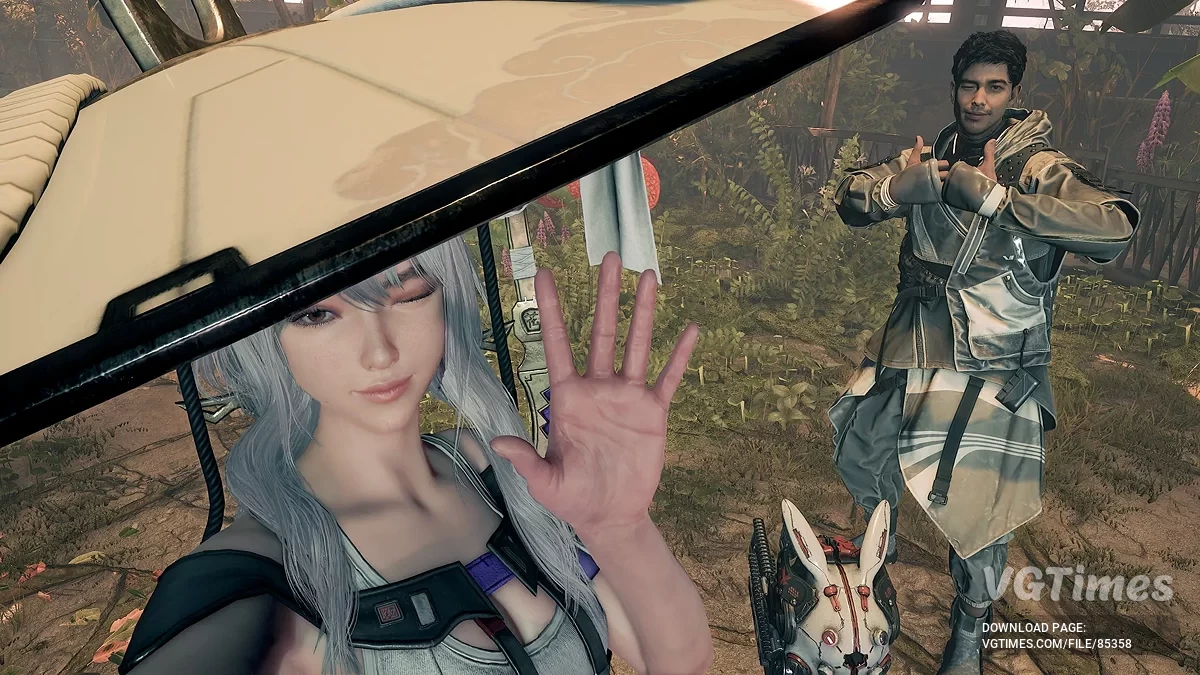
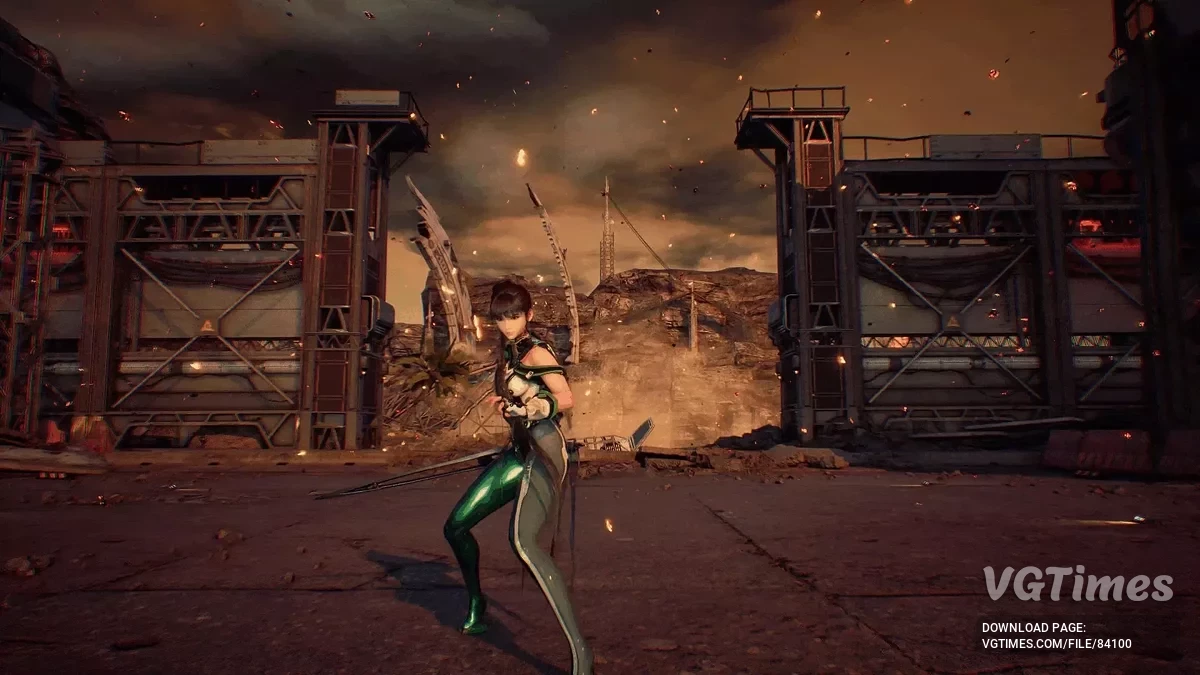
The game takes place in a world where almost all the inhabitants of the Earth were killed by mysterious creatures. The main character is a young girl, Eve, who will... Read more
Optimization for 8GB VRAM
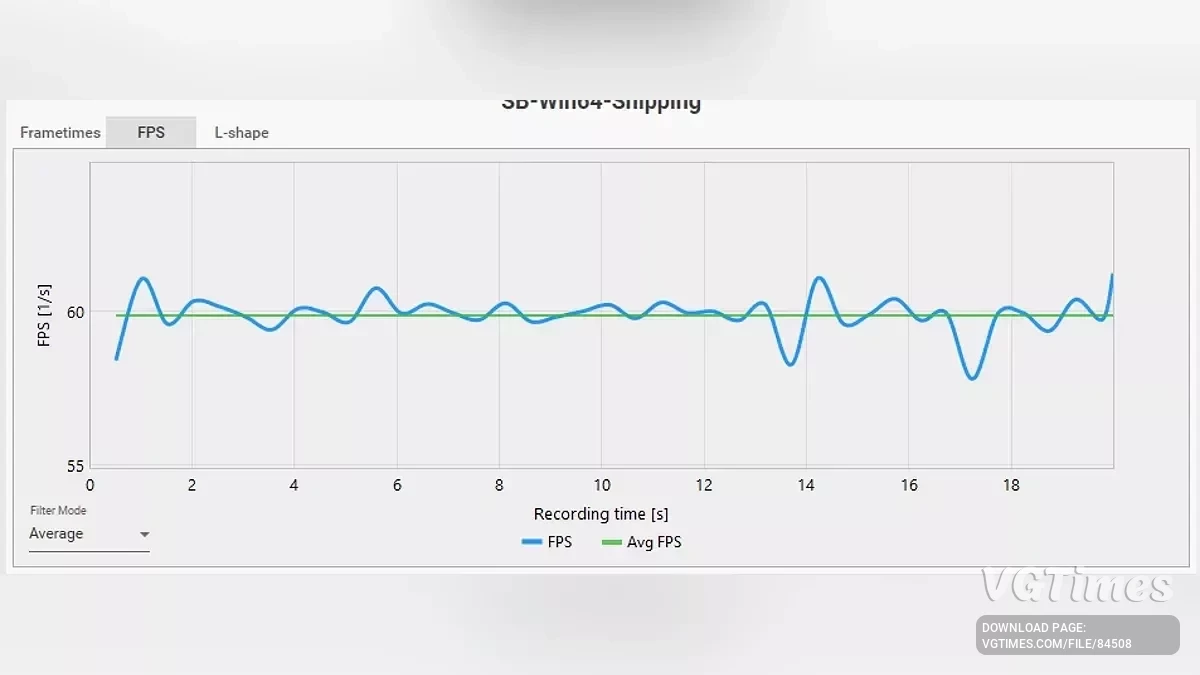
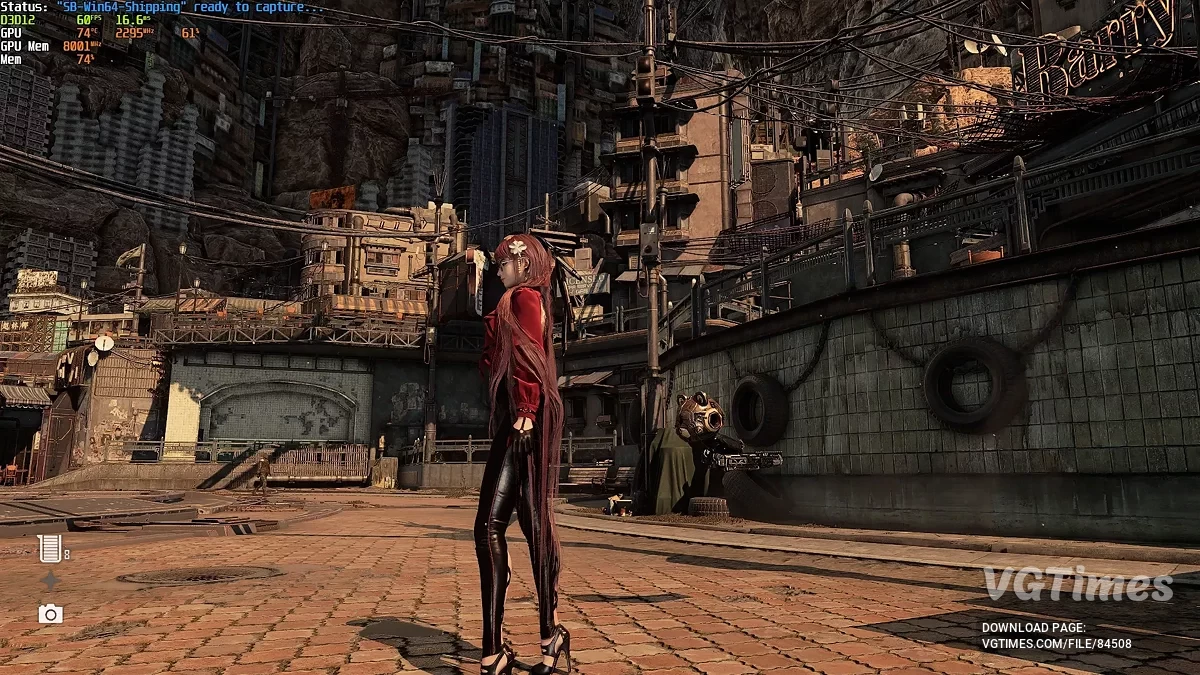

-
Download (1.17 kB)June 18, 2025, 12:58 PMoptimizacija-dlja-8-gb-videopamjati_1750240727_737722.zip
This is specifically designed for RTX 4060 users who want stable 60 FPS, clean visuals, and no stutter—without overheating the GPU.
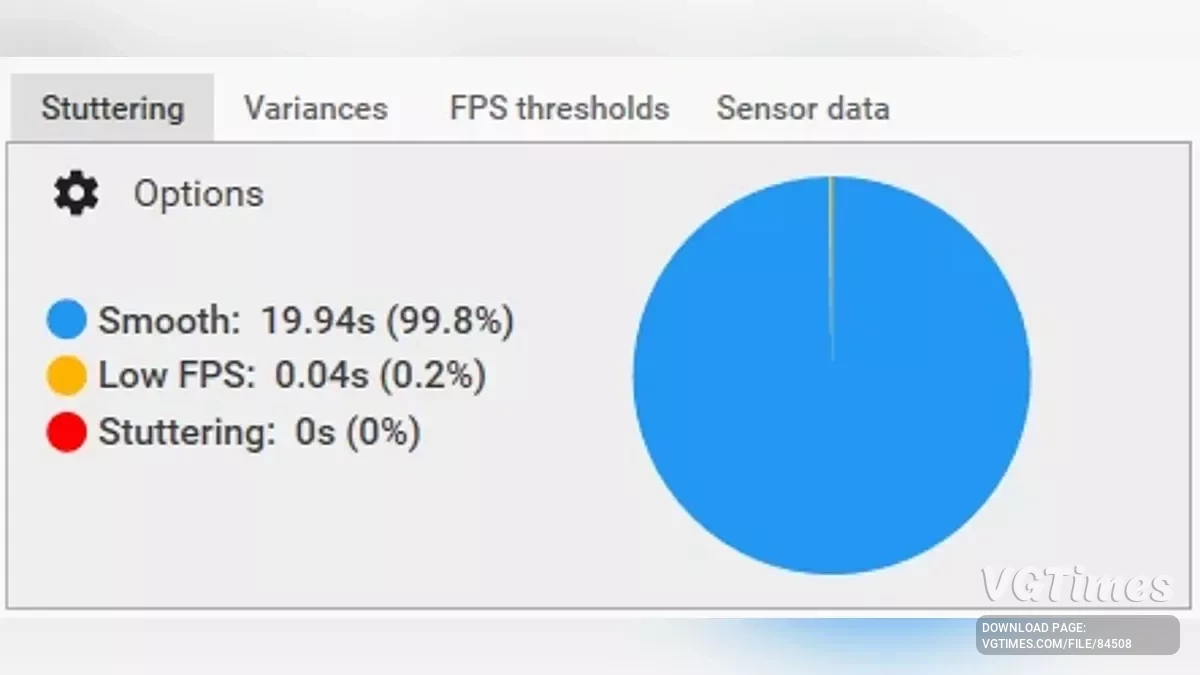
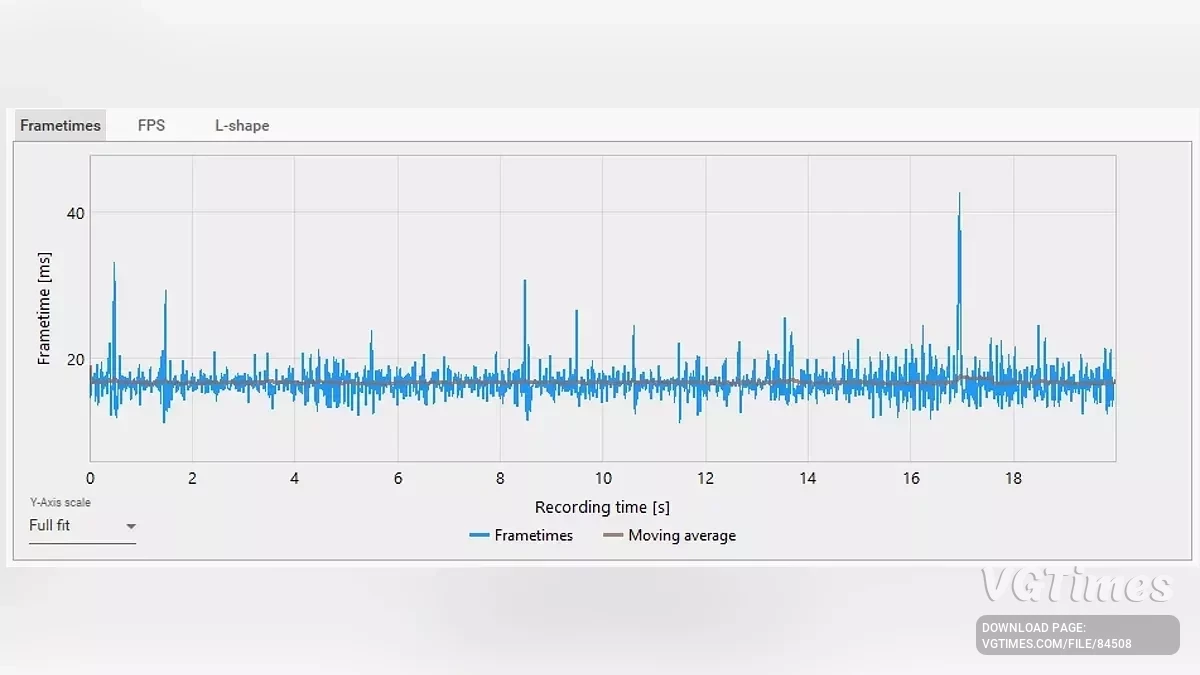
This tweak removes unnecessary post-processing effects such as fog, film grain, chromatic aberration, and motion blur. It also sharpens DLAA output and smooths out texture streaming to reduce pop-in and sudden VRAM spikes. All of this helps keep GPU temperatures below 80°C, with VRAM usage around 7–7.5 GB (on an 8 GB card).
Even if there are minor FPS drops (for example, from 59 to 57), DLAA’s temporal reconstruction smooths them out to the naked eye, so the game still feels smooth and stable.
Recommended for:
- GPU: RTX 4060 (8 GB VRAM);
- CPU: any modern i5/i7 will do;
- Resolution: 1080p;
- DLSS Mode: NVIDIA DLAA (not DLSS Quality or Performance);
- VSync: On;
- NVIDIA Reflex: Off;
- DLSS Frame Generation: Off;
- Target FPS: 60 (locked, smooth, and stutter-free);
- Expected VRAM Usage: ~7–7.5 GB (tight but stable);
- Expected Temperature: below 80°C with proper airflow.
How to install:
- Extract manually to: %LOCALAPPDATA%\SB\Saved\Config\WindowsNoEditor\.
Useful links:
![Stellar Blade — Table for Cheat Engine [UPD: 15.06.2025]](https://files.vgtimes.com/download/posts/2025-06/thumbs/tablica-dlja-cheat-engine-upd-15-06-2025_1750060116_23130.webp)
![Stellar Blade — Trainer (+40) [1.1.0]](https://files.vgtimes.com/download/posts/2025-06/thumbs/trejjner-40-1-1-0_1749712440_166915.webp)
![Stellar Blade — Table for Cheat Engine [1.4.1]](https://files.vgtimes.com/download/posts/2025-12/thumbs/tablica-dlja-cheat-engine-1-4-1_1767167369_78245.webp)



![Stellar Blade — Table for Cheat Engine [UPD: 31.05.2025]](https://files.vgtimes.com/download/posts/2025-06/thumbs/tablica-dlja-cheat-engine-upd-31-05-2025_1748855622_295403.webp)