
Continuation of the adventure action Subnautica in first-person view, combining elements of role-playing games, sandbox gameplay, and a bit of exploration and... Read more
Players:
Steam:
Metacritic:
Files for Subnautica: Below Zero / Interface
Download the top and best new interface mods and skins for Subnautica: Below Zero. Find the most popular options to enhance your gaming experience.
In this category, discover interface customization files that will transform your gaming journey. Users can leave comments and rate files to guide your choices.
Interface mods and skins allow you to adjust the look and functionality of Subnautica: Below Zero to suit your personal preferences.
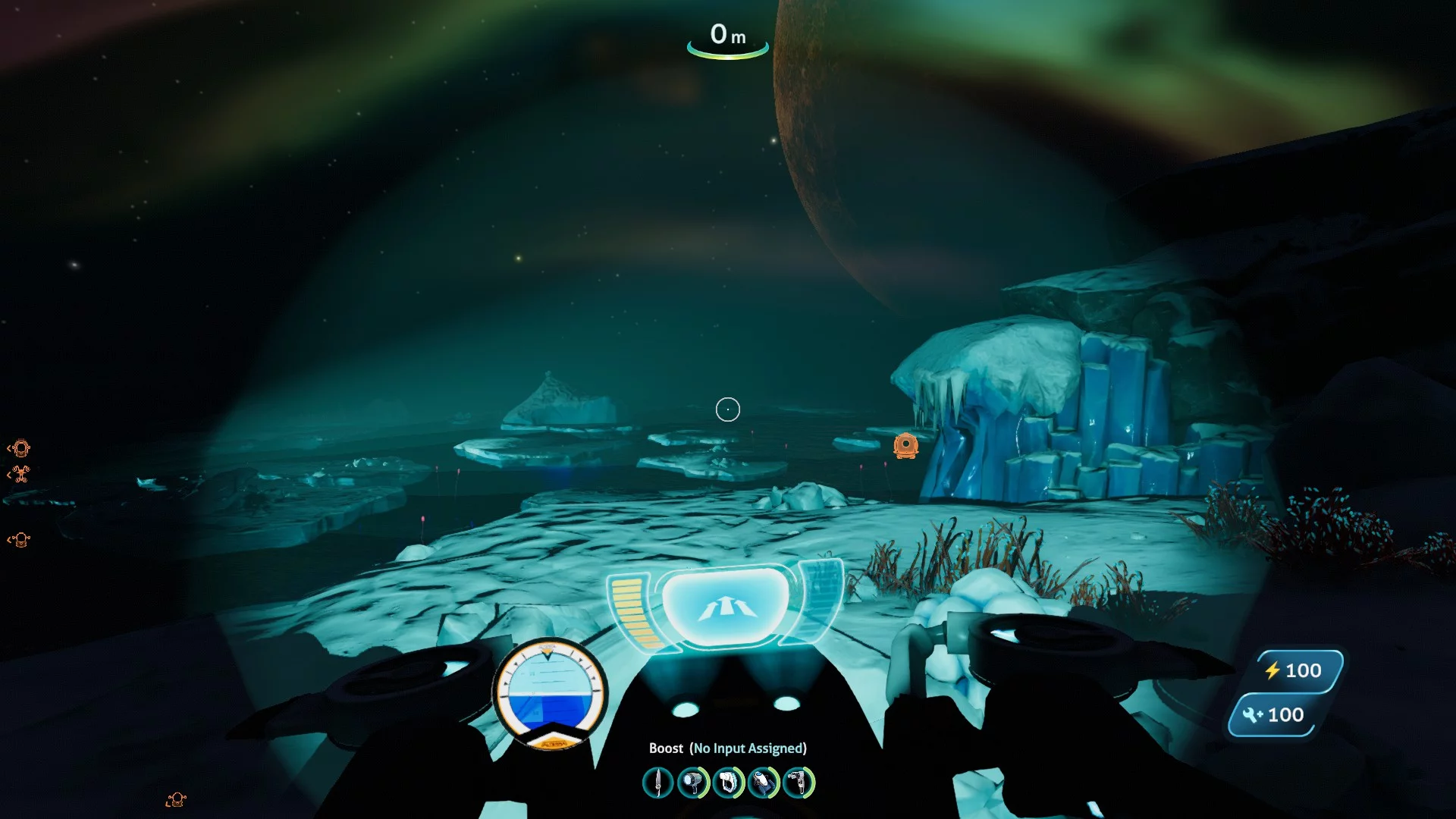
Attitude Indicator

Download
This adds an additional "attitude indicator" to the "Seafarer" and "Snow Fox". It measures your pitch and roll.
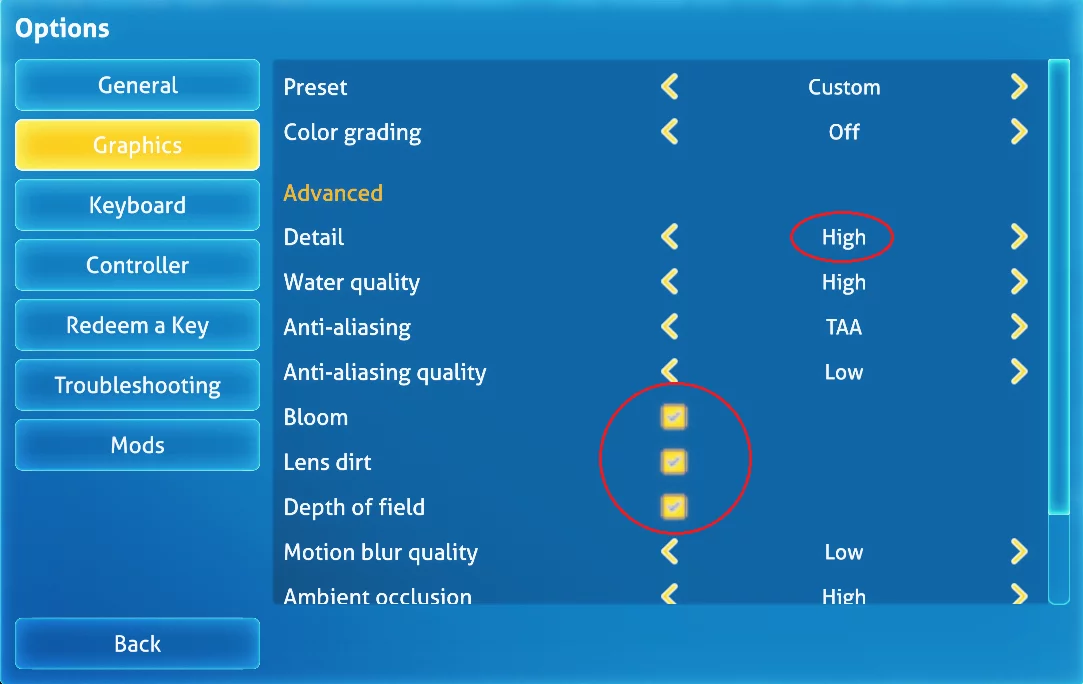
Maximum Detail
Download
Detail High — Blurry Textures Fix. This mod fixes texture quality when detail is set to high on cars with less than 6 GB of RAM.
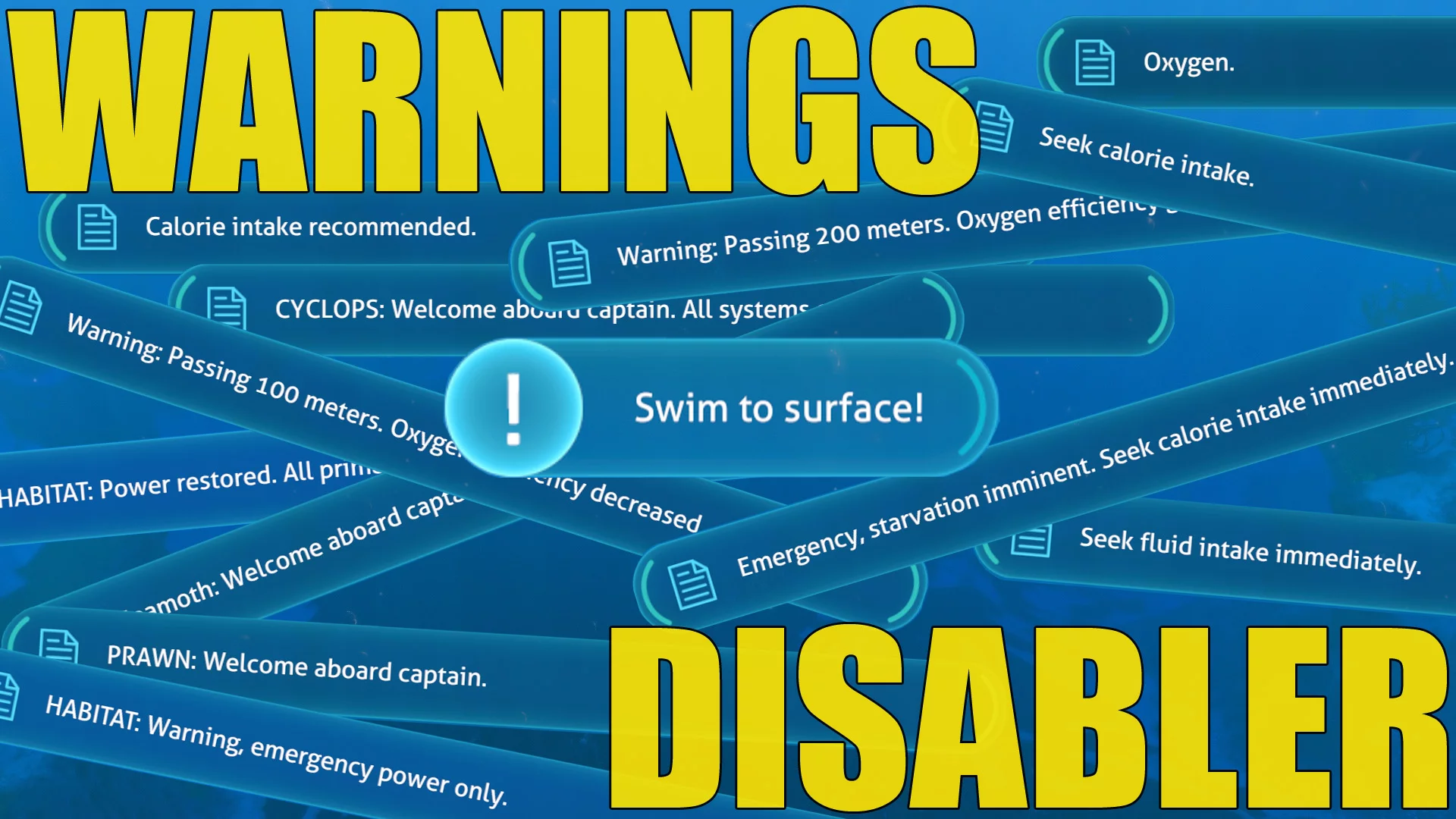
Message Disabler
Download
Warnings Disabler. A mod to disable various warnings and messages (including the disclaimer at startup). Now you can turn off different in-game warnings and messages. You can choose what to disable in the mod's options menu or in config.json in the m ...
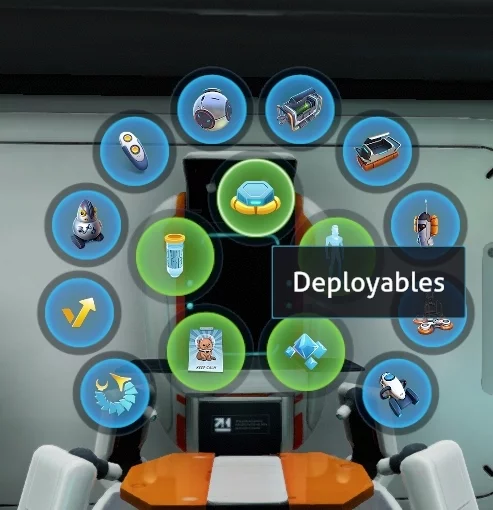
Radial Menus
Download
Radial Tabs BelowZero. This mod replaces all dropdown menus with circular options. To install, unpack the archive to this path /Subnautica/QMods/.
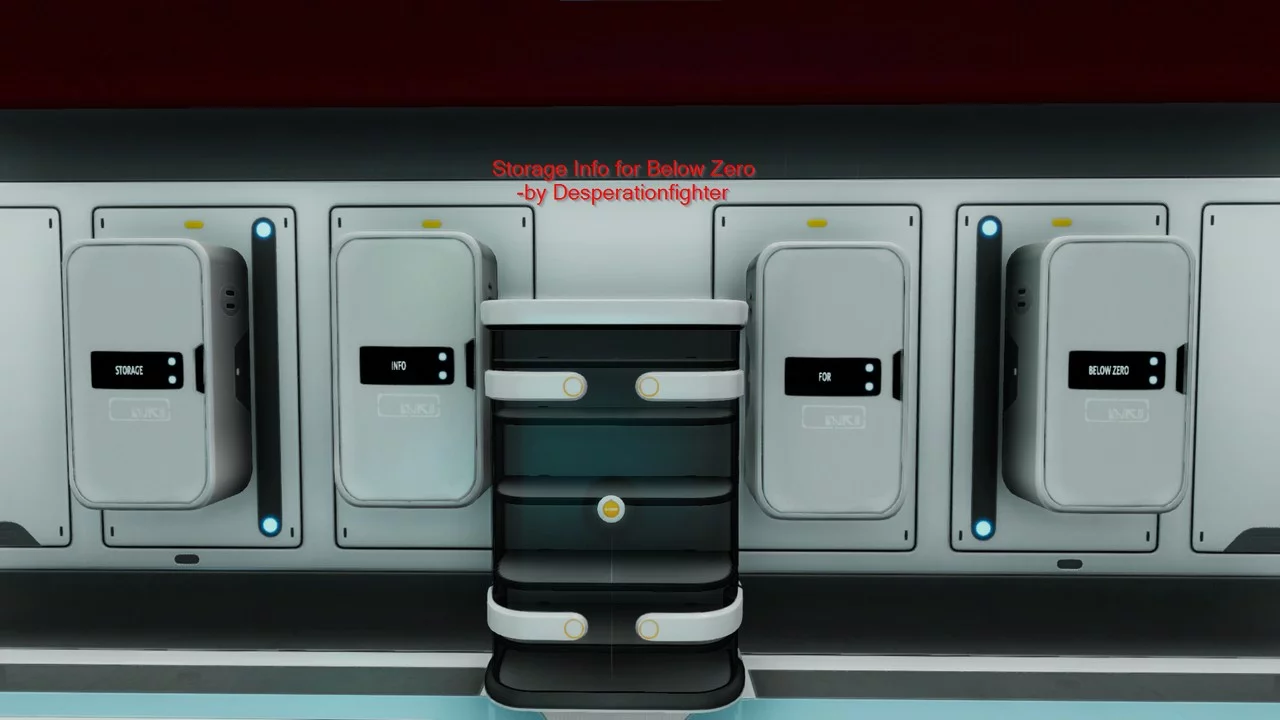
Storage Information
Download
Storage Info BZ. This mod displays additional details about the current state of the locker’s capacity.
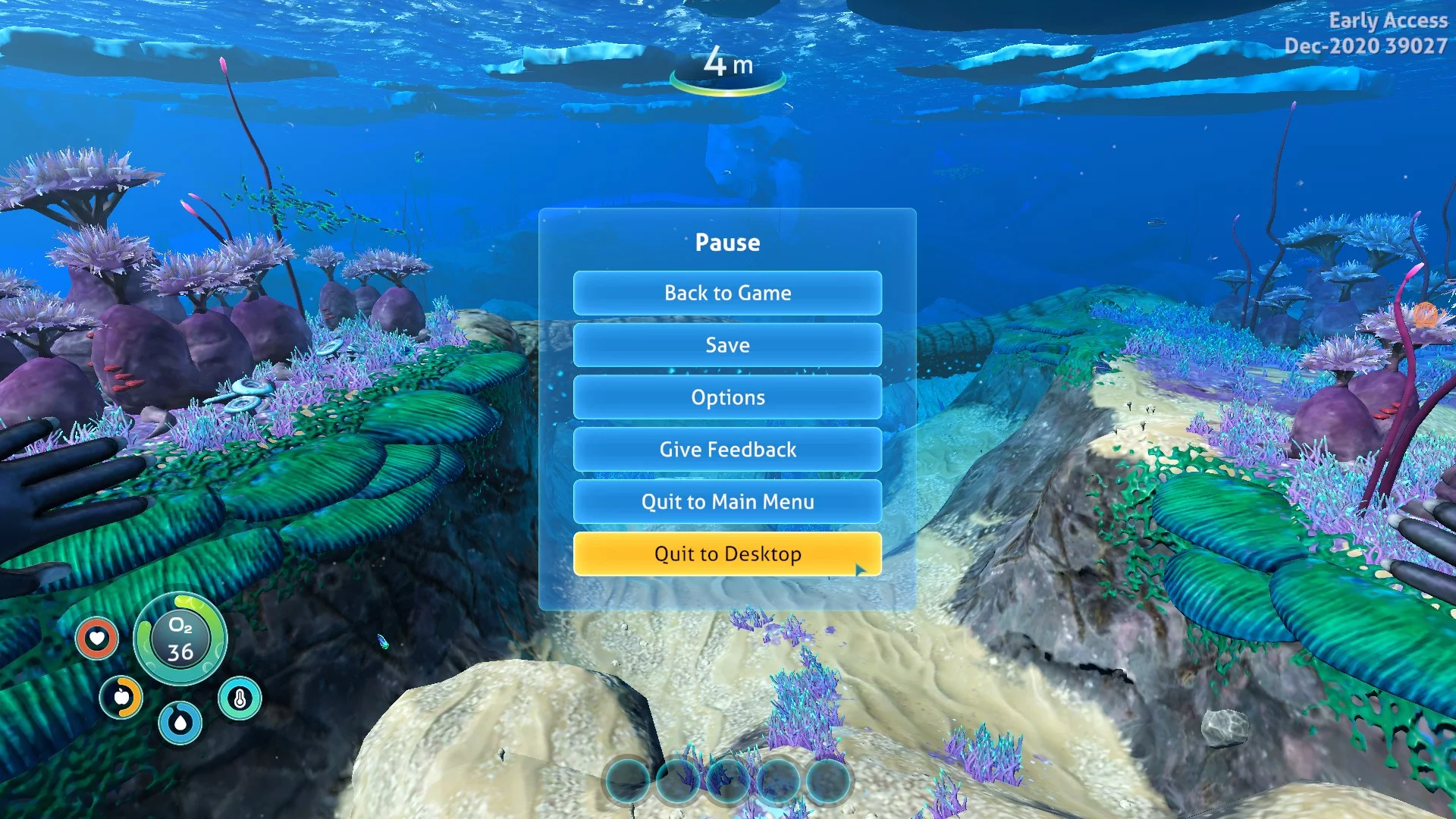
Button 'Quit to Desktop'
Download
Quit To Desktop BZ. A simple mod that adds a 'Quit to Desktop' button to the pause menu. To install, just copy and paste the QuitToDesktopBZ folder into SubnauticaZero / QMods.