![Teardown — [TABS] Vehicle Framework / Gameplay / Mods and Skins](https://files.vgtimes.com/si/gameprev_61626_768_1774801962.webp "Teardown — [TABS] Vehicle Framework / Gameplay / Mods and Skins")
A heist simulator in which you can completely destroy the world around you using tools and weapons. Missions begin with exploration: the player can... Read more
[TABS] Vehicle Framework
![Teardown — [TABS] Vehicle Framework](https://files.vgtimes.com/download/posts/2026-07/thumbs/tabs-oruzhejjnaja-i-ballisticheskaja_1783329111_85210.webp)
![Teardown — [TABS] Vehicle Framework](https://files.vgtimes.com/download/posts/2026-07/thumbs/tabs-oruzhejjnaja-i-ballisticheskaja_1783329111_171824.webp)
![Teardown — [TABS] Vehicle Framework](https://files.vgtimes.com/download/posts/2026-07/thumbs/tabs-oruzhejjnaja-i-ballisticheskaja_1783329111_547743.webp)
![Teardown — [TABS] Vehicle Framework](https://files.vgtimes.com/download/posts/2026-07/thumbs/tabs-oruzhejjnaja-i-ballisticheskaja_1783329111_341030.webp)
![Teardown — [TABS] Vehicle Framework](https://files.vgtimes.com/download/posts/2026-07/thumbs/tabs-oruzhejjnaja-i-ballisticheskaja_1783329111_693404.webp)
![Teardown — [TABS] Vehicle Framework](https://files.vgtimes.com/download/posts/2026-07/thumbs/tabs-oruzhejjnaja-i-ballisticheskaja_1783329111_182360.webp)
![Teardown — [TABS] Vehicle Framework](https://files.vgtimes.com/download/posts/2026-07/thumbs/tabs-oruzhejjnaja-i-ballisticheskaja_1783329111_188078.webp)

-
Download (372.08 MB)July 6, 2026, 12:11 PMtabs-oruzhejjnaja-i-ballisticheskaja_1783329111_379516.zip
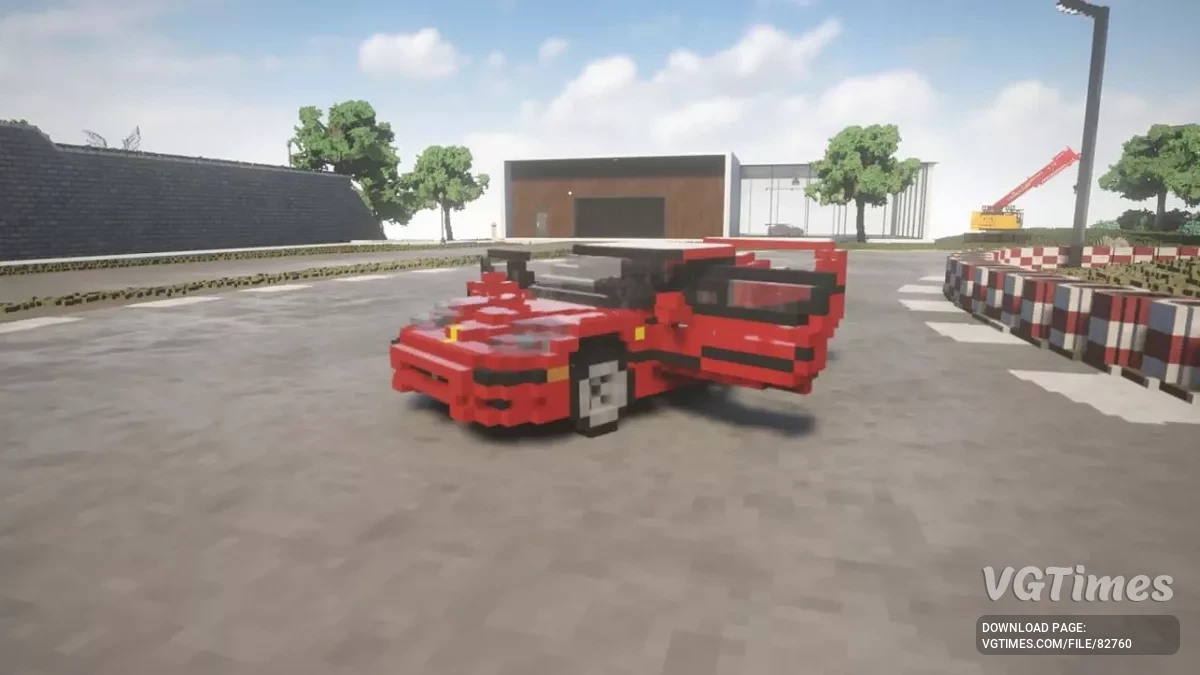
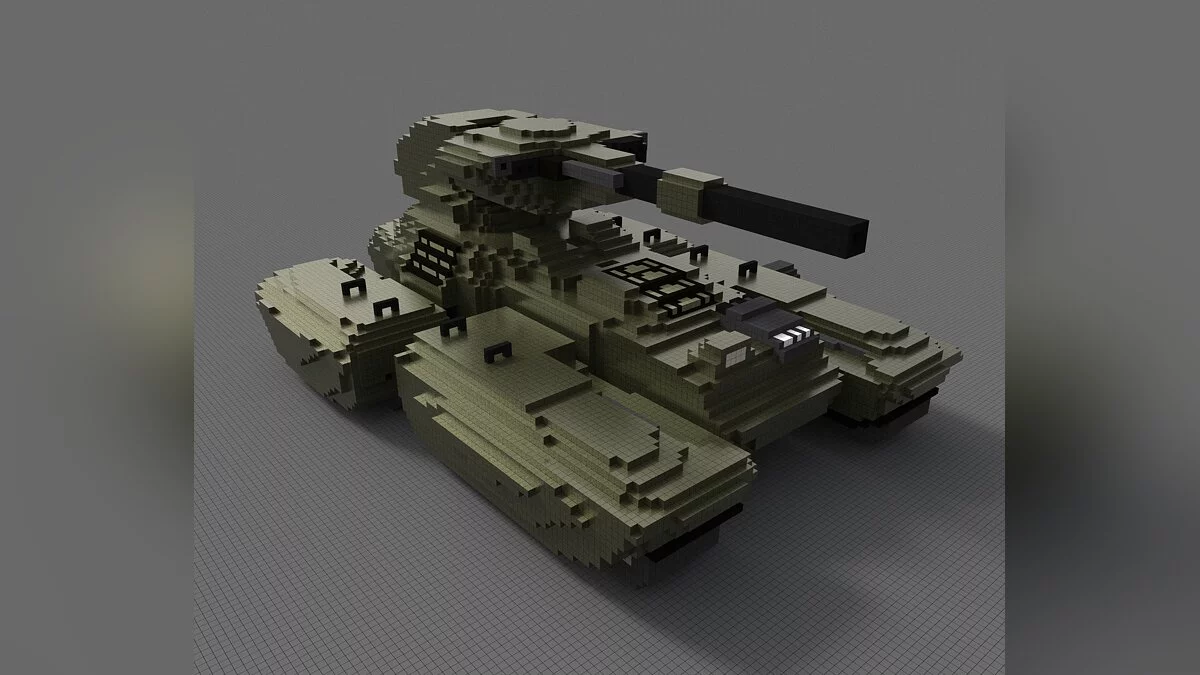
TABS (Teardown Armor and Ballistics Simulator) is an advanced vehicle framework focusing on realistic armor and ballistics simulation. It introduces complex physics models for various warheads, fuzes, projectiles, optics, armor layouts, and multi-turret handling. This framework serves as the core technical baseline for an official vehicle pack featuring over 300+ compatible units.
Troubleshooting: If DirectX 12 is causing stability or rendering issues in version 1.5, open the game's display configuration menu and revert back to OpenGL.
Current Features:
- Overhauled framework complete with precise armor ballistics and penetration models.
- Functional physics profiles for amphibious vehicles.
- Improved user interface overlays alongside responsive setup menus.
- Integrated TABS small arms weapon elements.
- Modular vehicle components tied to realistic mechanical damage and structural degradation effects.
- Night vision and thermal vision optics channels.
- Seamless management and independent tracking for multi-turret combat vehicles.
- Reworked smoke screen deployments and Engine Smoke Screen (ESS) features.
- Dynamic track simulations paired with realistic tank steering systems (experimental).
- Immersive combat crew voice notifications.
- Visual armor penetration debug mapping inspired by GHPC telemetry layouts.
- Upgraded heavy explosion and detonation visual effects.
- Selectable secondary and backup tactical sights.
Planned Features:
- Interactive vehicle crew models.
- Dedicated vehicle AI routing and combat behaviors.
- Camera positioning optimizations via AttachCameraTo() integrations to remove micro-stuttering.
- Armor damage retention mechanics between incoming impacts.
- Radar proximity fuzes for anti-air and explosive payloads.
- Custom parameters for alternative tracer loading profiles.
- Variable casing length specifications.
- Multiple crew perspectives to cycle between during operation.
- Laser warning receiver systems.
Keybinds & Controls (TABS Controls):
- B — Open the Vehicle Spawn Menu interface.
- SHIFT — Aim Down Sights (ADS) through vehicle optics.
- O — Toggle Damaged Parts structural status overview overlay.
- Q — Enable shell penetration debug paths tracking.
- Ctrl + Q — Clear active shell penetration debug paths.
- P — Enable rewind telemetry debug monitoring.
- R — Access active weapon system selection.
- MMB (Middle Mouse Click) — Cycle between primary and secondary sights.
- T — Range active target location (Laser Rangefinder).
- N — Switch optics mode between Night Vision and Thermal channels.
- K — Toggle active Infrared (IR) spotlights on or off.
- M — Toggle standard vehicle headlights on or off.
- G — Deploy defensive Smoke Grenade launchers.
- V — Trigger S-mine launcher defensive countermeasures.
- H — Activate Engine Smoke Screen (ESS) exhaust systems.
- C — Toggle Free Look mode (War Thunder style camera tracking).
- F1 — Summon the live in-game TABS global parameters menu.
- F2 — Display developer-tier Vehicle Debug telemetry statistics.
Installation instructions:
- Download the framework mod archive package.
- Extract the files into the designated mods directory inside your local Teardown installation path (e.g., ...\Teardown\mods\TABS_Framework\).
- Launch the game application, open the "Play" menu, navigate to "Mods," and select the active framework.
Related files:
Useful links:
![Teardown — Trainer (+5) from 12.15.2023 [WeMod]](https://files.vgtimes.com/download/posts/2023-12/thumbs/trejjner-5-ot-15-12-2023-wemod_1702724704_756770.webp)
![Teardown — Trainer (+5) from 12.24.2023 [WeMod]](https://files.vgtimes.com/download/posts/2023-12/thumbs/trejjner-5-ot-24-12-2023-wemod_1703490580_880473.webp)
![Teardown — Car pack from Lada to Lamborghini [1.6.3]](https://files.vgtimes.com/download/posts/2025-05/thumbs/car-pack-ot-zhigulejj-do-lamborgini-1-6_1746652636_344591.webp)