Skyrim Legendary Edition is an enhanced edition of the role-playing fantasy game with an open world The Elder Scrolls 5: Skyrim, including all released patches... Read more
Interface Configuration


-
www.nexusmods.comDownload
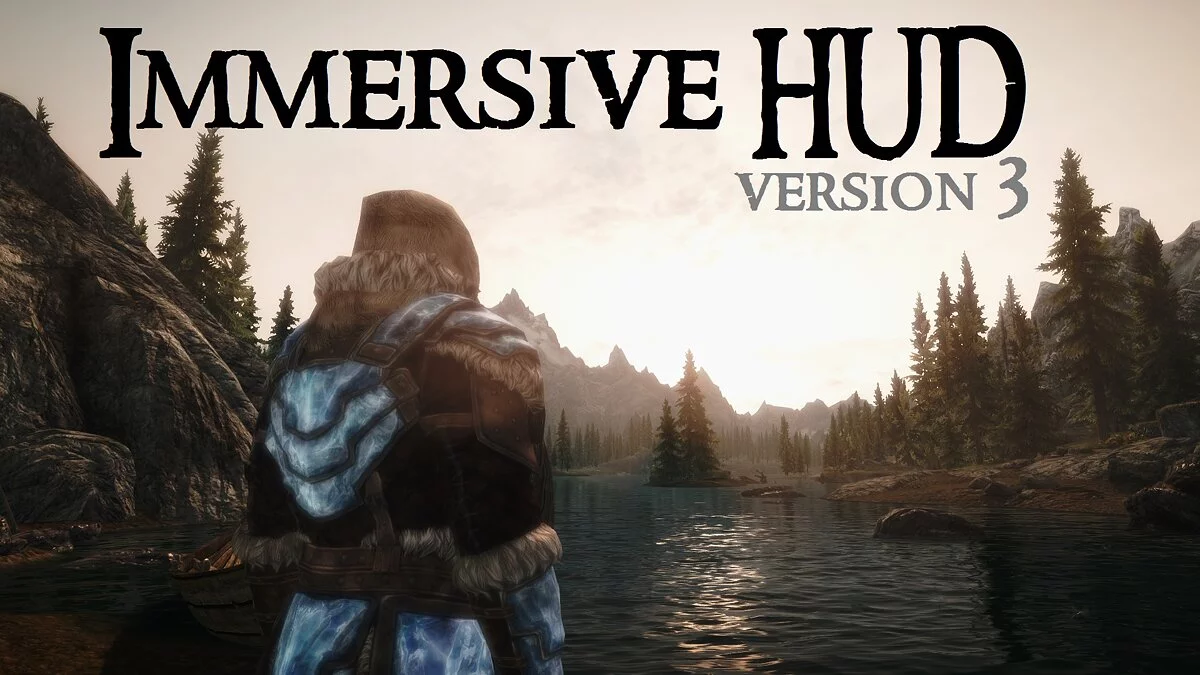
Immersive HUD — iHUD.
iHUD offers fine-tuning of the display. You can choose when specific interface elements, such as the crosshair or compass, will appear. It also allows you to adjust the transparency or fade speed for certain parts of the display. For a more comfortable gaming experience, use the complete translation into English.
This mod allows:
- To toggle the compass with the 'X' key. You can change the hotkey through MCM or the console by entering ‘set iHUDKey to X’, where 'X' is the key you want to replace;
- To make the crosshair visible only when using ranged weapons/staff or spells, or when interaction is possible;
- To modify the transparency of the compass and crosshair;
- To make quest markers visible only when the compass is enabled;
- To remove the stealth icon, but not the crosshair while using a bow, staff, or spell;
- To set quick fading for health, magic, and stamina indicators when they are filled;
Immersive HUD — iHUD.
iHUD предоставляет тонкую настройку дисплея. Вы можете выбрать, когда будет появляться тот или иной элемент интерфейса, например, прицел или компас. Также позволяет настроить прозрачность или скорость затухания для некоторых частей дисплея. Для более комфортной игры используйте полный перевод на русский язык.
Мод позволяет:
- Переключать компас на клавишу «X». Вы можете поменять горячую клавишу через MCM или консоль, введя ‘set iHUDKey to X’, где «X» — клавиша, на которую Вы хотите заменить;
- Сделать, чтобы прицел был виден только тогда, когда используется дальнобойное оружие/посох или заклинание, или при возможности взаимодействия;
- Изменять прозрачность компаса и прицела;
- Сделать всплывающие маркеры задания видными только при включённом компасе;
- Убрать значок скрытности, но не прицел во время использования лука, посоха или заклинания;
- Поставить быстрое затухание индикаторов здоровья, магии и запаса сил, когда они заполнились;
Related files:
Useful links: