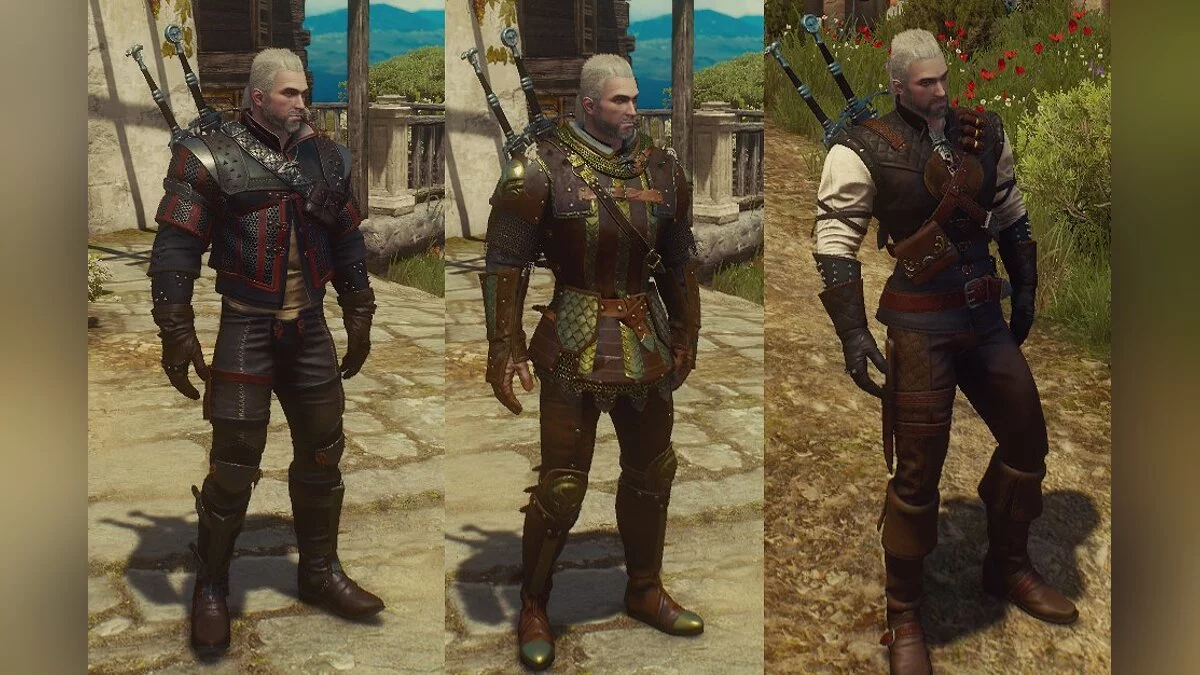
The most complete edition of The Witcher 3: Wild Hunt, including all expansions and add-ons, The Witcher 3: Blood and Wine and The Witcher 3... Read more
Script Merger - Resolving Conflicts Between Mods

-
www.nexusmods.comDownload
Script Merger.
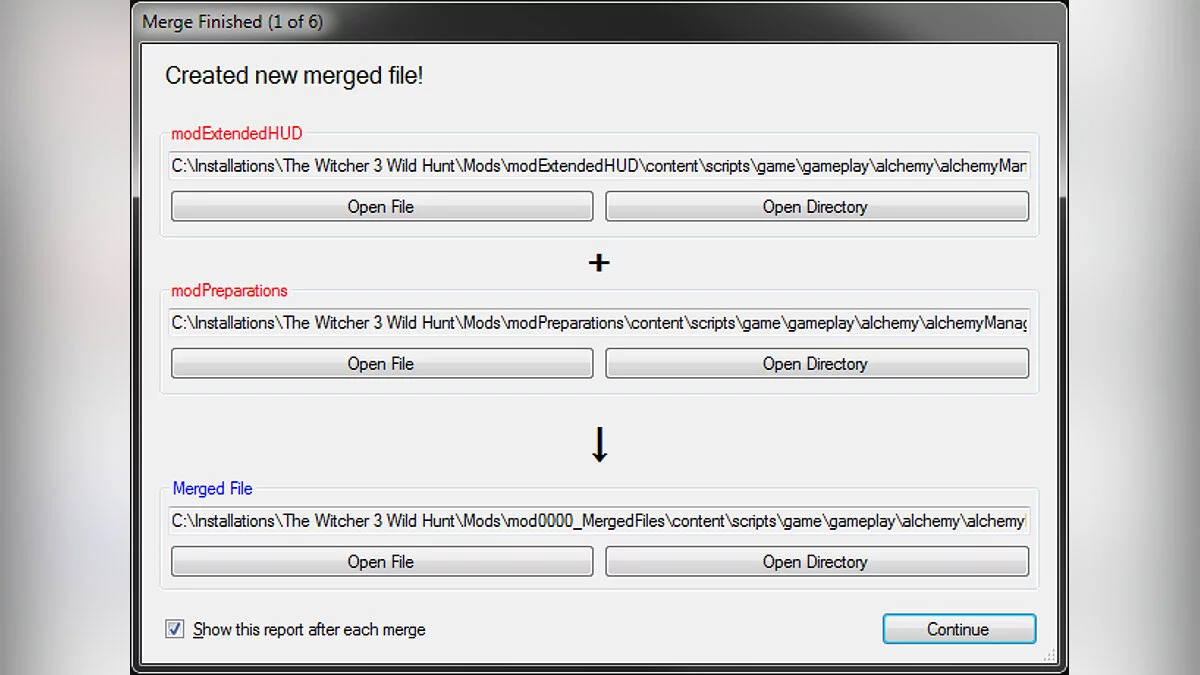
Detects conflicts between mods and helps resolve them, either by creating merged files that override conflicting ones or by adjusting the load order for your mods. Merges can be easily undone since they do not alter the original mod or game files. Depending on your mods, some merges may require a basic understanding of code.
Instructions:
1) Download, extract, and run Script Merger.
2) Enter your game installation path in the text field at the top.
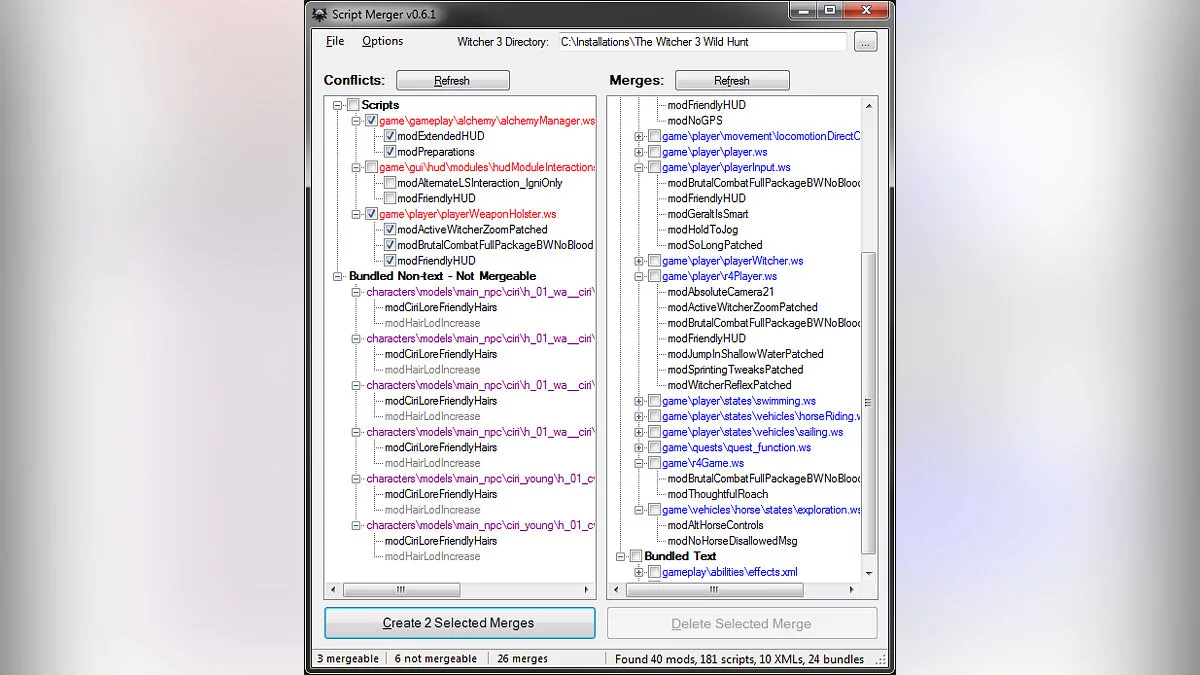
3) Click the 'Refresh' button above the 'Conflicts' list.
4) If mergeable conflicts are found, repeat these steps until conflicts are resolved:
> Select 2 or more versions of any file(s) to merge.
> Click the 'Create Selected Merge' button.
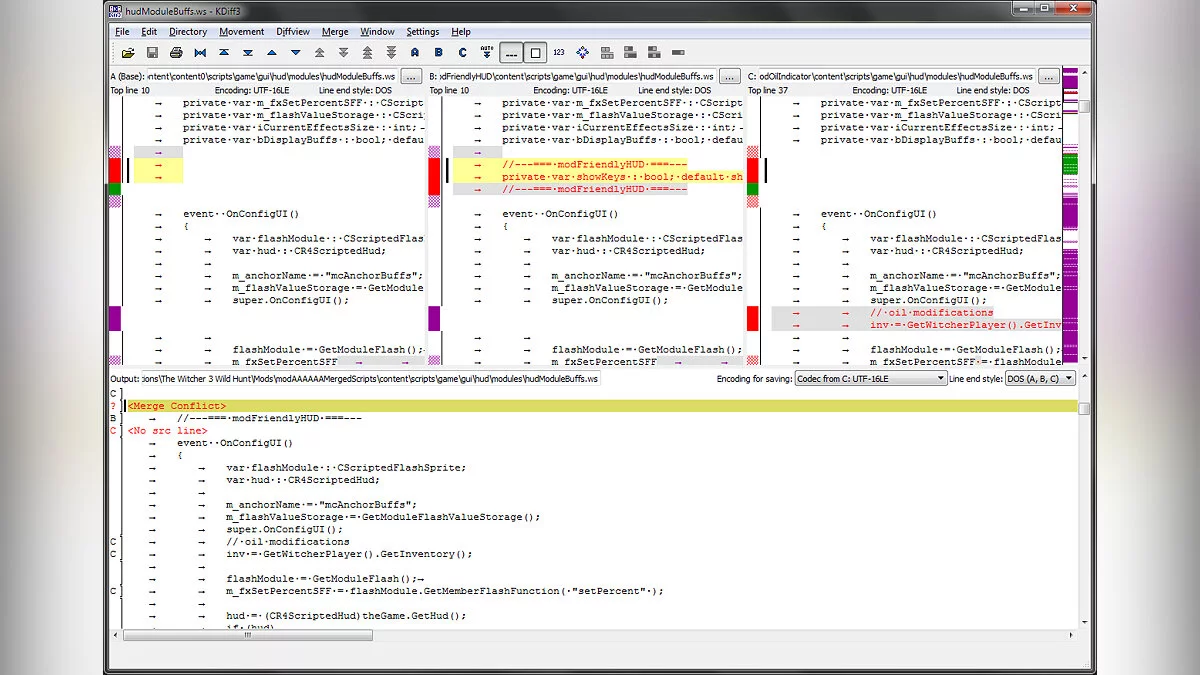
> If there are non-overlapping differences in the mods, KDiff3 can merge them automatically.
> If there are overlapping differences in the mods, KDiff3 will appear, allowing you to merge them manually. See the tutorial videos below.
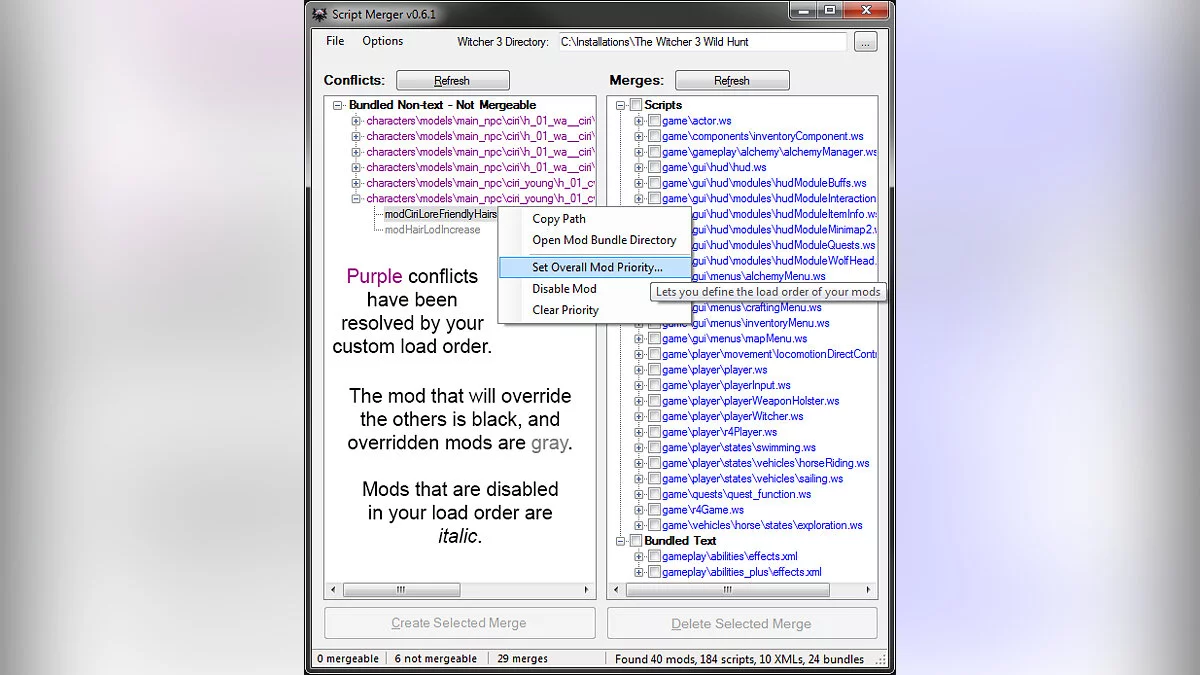
5) If non-text conflicts are detected, Script Merger will display them but cannot merge them. Thus, one of the mods in each conflict 'wins' and overrides the others. Here's how the winner is determined:
> By default, the game loads mods in alphabetical order of folder names — numbers first, then underscores, then letters (case insensitive).
> Alternatively, you can right-click on one of the mods to set its priority (from 1 to 9999, lower numbers load first).
6) Play!
7) When you remove or update one of the mods included in the merge, Script Merger will detect the change and prompt you to remove the affected merges. If you update a mod and Script Merger does not suggest removing any merges for that mod, then the update did not affect them.
Script Merger.
Обнаруживает конфликты между модами и помогает их разрешить, либо путем создания объединенных файлов, которые переопределяют конфликтующие, либо путем настройки пользовательского порядка загрузки для ваших модов. Слияния легко отменить, потому что они не изменяют исходные файлы мода или игры. В зависимости от ваших модов для некоторых слияний может потребоваться базовое понимание кода.
Инструкция:
1) Загрузите, извлеките и запустите Script Merger.
2) Введите путь установки вашей игры в текстовое поле вверху.
3) Нажмите кнопку «Обновить» над списком «Конфликты».
4) Если обнаружены объединяемые конфликты, повторяйте эти шаги, пока конфликты не будут разрешены:
> Выберите 2 или более версий любого файла (ов) для объединения.
> Нажмите кнопку «Создать выбранное слияние».
> Если в модах есть различия, которые не пересекаются, KDiff3 может объединить их автоматически.
> Если в модах есть перекрывающиеся различия, появится KDiff3, и вы сможете объединить их вручную. См. Ниже обучающие видеоролики.
5) Если обнаружены нетекстовые конфликты, Script Merger отображает их, но не может их объединить. Таким образом, один из модов в каждом конфликте «побеждает» и перекрывает другие. Вот как определяется победитель:
> По умолчанию игра загружает моды в порядке названий папок — сначала числа, затем подчеркивания, затем буквы (без учета регистра).
> Или вы можете щелкнуть правой кнопкой мыши по одному из модов, чтобы установить его приоритет (от 1 до 9999, сначала загружается меньшее число).
6) Играйте!
7) Когда вы удаляете или обновляете один из модов, включенных в слияние, Script Merger обнаружит изменение и предложит вам удалить затронутые слияния. Если вы обновляете мод, и Script Merger не предлагает вам удалить какие-либо слияния этого мода, значит, обновление не повлияло на них.
Useful links: