A fantasy sandbox with survival elements. You can play alone or with others, exploring the world and gathering resources, finding and raiding tombs, building bases... Read more

Generic Object Remover

-
www.nexusmods.comDownload
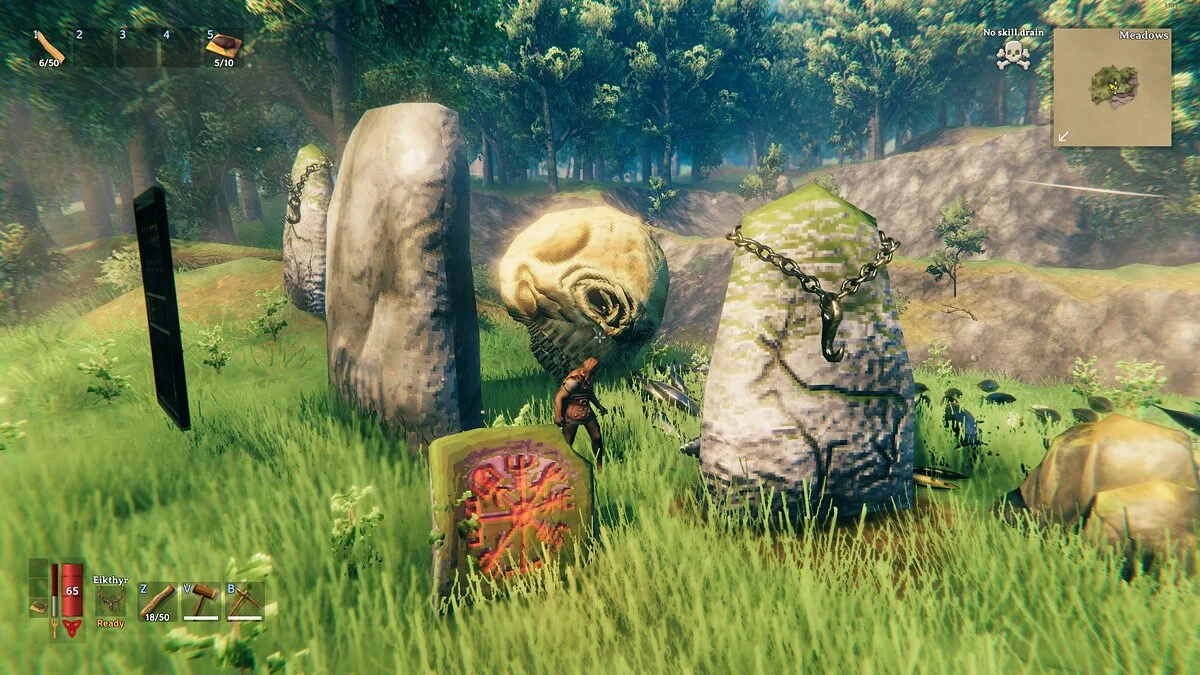
Have you ever accidentally created something (through the console or another mod) that is now stuck in a place you don't want?
This mod allows you to permanently remove those objects.
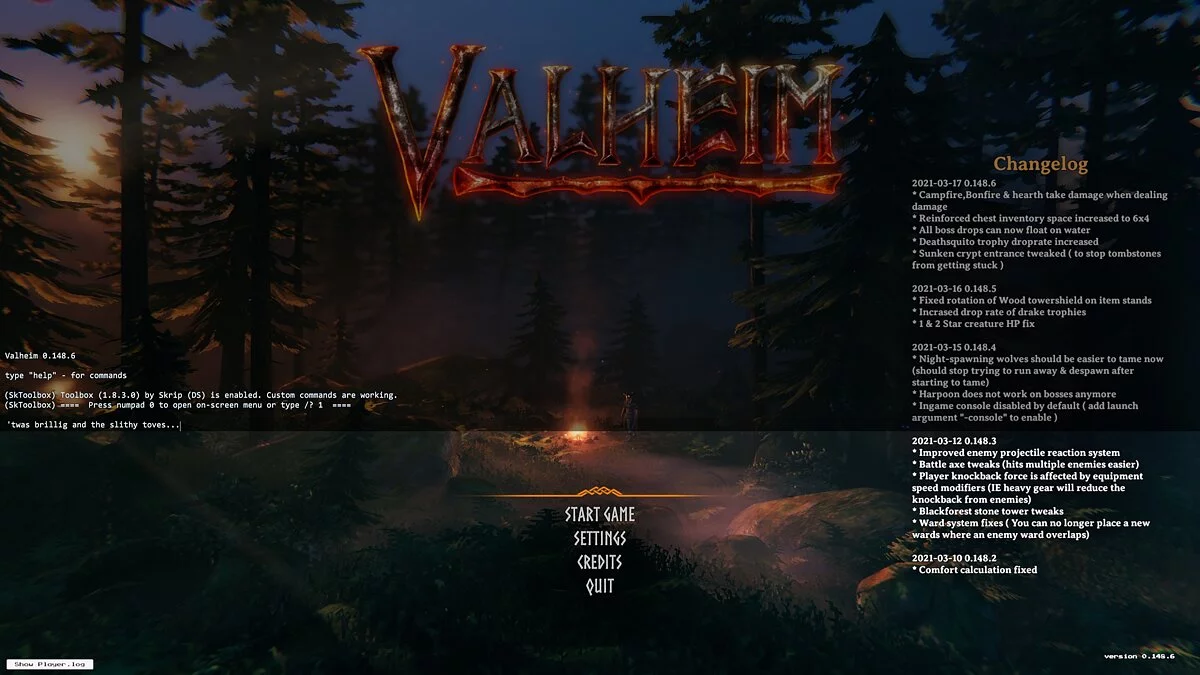
This mod works through the in-game console. Most likely, you created the item you want to delete via the console, but in case you created it another way, here are the steps to enable the Valheim in-game console :
1. Right-click on Valheim in your Steam library.
2. Select Properties
3. In the General tab, find the Launch Options field.
4. Enter -console in it
5. Close the General tab
After you finish these steps, press F5 in-game to open the console. Here is an overview of the console commands that this mod uses to function:
help — provides a complete overview of all available console commands, specific to Generic Object Remover can be found at the end
GORinspect — Check the currently viewed object for removable elements (must be nearby).
GORremove [object name] — remove the object. (use GORinspect to get the name of the removable object)
GORinspectradius [radius] — check for removable items within a specified radius around the player.
GORremoveradius [object name] [radius] — Remove all objects with the specified name within a specified radius around the player. (use GORinspect or GORinspectradius to get the names of removable objects).
Generic Object Remover.
Вы когда-нибудь случайно создавали что-то (через консоль или другой мод), которое теперь застряло в месте, которое вам не нужно? Этот мод позволяет вам навсегда удалить эти объекты.
Этот мод работает через внутриигровую консоль. Скорее всего, вы создали элемент, который хотите удалить через консоль, но на тот случай, если вы создали его другим способом, вот шаги, чтобы включить внутриигровую консоль Valheim :
1. Щелкните правой кнопкой мыши Valheim в своей библиотеке Steam.
2. Выбрать свойства
3. На вкладке «Общие» найдите поле «Параметры запуска».
4. В нем введите -console
5. Закройте вкладку Общие
После того, как вы закончите эти шаги, нажмите F5 в игре, чтобы открыть консоль. Вот обзор консольных команд, которые этот мод использует для работы:
help — дает полный обзор всех доступных консольных команд, специфичные для Generic Object Remover можно найти в конце
GORinspect — Проверить текущий просматриваемый объект на наличие съемных элементов (необходимо быть рядом ).
GORremove [имя объекта ] — удалить объект. (используйте GORinspect, чтобы получить имя съемного объекта)
GORinspectradius [радиус] — проверьте наличие съемных предметов в заданном радиусе вокруг игрока.
GORremoveradius [имя объекта] [радиус]- Удалите все объекты с заданным именем в заданном радиусе вокруг игрока. (используйте GORinspect или GORinspectradius для получения имен съемных объектов).
Related files:
Useful links:
![Valheim — Cheat Engine Table [UPDATED: 02.03.2021]](https://files.vgtimes.com/download/posts/2021-02/thumbs/1612436260_valheim.webp)
![Valheim — Cheat Engine Table [UPD: 26.11.2022]](https://files.vgtimes.com/download/posts/2022-11/thumbs/1669538050_1612785784_3.webp)
![Valheim — Cheat Engine Table [UPD: 12.18.2022]](https://files.vgtimes.com/download/posts/2022-12/thumbs/1671445972_p1_3082399_07261371.webp)
![Valheim — Cheat Engine Table [UPDATED: 02/24/2021]](https://files.vgtimes.com/download/posts/2021-02/thumbs/1614326947_7257bc51fc504949_1920xh.webp)
![Valheim — Table for Cheat Engine [0.221.12]](https://files.vgtimes.com/download/posts/2026-03/thumbs/tablica-dlja-cheat-engine-0-221-12_1774253796_357921.webp)
![Valheim — Cheat Engine Table [UPD: 12.07.2022]](https://files.vgtimes.com/download/posts/2022-12/thumbs/1670493897_1612785784_3.webp)