A fantasy sandbox with survival elements. You can play alone or with others, exploring the world and gathering resources, finding and raiding tombs, building bases... Read more
VGTimes:
Players:
Steam:
Metacritic:
Files for Valheim / Interface / Page 2
Download the top and best new interface mods and skins for Valheim. Find the most popular options to enhance your gaming experience.
In this category, discover interface customization files that will transform your gaming journey. Users can leave comments and rate files to guide your choices.
Interface mods and skins allow you to adjust the look and functionality of Valheim to suit your personal preferences.
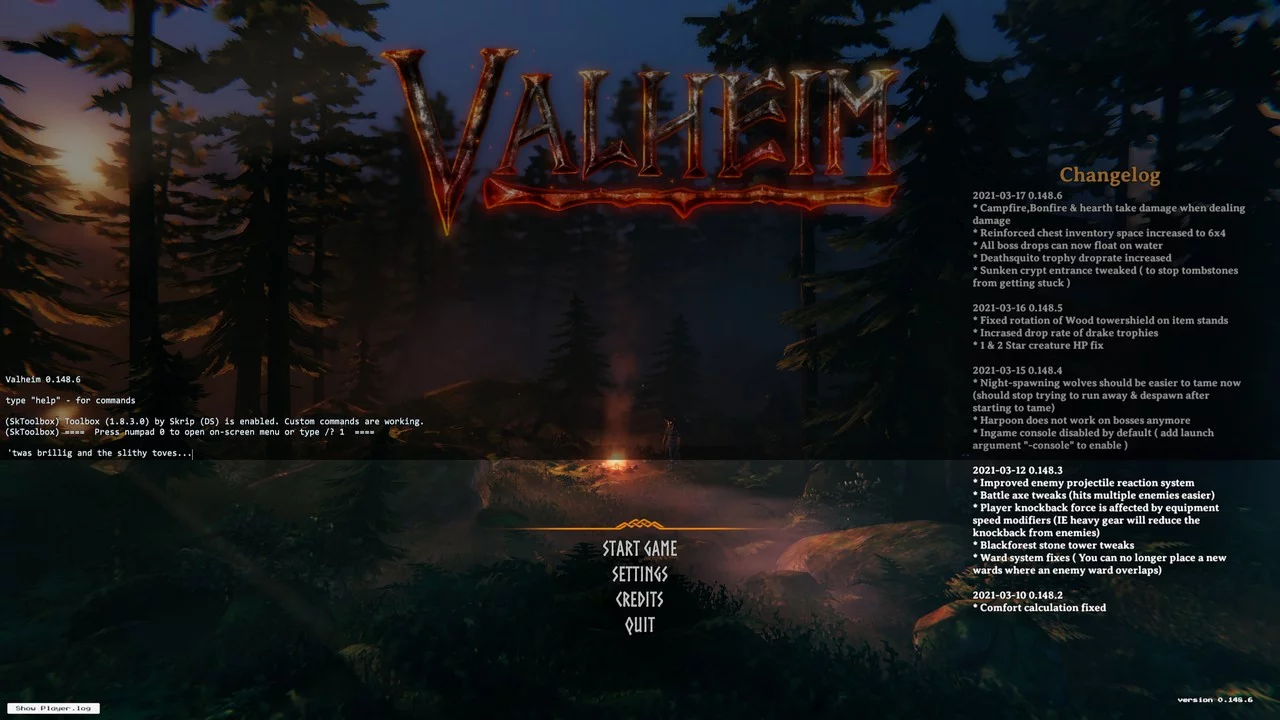
Activate Console

Download
Activate Console. Enables the default console with the latest update. To install manually, place the dll file in the BepInEx / plugins folder. You will need BepInEx.
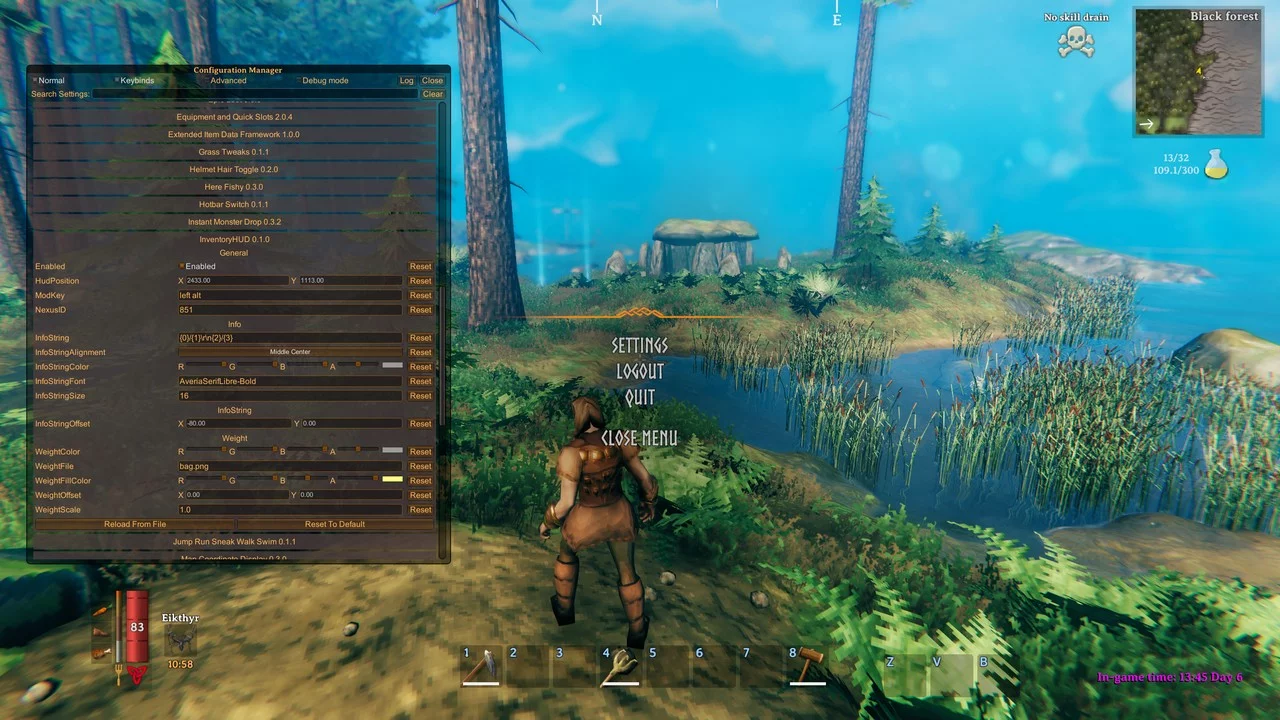
Inventory Information
Download
Inventory HUD Info. Displays customizable inventory information and/or a weight indicator on the HUD. Features: - Current quantity of items - Maximum number of items - Current weight of all items - Maximum carry weight
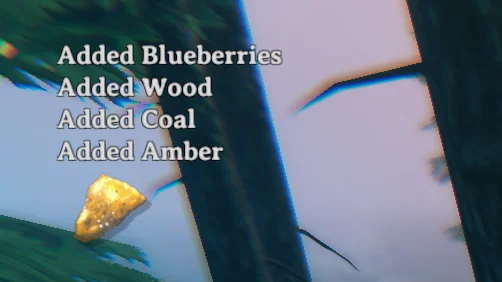
Notification Settings
Download
Notification Tweaks. Allows you to customize the display of in-game notifications, including the number of notifications to show at once, fade-out speed, font size, etc. It also consolidates similar notifications.
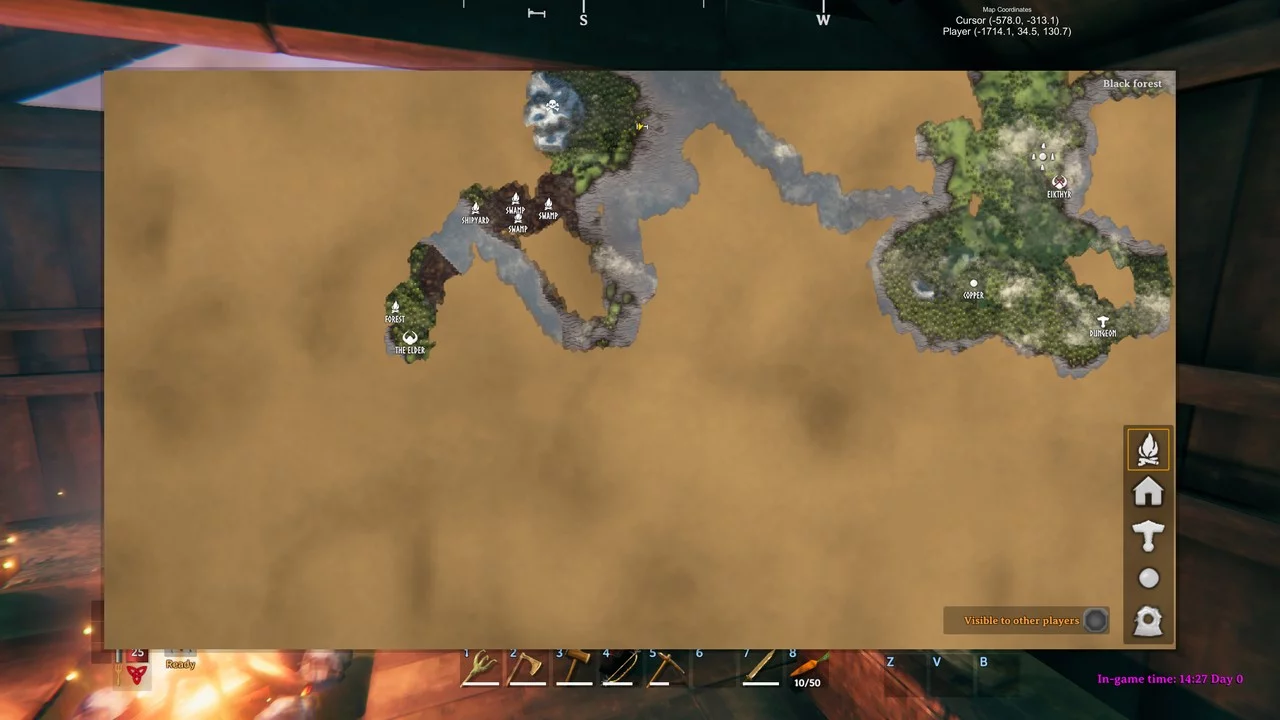
Coordinates Display
Download
Map Coordinates Display. Displays coordinates on the map for the player and/or the cursor position when the map is open. World position of the cursor — (x, y), world position of the player — (x, y, height). You can customize: - Display ...
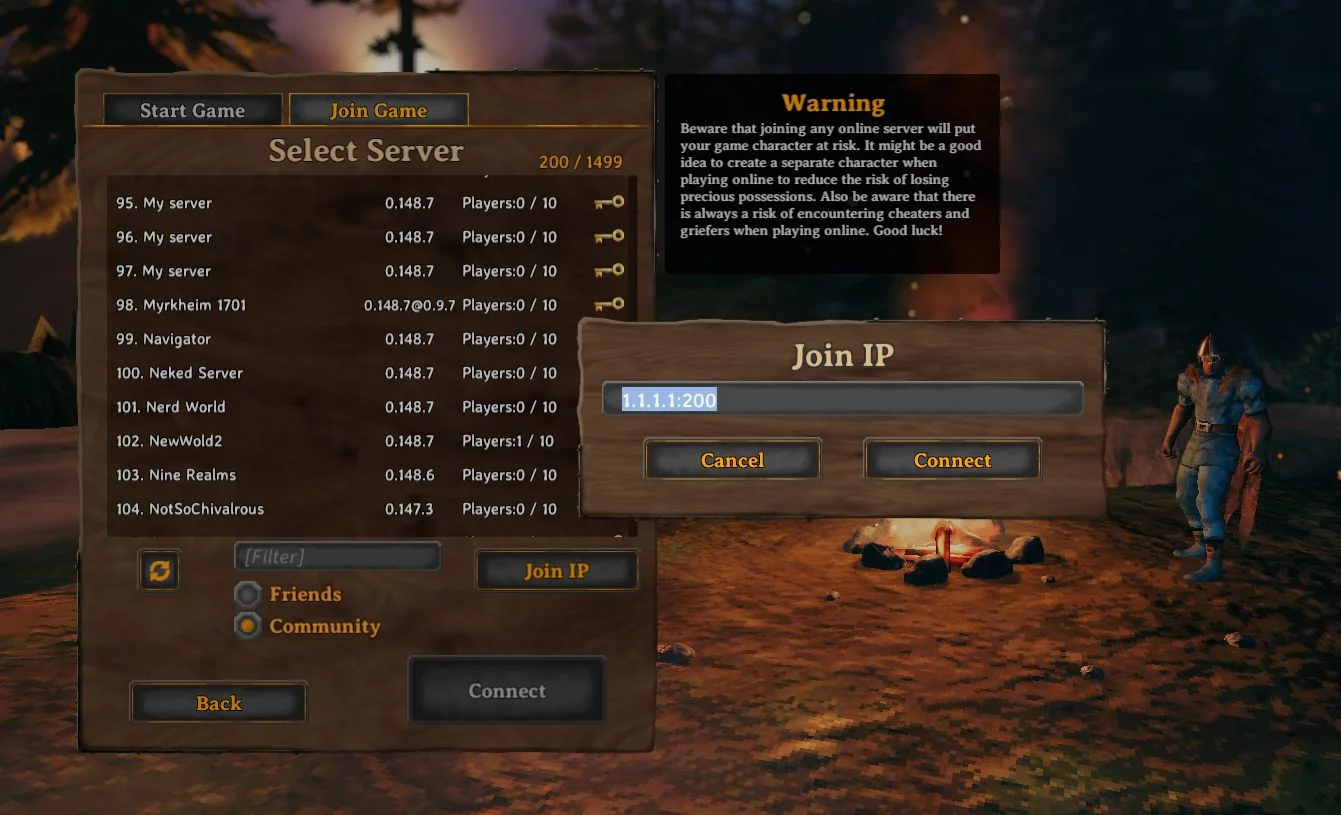
Favorite Servers List
Download
This mod allows you to save servers to a favorites list and keep track of your last connected IP address. Current version 0.5.0 - Much improved UI element alignment. - Add connectable IP addresses to favorites. - Add 'Save to Favorites' in the 'Join ...
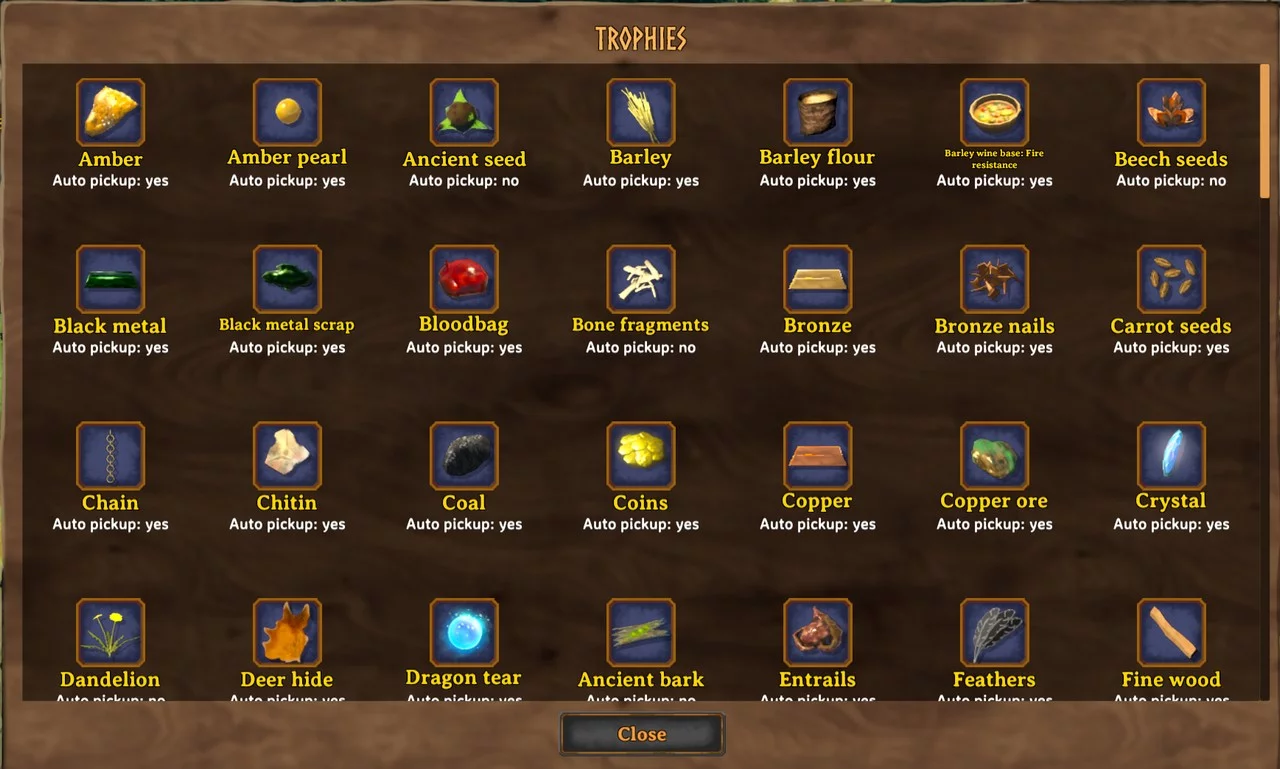
Interactive List of All Materials
Download
AutoPickupSelector. This mod replaces the trophy tab with an interactive list of all materials and trophies, allowing you to toggle simplified item collection on or off.
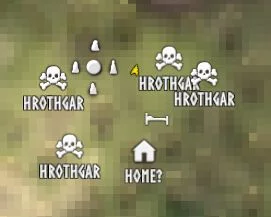
Gravestone Tracker
Download
Adds each gravestone to the map along with the owner's name. Sometimes you die multiple times in a row, not forgetting to mark your previous death location. This mod adds a death icon to the map for each gravestone in the world. It also adds the owne ...
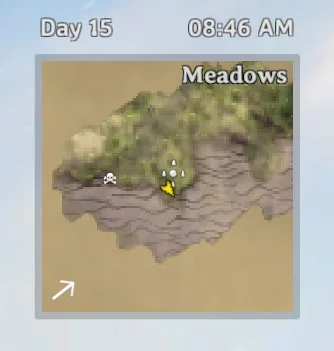
Displaying Day and Time in HUD
Download
A simple user interface mod for showing the in-game day and time in the HUD above the mini-map. .
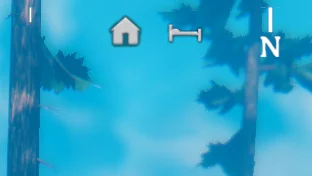
Compass
Download
Compass. Adds a customizable compass to the HUD that indicates the directions of markers on the map. The configuration file BepInEx / config / aedenthorn.Compass.cfg is created after the game is launched once with this mod.
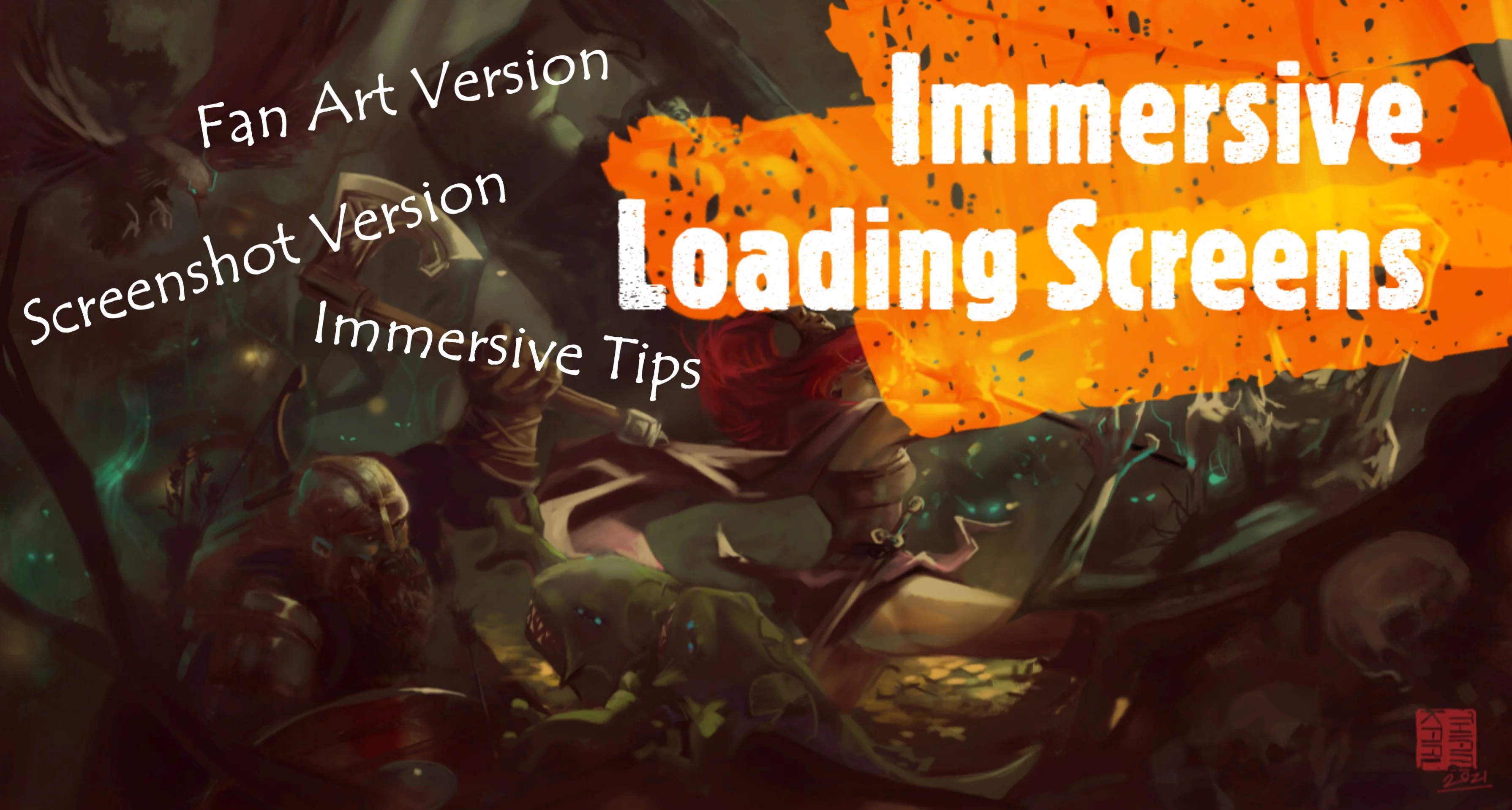
Engaging Loading Screens
Download
Engaging Loading Screens. Replaces the loading and spawn screens with more captivating ones, utilizing game concepts and fan art. It also alters the standard game tips and loading text to include facts from Norse mythology and real historical quotes ...
Interface Visibility Control

Download
Immersive Hud. This mod lets you control when your HUD is visible. Hide your HUD if you don't want to see it! Features: - Toggle HUD elements on or off with a special key you can set in the options. — - When the key is pressed, the HUD wil ...
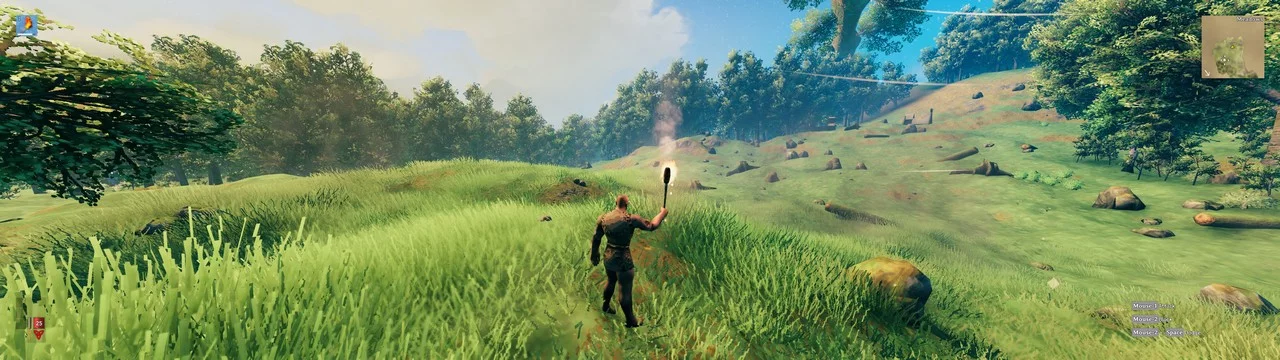
Ultrawide User Interface
Download
Ultrawide UI Mod. Allows the user to adjust the offsets of the top, left, right, and bottom positions of the HUD in the game in pixels. The default value is set to 0 pixels; positive numbers will move the HUD X pixels towards the center of the screen ...
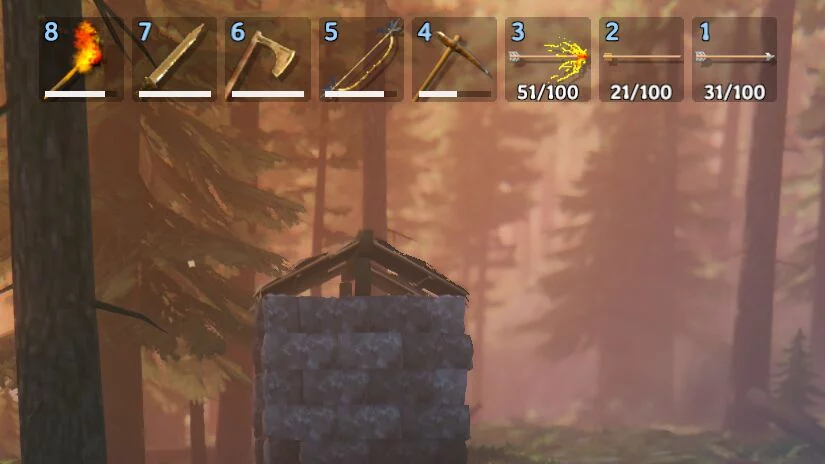
Custom Hotkeys
Download
Custom Toolbar Hotkeys. Let's set up our own hotkeys for each of the eight elements of the toolbar. The configuration file BepInEx / config / aedenthorn.CustomToolbarHotkeys.cfg is created after running the game once with this mod.
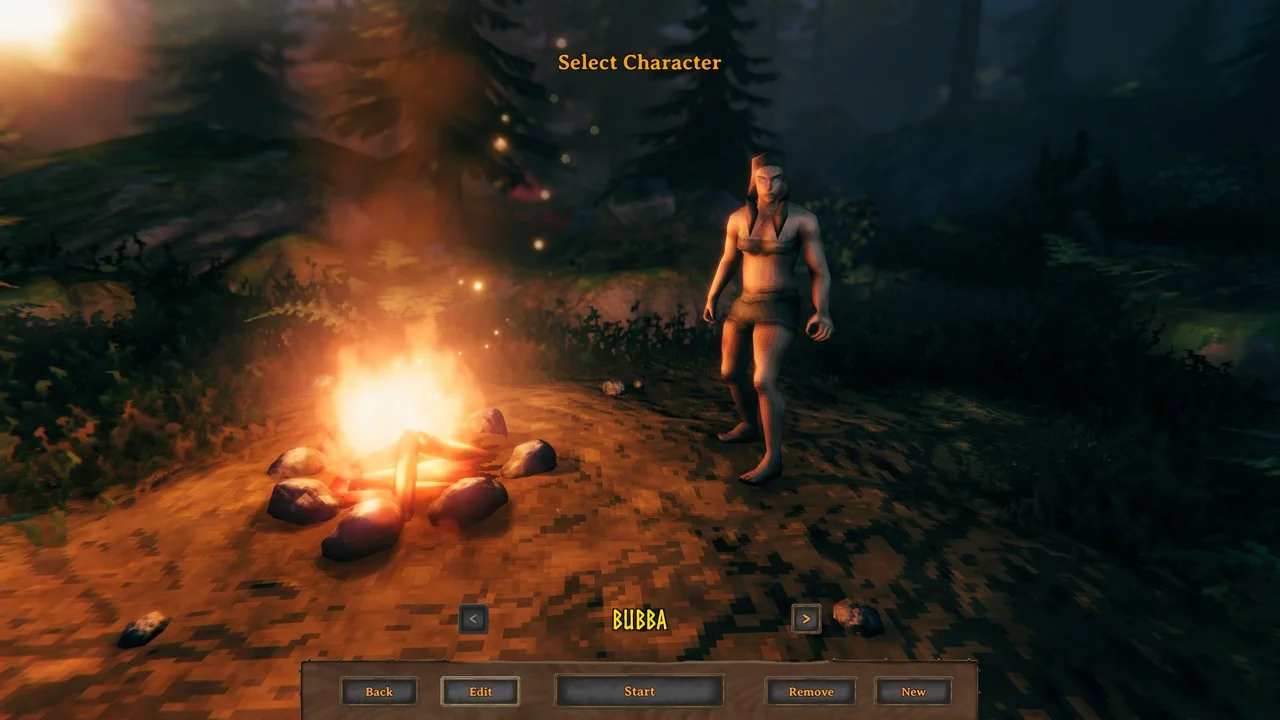
Character Editing Button
Download
Adds an 'Edit' button to the character selection panel, allowing you to modify the appearance, gender, and names of existing characters. The configuration file BepInEx / config / aedenthorn.CharacterEdit.cfg is created after launching the game once w ...