A fantasy sandbox with survival elements. You can play alone or with others, exploring the world and gathering resources, finding and raiding tombs, building bases... Read more
VGTimes:
Players:
Steam:
Metacritic:
Best Interface for Valheim
TOP-44 best files in category Valheim / Mods and Skins / Interface of all time, sorted by the number of unique downloads.
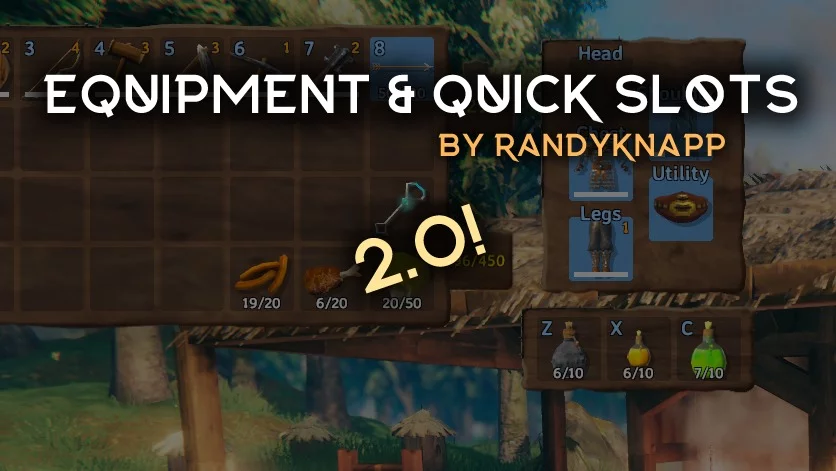
Equipment and Quick Access Slots

Download
The mod introduces a separate inventory for equipped items, along with 3 new slots featuring hotkeys for instant use of items. .
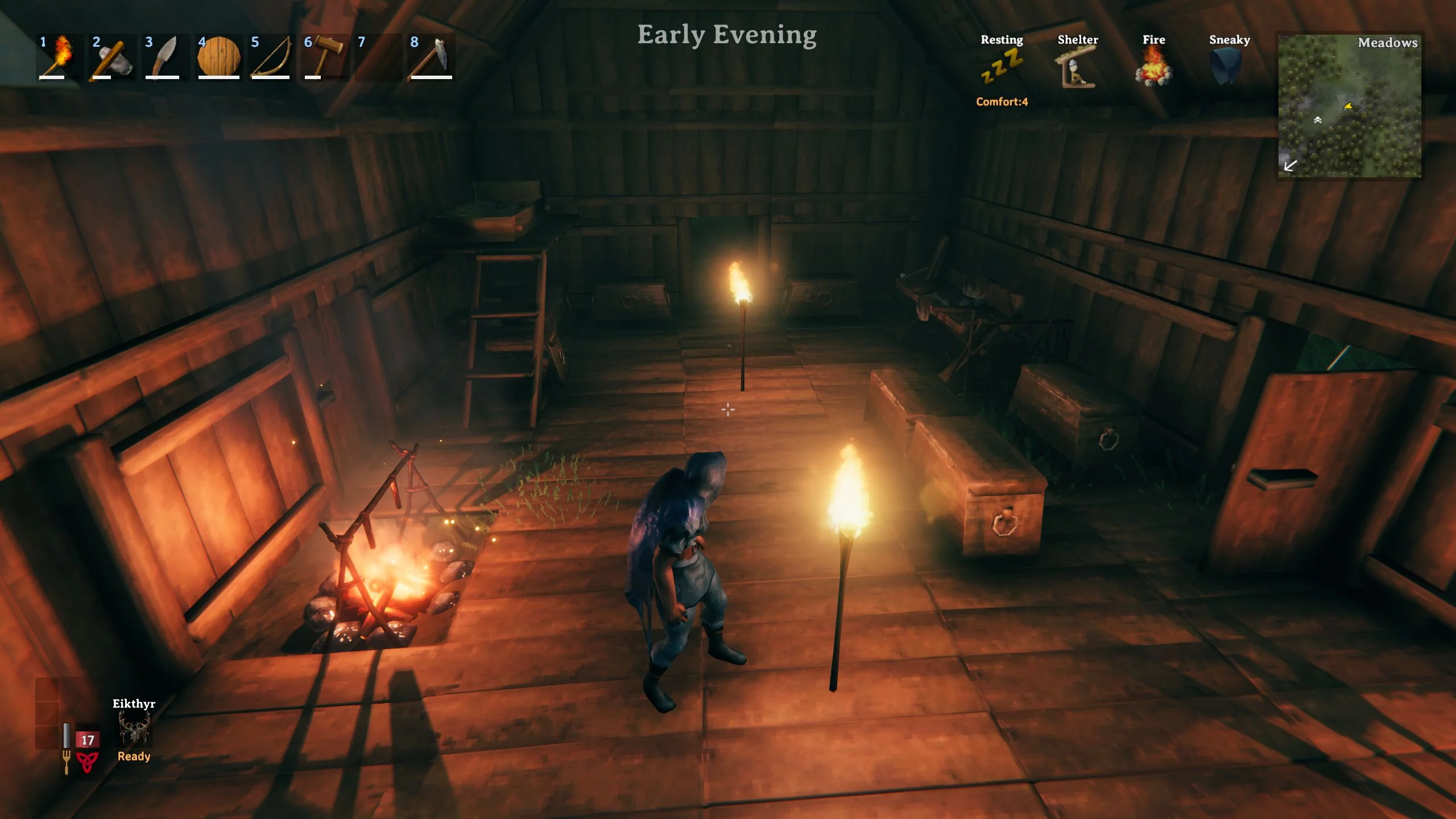
Clock Widget
Download
Clock. Adds a simple customizable clock widget to the screen, displaying the in-game time of day or a vague representation like 'Late Afternoon'.
Expanded Inventory

Download
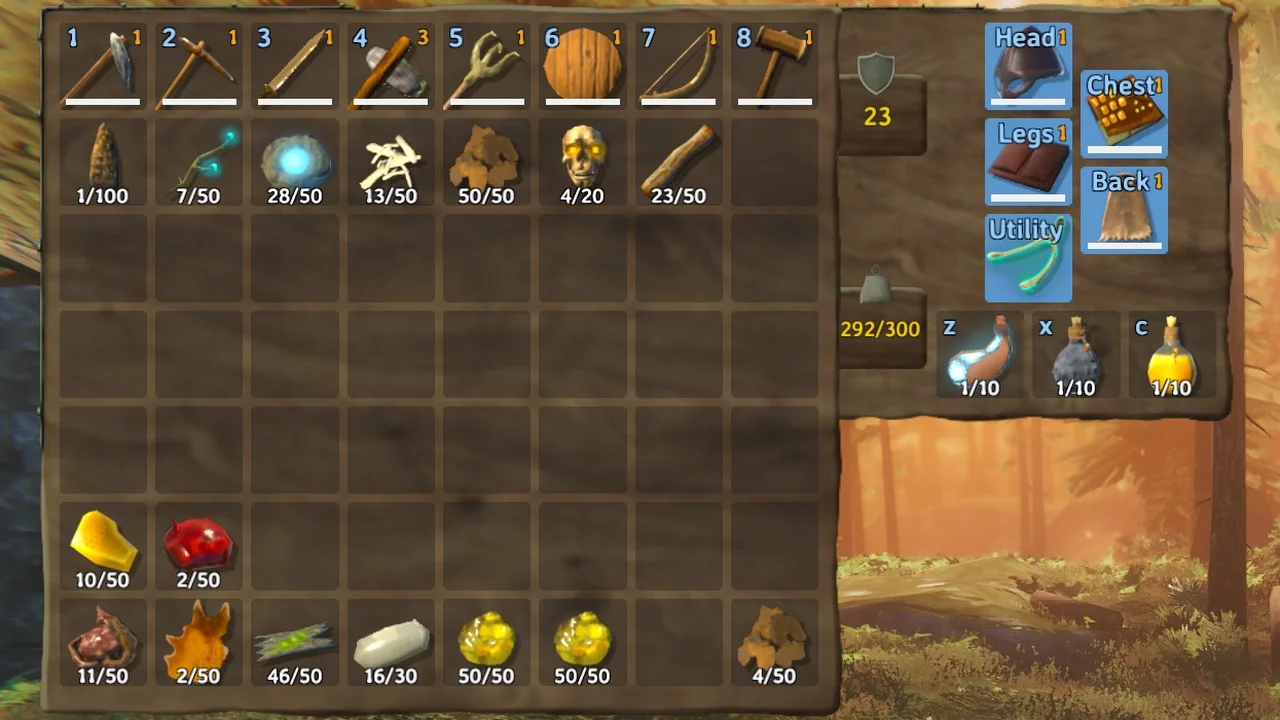
Extended Player Inventory. A combination of more slots and equipment with quick slots that utilize the original inventory. Features: - Add more regular inventory rows (default 0) - Add an additional inventory row (8 slots) specifically for equipme ...
Interface Overhaul
Download
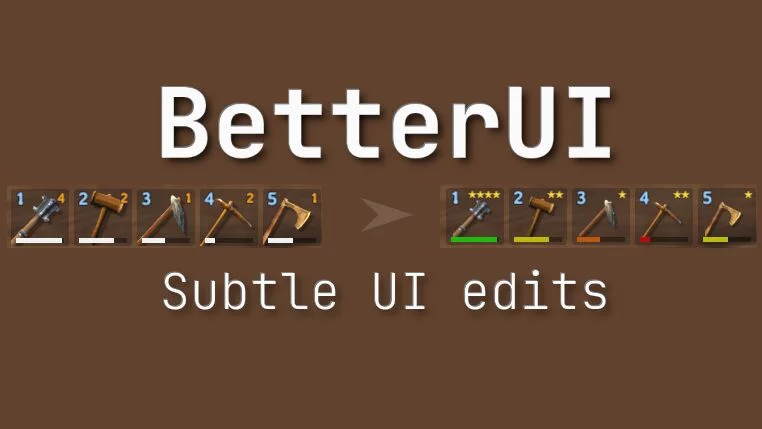
BetterUI. Redesign of certain interface elements. You can choose which changes to apply and which to keep as in the original.
Coordinates Display
Download
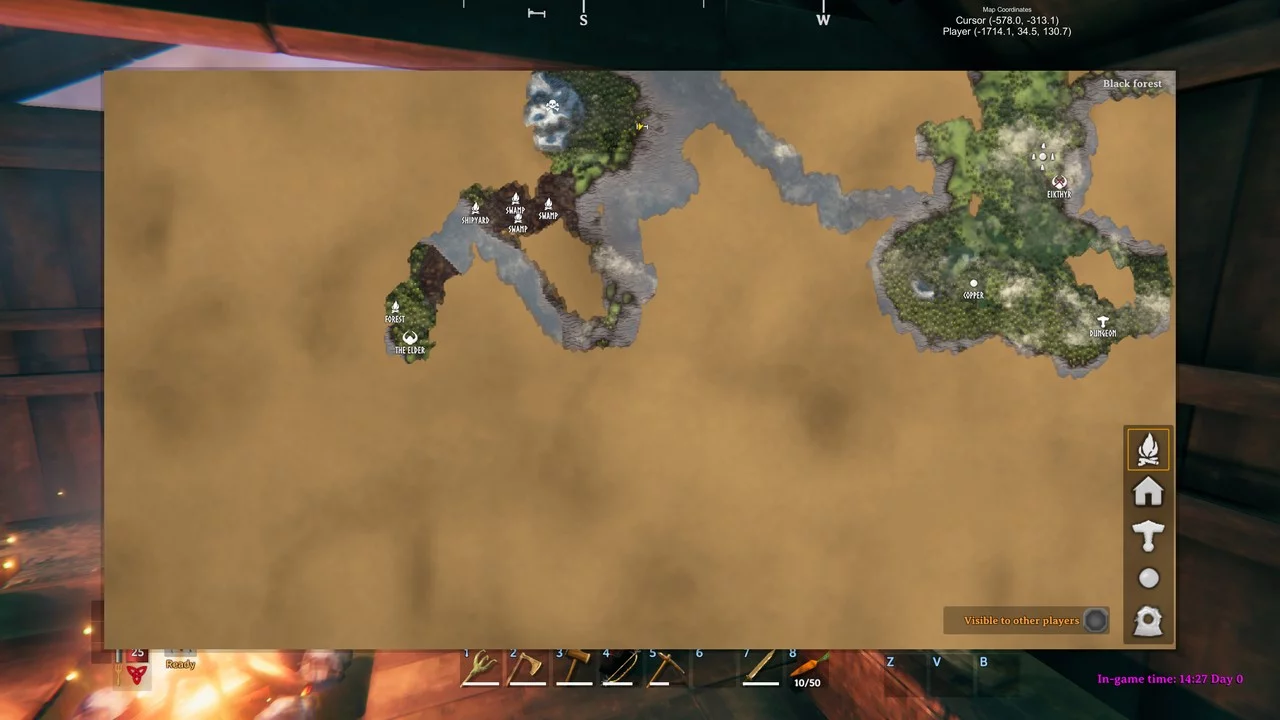
Map Coordinates Display. Displays coordinates on the map for the player and/or the cursor position when the map is open. World position of the cursor — (x, y), world position of the player — (x, y, height). You can customize: - Display ...
Auga Project
Download
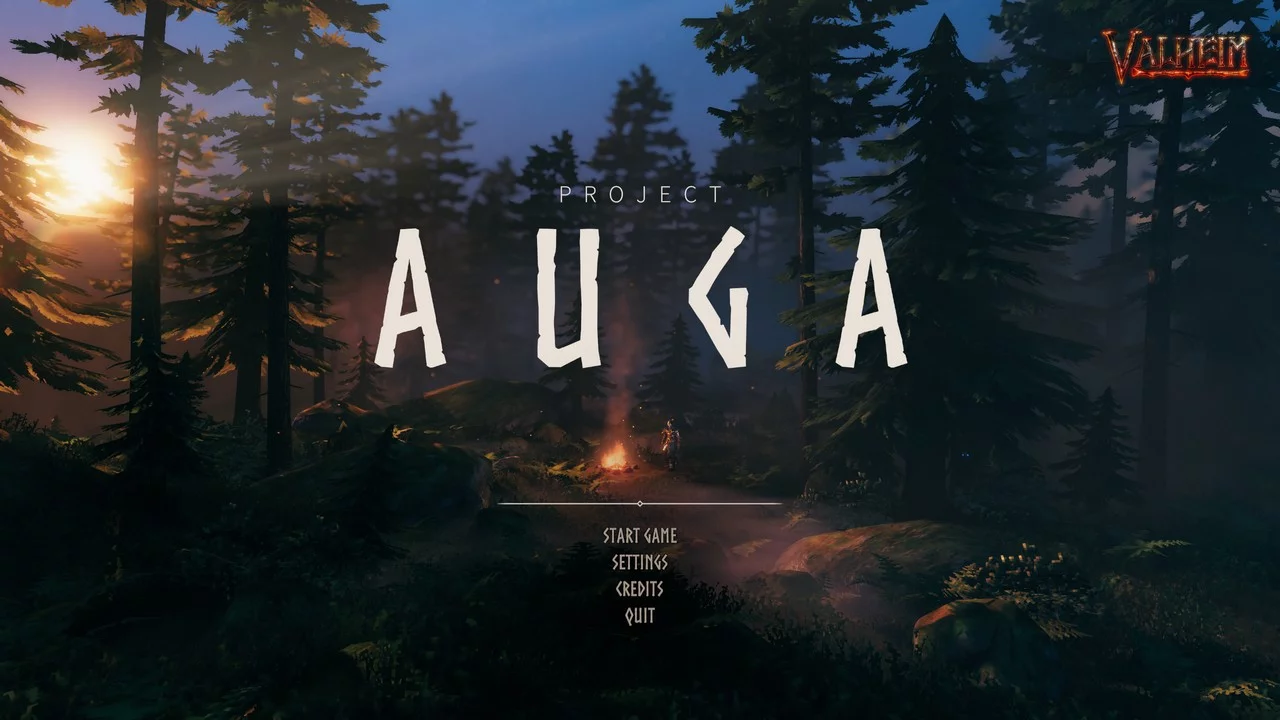
Auga Project. A completely revamped user interface mod for Valheim. Features: - New player HUD. - Redesigned player and container inventory. - New combined player panels. - Enhanced crafting panels. - Expanded character selection and new character ...
Activate Console
Download
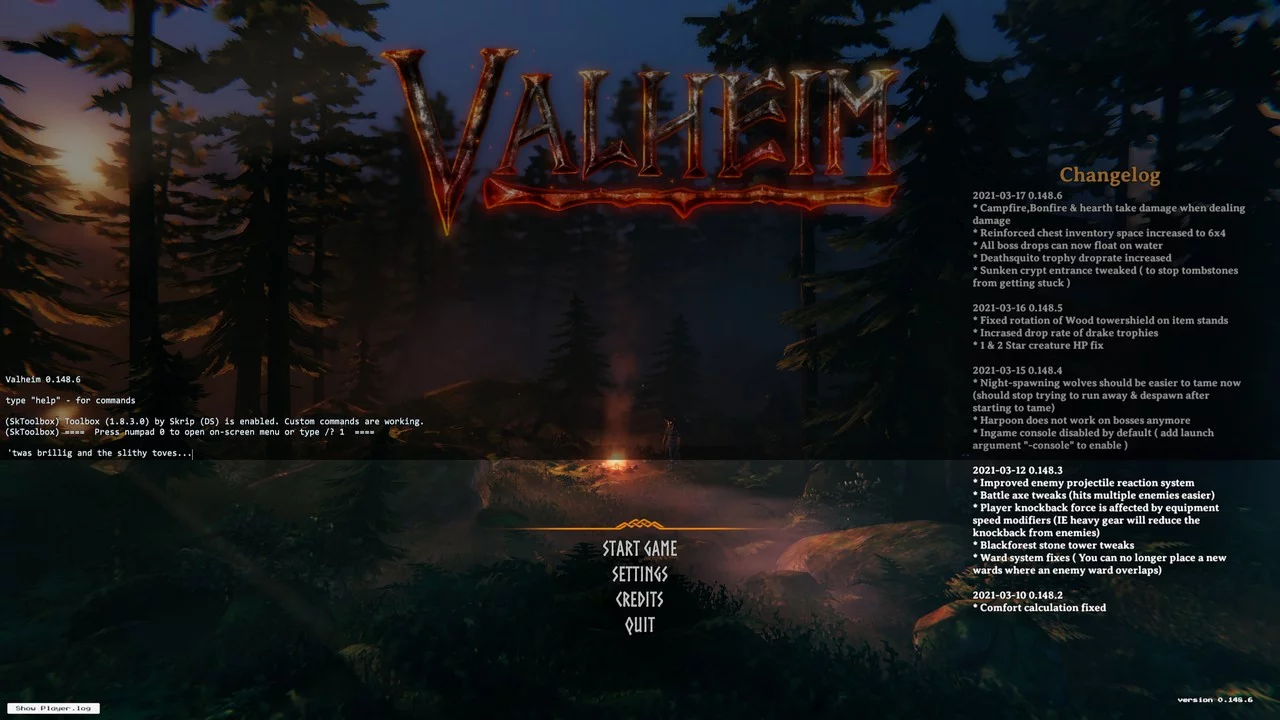
Activate Console. Enables the default console with the latest update. To install manually, place the dll file in the BepInEx / plugins folder. You will need BepInEx.
Automatic Map Markers - Ship and Cart
Download
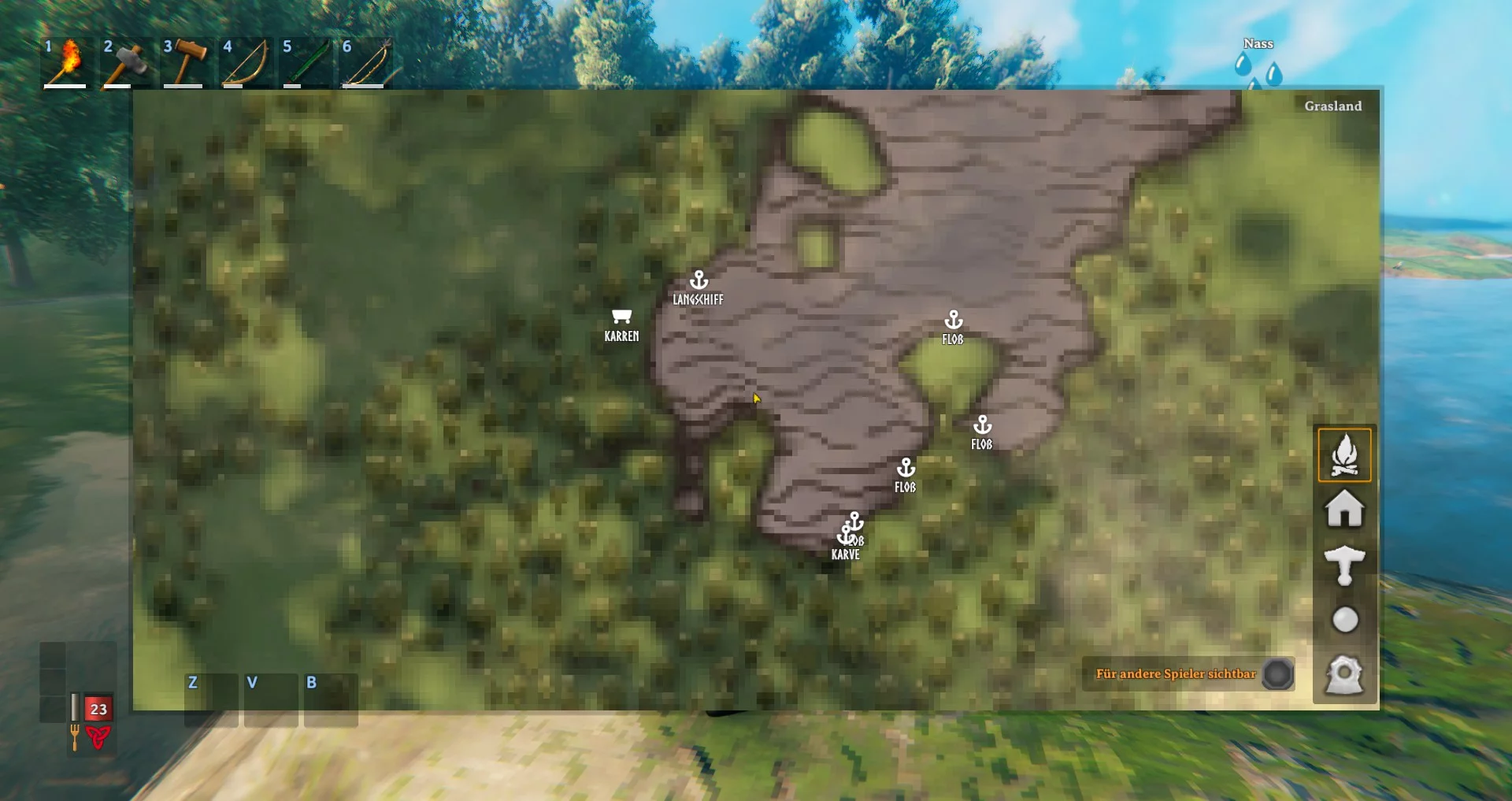
Automatically adds markers for ships and carts to the map and mini-map. You can configure whether you want to see only ships, carts, or both. The markers are not permanent and will be removed when the mod is uninstalled. Currently, the mod works corr ...
Custom Hotkeys
Download
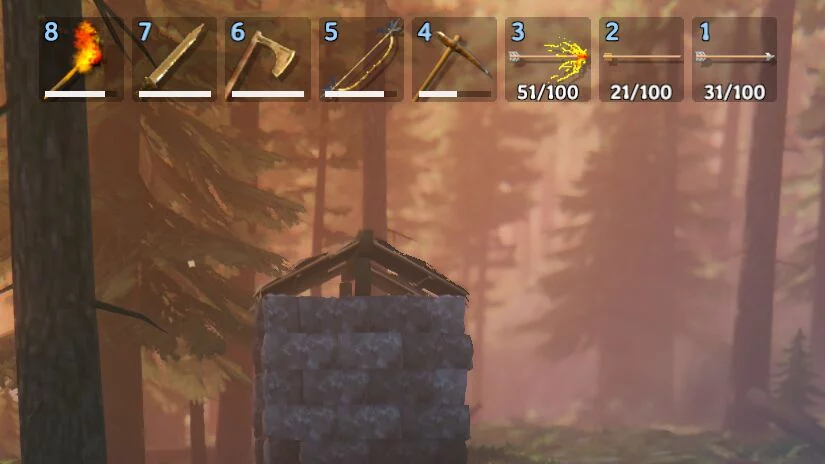
Custom Toolbar Hotkeys. Let's set up our own hotkeys for each of the eight elements of the toolbar. The configuration file BepInEx / config / aedenthorn.CustomToolbarHotkeys.cfg is created after running the game once with this mod.
Compass
Download
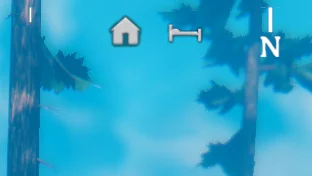
Compass. Adds a customizable compass to the HUD that indicates the directions of markers on the map. The configuration file BepInEx / config / aedenthorn.Compass.cfg is created after the game is launched once with this mod.
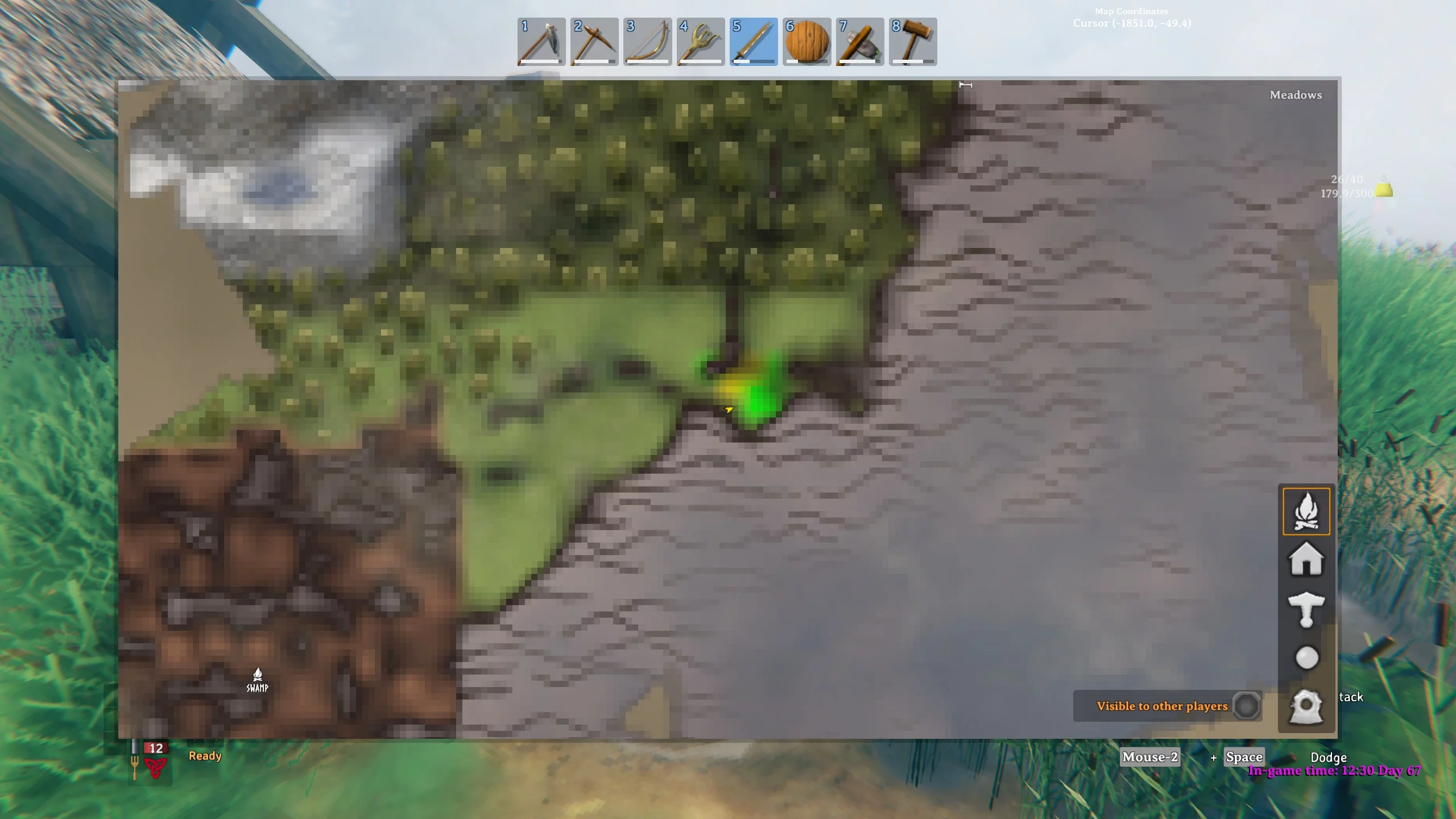
Display Buildings on Map
Download
Shows the location of assembly elements on the map and mini-map, colored based on the creator. Colors: - Created by a local player (default green) - Created by another player (default red) - Created by the game (default yellow)
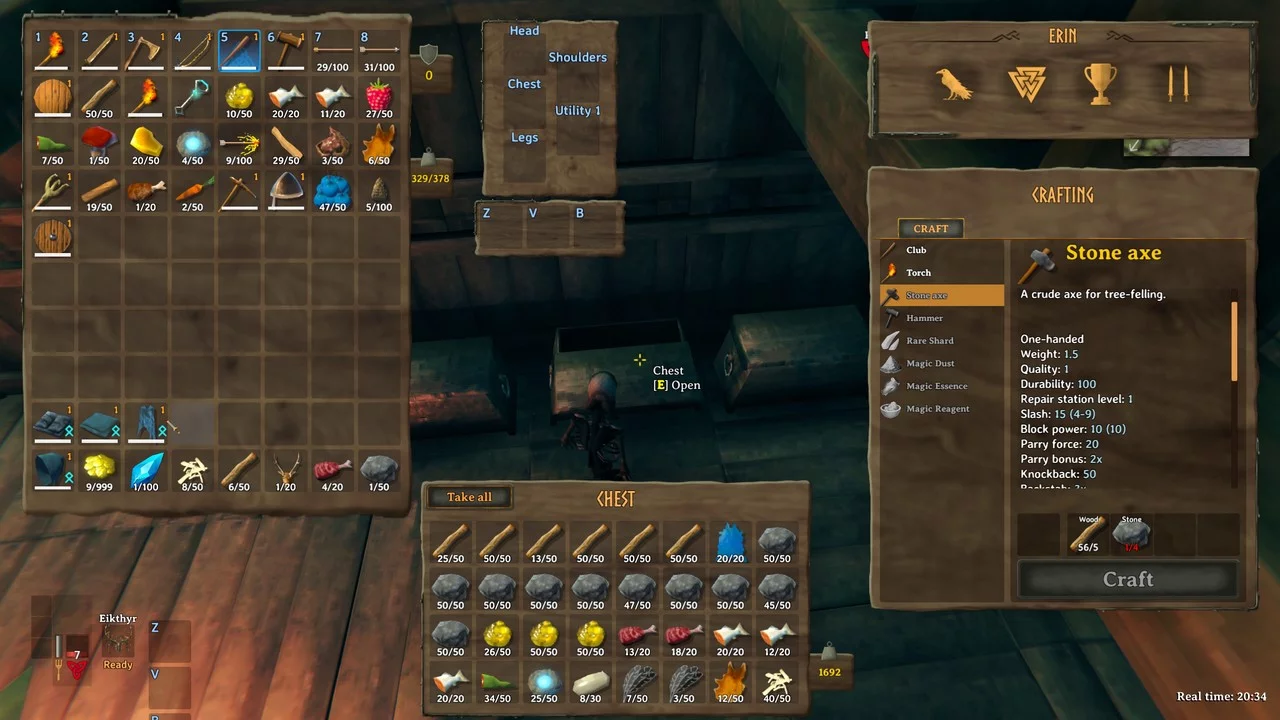
Simple Sorting
Download
Simple Sort. Allows players and container inventories to be sorted by name, weight, or value using hotkeys or automatically upon opening. Sorting: - by name (default key: N) - by weight (default key: H) - by value (default key: V) ...
Interface Visibility Control

Download
Immersive Hud. This mod lets you control when your HUD is visible. Hide your HUD if you don't want to see it! Features: - Toggle HUD elements on or off with a special key you can set in the options. — - When the key is pressed, the HUD wil ...
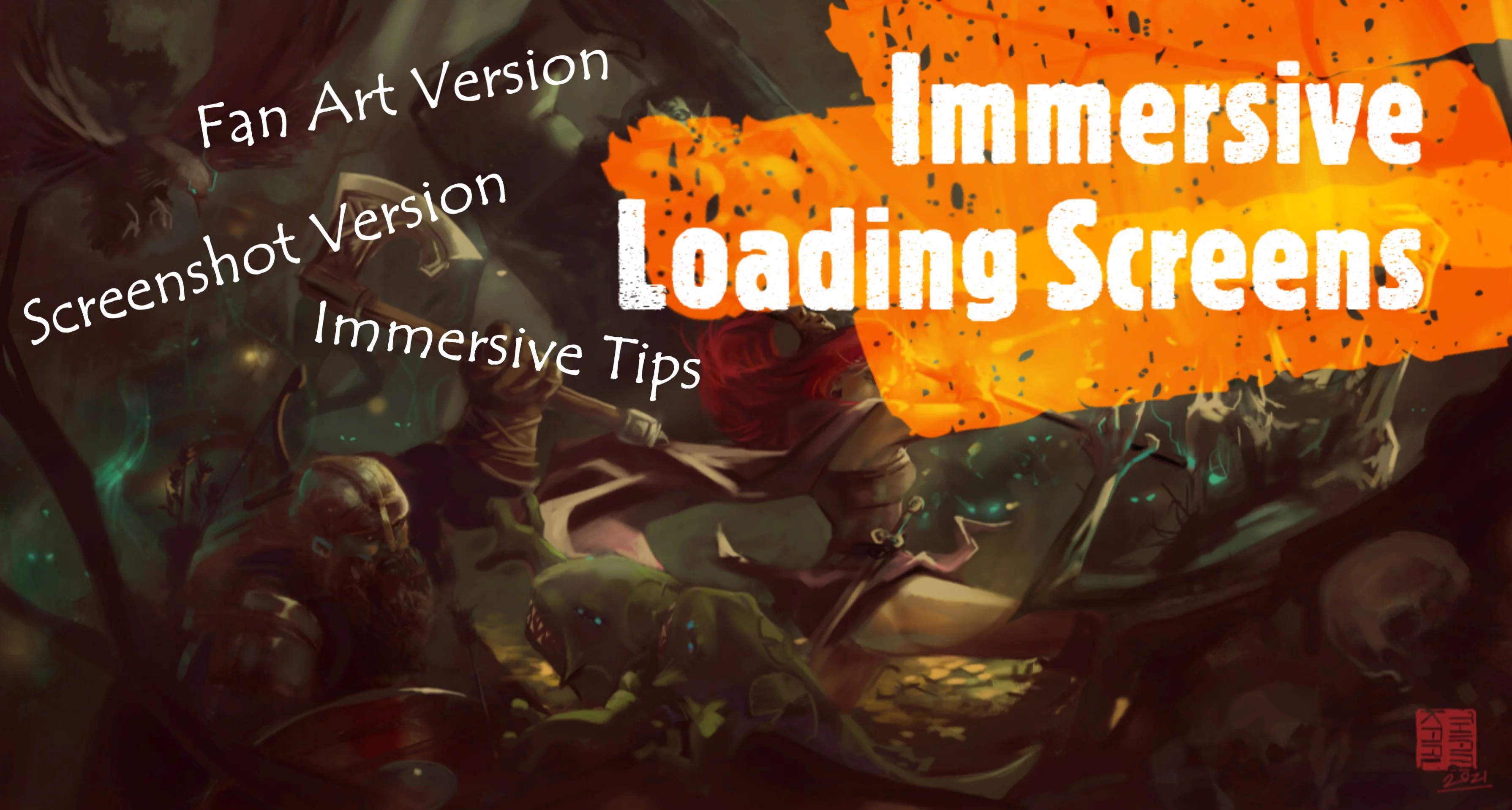
Engaging Loading Screens
Download
Engaging Loading Screens. Replaces the loading and spawn screens with more captivating ones, utilizing game concepts and fan art. It also alters the standard game tips and loading text to include facts from Norse mythology and real historical quotes ...