
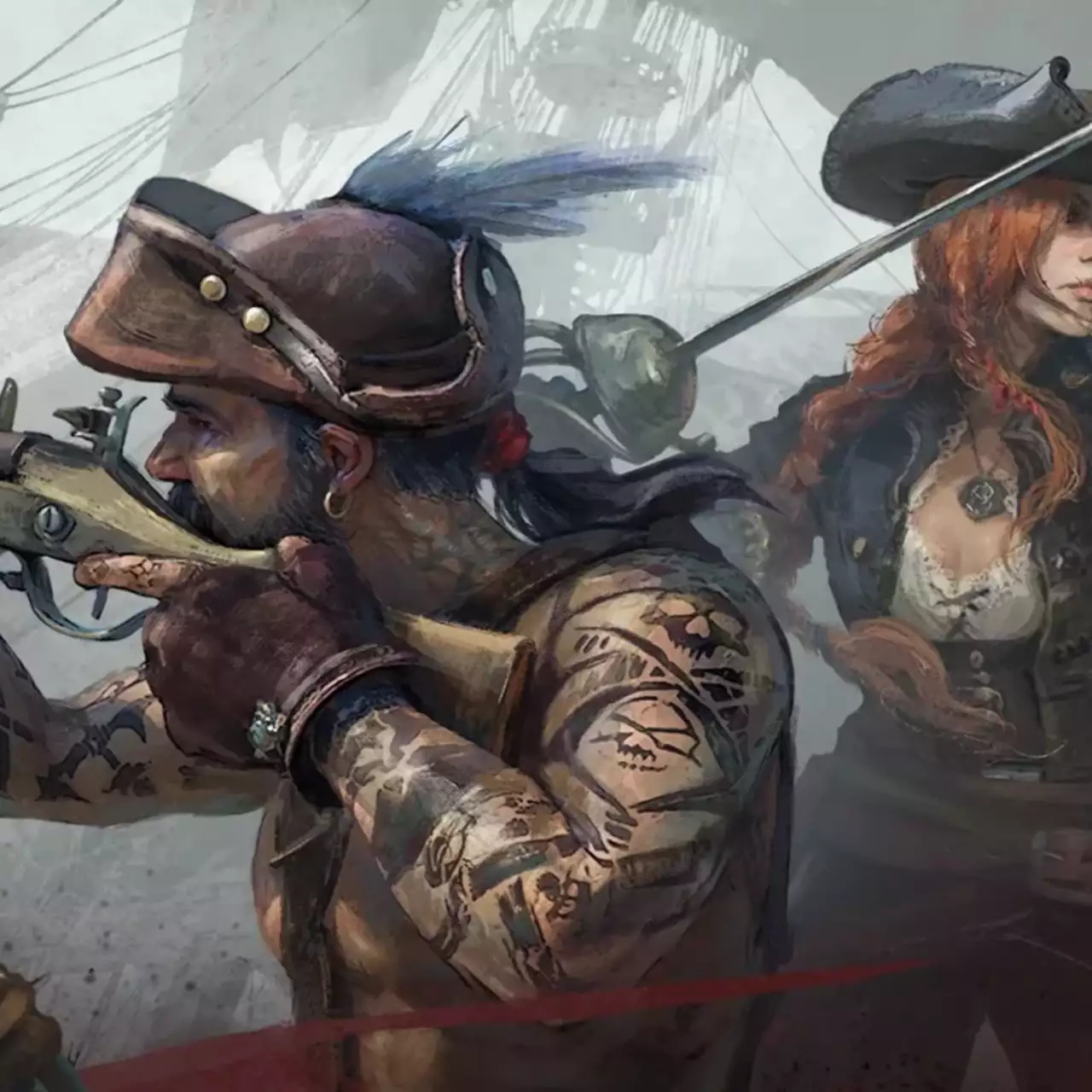
Cooperative PvE adventure in a world of pirates, pioneers, and treasure hunters. The game combines a classic formula of building, crafting, and battles with... Read more
UE4SS for Windrose


-
Download (6.76 MB)May 26, 2026, 03:32 AMue4ss-for-windrose_1779755572_996543.zip
UE4SS is a platform for Lua scripting, C++ Modding API, SDK generator, blueprint mod loader, live property editor, and other dumping utilities for UE4/5 games. This version of UE4SS uses the latest experimental build, and the settings are specifically adjusted for WIndrose. How to install:
- Extract the dwmappi.dll file and the ue4ss folder into the R5\Binaries\Win64 directory.
Manual installation:Currently, there are compatibility issues between UE4SS and Unreal Engine 5.6. Crashes and bugs may occur until fixes are released. If this version doesn't work, it is highly recommended to download the latest experimental build yourself and set it up. You will need to open the UE4SS-settings.ini file and change the [EngineVersionOverride] section as follows:[EngineVersionOverride]MajorVersion = 5MinorVersion = 6 Mod issues (possible fixes/workarounds)Loading order:
- For some users, mod issues in UE4SS are resolved by changing the mod loading order. The following method might help:
- Delete the enabled.txt file inside the mod folder;
Edit the mods.txt file and add ExampleMod like this:CheatManagerEnablerMod : 1ConsoleCommandsMod : 1ConsoleEnablerMod : 1SplitScreenMod : 0LineTraceMod : 0BPML_GenericFunctions : 1BPModLoaderMod : 1ExampleMod:1 ; Built-in keybinds, do not move up.Keybinds : 1 Restart the game and check if the mod works.
Useful links:

![Windrose — Table for Cheat Engine [V5]](https://files.vgtimes.com/download/posts/2026-03/thumbs/tablica-dlja-cheat-engine-v5_1772886876_431502.webp)


![Windrose — Table for Cheat Engine [v0.10.0.1.6-02cb3254]](https://files.vgtimes.com/download/posts/2026-04/thumbs/tablica-dlja-cheat-engine-v0-10-0-1-6_1776324759_889056.webp)