
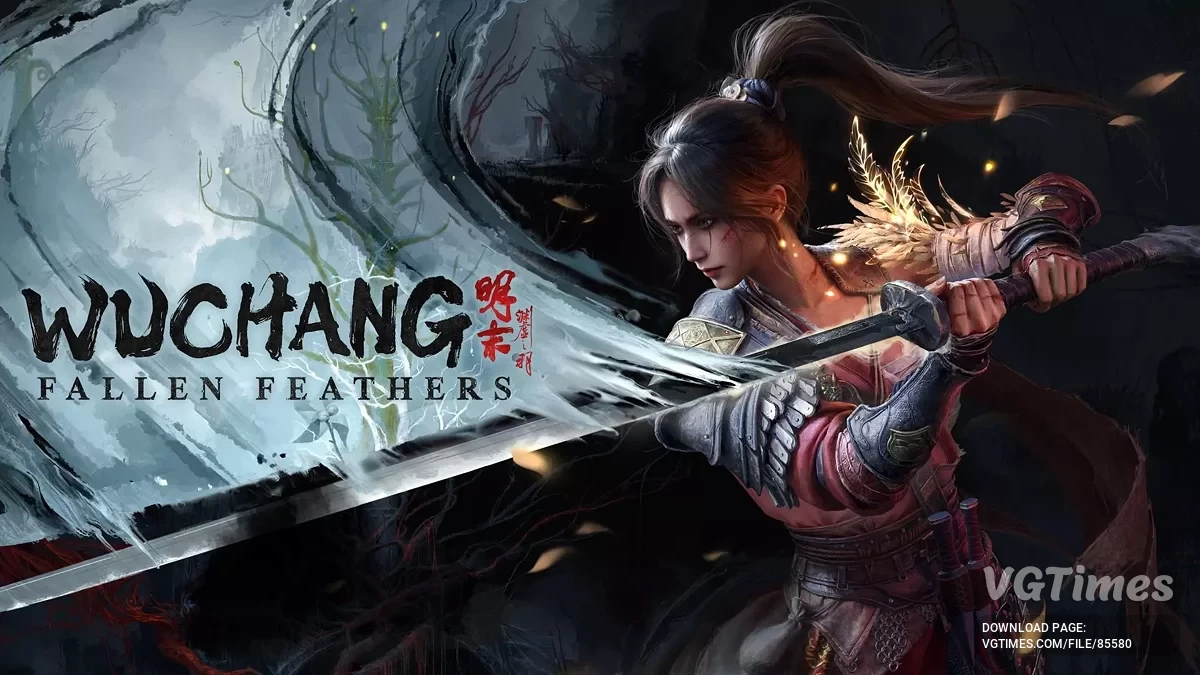
Hardcore action RPG inspired by the Dark Souls series. The game takes place in ancient China during the Ming Dynasty. The empire is torn apart by civil strife, and... Read more

Optimizer

-
Download (2.88 kB)July 28, 2025, 04:52 AMОсновной файлoptimizacija_1753667537_596377.7z
-
Download (2.89 kB)July 28, 2025, 04:52 AMЕсли основной файл не помогаетoptimizacija_1753667537_594916.7z
Optimizes and reduces stuttering by improving shader compilation and asset streaming.
Shader Handling Improvements:
- Shader compilation is one of the main causes of stuttering in Unreal Engine games. This mod changes the way shaders are processed, ensuring they are loaded and prepared more quickly. It also enables pre-loading and caching of shaders, which reduces delays during gameplay, especially when entering new areas or triggering new effects.
Asset Streaming Optimization:
- The game’s asset streaming system has been modified for smoother handling of textures, models, and other resources. This reduces the likelihood of hiccups when the system tries to keep up with what’s happening on screen. By prioritizing efficient memory use and asynchronous loading, assets are loaded in the background with less impact on performance.
CPU and GPU Resource Management:
- The mod improves how the CPU and GPU are used, allowing more tasks to be performed in parallel. This means rendering, physics, shadows, and other intensive processes can be distributed across multiple cores, boosting overall performance. The GPU workload has also been optimized for faster responsiveness, especially in demanding scenes.
Background Process and Logging Reduction:
- Several unnecessary processes and debug logs that do not affect gameplay have been disabled. This reduces system load, freeing up resources for the game itself.
Support for Modern Systems:
- Features such as multithreaded rendering, improved garbage collection, and optimized memory management are included to help the game better utilize modern hardware. This can improve frame rates and stability without lowering graphics quality.
Important notes: While these changes are designed to improve performance for most players, results may vary depending on your hardware, software settings, and specific in-game situations. Some players may notice significant improvements, while others may see only minor changes. In rare cases, the changes may cause unexpected issues. If this happens, simply remove the pak file.
How to install:
- Place the pak file in the Project_Plague\Content\Paks\~mods folder. Create the ~mods folder if it does not exist.
Useful links:

![Wuchang: Fallen Feathers — Table for Cheat Engine [V10]](https://files.vgtimes.com/download/posts/2026-02/thumbs/tablica-dlja-cheat-engine-v10_1770975567_775027.webp)
![Wuchang: Fallen Feathers — Table for Cheat Engine [UPD: 31.07.2025]](https://files.vgtimes.com/download/posts/2025-08/thumbs/tablica-dlja-cheat-engine-upd-31-07-2025_1754992476_54257.webp)



![Wuchang: Fallen Feathers — Save [Game Pass License]](https://files.vgtimes.com/download/posts/2025-09/thumbs/wuchang-fallen-feathers-sokhranenie_1756832420_24050.webp)