
XCOM: Chimera Squad is an independent spin-off of the tactical strategy XCOM 2, released in 2016. The game takes place 5 years after the events of the second part... Read more
Console Activation

-
1588198386_instructions_5_1_1588087009.zipDownload (912 байт)
Original title: Console Enable
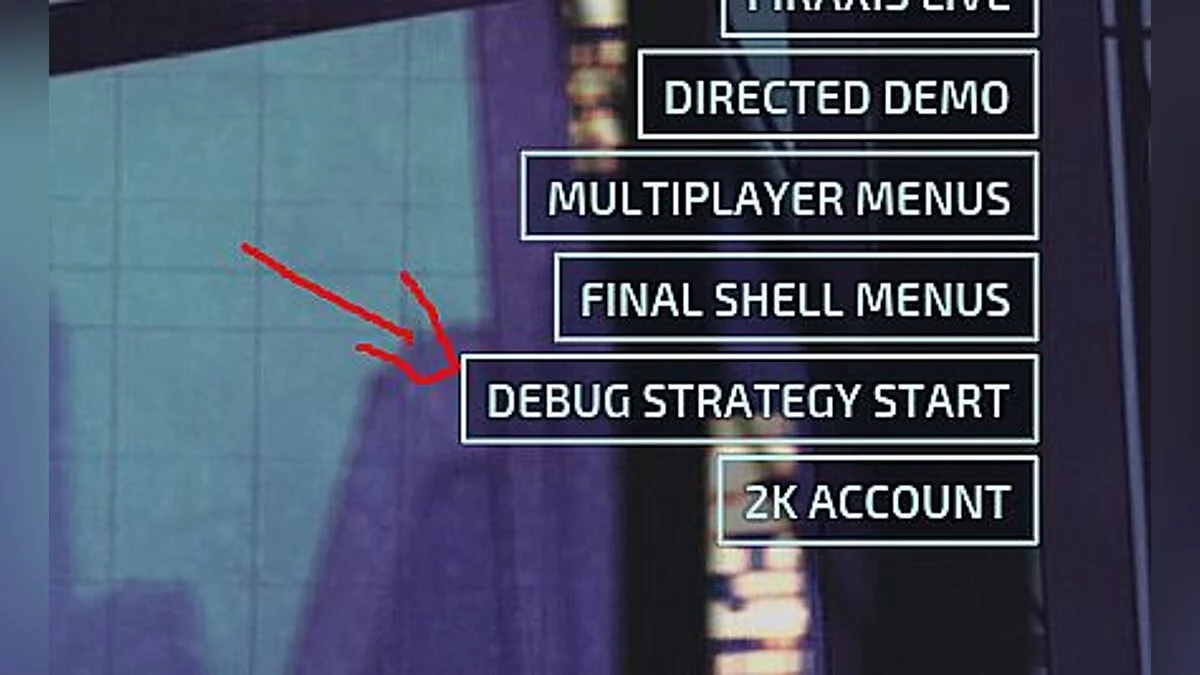
A small modification for tactical XCOM: Chimera Squad that adds support for console commands in the game.
Installation:
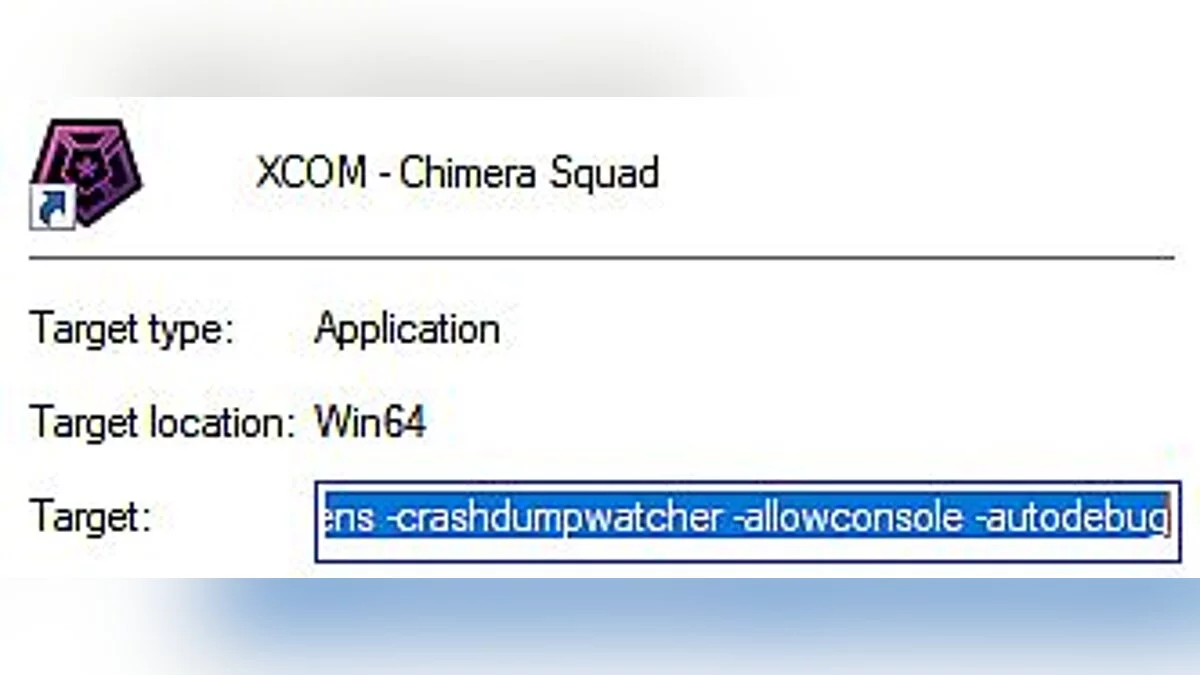
If playing on the Steam version - right-click the game in your library, select "Properties" and choose "Set Launch Options". Enter "-allowconsole", and to enable debugging, add the command "-autodebug".
You can also right-click the XCOM 2 shortcut (on your desktop), select properties, and add at the end of the window \ XCOM xxxxxxxxxxxx \ Binaries \ Win64 \ XCom.exe "-allowconsole -autodebug
To activate the console in the game, use the "~" (tilde) key.
Оригинальное название: Console Enable
Небольшая модификация для тактической XCOM: Chimera Squad, которая добавляет в игру поддержку консольных команд.
Установка:
При игре на Steam версии -щелкните правой кнопкой мыши игру в вашей библиотеке, выберите «Свойства» и выберите "Установить параметры запуска ". Введите "-allowconsole", а для включения отладки добавьте команду "-autodebug".
Также вы можете щелкнуть правой кнопкой мыши на ярлыке XCOM 2 (на рабочем столе), выбрать свойства и добавить в конце окна \ XCOM xxxxxxxxxxxx \ Binaries \ Win64 \ XCom.exe "-allowconsole -autodebug
Для активации консоли в игре используйте клавишу "~" (тильда)
Useful links:
![XCOM: Chimera Squad — Trainer (+12) [1.0]](https://files.vgtimes.com/download/posts/2020-04/thumbs/1588112649_q9jyombcr0wjehq3jlk8uw.webp)
![XCOM: Chimera Squad — Cheat Engine Table [UPD: 26.04.2020]](https://files.vgtimes.com/download/posts/2020-04/thumbs/1587903460______cheat_engine_upd_26.04.2020_csimbi.webp)
![XCOM: Chimera Squad — Trainer (+7) [1.0]](https://files.vgtimes.com/download/posts/2020-04/thumbs/1587853033_1xnl44xgxqlgm7dljfpzjw.webp)
![XCOM: Chimera Squad — Trainer (+6) from 05.05.2020 [WeMod]](https://files.vgtimes.com/download/posts/2020-05/thumbs/1588669219_2020-05-05_115835.webp)
![XCOM: Chimera Squad — Cheat Engine Table [UPD: 05.03.2020]](https://files.vgtimes.com/download/posts/2020-05/thumbs/1588594808_byrqidnmcpij0uhodyx9xg.webp)
![XCOM: Chimera Squad — Cheat Engine Table [UPD: 04.24.2020]](https://files.vgtimes.com/download/posts/2020-04/thumbs/1587907106_1587907071_85.webp)
![XCOM: Chimera Squad — Trainer (+8) [1.0]](https://files.vgtimes.com/download/posts/2020-04/thumbs/1588112527_zjm06hcj0dnmqumlcj9bwg.webp)