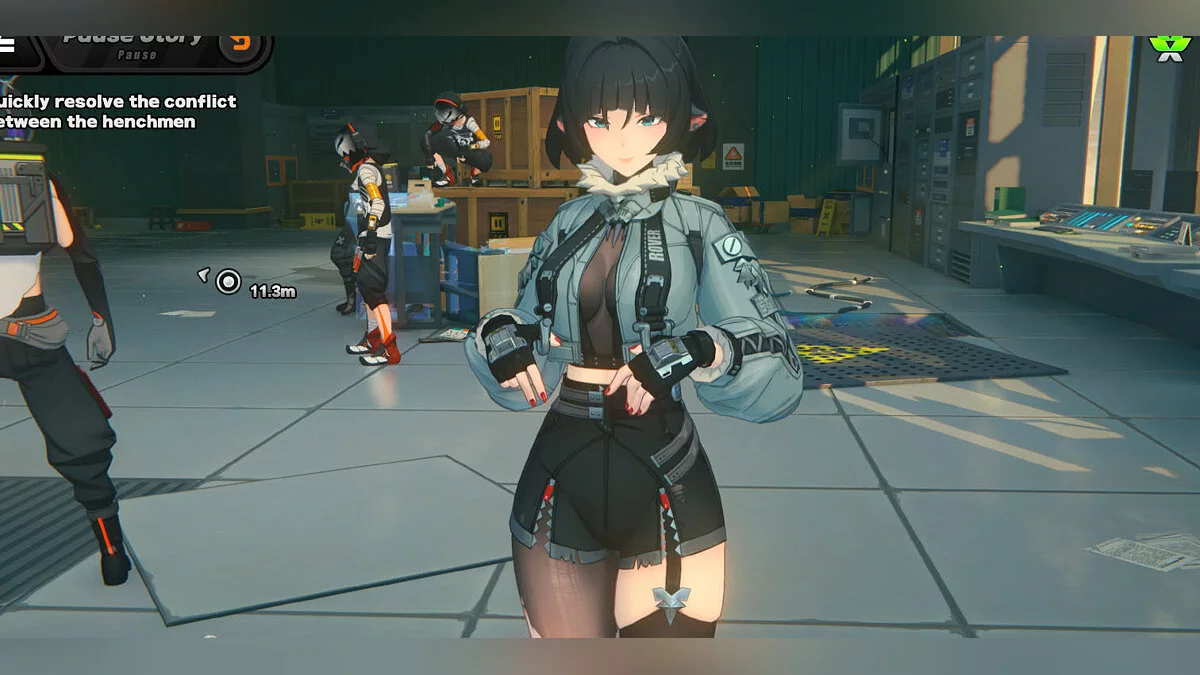
Free role-playing action game from the creators of Genshin Impact and Honkai: Star Rail. In the near future, the world was shaken by a catastrophe: mysterious... Read more
Astra Without Panties





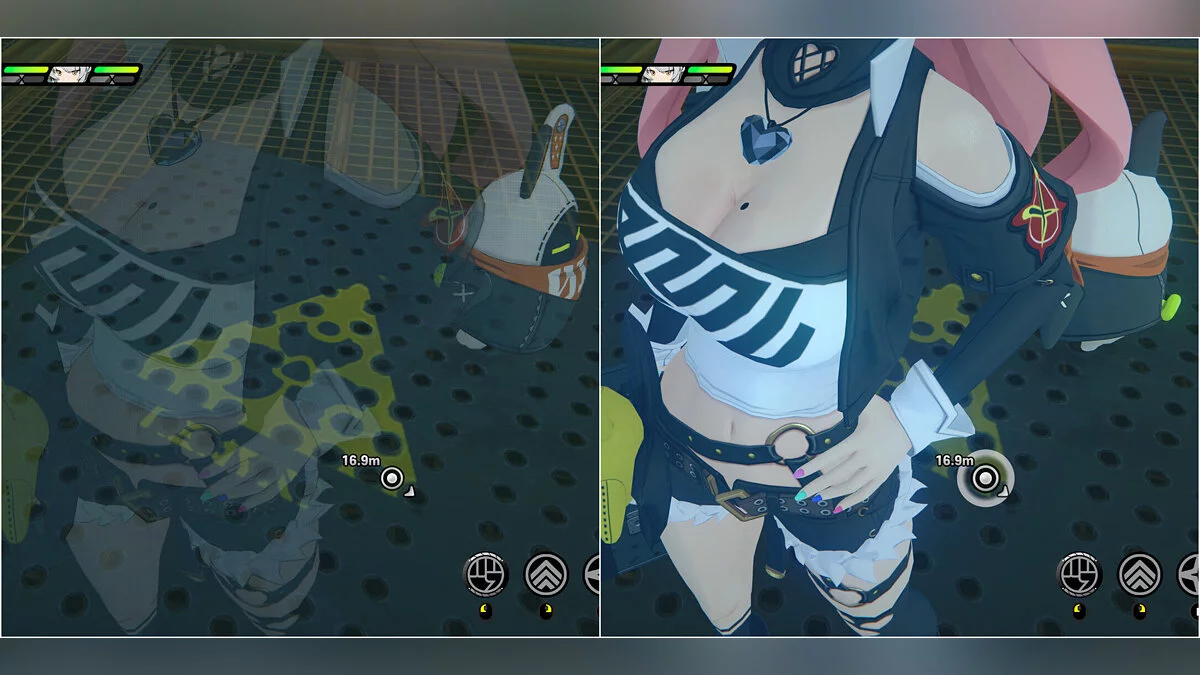
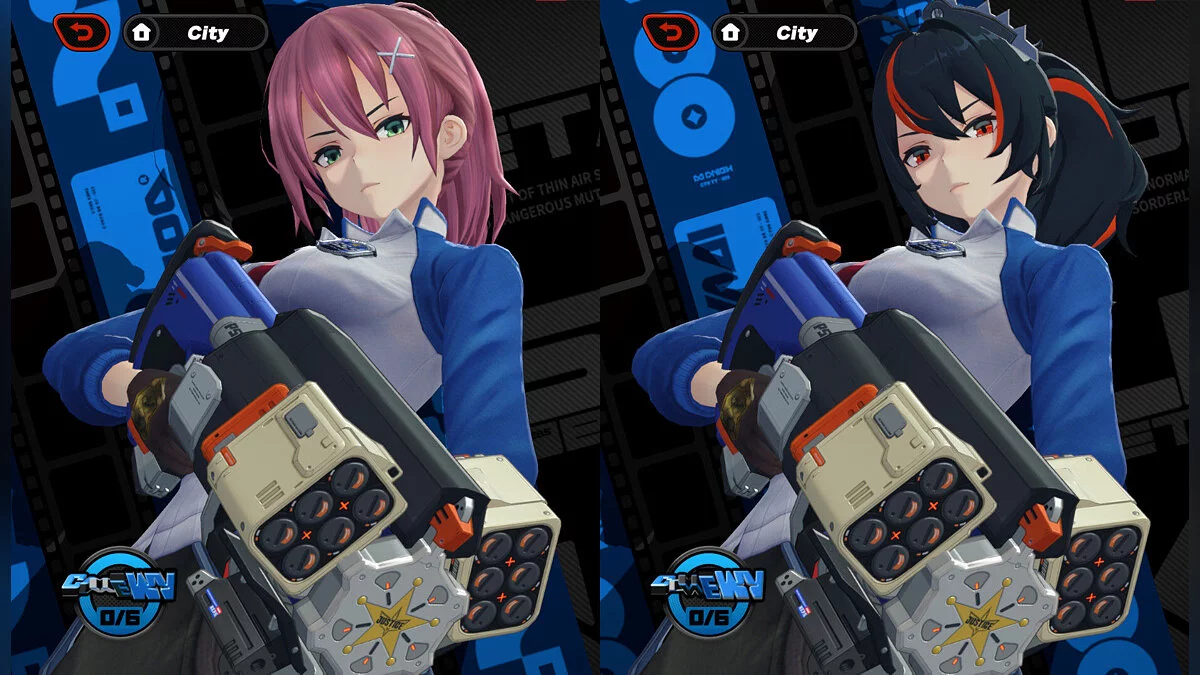
This mod adds new sunglasses and panties for Astra. It also allows you to remove them. To restore the default face, delete the Makeup folder in the mod file.
Control keys:
- ↑ — toggle sunglasses on and off (OG+EX Outfit);
- ↓ — toggle panties on and off (OG+EX Outfit);
- ← — toggle pearls on and off (EX Outfit);
- O — switch makeup (OG+EX Outfit) (you can cycle to no makeup mode by pressing the button multiple times).
Updates:
- v2 — added support for patch 2.0;
- v2 — fix for version 1.6. Currently, the 1024 resolution hash value is not enabled;
- 1.2 — fixed hash value change issue caused by game update. Fixed texture chromatic aberration. Added pearls to panties. Added transparency to the dress;
- 1.1 — increased texture hash value for 1024 resolution. Optimized texture files for clothing and hair. Optimized leg shape. Fixed skirt weight issue. UV seam fixes.
To adjust local transparency, it is recommended to use the following method:
Open the MOD folder and find Astra.ini, then open it. Find this section:
[CustomShaderTransparency]
blend = ADD BLEND_FACTOR INV_BLEND_FACTOR
blend_factor[0] = 0.9
blend_factor[1] = 0.9
blend_factor[2] = 0.9
blend_factor[3] = 1
handling = skip
drawindexed = 840, 37659, 0
Change the 3 values here simultaneously to be between 0 and 1 (the higher the number, the more opaque; the default author setting is 0.9):
blend_factor[0] = 0.9
blend_factor[1] = 0.9
blend_factor[2] = 0.9
Этот мод добавляет новые очки и трусики для Астры. Также, позволяет их снять. Если нужно лицо по умолчанию, то нужно удалить папку Makeup в файле мода.
Клавиши управления:
- ↑ — включить и выключить солнцезащитные очки (OG+EX Outfit);
- ↓ — включить и выключить трусики (OG+EX Outfit);
- ← — включить и выключить жемчуг (EX Outfit);
- O — переключить макияж (OG+EX Outfit) (можно перейти в режим без макияжа несколькими нажатиями кнопки).
Обновления:
- v2 — добавлена поддержка патча 2.0;
- v2 — исправление к версии 1.6. В настоящее время хэш-значение разрешения 1024 не включен;
- 1.2 — исправлена проблема изменения хэш-значения, вызванная обновлением игры. Исправлена хроматическая аберрация текстуры. Добавление жемчуга к трусикам. Добавление прозрачности к платью;
- 1.1 — увеличение хэш-значения текстур при разрешении 1024. Оптимизированы файлы текстур для одежды и волос. Оптимизация формы ног. Исправлена проблема с весом юбки. Исправление УФ-швов.
Если нужно отрегулировать локальную прозрачность, рекомендуется обратиться к следующим методам:
Открыть папку MOD и найти Astra.ini, затем открыть его. Найти этот абзац:
[CustomShaderTransparency]
blend = ADD BLEND_FACTOR INV_BLEND_FACTOR
blend_factor[0] = 0.9
blend_factor[1] = 0.9
blend_factor[2] = 0.9
blend_factor[3] = 1
handling = skip
drawindexed = 840, 37659, 0
Изменить 3 значения здесь одновременно, чтобы они были в диапазоне от 0 до 1 (чем выше число, тем более непрозрачно, авторская настройка по умолчанию — 0.9):
blend_factor[0] = 0.9
blend_factor[1] = 0.9
blend_factor[2] = 0.9
Useful links: