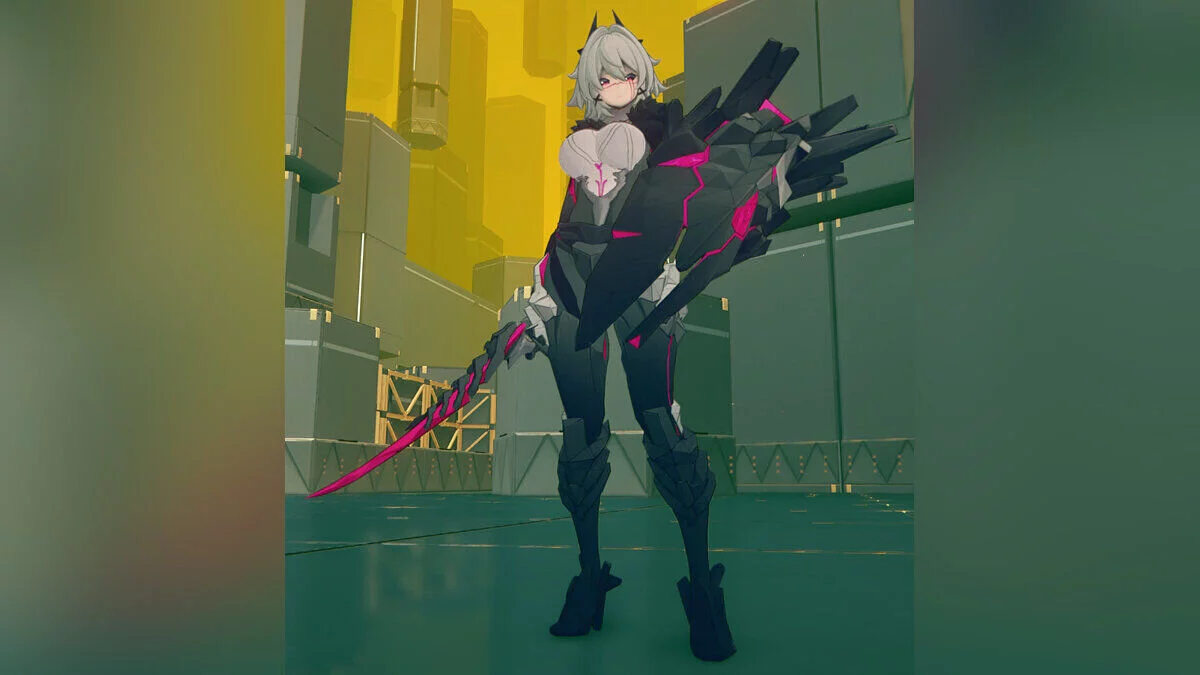
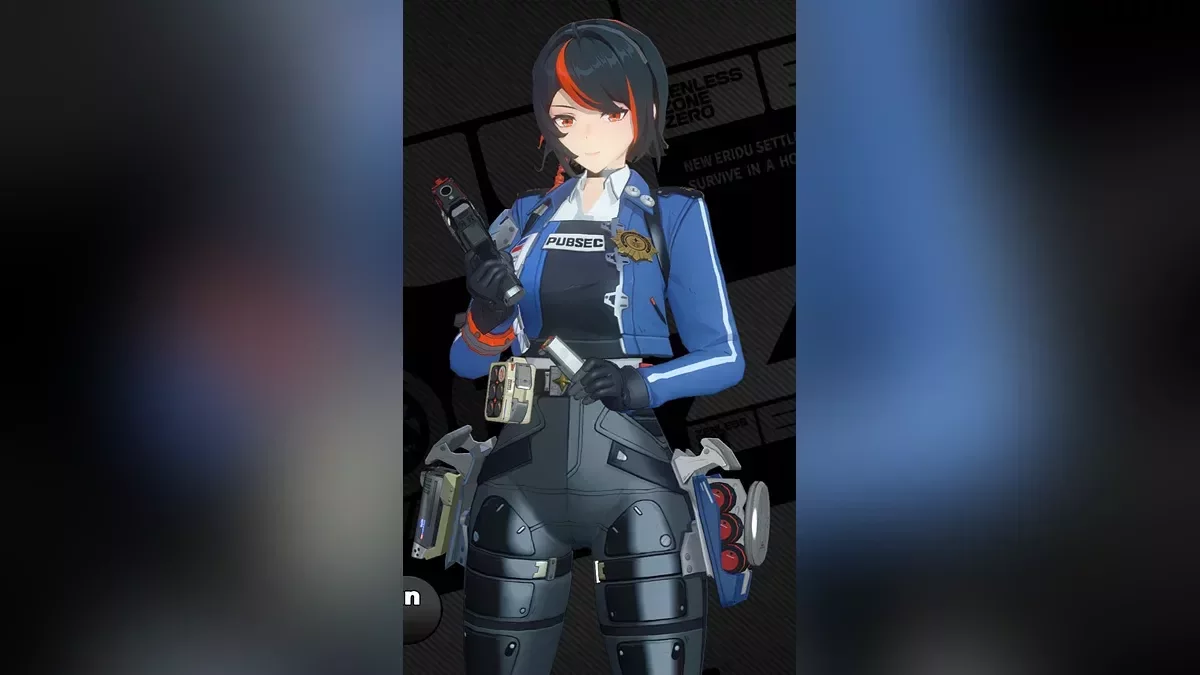
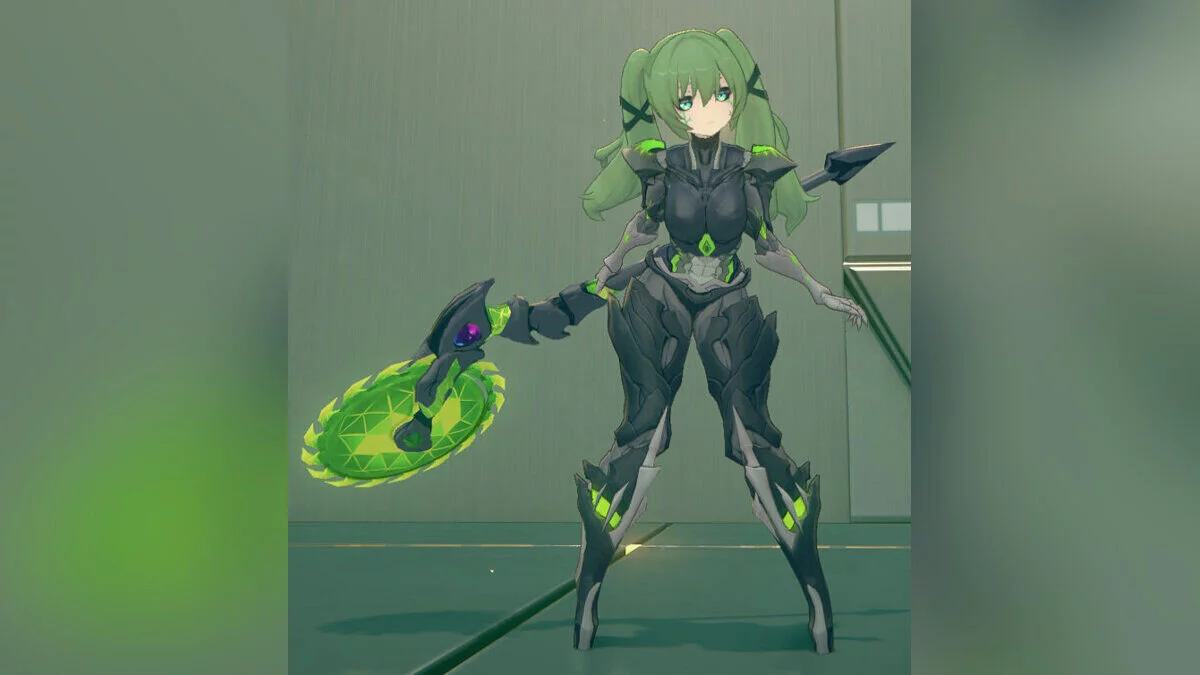
Free role-playing action game from the creators of Genshin Impact and Honkai: Star Rail. In the near future, the world was shaken by a catastrophe: mysterious... Read more
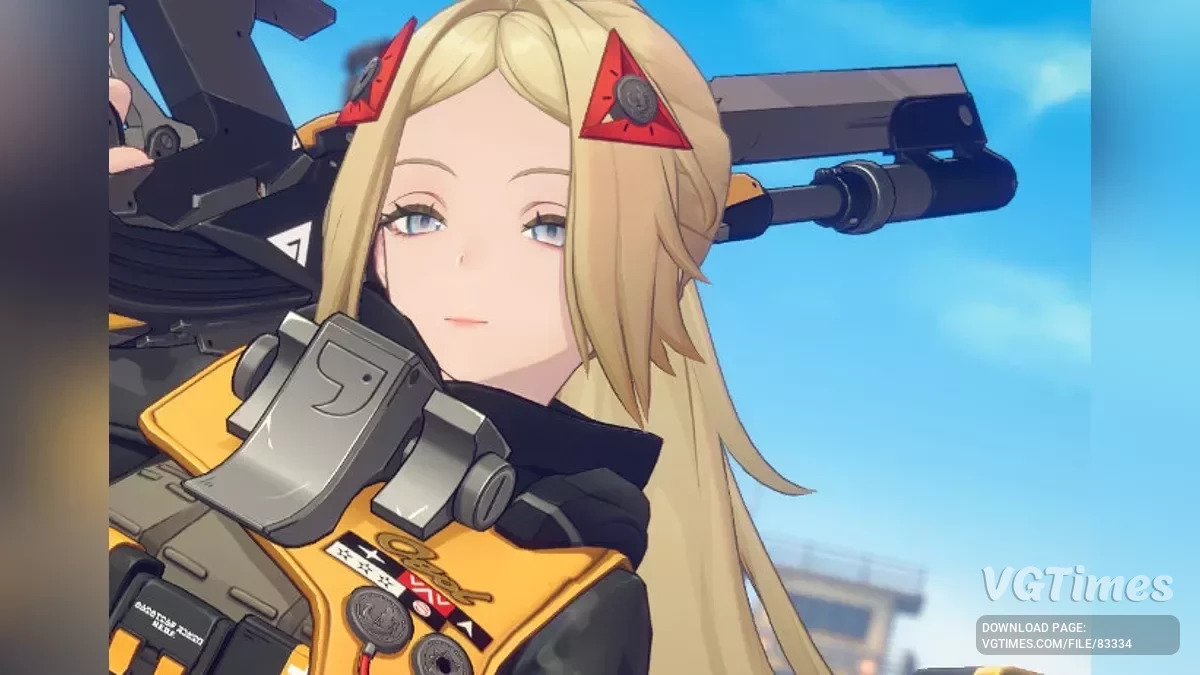
Trigger - behind the visor


-
Download (5.92 MB)May 11, 2025, 06:38 AMКапюшонotkljuchenie-vizora-dlja-trigger_1746934721_116346.zip
-
Download (54.79 MB)May 11, 2025, 06:38 AMПрозрачный визорotkljuchenie-vizora-dlja-trigger_1746934721_380580.zip
-
Download (10.25 MB)October 20, 2025, 06:17 AM1.4 - удаление визораotkljuchenie-vizora-dlja-trigger_1760930233_42824.zip
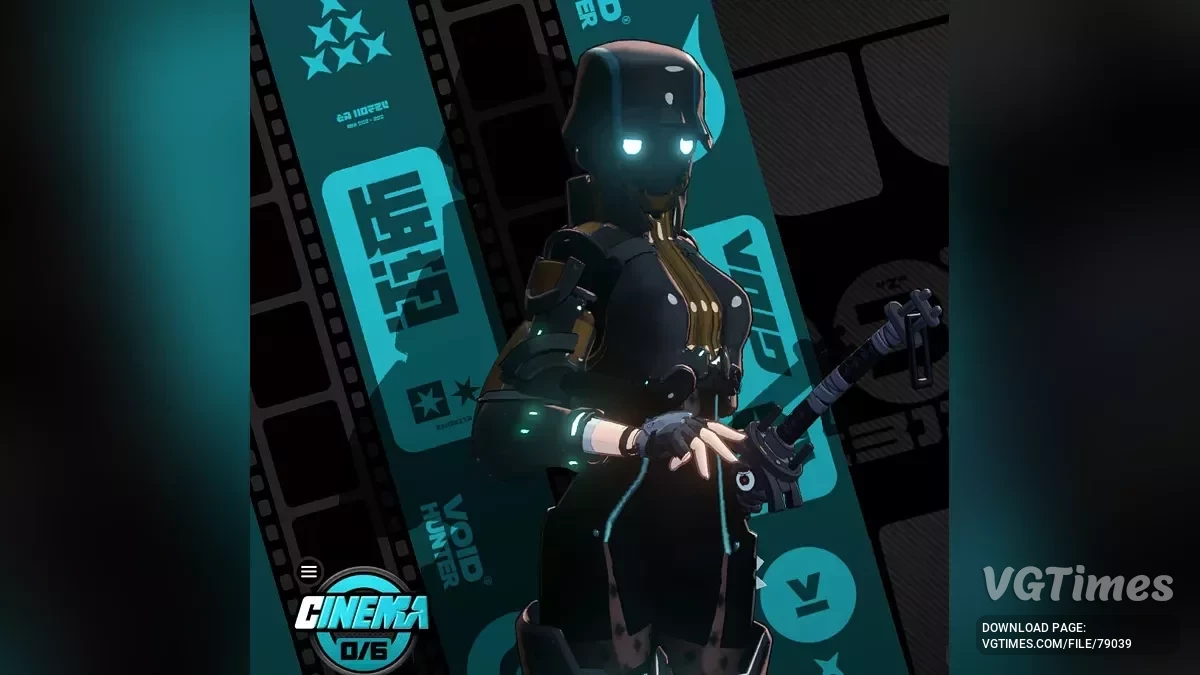
This mod allows you to completely remove Trigger's visor. There are also options to make it transparent or put on a hood.
Transparent visor (includes a separate version with toggles):
- Visor transparency: ctrl up;
- Mask: down;
- Hood: up;
- Cape: / (forward slash);
- Bags: , (comma);
- Chest mount: . (period).
No visor (includes mask, hood, and glowing eyes toggles):
- Mask: down;
- Hood: up;
- Cape: / (forward slash);
- Bags: , (comma);
- Chest mount: . (period);
- Eyes glow: L.
Hooded:
- Mask: down;
- Hood: up.
Updates:
- 1.3 — more flexible toggles for the cape. Toggles for the transparent visor version (no blinking animation). Corrupted eyes face texture. Permanent glowing eyes (only for the No Visor version). Closed eyes state for the Transparent Visor version.
If you run the game at a frame rate higher or lower than 60fps, you need to change the global speed value in the 0.ini file to the following for the best (intended) experience:
- 30fps → global $speed = 1;
- 120fps → global $speed = 4;
- 180fps and higher → global $speed = 6.
Otherwise, multiply the percentage difference of your fps in non-combat scenarios from 60 by 2 and enter that value. For example, 90/60 *2. The eye blinking animation made by the author is tied to the game's frame rate, so it will appear either too fast or too slow depending on your fps. Motion blur must be disabled.
Related files:
Useful links: