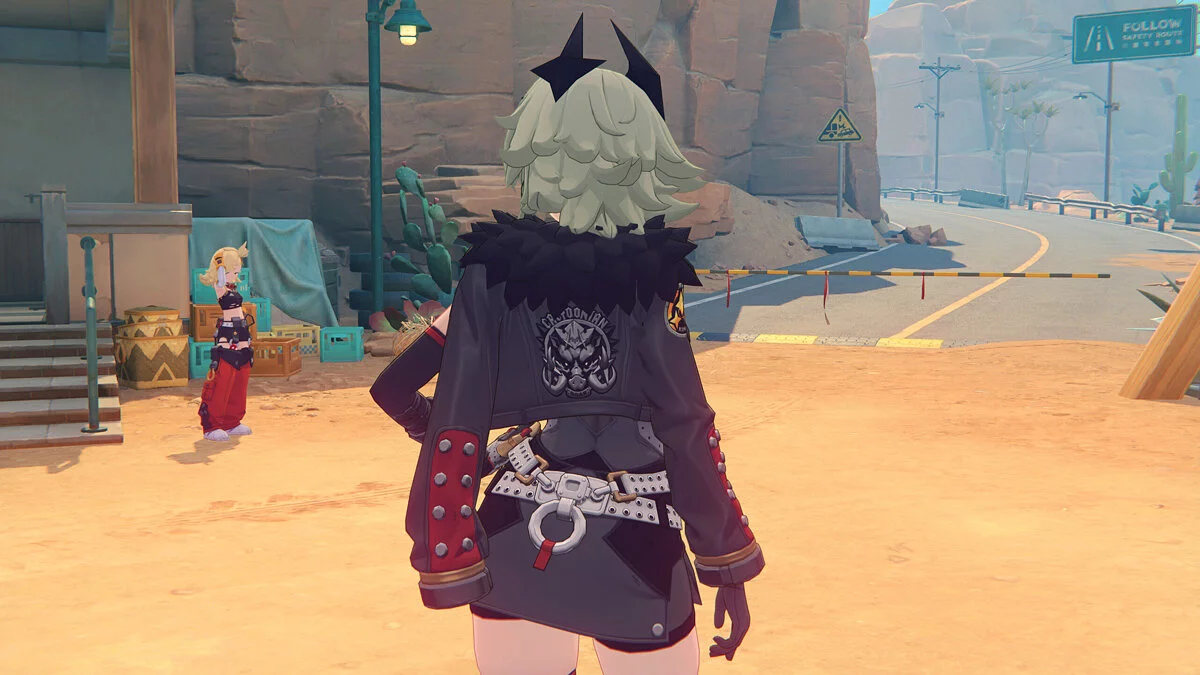
Free role-playing action game from the creators of Genshin Impact and Honkai: Star Rail. In the near future, the world was shaken by a... Read more
Yidhari "For the mankind"


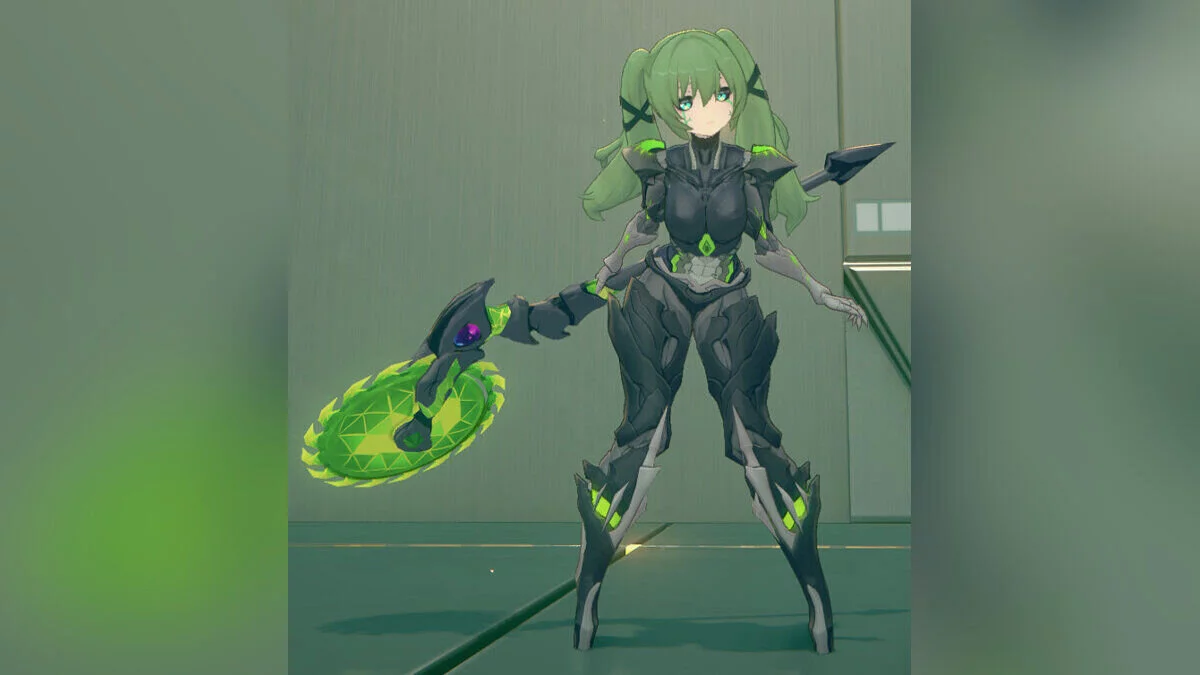
This is a customization mod in the style of Nier:Automata. This mod is not just a model swap, but a true passion project with a lot of attention to detail:
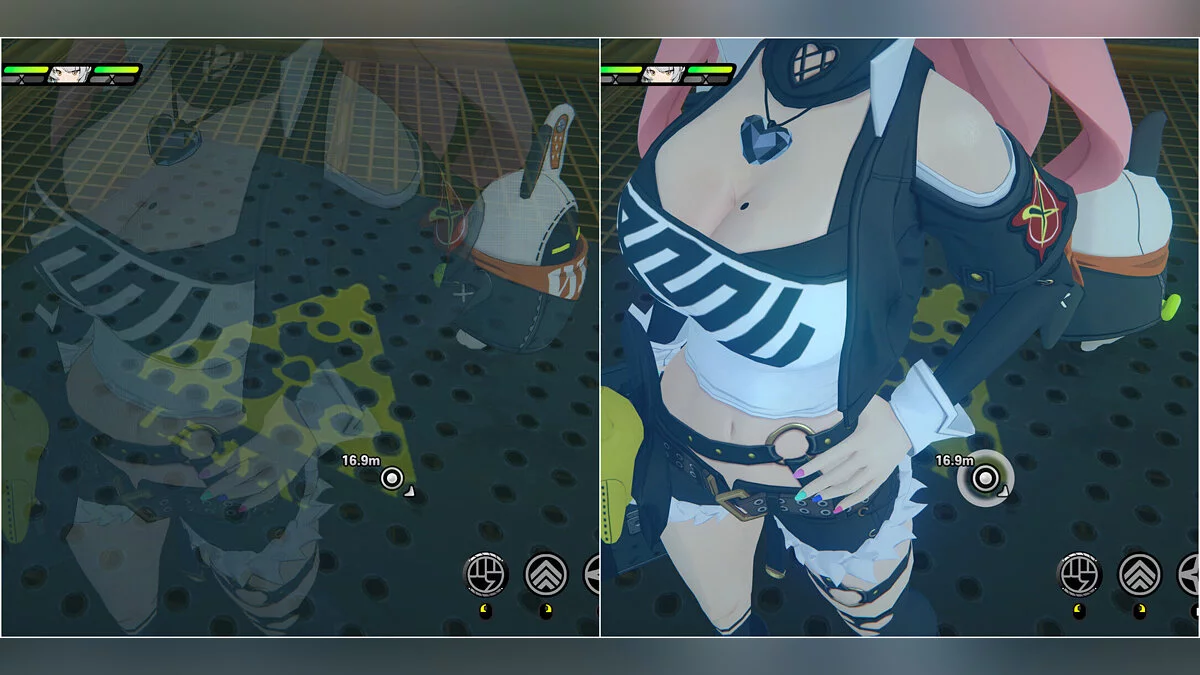
Enhanced visuals: A custom Wengine effect has been added to 2B's hair accessories, mechanical tail, and blindfold to really make them stand out. Hair strands where 2B's hair covers the eyes have transparency for a more realistic and polished look.
Custom content: Includes a Pod companion as an equippable accessory.
Features and toggles:
Fixed style:
- Body: 2B upper body;
- Legs: Less Thick leotard;
- Hands: 2B gloves, no option to remove gloves;
- Hair: 2B's hairstyle.
Toggles:
- Alt + Right: Tentacles — switch between mechanical, organic, and none;
- Left: Accessory — toggle Pod companion on/off;
- Ctrl + Left: Blindfold — toggle blindfold on/off;
- Ctrl + Right: Face/Eyes — switch between 2B's eyes and Yidhari's default eyes;
- Right: Hands — 2B gloves / bare hands.
- Complete control scheme
Basic controls (no Alt/Ctrl):
- Up: cycle body;
- Down: cycle legs;
- Left: cycle accessory;
- Right: cycle hands.
Alt Controls:
- Alt + Up: cycle hairstyle;
- Alt + Down: cycle hand accessory;
- Alt + Left: cycle chest accessory;
- Alt + Right: cycle tentacles.
Ctrl + Number Controls:
- Ctrl + 1: color scheme;
- Ctrl + 2: static colors (5 options);
- Ctrl + 3: toggle between rainbow and static mode;
- Ctrl + 4: toggle glow on/off;
- Ctrl + 5: tentacle glow;
- Ctrl + 6: rainbow speed (3 options).
Ctrl + Arrow Controls:
- Ctrl + Up: hair accessory;
- Ctrl + Left: blindfold;
- Ctrl + Right: face/eyes.
? Features
- Dynamic color system: choose from 5 static colors or enjoy rainbow animation;
- Multiple speed options: control the speed of rainbow effects;
- Smart glow effects: some parts (like sleeves) retain glow regardless of settings;
- Transparency effects: realistic hair transparency where hair covers the eyes;
- Persistent settings: all your preferences are saved between game sessions.
Updates:
1.5 – add these lines to the overrides section to get rid of the rainbow effect when you remove her waist accessory:
[TextureOverrideAccessoryEffect]
hash = 1c164f7f
ib = null

Useful links: