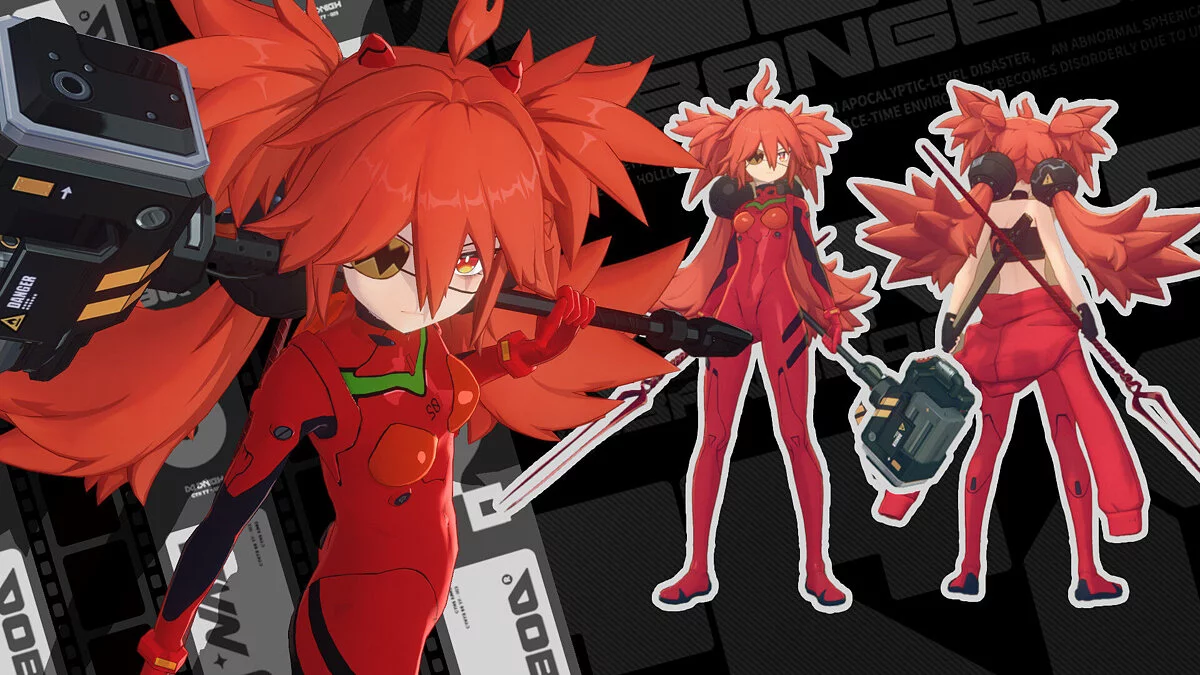
Free role-playing action game from the creators of Genshin Impact and Honkai: Star Rail. In the near future, the world was shaken by a catastrophe: mysterious... Read more
Players:
Steam:
Metacritic:
Evelyn customization and mega wardrobe


Author:
KATTHEDEV
Uploaded by:

Size:
94.75 MB
Date:
June 11, 2026, 02:36 PM
Updated:
June 25, 2026, 07:00 AM
Downloads:
124


Key Features:
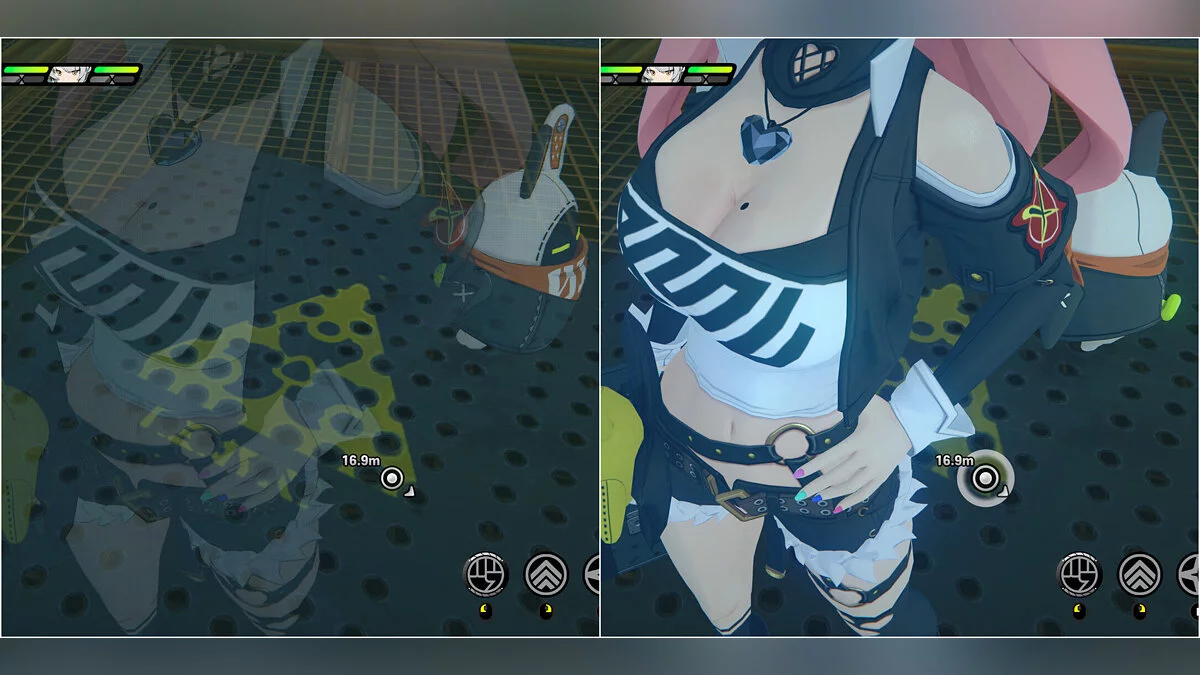
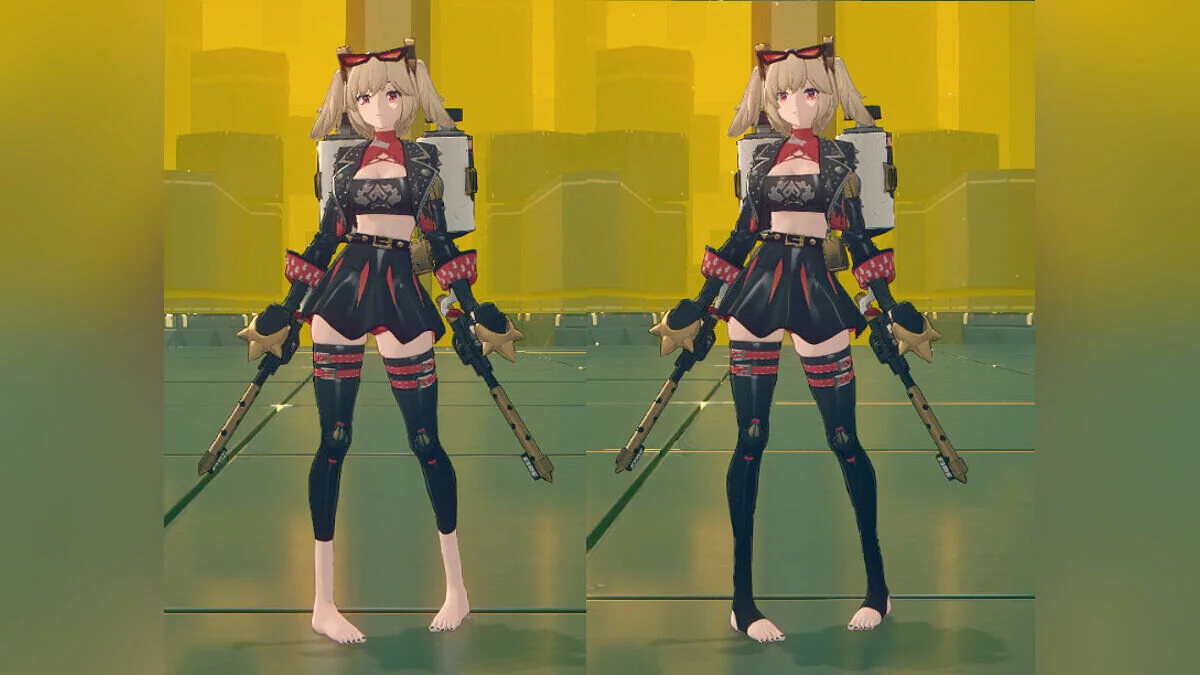
- Advanced Part Toggles: Fully customize the character's appearance by toggling individual elements on and off. Easily add or remove clothing layers, bras, panties, and other accessories to create the perfect look;
- Free Color Customization: Change the color of any specific part to suit your taste. No more being limited to standard palettes;
- 18-Layer Tattoo System: Supports up to 18 independent tattoo layers. You can freely place and move tattoos anywhere on the body. A mirror tattoo feature is also included, making it easy to apply perfectly symmetrical designs. The pack also includes a special tool (located in the mod folder) for easy import of your own tattoos;
- Improved UI & Controls: The user interface has been fully optimized. Sliders are now much smoother and more responsive. Additionally, the UI panel is now fully draggable so it won't get in the way while customizing your character;
- In-Depth Body Morph Sliders: Take full control over the character's physique. Fine-tune proportions with dedicated sliders for boobs, pregnant belly, ass, nipples, waist, thighs, and ahegao.
Controls:
- Alt + 6 — Toggle UI: Quickly shows or hides the mod's control panel;
- Alt + 7 — Reset UI Position: Instantly returns the menu to its default position if you accidentally drag it off-screen;
- Alt + Click: Toggle in the special panel, clicking on a selected part will open an extra menu;
- Arrow Down and Up: Scroll in the tattoo panel if many custom tattoos are added.
Updates:
- New version.
Useful links: