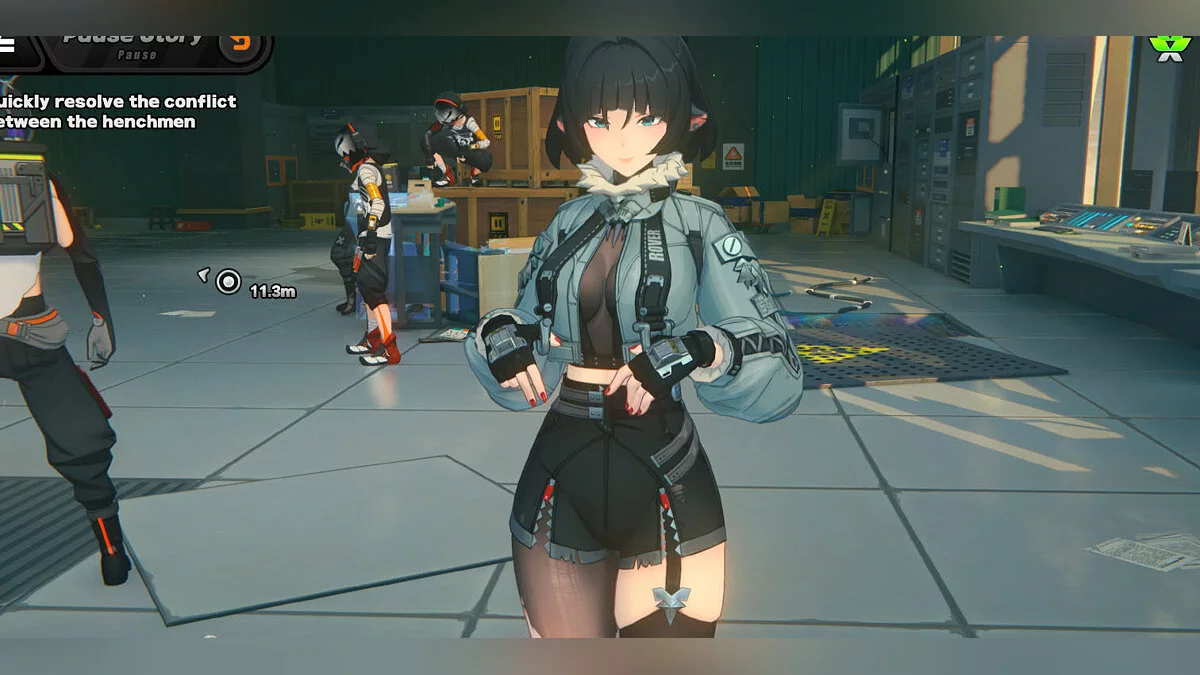
Free role-playing action game from the creators of Genshin Impact and Honkai: Star Rail. In the near future, the world was shaken by a catastrophe: mysterious... Read more
TTL - Transparent Texture Lib


-
Download (25.52 kB)August 31, 2026, 01:56 PMbiblioteka-prozrachnykh-tekstur_1788173779_563959.zip
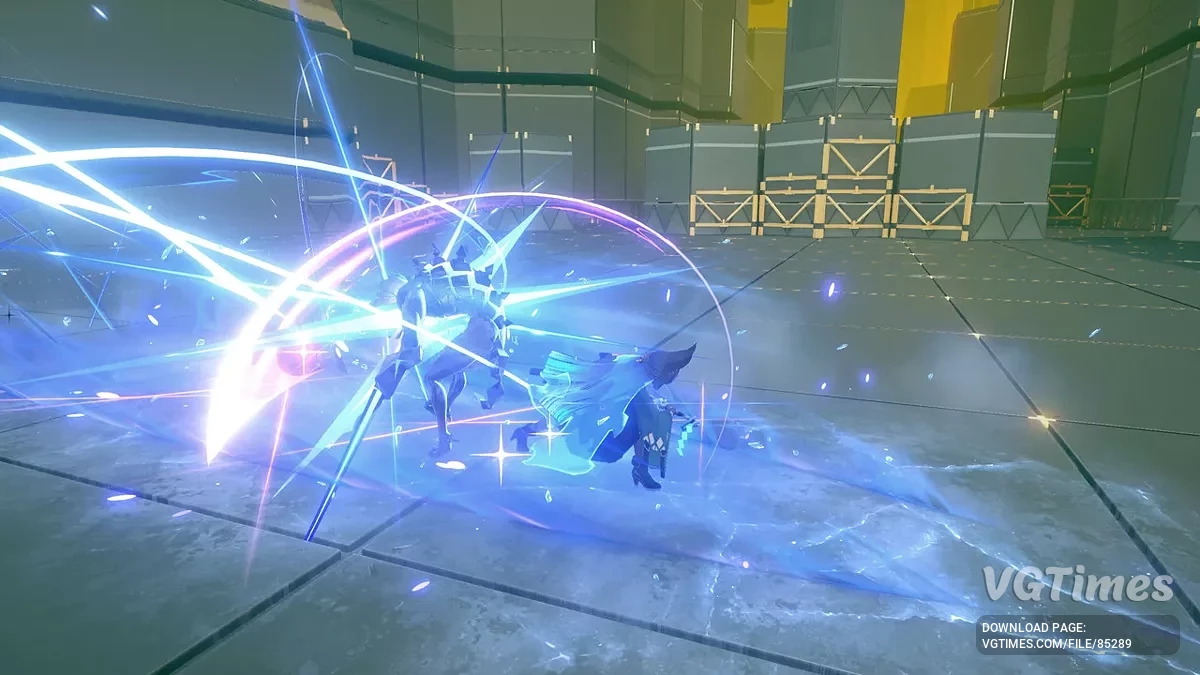
TransparencyTextureLib (TTL)Library for ZZMI for making transparent or semi-transparent materials.
Install Guide
- Download latest archive;
- Unpack it inside ./ZZMI/Mods/TTLib/ folder.
Simple usage guide for modders:
No Texture Way Example:
[TextureOverrideCharacterComponentPart]
hash = 1234abcd
match_first_index = 0
ib = ResourceIB
; SummerSet.Shirt (1268)
;drawindexed = 6324, 652011, 0
$\TTL\alpha = 0.5
$\TTL\_1 = 6324
$\TTL\_2 = 652011
run = CommandList\TTL\Draw
Notice that drawindexed = 6324, 652011, 0
>>> Becomes $\TTL\_1 and $\TTL\_2
$\TTL\alpha = 0.5
$\TTL\_1 = 6324
$\TTL\_2 = 652011
run = CommandList\TTL\Draw
IMPORTANT TO MAKE run = CommandList\TTL\Draw after you initialise indexes for draw
Texture Way Example:
Same as previous, but there you should use additional params:
; >>>>
Resource\TTL\TransparencyTex = ref ResourceTTL
; >>>>
$\TTL\_1 = 6324
$\TTL\_2 = 652011
run = CommandList\TTL\Draw
Using the red color by default: 0 is non transparent, 255 is transparent.
But if you using Diffuse alpha texture, you should use params like this:
Resource\TTL\TransparencyTex = ref ResourceTTL
$\TTL\mask_channel = 3
$\TTL\mask_invert = 1
NOTE EXPLANATION: Textures had Red Green Blue Alpha, color value is intensity. Alpha is $\TTL\mask_channel = 3, but it's not enough, you should also invert value for syncing it with actual texture painting. If you for example had transparency information on lightmap on blue channel, you should use $\TTL\mask_channel = 2.
undoced:
$\TTL\H
$\TTL\S
$\TTL\V
run = CommandList\TTL\RequestUIPlacement
ResourceMyPlacement = copy Resource\TTL\UIPlacement
Useful links: