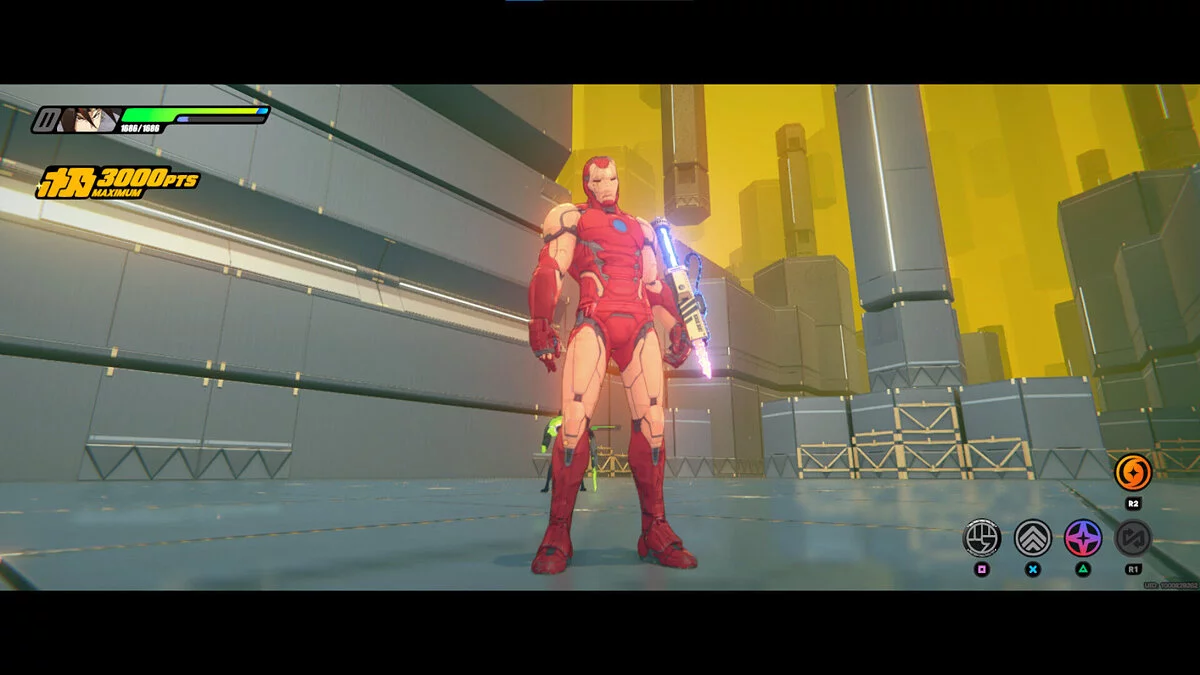
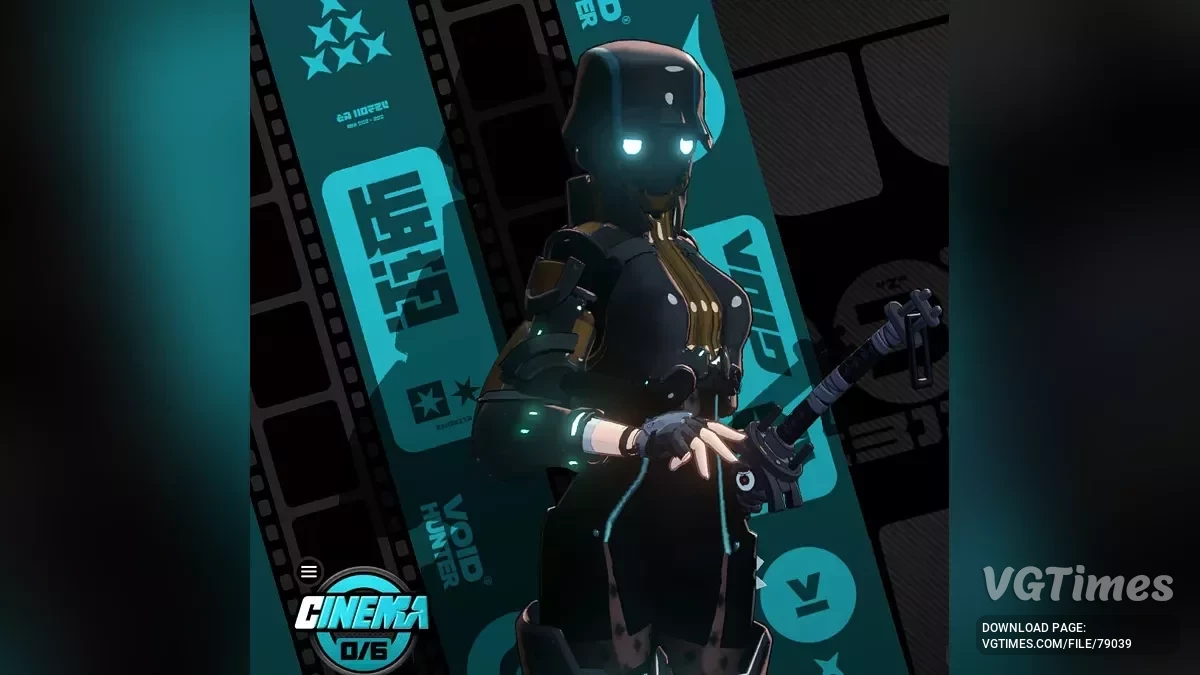
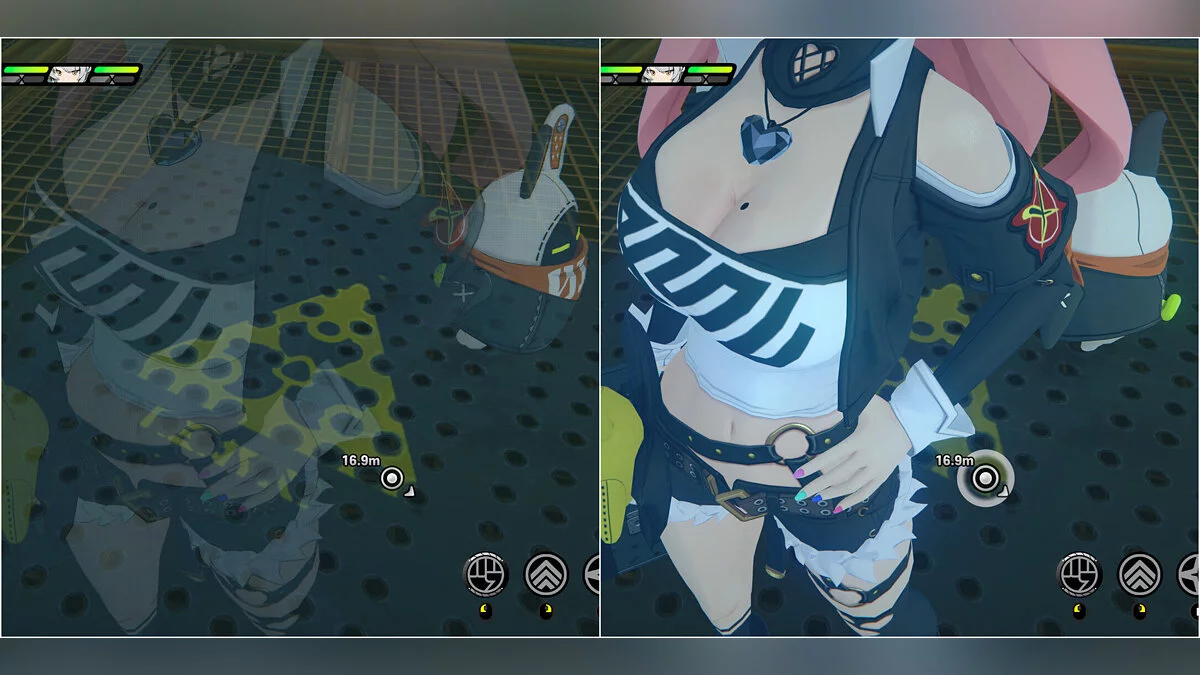
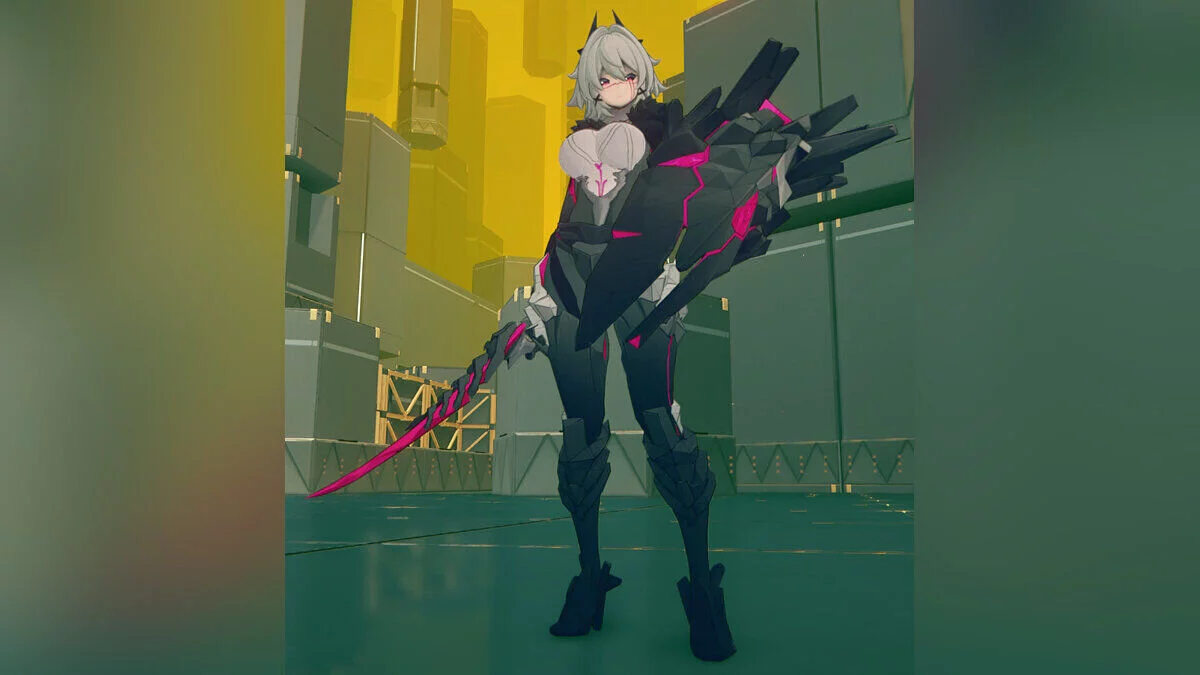
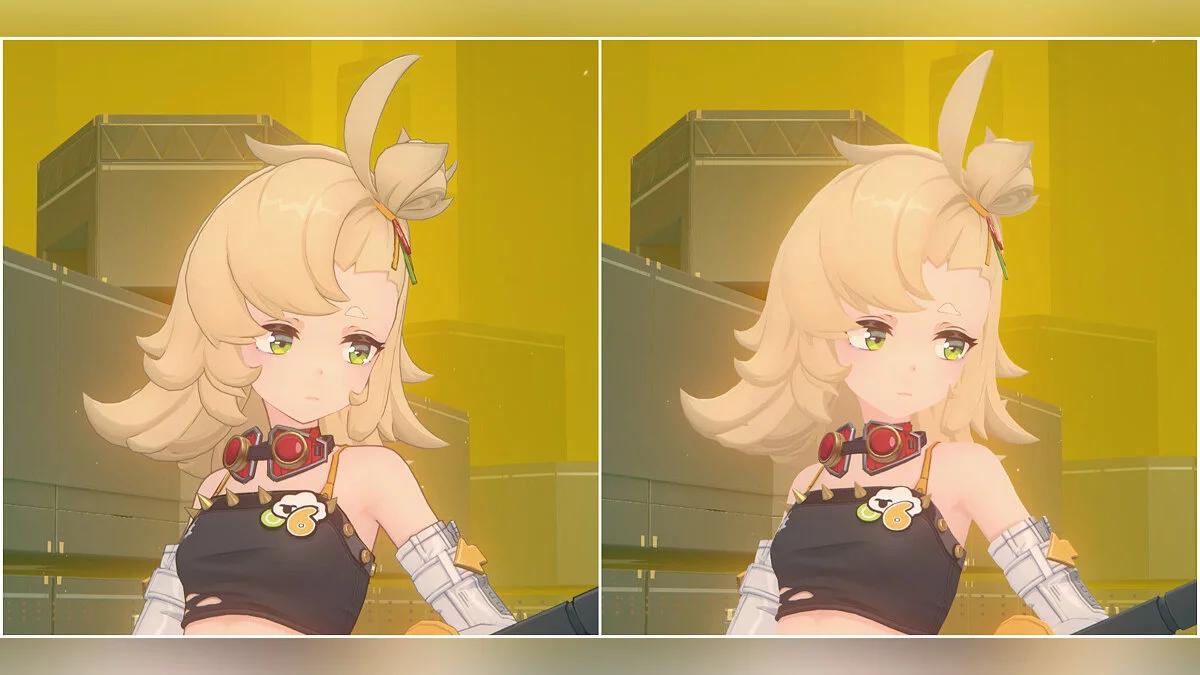
Free role-playing action game from the creators of Genshin Impact and Honkai: Star Rail. In the near future, the world was shaken by a catastrophe: mysterious... Read more
Players:
Steam:
Metacritic:
Claret Toggles - Multi-Outfit Auto-Switcher


Author:
MaximiliumM
Uploaded by:

Size:
25.37 MB
Date:
October 8, 2026, 06:23 AM
Downloads:
13

Outfit Mode:
- You can customize and save 3 separate outfits: Free Roam, Combat, and Skill.
- If Auto-Change is disabled, use the LEFT arrow ← to select an outfit, then adjust its toggles. Each mode remembers its own settings.
- LEFT arrow ← : switch outfit.
Auto-Change:
- Enable Auto-Change to let Claret automatically switch between your saved outfits as you play.
- The Skill outfit takes priority during Crimson Inscription state in combat. Once that state ends, she returns to the Combat outfit, then back to Free Roam once combat is over.
- RIGHT arrow → : enable/disable Auto-Change.
Lock Toggles:
- Lock Toggles protects from accidental changes during gameplay. You can unlock them whenever you want to try another combination.
- UP arrow ↑ : lock/unlock toggles.
Controls:
- Alt + H : open/close menu;
- Alt + Y : change menu size.
Use these keys to cycle through options for your selected outfit:
- 5 : top;
- 6 : sleeves;
- 7 : boots;
- 8 : mask;
- 9 : cape;
- 0 : wings;
- Ctrl + 5 : top back;
- Ctrl + 7 : panties;
- Ctrl + 8 : hair accessories.
Updates:
- 1.1.1 — Improved shading under certain lighting conditions. Improved ass cheek mesh from certain angles.
Useful links: