
How to Discard and Sell Items in Schedule 1
 Vladyslav Shamshurov
In the engaging simulator Schedule I, players are provided with extensive functionality, yet not everyone knows how to perform basic actions such as discarding items from the inventory or selling them. If you have also faced these questions, be sure to check out our guide. Today, we will explain how to get rid of unnecessary items and whether you can sell them.
How to Discard an Item from the Inventory
Schedule 1 Guides
- How to Quickly Earn Money in Schedule 1
- How to Discard and Sell Items in Schedule 1
- Сheats and Сonsole Сommands in Schedule 1
- Schedule 1 Mixing Guide: Best Recipes & Effects
- How to Unlock All Weapons in Schedule 1
- How to Unlock All Dealers in Schedule 1
- Fixing the Empty Pawn Shop in Schedule 1: Step-by-Step Guide
- Schedule 1 Co-op Guide: How to Play With Friends and Set Up Multiplayer
How to Discard an Item from the Inventory
In most games, developers assign a separate key for discarding items, but in Schedule I, this mechanic is implemented differently. By opening the smartphone menu (TAB key), you can manage items in your inventory. Pay attention to the red square in the right corner of the screen. To discard an item, you need to drag it into this square, but there are nuances here.
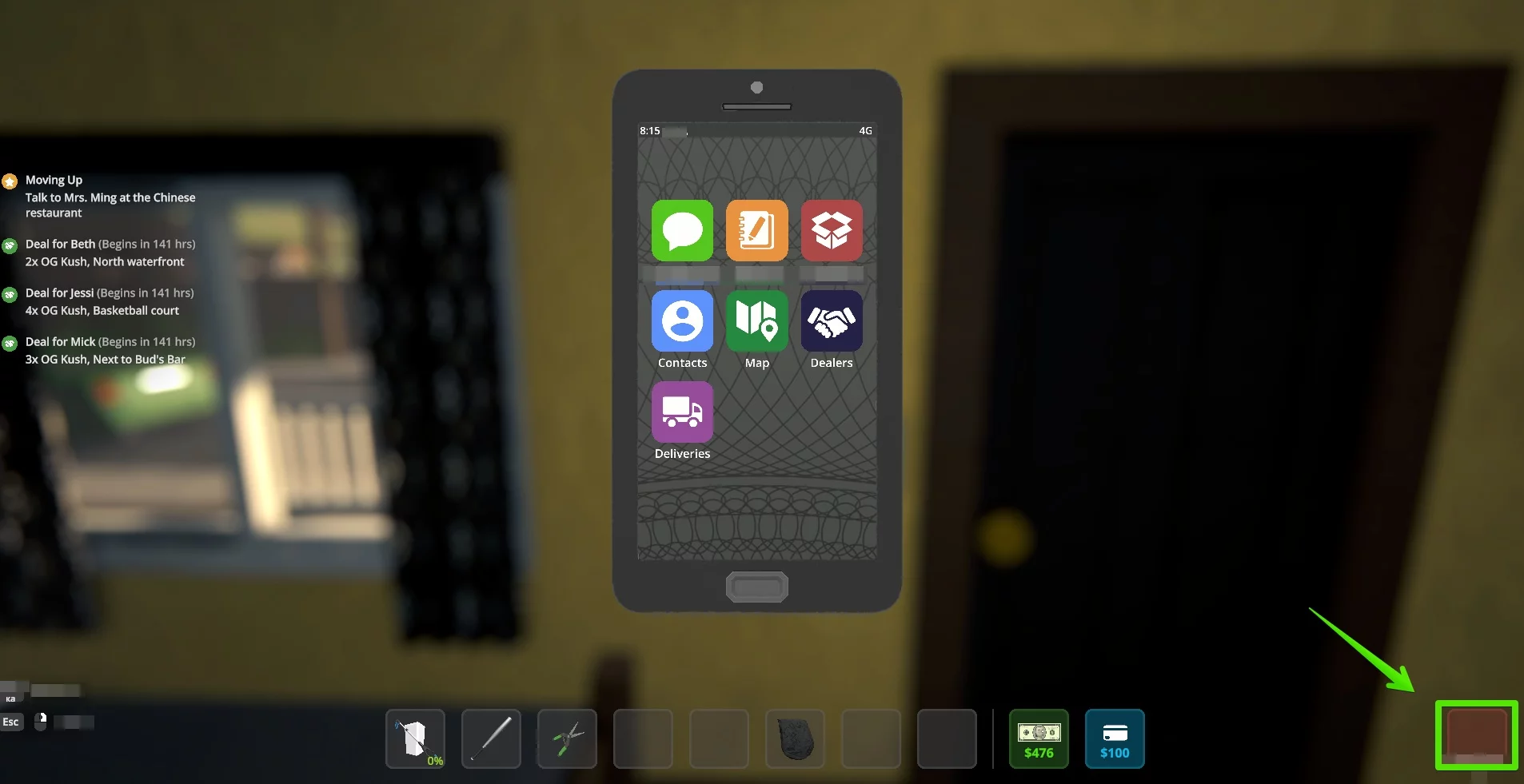
Using this function, you literally delete the item instead of just dropping it on the floor. Therefore, although you have the option to clear your inventory, it may not be beneficial for the player, so resort to this only in extreme cases. Usually, players use this method to quickly get rid of illegal substances when pursued by the police.
Is it Possible to Sell Items
At the time of writing this guide, the ability to sell items is unavailable. Although there is a pawnshop in the city, it does not function for its intended purpose for players. The only way to get rid of items from the inventory is to delete them through the red slot in the menu.
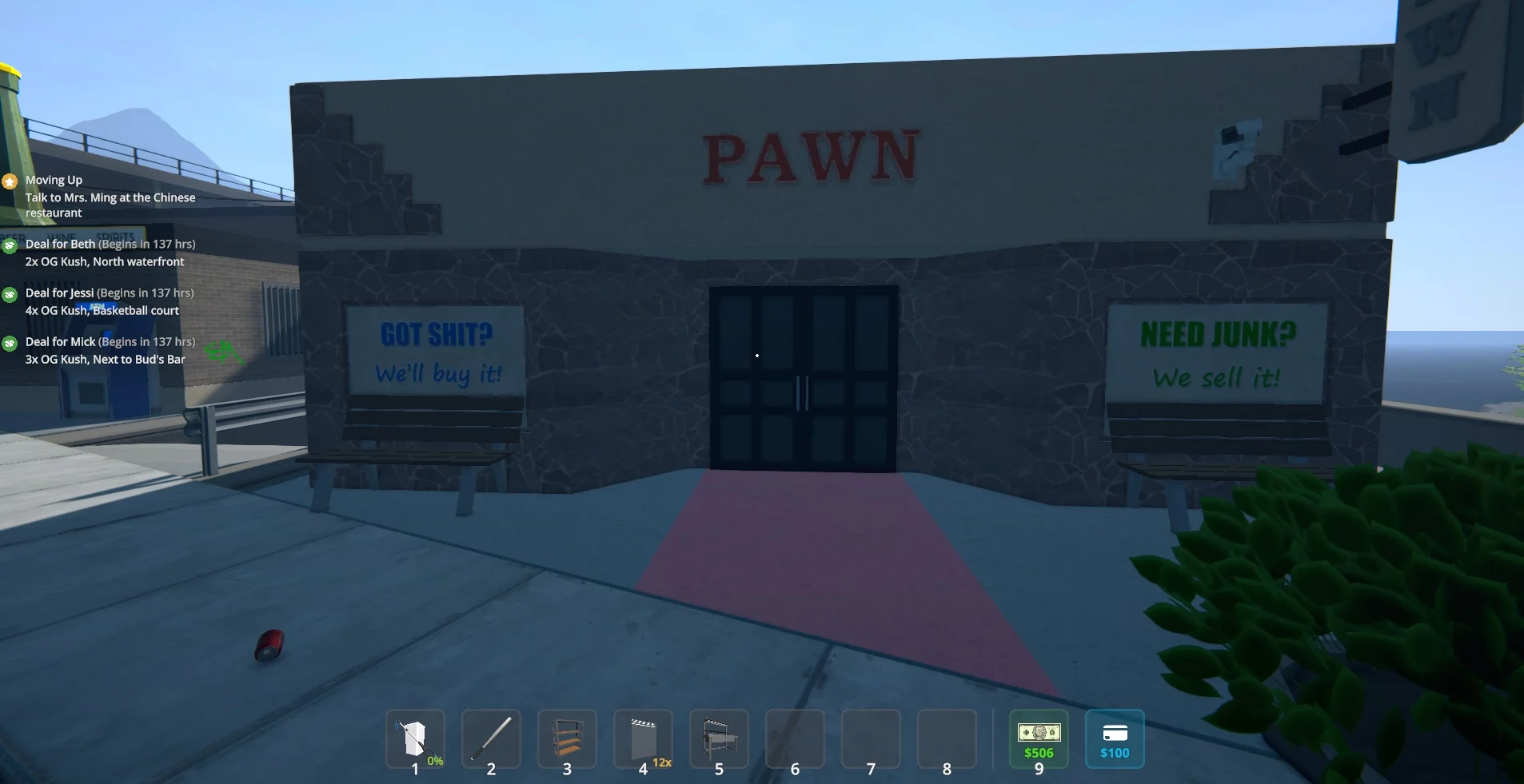
For optimal organization of storage, it is recommended to acquire several spacious shelves. It is best to arrange them in a U-shape to effectively utilize space in the warehouses. As you open more shelters, you will have more space for the safe storage of all items, without worrying about inventory overflow. This task becomes easier when you hire workers for production and delegate part of the sales to your dealers.
-
 Schedule 1 Mixing Guide: Best Recipes & Effects
 -
 Cyberpunk 2077 Romance and Sex Guide: Judy, Panam, River, Kerry, and Joytoys
 -
 All Elden Ring Endings Explained: How to Get Every Ending and Which Is Best
 -
 Valheim Save File Location: Where to Find Your Saves
 -
 Valheim Materials Guide: Where to Find Every Crafting Resource