OpenIV [4.1]
![OpenIV [4.1]](https://files.vgtimes.com/download/posts/2026-05/thumbs/openiv-4-1_1780044736_686640.webp)


-
Download (1.24 MB)May 29, 2026, 11:52 AMOnlineopeniv-4-1_1780044736_463951.rar
-
Download (92.56 MB)May 29, 2026, 11:52 AMOfflineopeniv-4-1_1780044736_865071.zipArchive password: vgtimes
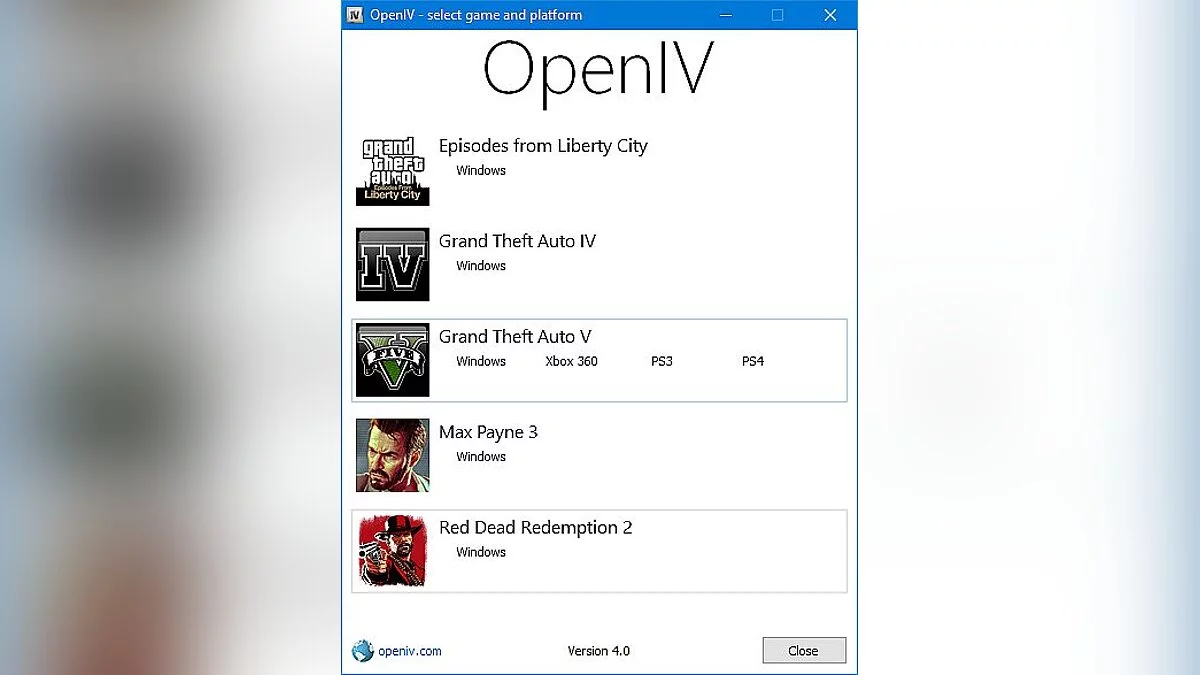
OpenIV is an indispensable multifunctional tool for anyone who wants to customize the PC version of Grand Theft Auto IV and Episodes from Liberty City. It’s a full-fledged modding suite that allows you to replace textures, models, sounds, and dig into the very heart of Liberty City.
Whether you just want to install a new car model or create your own global mod, OpenIV provides all the necessary tools for the job.
Key features and capabilities:
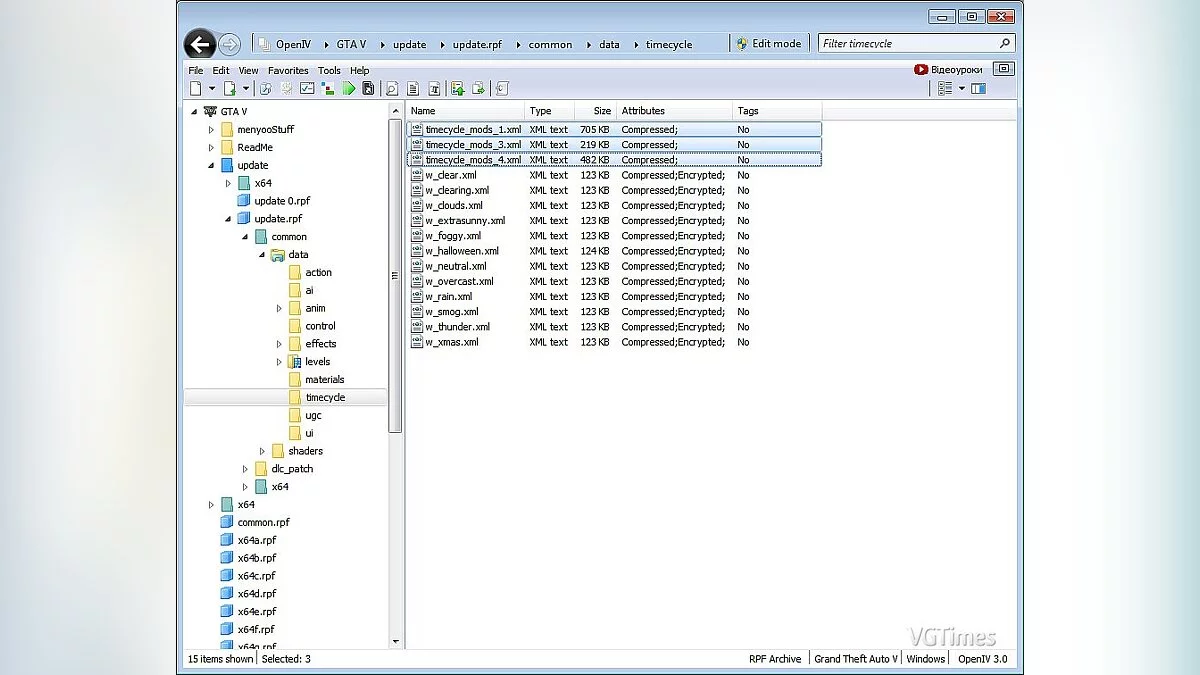
- Full archive control: Convenient IMG and RPF archive manager for quick replacement and editing of game assets.
- Texture editing: Built-in WTD texture editor — change banners, skins, and interface elements in just a few clicks.
- 3D model viewer: Integrated viewer for 3D models (WDR, WDD, WFT files).
- Physics analysis: View physical boundaries and “collisions” of objects (WBN, WBD files).
- Audio player: Listen to sound effects and tracks directly from the game archives (/pc/audio/sfx) without prior extraction.
- Script editing: Built-in SCO script decompiler, allowing you to study the formatted game logic code.
- Export to 3D editors: Support for openFormats to import and export GTA IV/EfLC assets to professional editors (e.g., 3Ds Max).
- Quick config viewer: Read most service text and configuration files of the game right in the interface (.DAT, .IDE, .WPL, .IPL, etc.).
- Smart search: Global search across all game archives — find the file you need in seconds.
Available versions and installation features:
- The program is available in two build types: Online and Offline.
Online version (Web installer):
- The standard installation method. You download a lightweight file, run it with an active internet connection, and the program itself will download the latest components, following simple step-by-step instructions on the screen.
Offline version (Standalone manual installation v4.1):
This option is ideal for installation without internet access. Since version 4.1 comes pre-installed here, it’s critically important to follow a strictly defined order of actions, otherwise the utility will not launch.
- First, run and install the “OpenIVSetup v4.0.0.44.exe” file. This is necessary for the program to register all the required keys and paths in the Windows system registry. Without this step, version 4.1 will not work.
- Copy all the contents of the “OpenIVSetup v4.1.0.1502” folder and transfer them to the following path on your PC:
C:\Users\%userprofile%\AppData\Local\New Technology Studio\Apps\OpenIV - Find and run the “OpenIV 4.0 to 4.1 update.Reg” file. Confirm merging with the registry to update the OpenIV configuration to the current working version 4.1.
Useful links: