Game files / Editors and programs / Page 32
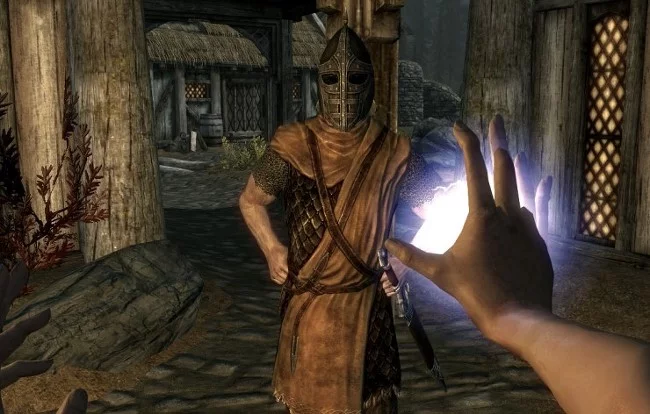
The Elder Scrolls 5: Skyrim Legendary Edition — Fores New Idles in Skyrim - FNIS - Animation Setup

Download
Fores New Idles in Skyrim - FNIS. This mod allows you to add various types of animations to the game: idle/poses, sequences, furniture, couple, kill moves, creatures, and more. Note: You need to run the GenerateFNISforUsers.exe generator tool every t ...
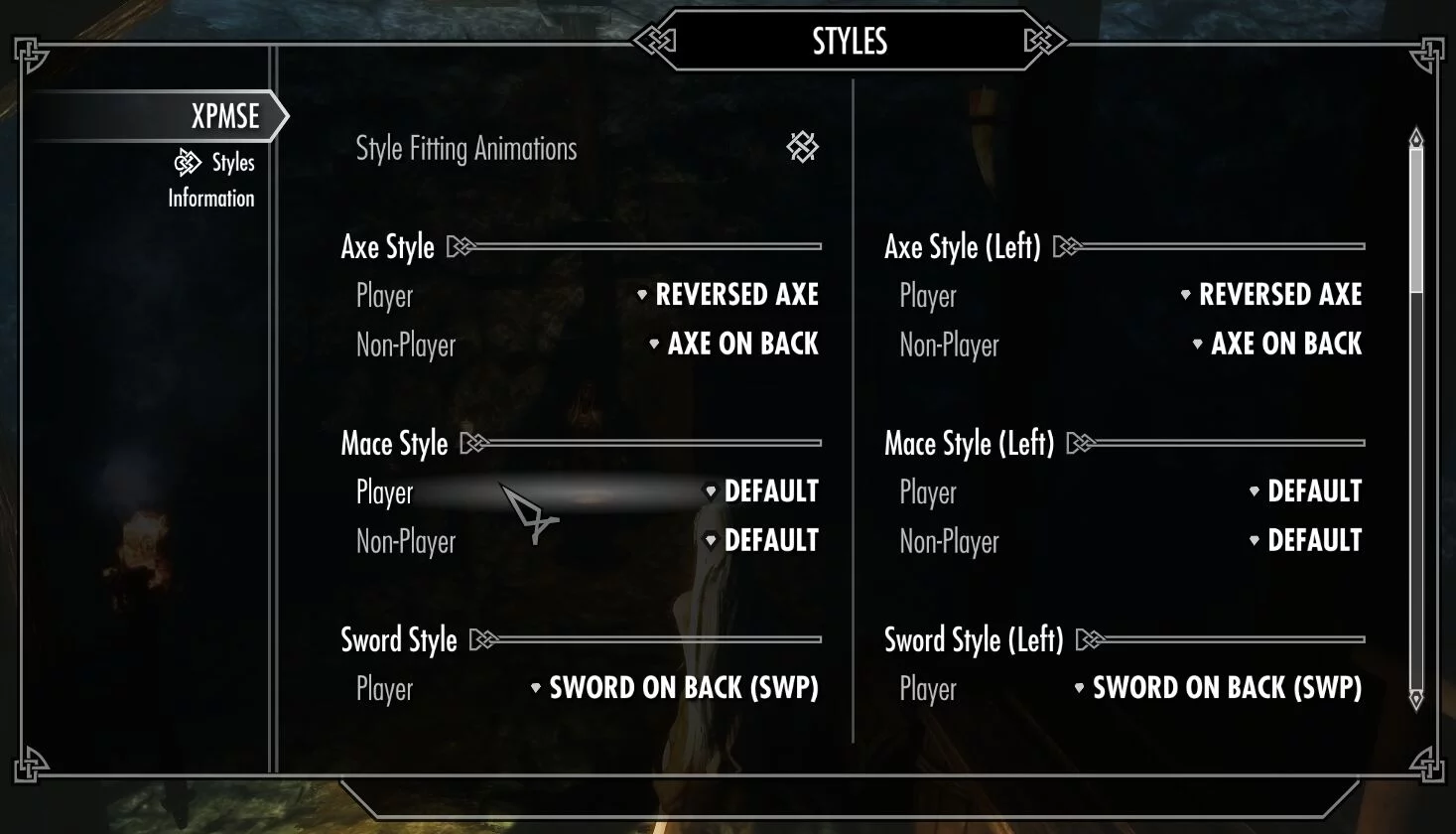
The Elder Scrolls 5: Skyrim Legendary Edition — XP32 Maximum Skeleton Extended - XPMSE
Download
XP32 Maximum Skeleton Extended - XPMSE. This is a completely revamped version of XP32 Maximum Skeleton - XPMS by xp32 for HDT Physics mod support and offers in-game customization options. Body and Physics Support: - Breast and butt physics [BBP] - ...
Valheim — Valheim Unstripped DLLs - Libraries for Modding
Download
Valheim Unstripped DLLs. Unlimited DLL libraries required for modding Valheim.
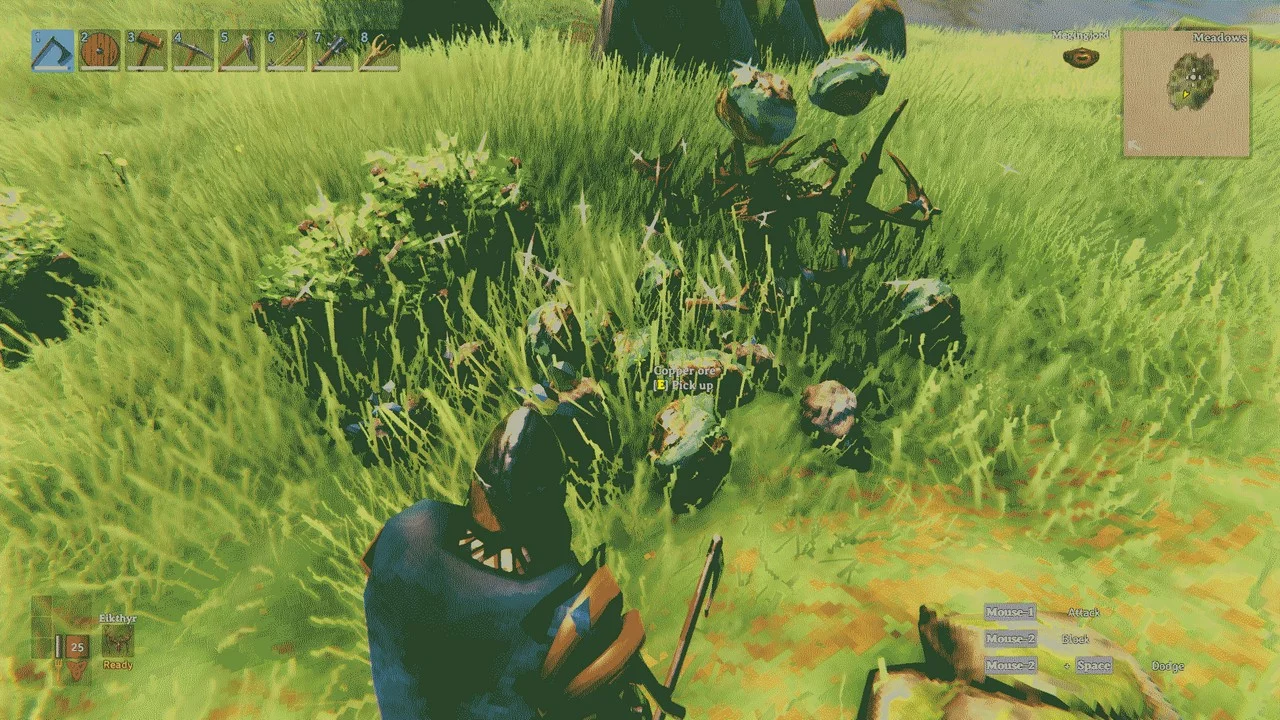
Valheim — Drop That - Loot Table Configuration
Download
Drop That. A tool for configuring mob loot tables. Allows you to modify, remove, or add drops for any mob. Features: - Cancel any existing potential mob drop by specifying the index (zero-based) of the item you wish to change. - Add as much addit ...
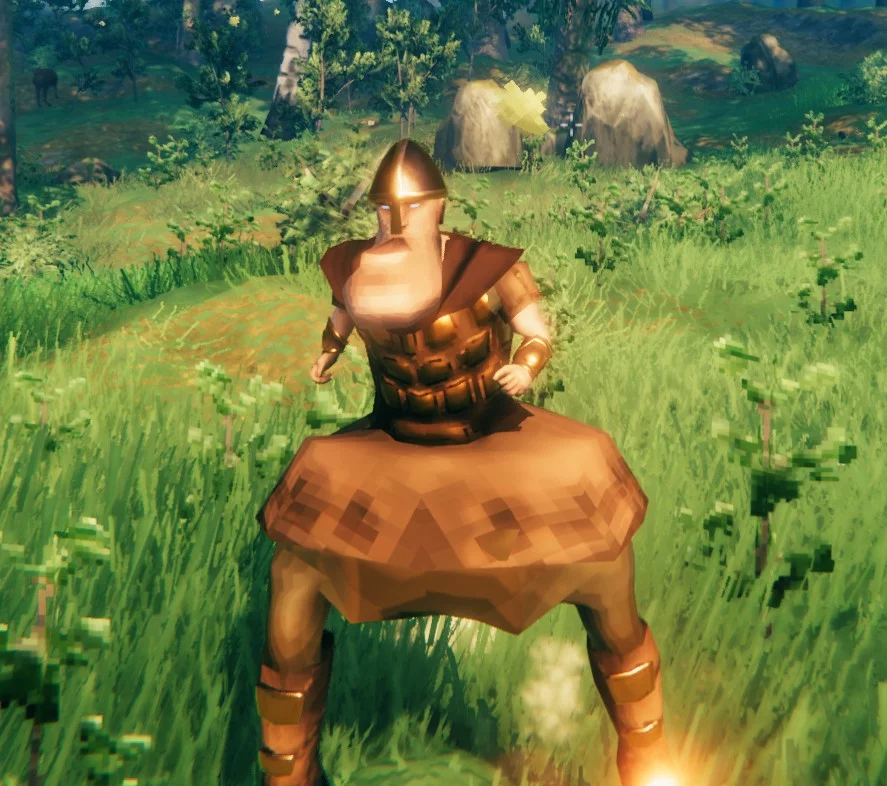
Valheim — Bone Configuration
Download
BoneMod. This mod allows you to customize your character's bones by adjusting their scale using chat commands. It functions in multiplayer mode and will retain your character's settings, even automatically reapplying them upon re-entering the game.
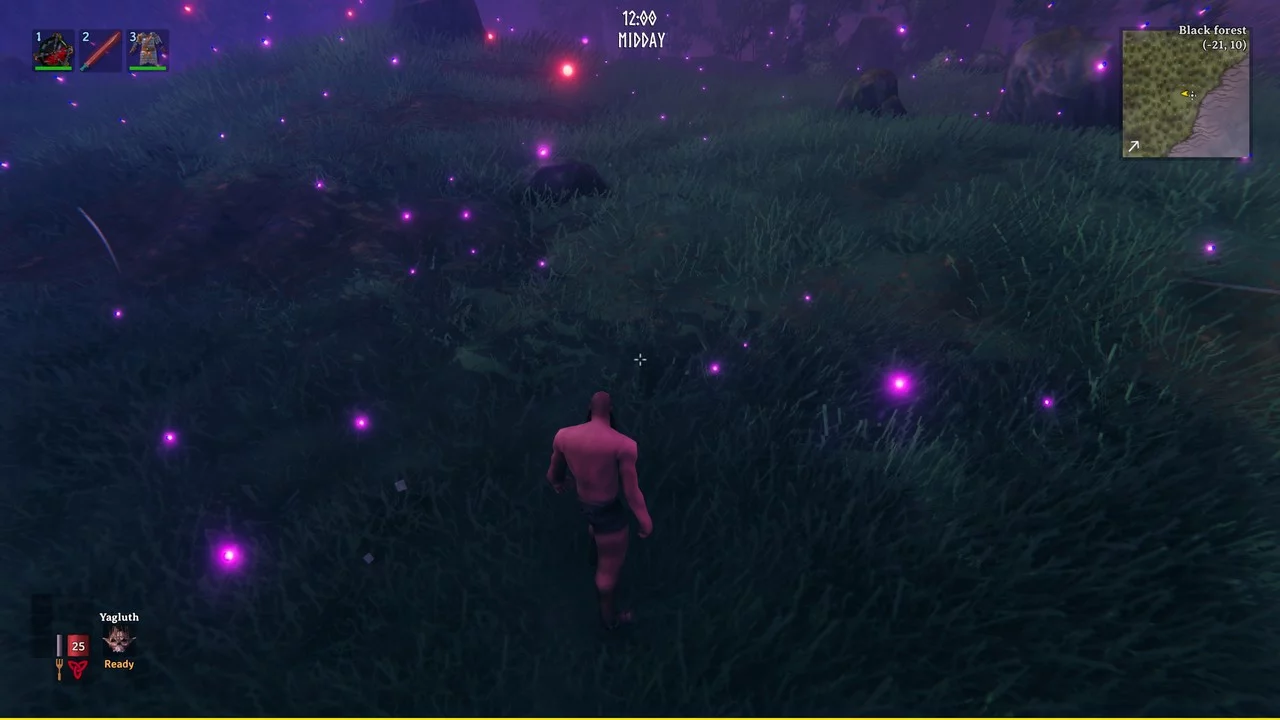
Valheim — Weather Change
Download
WeatherTool. Change the weather to your liking! Console command: / env list: list all environments you can customize with / env reset: reset the game environment system to normal levels.
Valheim — Custom Meshes - User-defined Meshes
Download
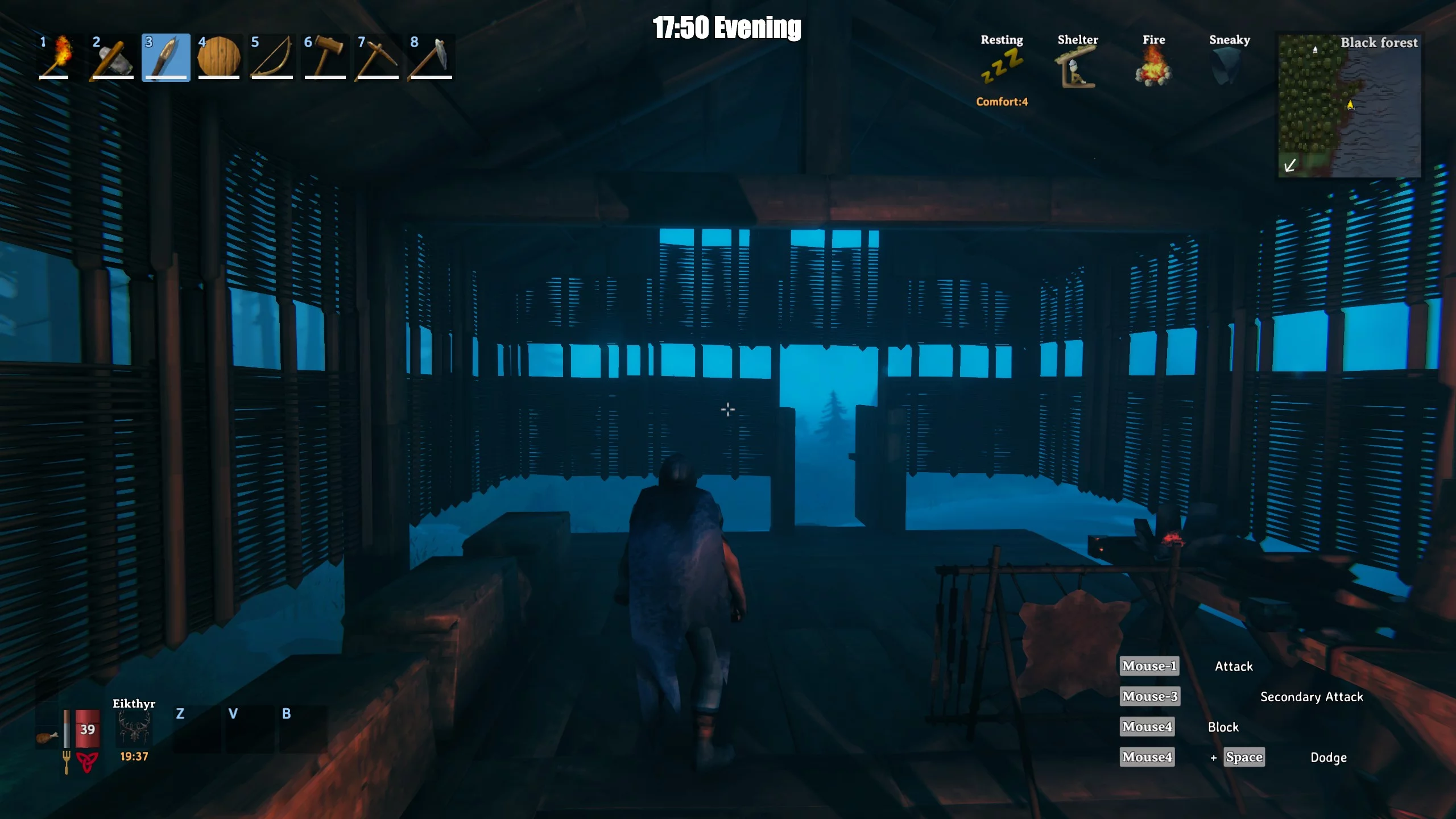
Custom Meshes. Allows replacing object meshes with imported model files. Step one: create a folder named after what you are replacing. For example, to replace wooden chest meshes, create a subfolder in BepInEx / plugins / CustomMeshes named: piece_ ...
Valheim — Skill Injector - New Skills
Download
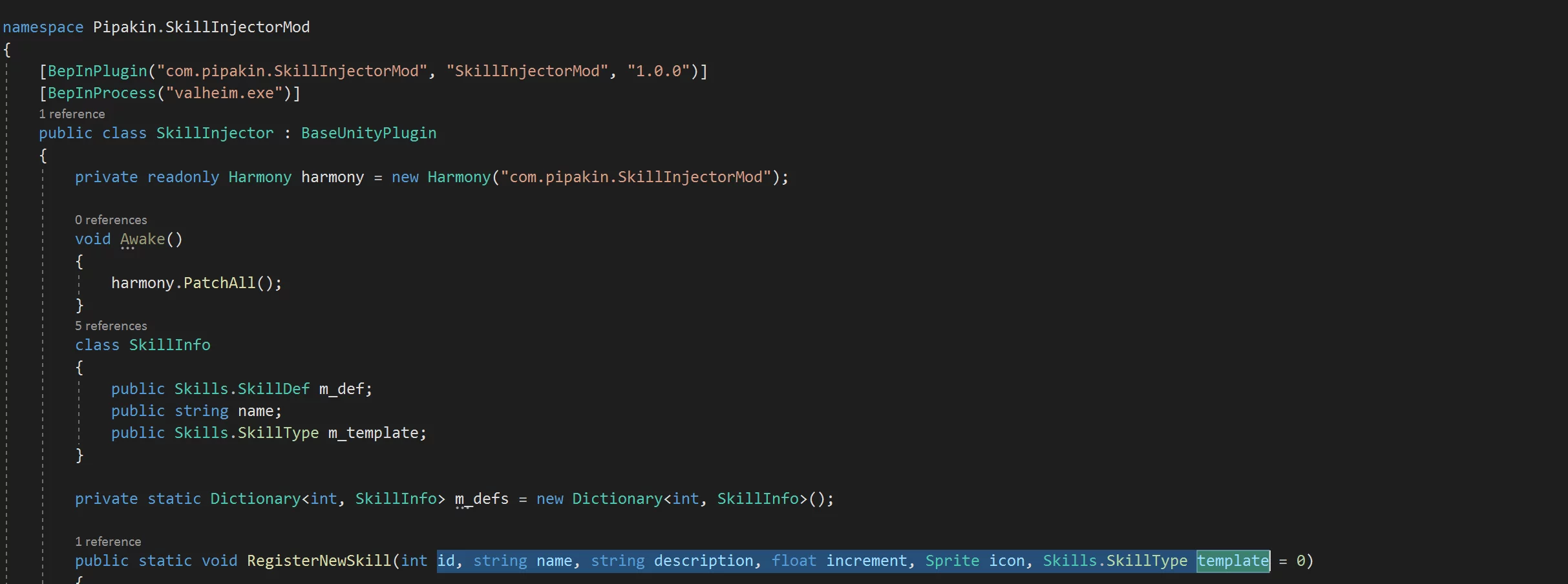
Skill Injector. Easily injects new skills for mod authors. It processes adding to the list and both cheat options (Raise / Reset). It allows you to engage in gaining experience and the actual application of effects. You will need to choose a unique n ...
Valheim — Recipe Management
Download
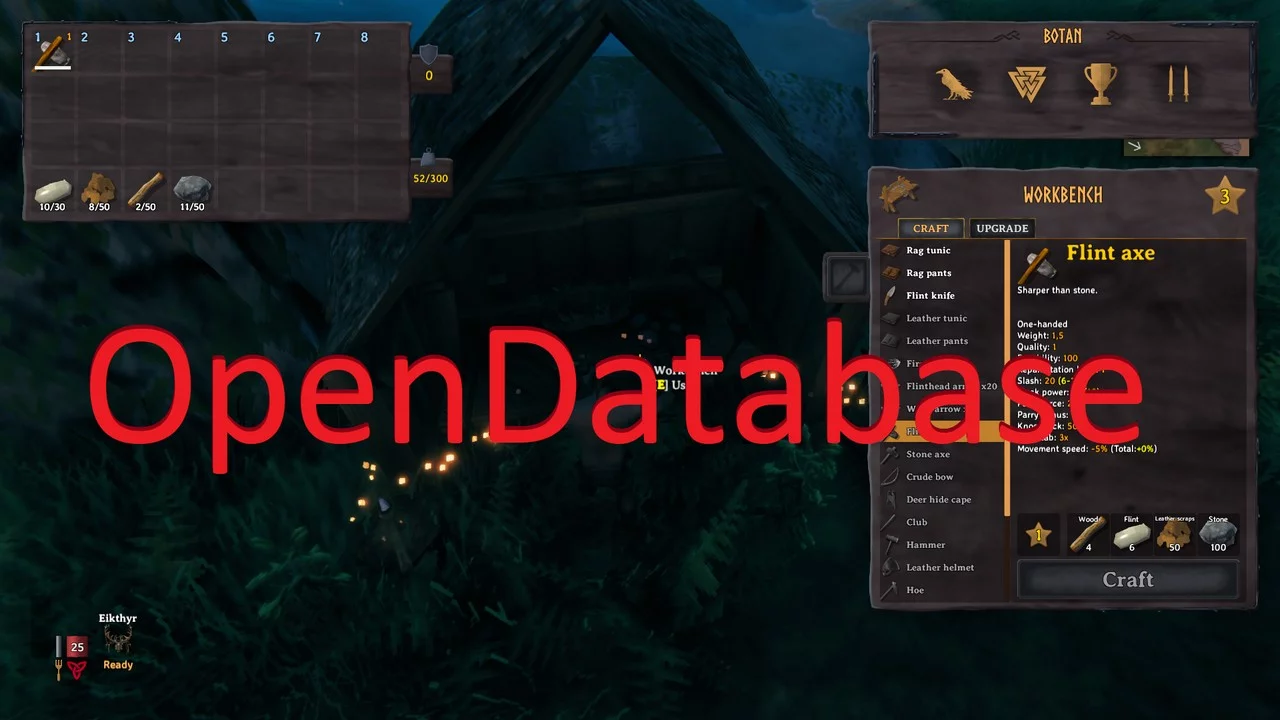
OpenDatabase. Modify items and recipes using json files. Installation: 1 Download and extract the latest version of OpenDatabase into the BepInEx plugins folder (usually Valheim / BepInEx / plugins). 2 Now launch Valheim and join a world. After t ...
Valheim — Grass Settings
Download
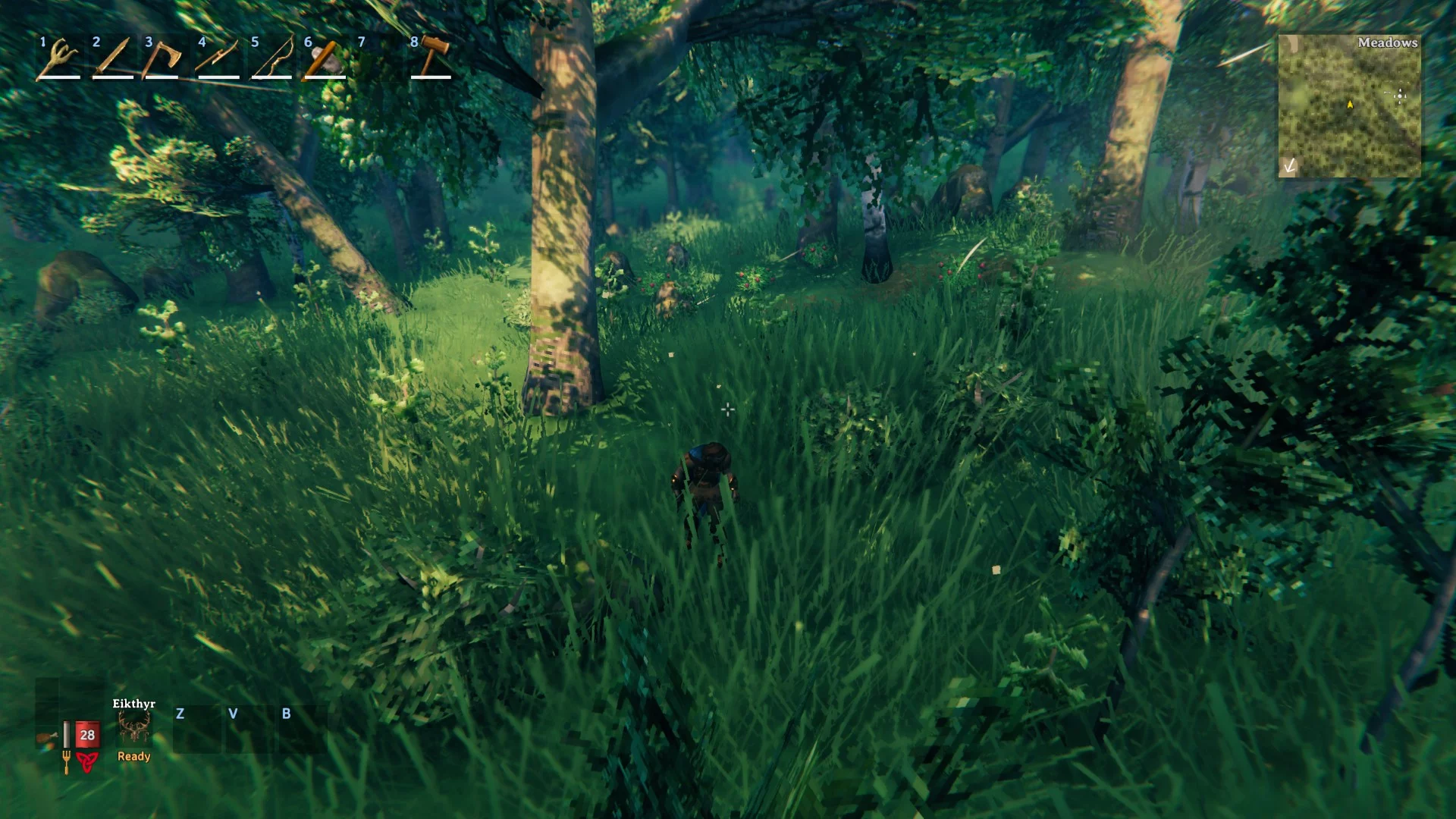
Grass Tweaks. Allows you to adjust grass parameters to increase FPS or enhance visual aesthetics. Settings: Scale — minimum and maximum multipliers to increase or decrease size or simply enhance size variation Amount — to increase or d ...
Valheim — Exhaustion - Stamina Plugin

Download
Exhaustion - A Stamina Plugin. This plugin offers extensive customization options aimed at making stamina management more engaging, among various other changes to enhance gameplay, especially combat. Features: - Modify base values such as health, ...
Valheim — BuildShare - saving and loading constructions
Download
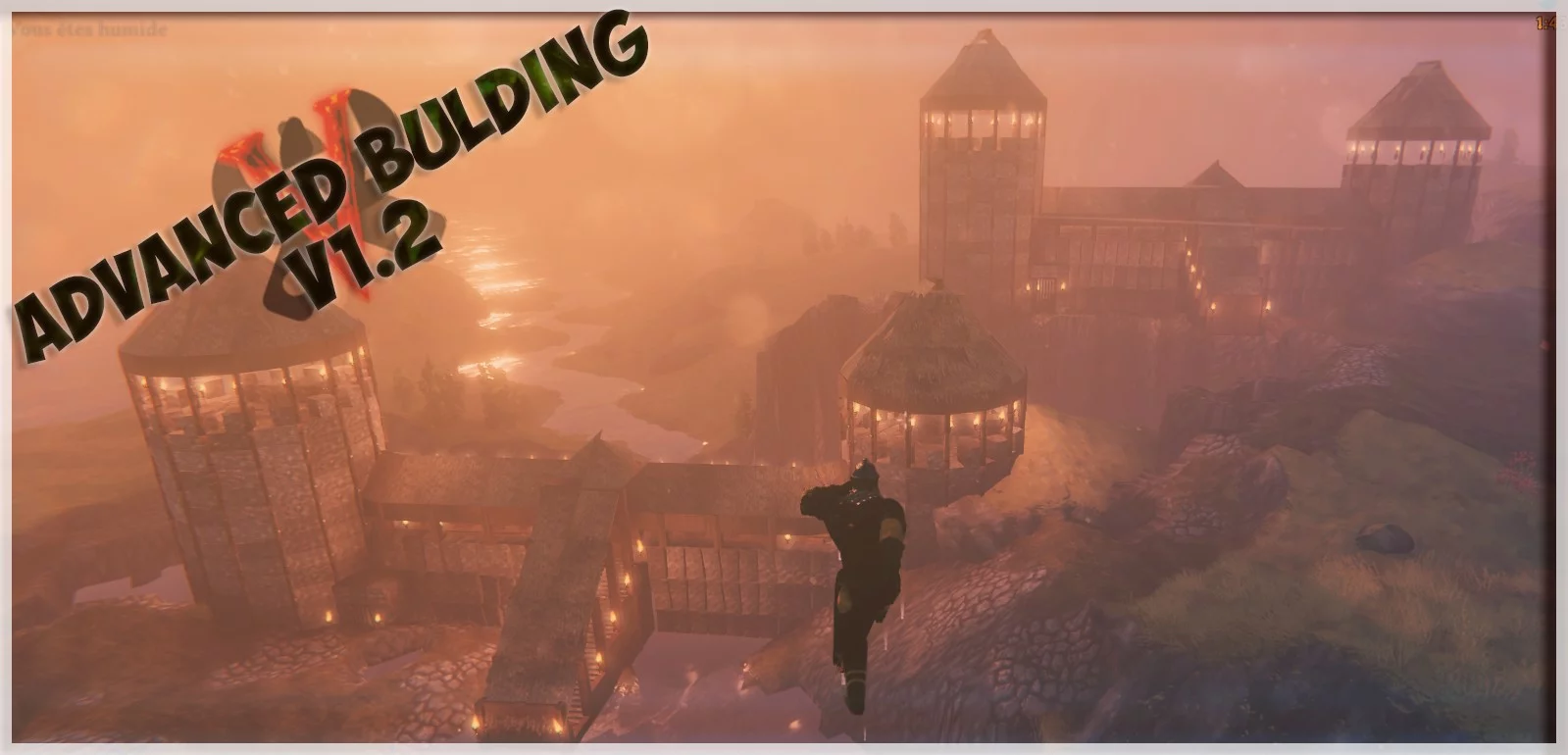
BuildShare (AdvancedBuilding) - Valheim. Save and load your structures using the new 'vbuild' file format.
Valheim — Enhanced Item Data Structure
Download
Extended Item Data Framework. Expands ItemData for modders. Adds a unique identifier to items. A resource for modding enthusiasts looking to add functionality to items. Please visit readme.md for more information.
Valheim — Custom Textures - Texture Replacement
Download
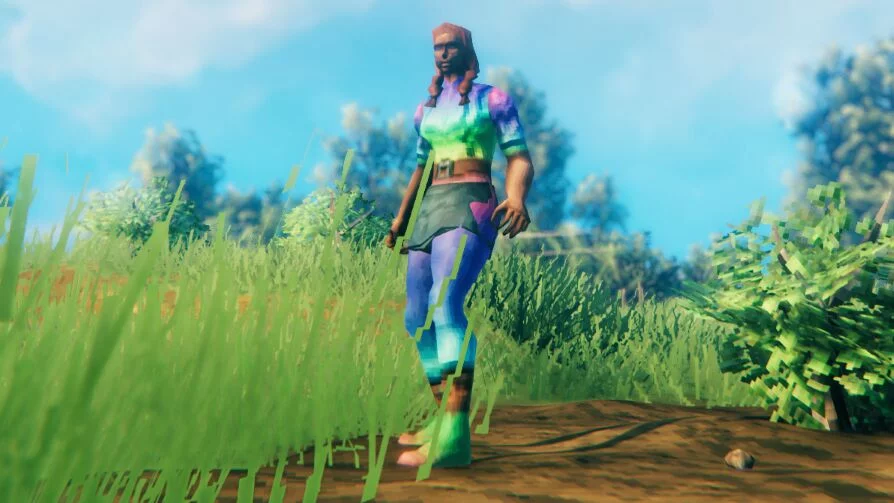
Custom Textures. Allows replacing in-game textures with custom png files. This mod should enable you to replace the following: - player model textures - item inventory icons - equipment textures such as armor, weapons, and tools - world object te ...
Valheim — Backup Creation
Download
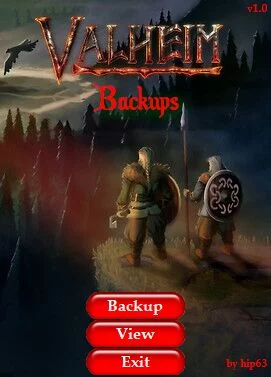
Valheim Backups. This mod allows users to quickly create backups of all their personal data. This includes the user's Character and Worlds. It will also make a copy of any previous backup (if one exists) for extra protection against loss.