Game files / Animation and Graphics / Page 82
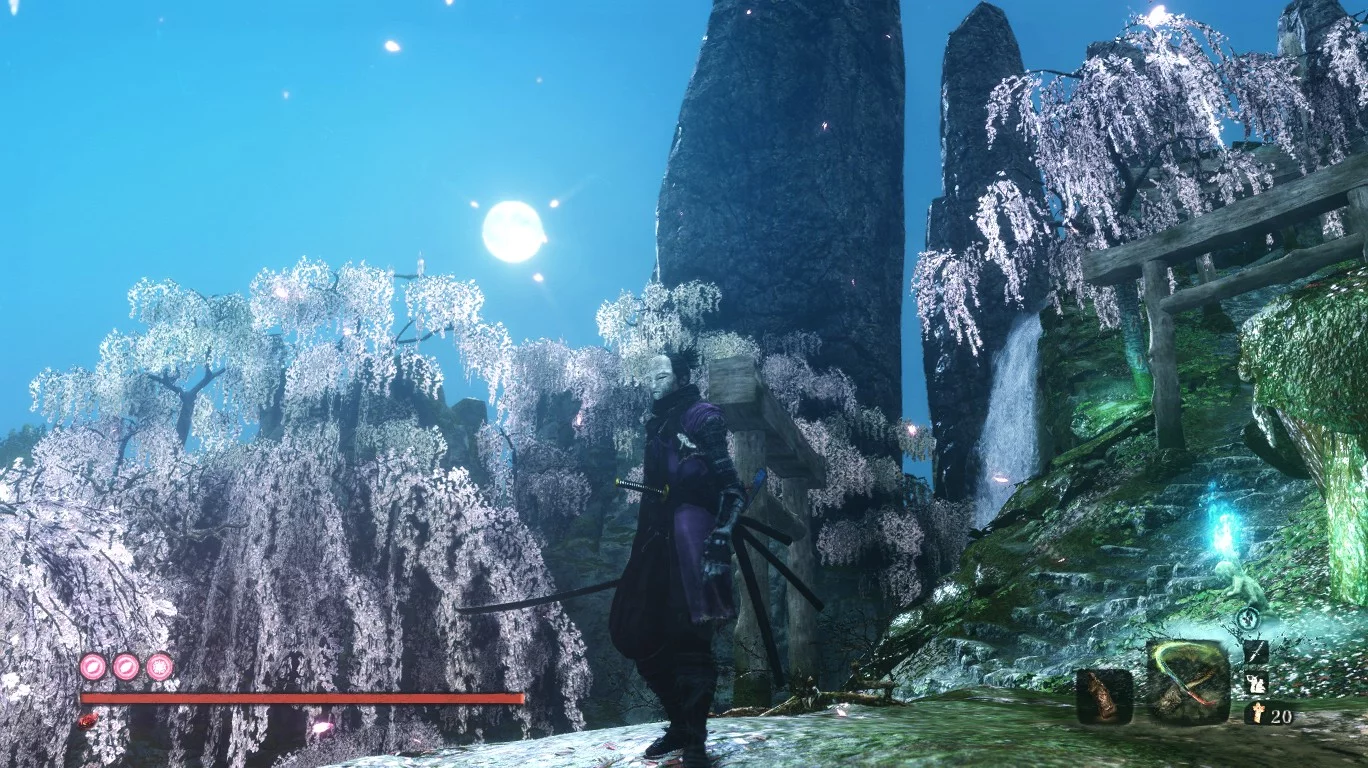
Sekiro: Shadows Die Twice — Enhanced Graphics

Download
HDR Reshade by Ajmat. This shader preset enhances the original graphics significantly. To install the mod, you will need shaders https://reshade.me/
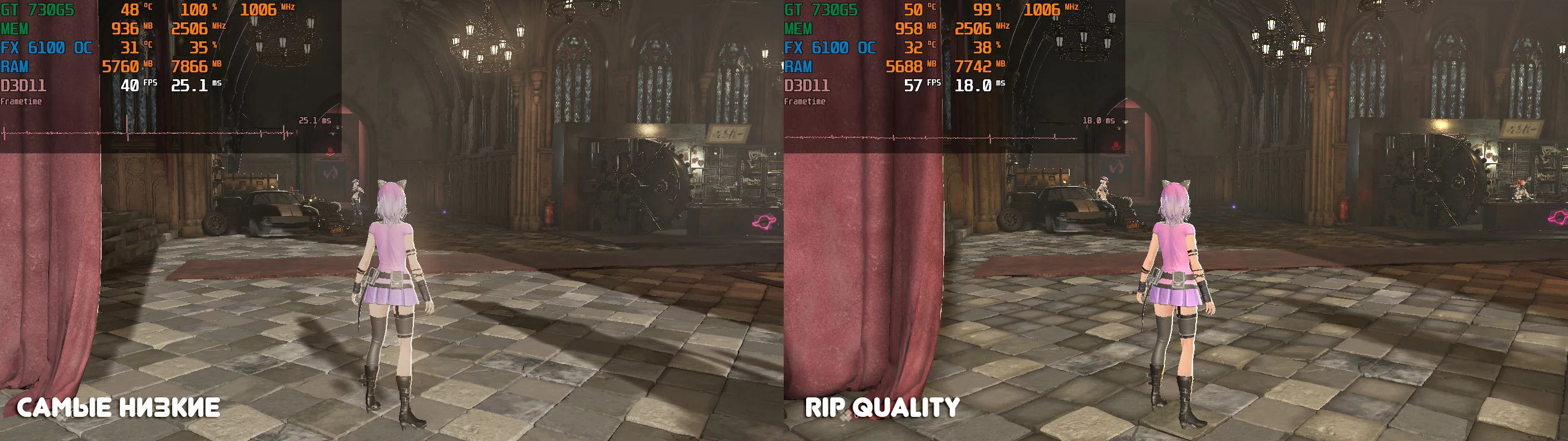
Code Vein — Optimization for Very Low-End PCs

Download
With our modification, you can achieve an increase of about +20 frames per second without significant losses in graphics. The FPS boost was achieved by forcibly disabling many graphical effects that burden the graphics card, such as: shadows, gra ...
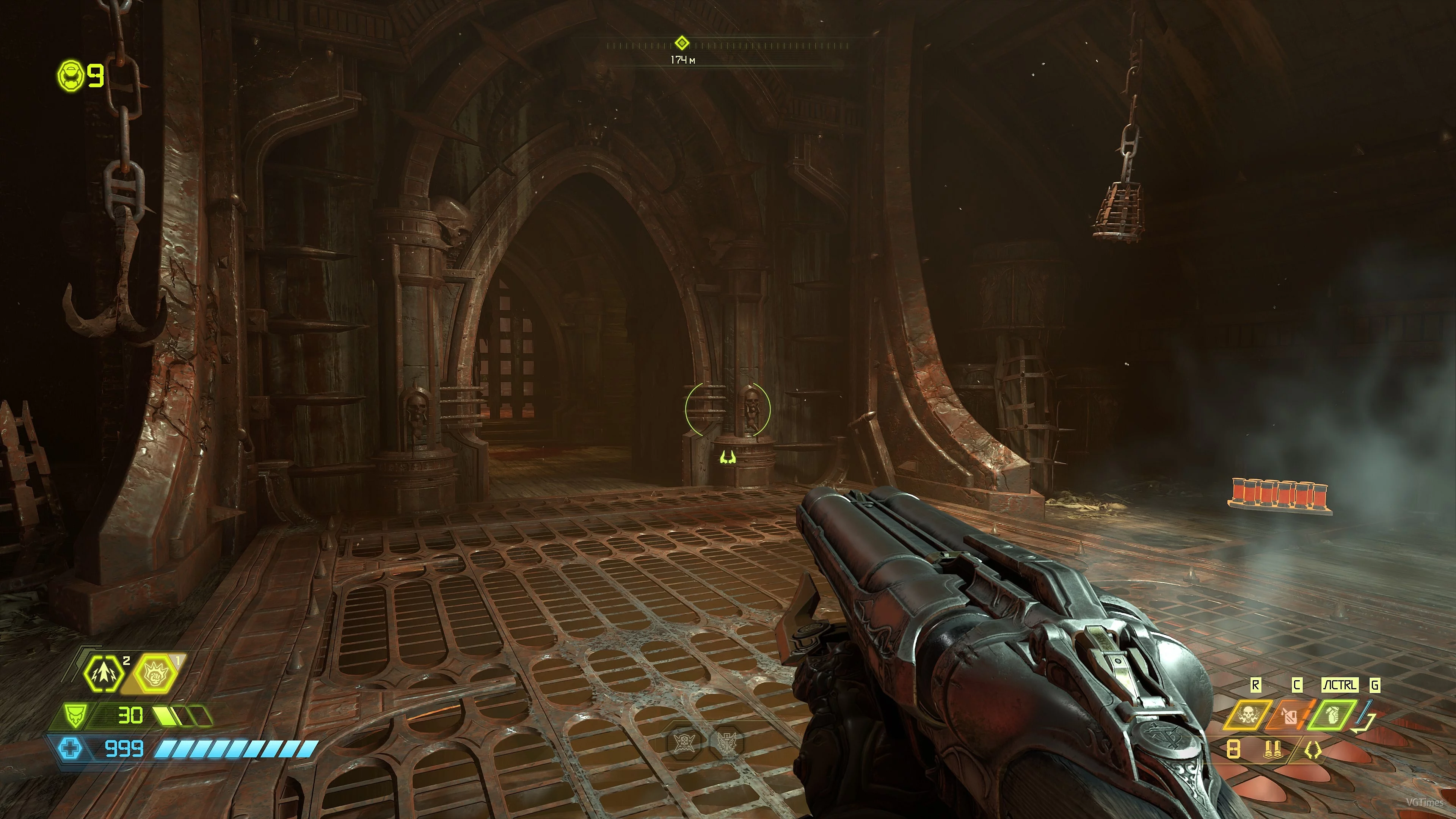
Doom Eternal — Preset for Reshade 4.5.4

Download
Preset for Reshade 4.5.4. Added shading, sharpness, and anti-aliasing, removed fog, changed reflections from some light sources. I tried not to change the gamma. The preset consumes approximately 12-15 FPS, mainly due to MXAO; you can disable it, th ...
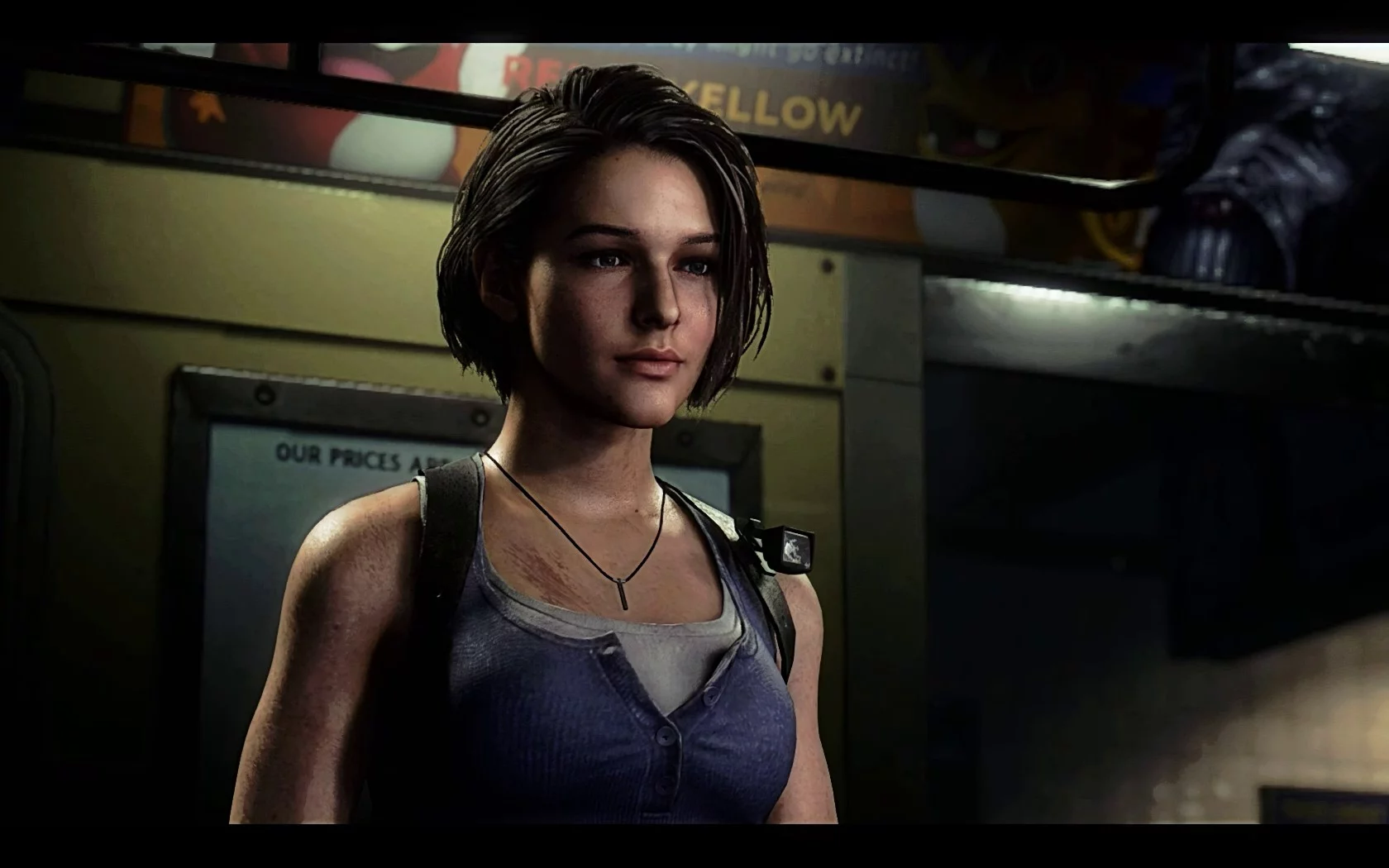
Resident Evil 3 — Deeper Atmosphere
Download
Matyus Immersive Reshade. This mod alters the game's graphics, making it more realistic and darker. The mod archive includes the necessary shaders, so you won't need to download anything else, just install and play.
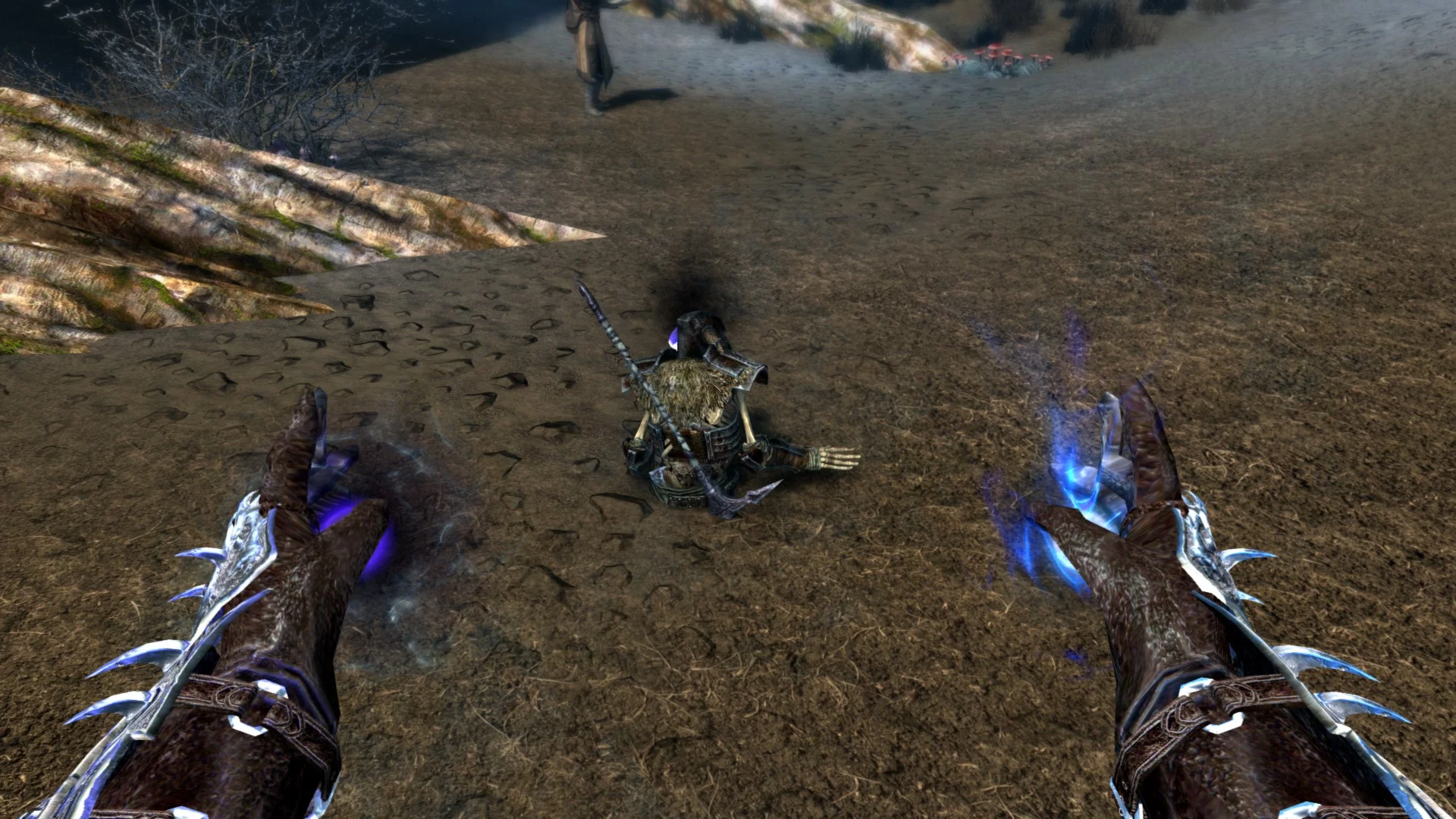
Elder Scrolls 5: Skyrim Special Edition — Undead Summons Emerge from the Ground
Download
Undead summons emerge from the ground. This mod will make it so that when summoning undead, skeletons and corpses will rise directly from the ground!
{video_views ...
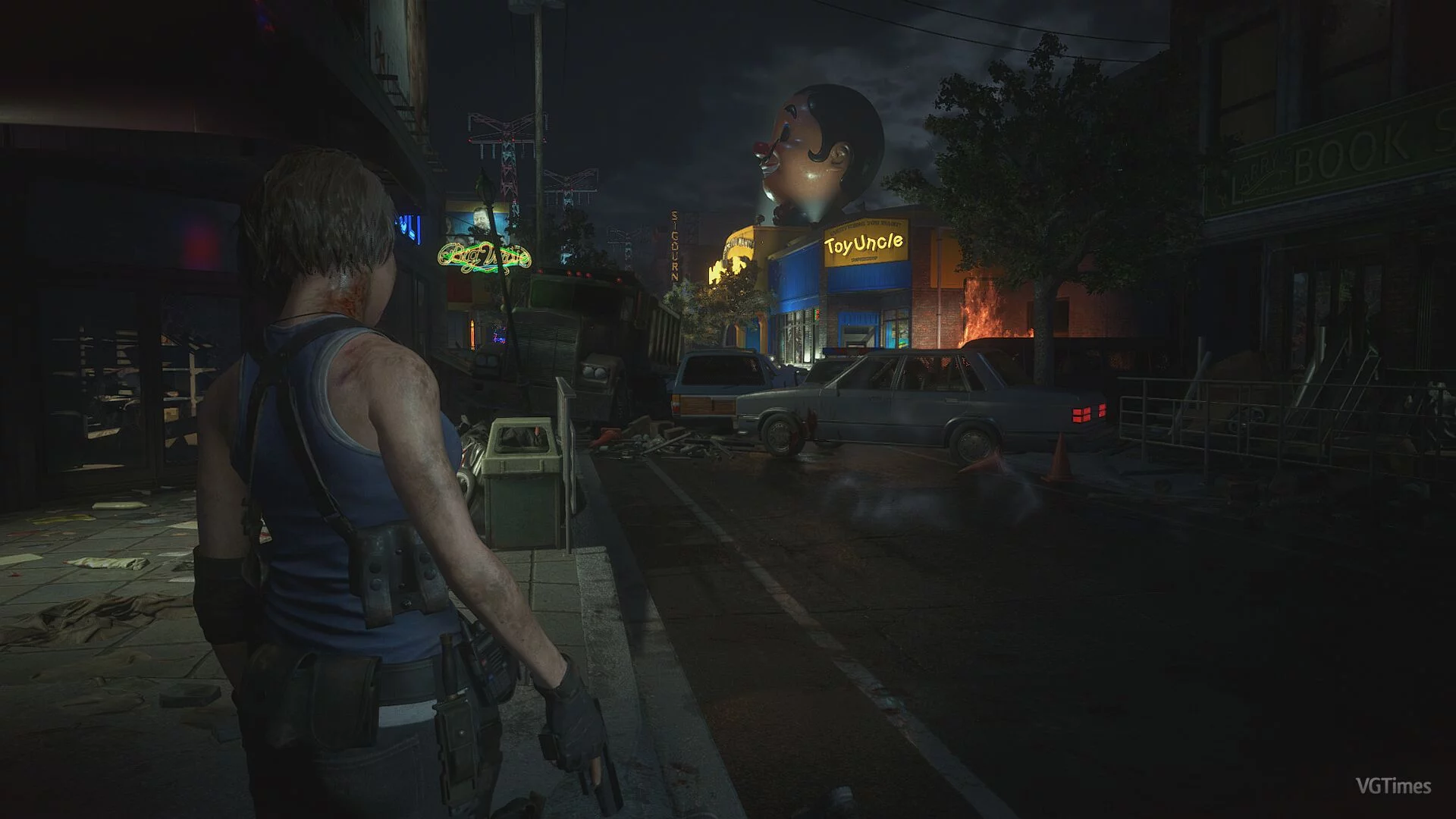
Resident Evil 3 — Cinematic Graphics Preset
Download
Original title: Doom Eternal Color Grading Pack A simple graphics preset for the horror game Resident Evil 3 enhances the visuals to be more cinematic. The preset modifies the standard settings for brightness, black depth, and red color to achieve w ...
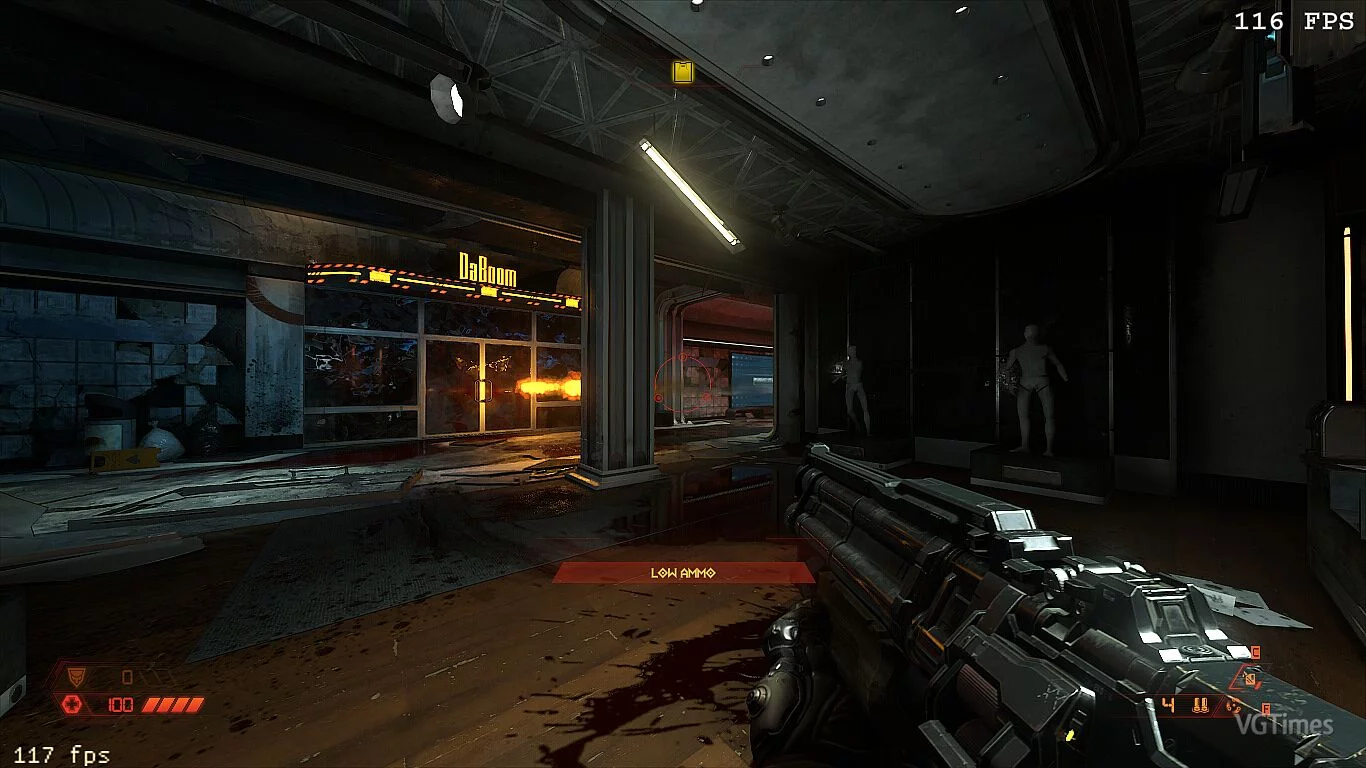
Doom Eternal — Photo-Realistic Graphics
Download
Original title: Photo Realistic Reshade A graphics preset that, according to its creator, makes the game's visuals more photo-realistic. The creator utilized MartyMcfly Global Illumination Ray Tracing to add depth to textures and lighting in the gam ...
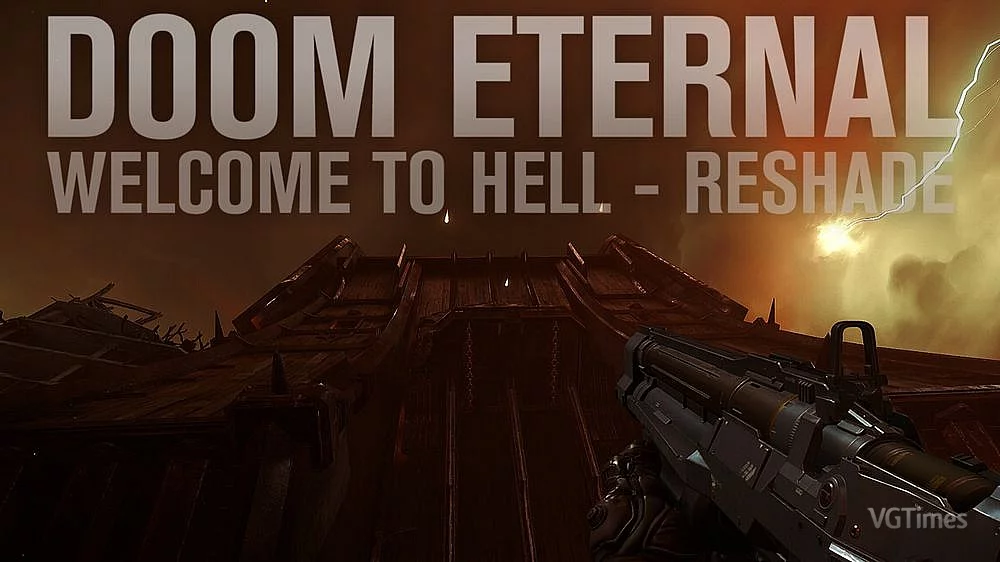
Doom Eternal — True Hell
Download
Original title: Welcome To Hell The graphic preset for Doom Eternal alters the standard display of red colors and their shades in the game, making the visuals more vibrant and hellish bright. According to the author, the preset is designed for 4K re ...
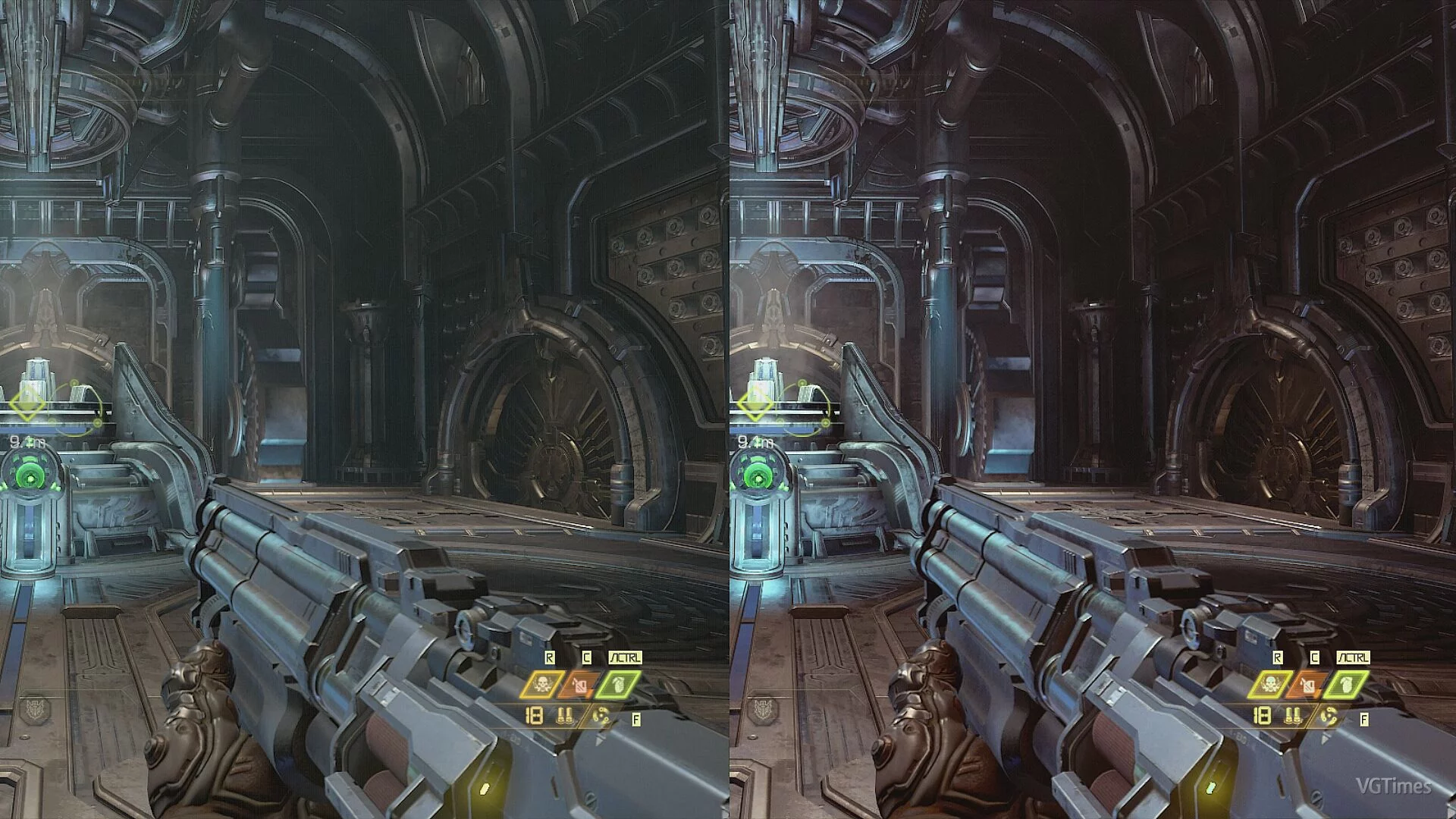
Doom Eternal — New Color Palette
Download
My color palette in Doom Eternal enhances the colors to be more pleasing without affecting performance Install Reshade (specify the path to the game's exe file) Select Vulkan API, then check the Lut.Fx shader. After that, move the color palette lut. ...
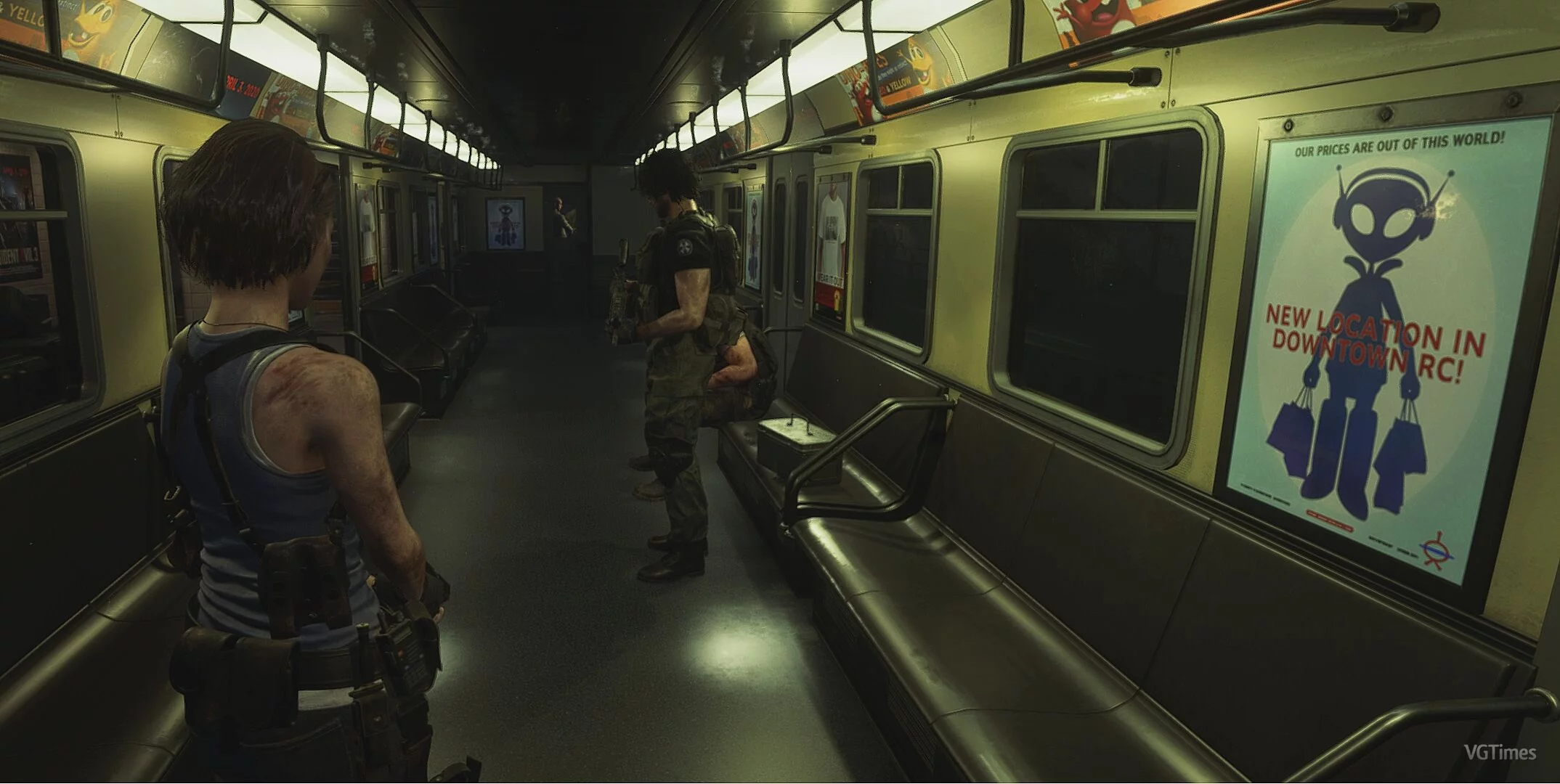
Resident Evil 3 — Removal of Vignette
Download
A graphical modification for the horror game Resident Evil 3 removes the vignette effect, allowing for better visibility of the game. The mod works for the DX11 and DX12 versions of the game. Installation: Extract the archive and run the executable ...
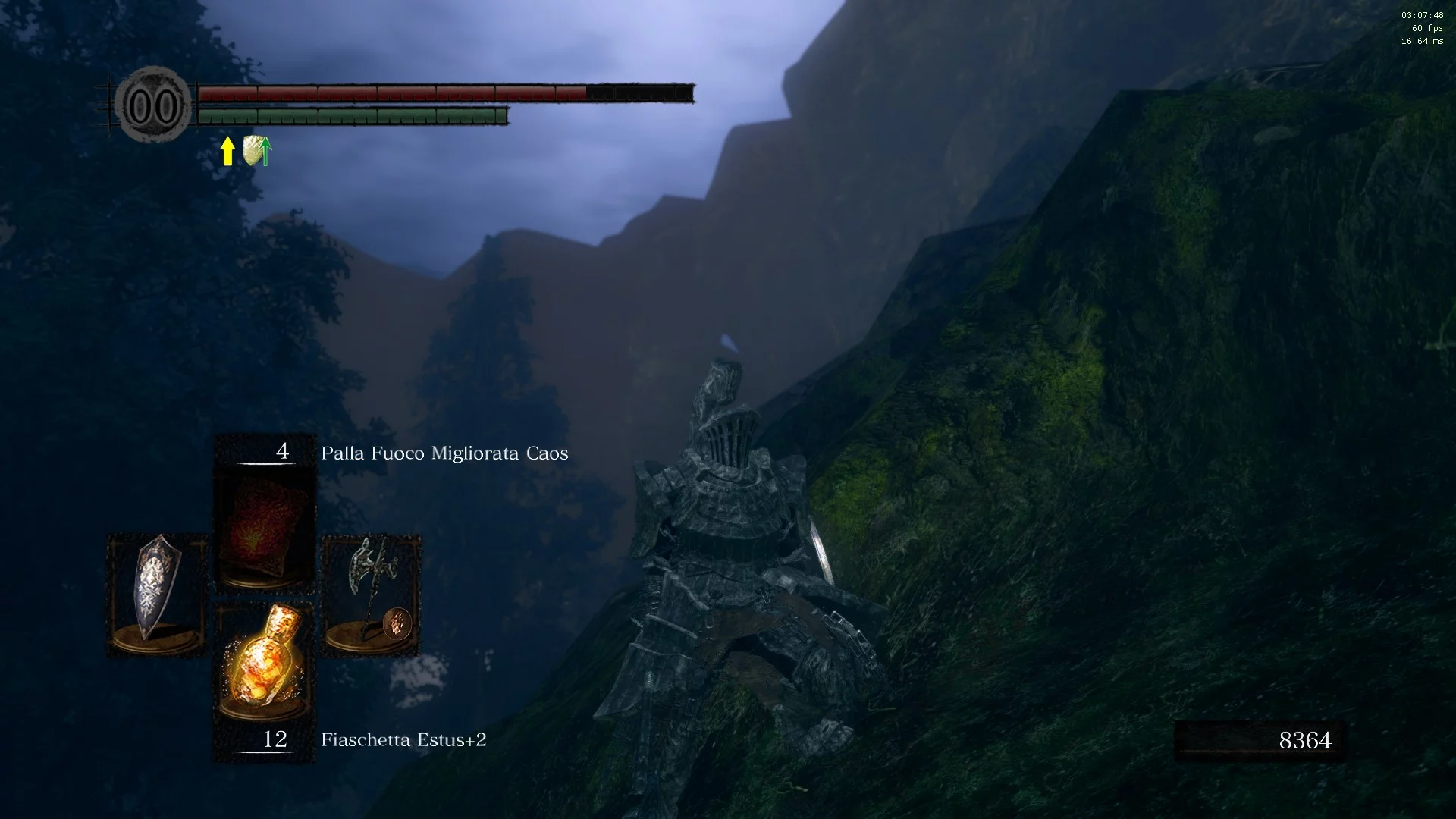
Dark Souls Remastered — Enhanced Graphics
Download
MN9 ReShade for Dark Souls Remastered. This mod enhances lighting, shadows, and many other effects. How to install: Move the MN9.ini file to the DARK SOULS REMASTERED folder Launch the game and press "HOME" Select the MN9.ini file Enjoy!
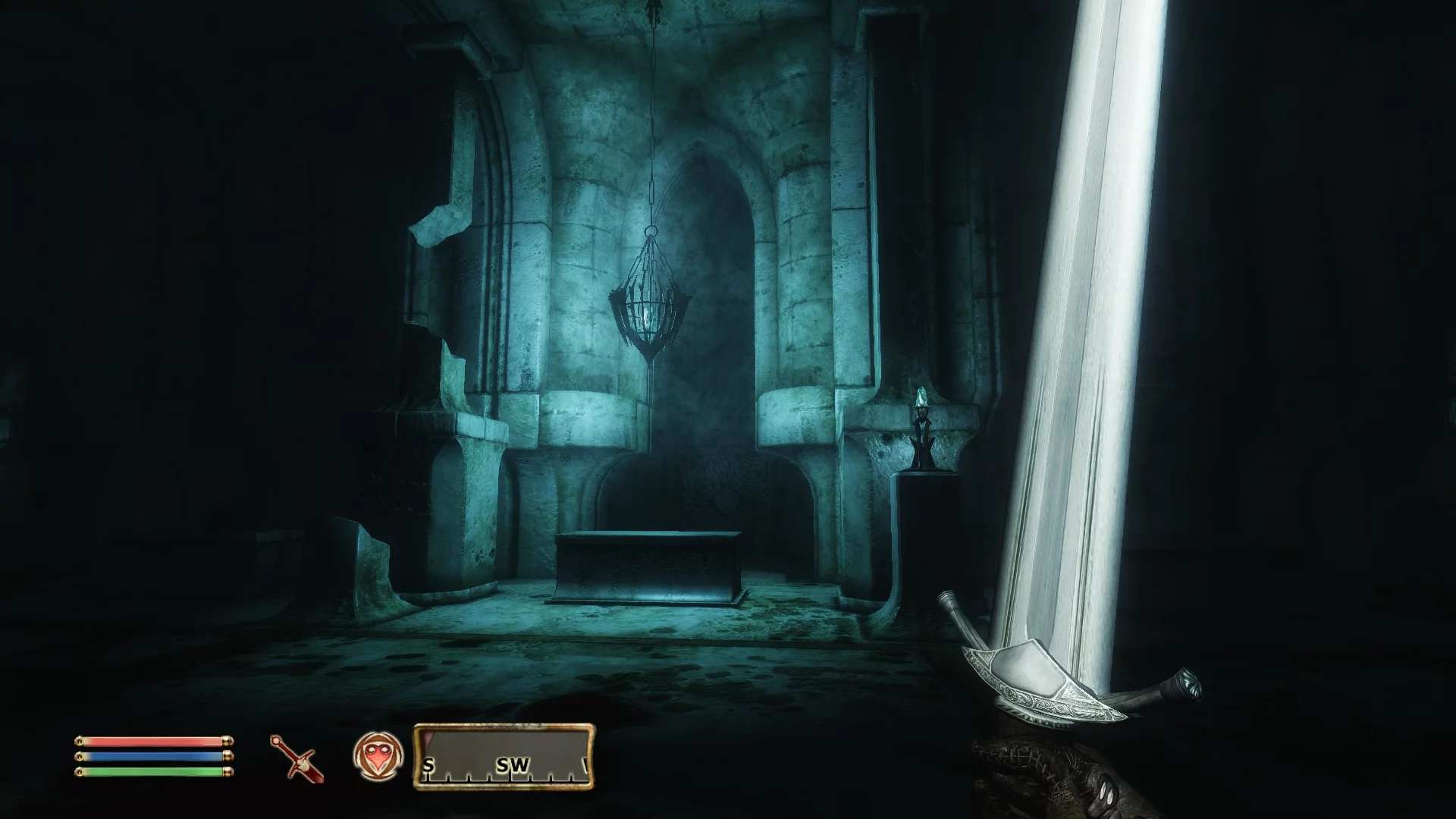
The Elder Scrolls 4: Oblivion — 4K Fog
Download
Atmos4096. This mod creates a 4K texture for the fog found in ruins and dark places. This mod aims to add realism to the game.
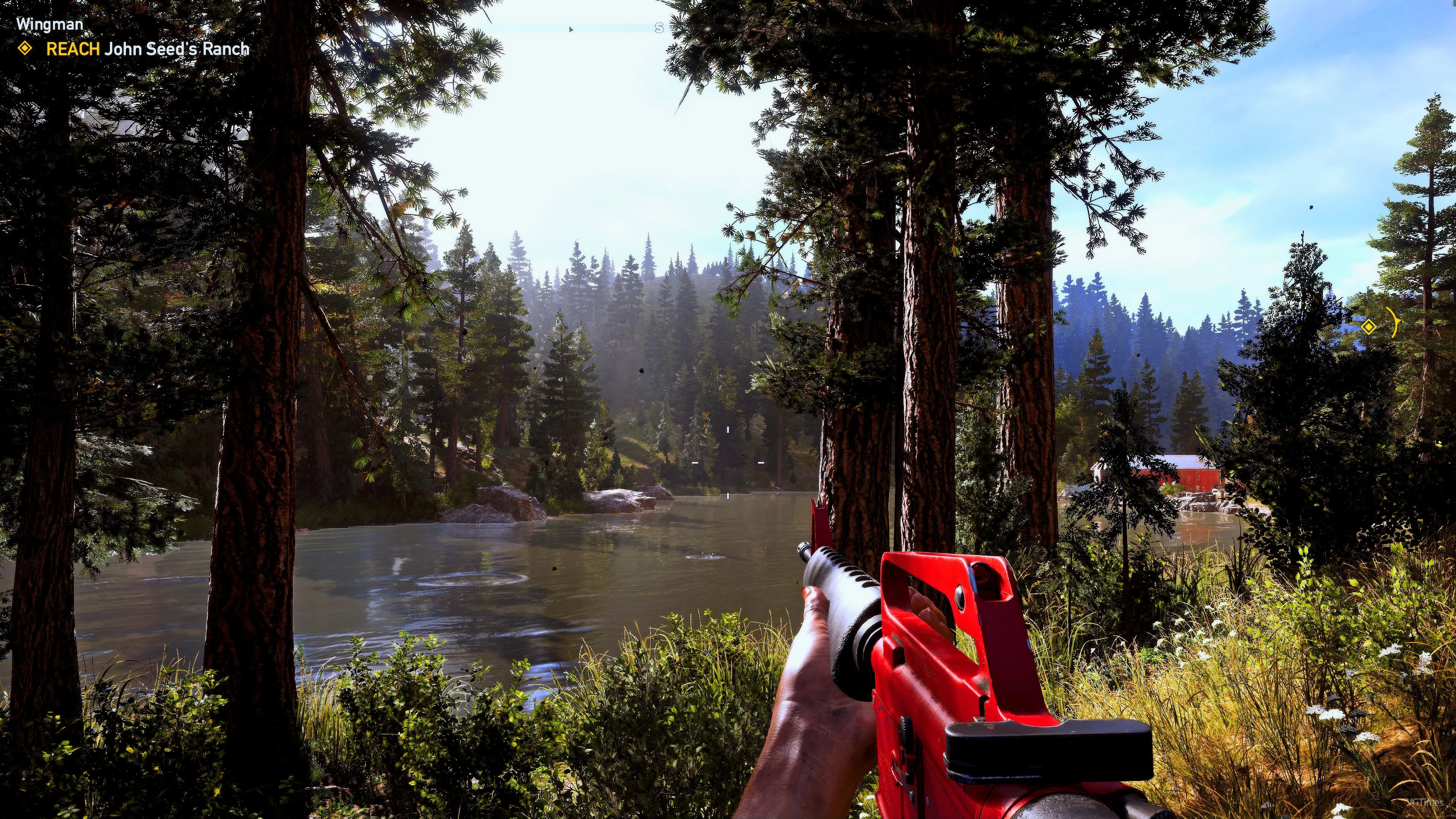
Far Cry 5 — Realistic Graphics
Download
A graphical modification for Far Cry 5 changes the graphics to make them more realistic, according to the author. The preset adjustments alter the display of certain colors and the standard brightness setting, resulting in a more contrasting and "viv ...
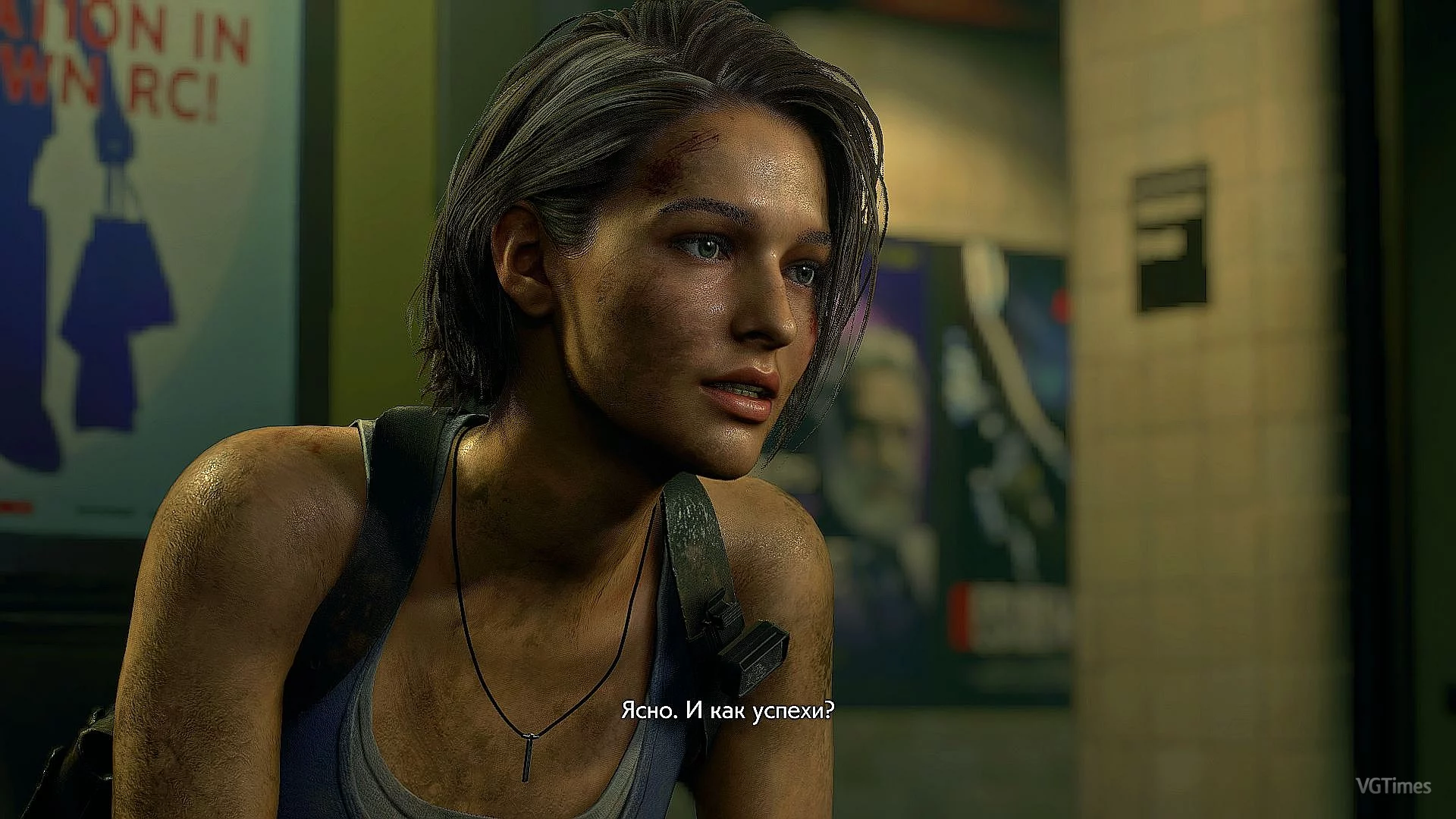
Resident Evil 3 — Sharper, Brighter, and More Vivid Image
Download
Removes blurriness and enhances the image to be sharper, brighter, and more vivid. Designed for the demo, but I believe it will also work for the full game in the future. Installation: 1. Launch ReShade, select the executable, then Direct3D 10/11/1 ...
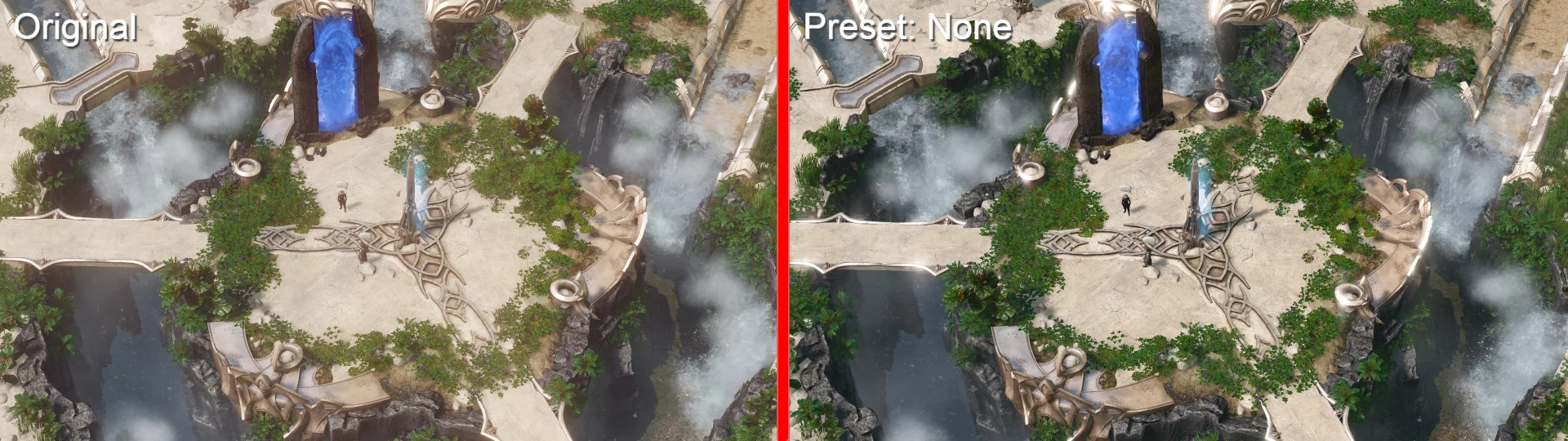
SpellForce 3 — Richer Graphics
Download
Soft PostFX Tweak. A simple mod to alter (not disable) PostFX, making maps look better and more vibrant. Installation: 1. Back up your original posteffects.txt from the SpellForce 3 / bin_win32 / configs folder. 2. Copy the modified posteffects. ...