Game files / Items / Page 419
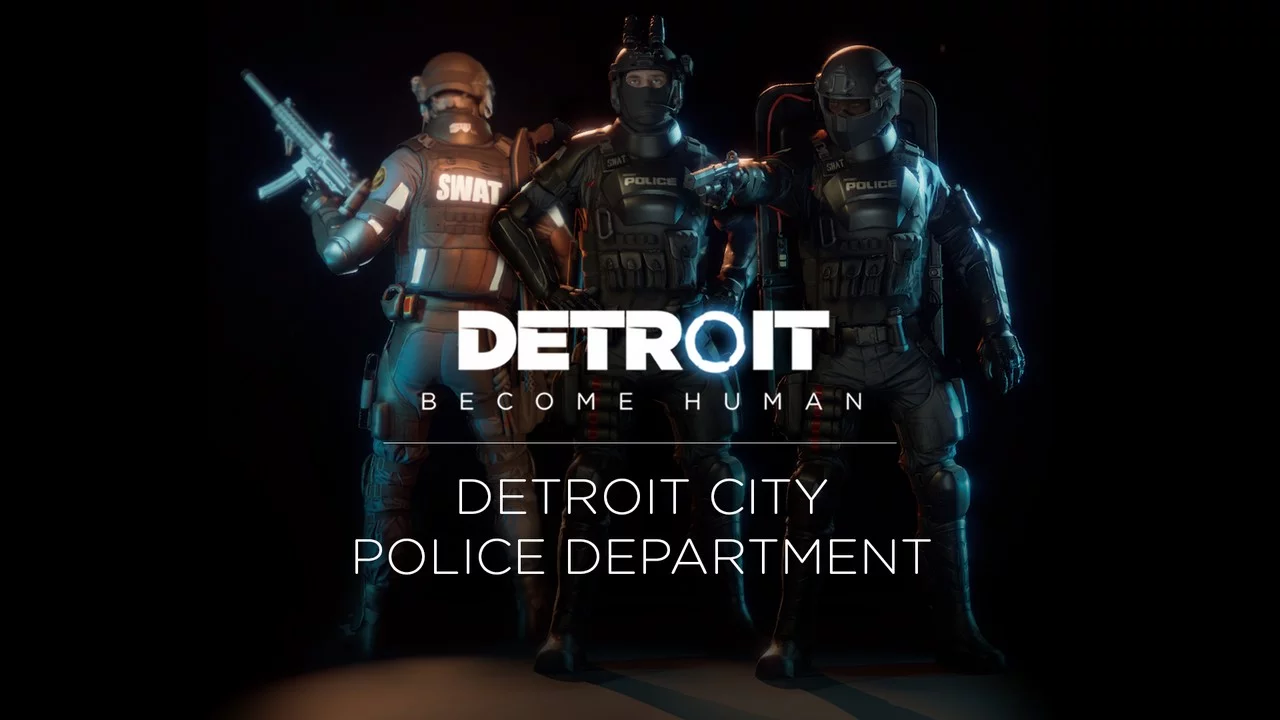
Ready or Not — SWAT from Detroit: Become Human

Download
Detroit Become Human — DCPD SWAT. This mod replaces your standard SWAT outfits with those of the SWAT team members from Detroit: Become Human. The mod doesn't perfectly match the original clothing from D:BH, but in my opinion, it's quite close. ...
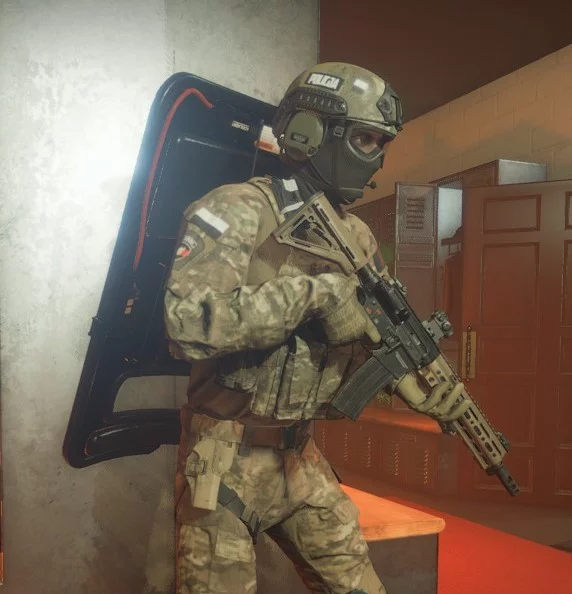
Ready or Not — Polish Police Uniform
Download
Polish police uniforms (JW GROM). This model aims to represent the uniforms of the Polish police (JW GROM). The mod is not based on real uniforms but rather a fan-made model. To install, extract the archive to this path /steamapps/common/Ready Or Not ...
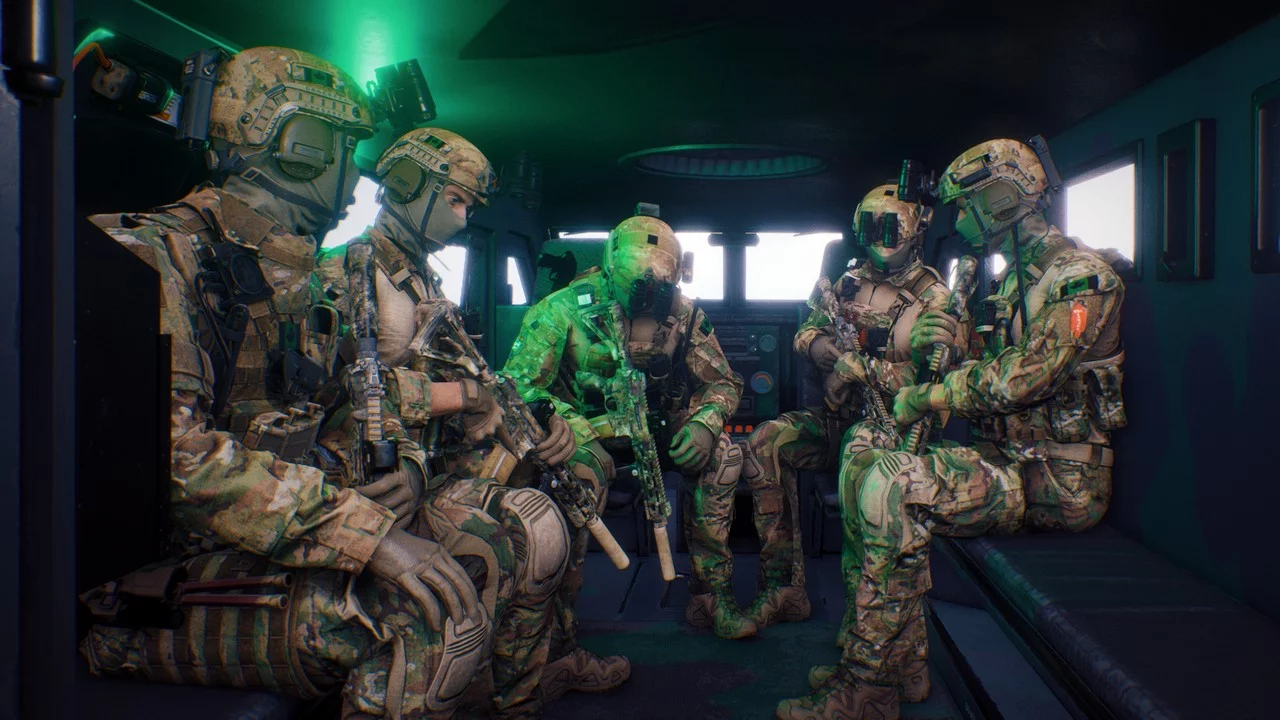
Ready or Not — Canadian Special Forces
Download
Canadian Special Operations Regiment (CSOR – 2SOC). This is a highly detailed reskin of SWAT operators featuring the Canadian special operations regiment. Helmet: - Proper set of Velcro patches for Ops-Core ballistic helmet - IR tab on the top o ...
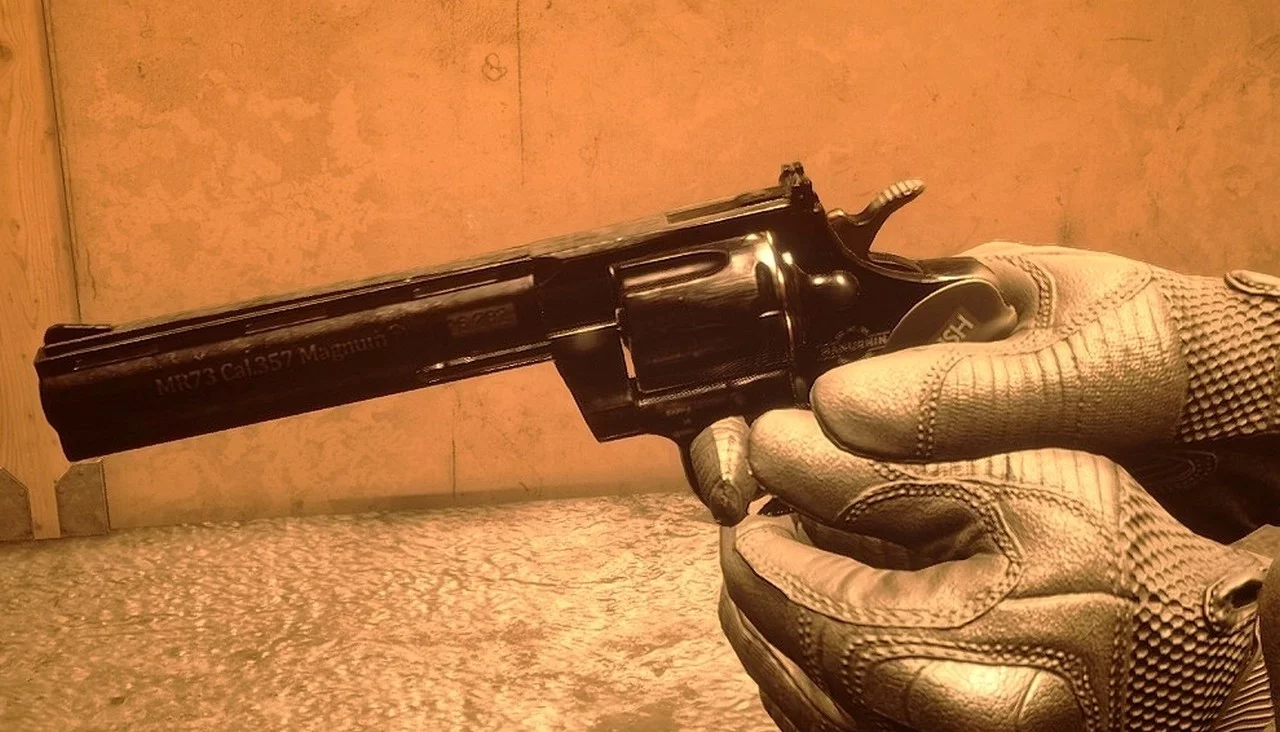
Ready or Not — Updated MR73 Manhurin
Download
MR73 Manhurin. This is a reskin of the legendary MR73 Manhurin. Features: - One version has a classic wooden grip. - One version has a new Traush grip. - All Manhurin markings are present.
Ready or Not — Pink HRT Uniform
Download
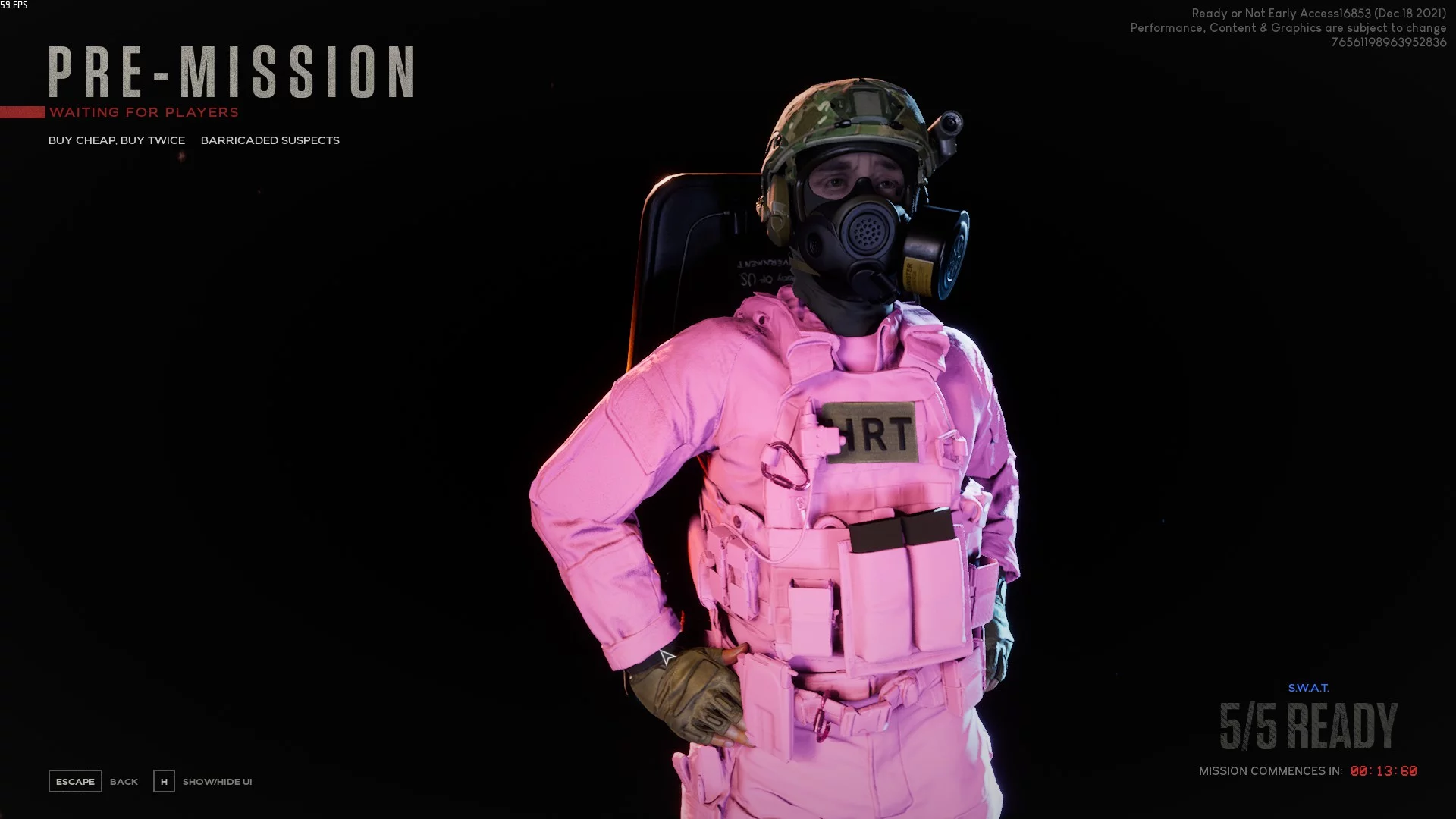
Pink HRT Uniform. This makes the texture of the HRT model bright pink. To ensure maximum visibility. Never ask again: "Hey, where's that HRT guy!?".
Blade and Sorcery — Dagger of Thorns
Download
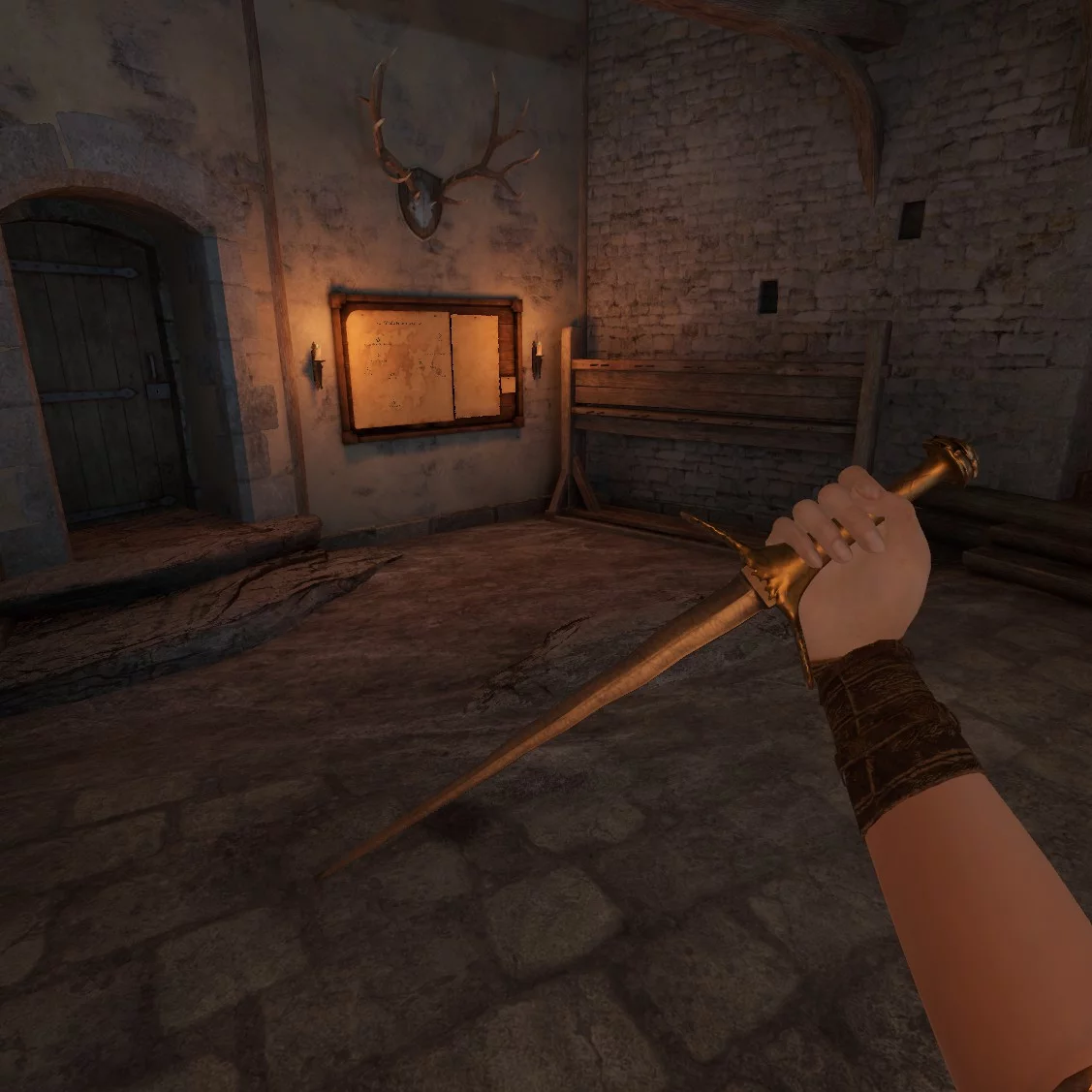
Dagger Of Thorns (U10-U10.2). During the Galactic Civil War, a representative of the ultraarian green race wielded a spiked dagger in each of his four hands during the Great Game, a gladiatorial competition on a space station known as The Wheel.
Blade and Sorcery — Japanese Sword Set (in Sheath)
Download
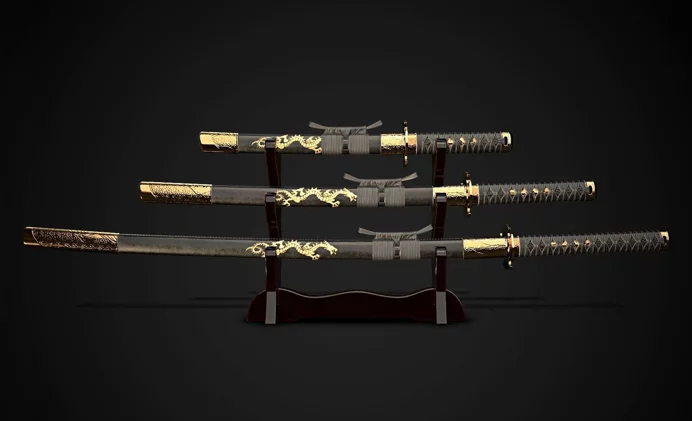
Japanese Swords Set (Sheathed) (U10). This mod adds 3 amazing swords. It includes a katana, wakizashi, and tanto. Stylishly battle enemies with beautiful gold engravings and swords with silver blades. Features: - Comes with a detailed sheath - In ...
Blade and Sorcery — Ninjato
Download
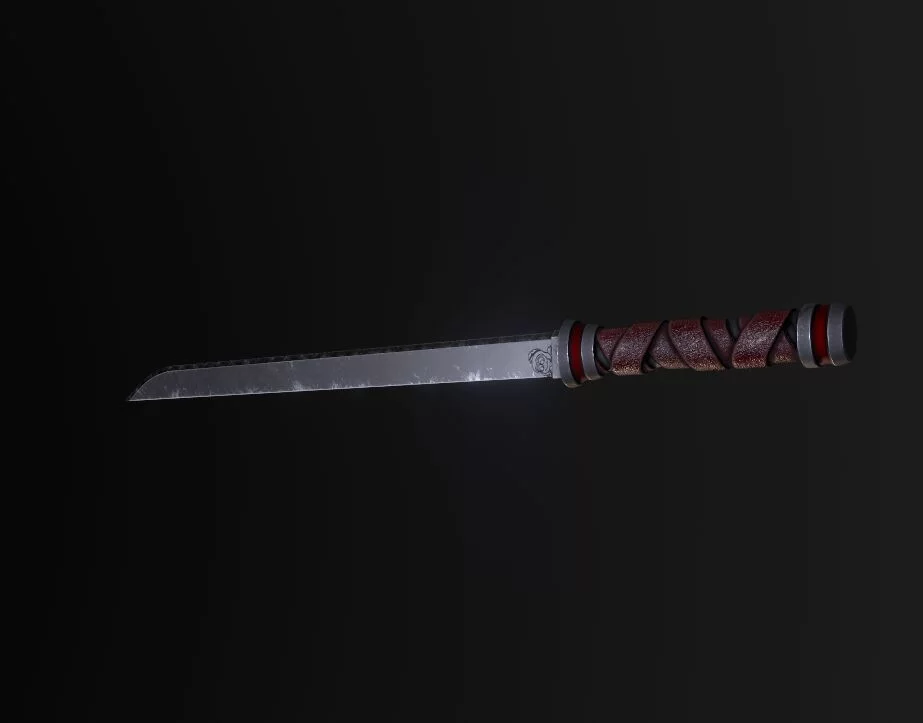
Schmitto's Ninjato. This mod introduces a new weapon into the game. A classic Japanese short sword. The model features excellent textures and fits well within the game's atmosphere. It is a one-handed weapon.
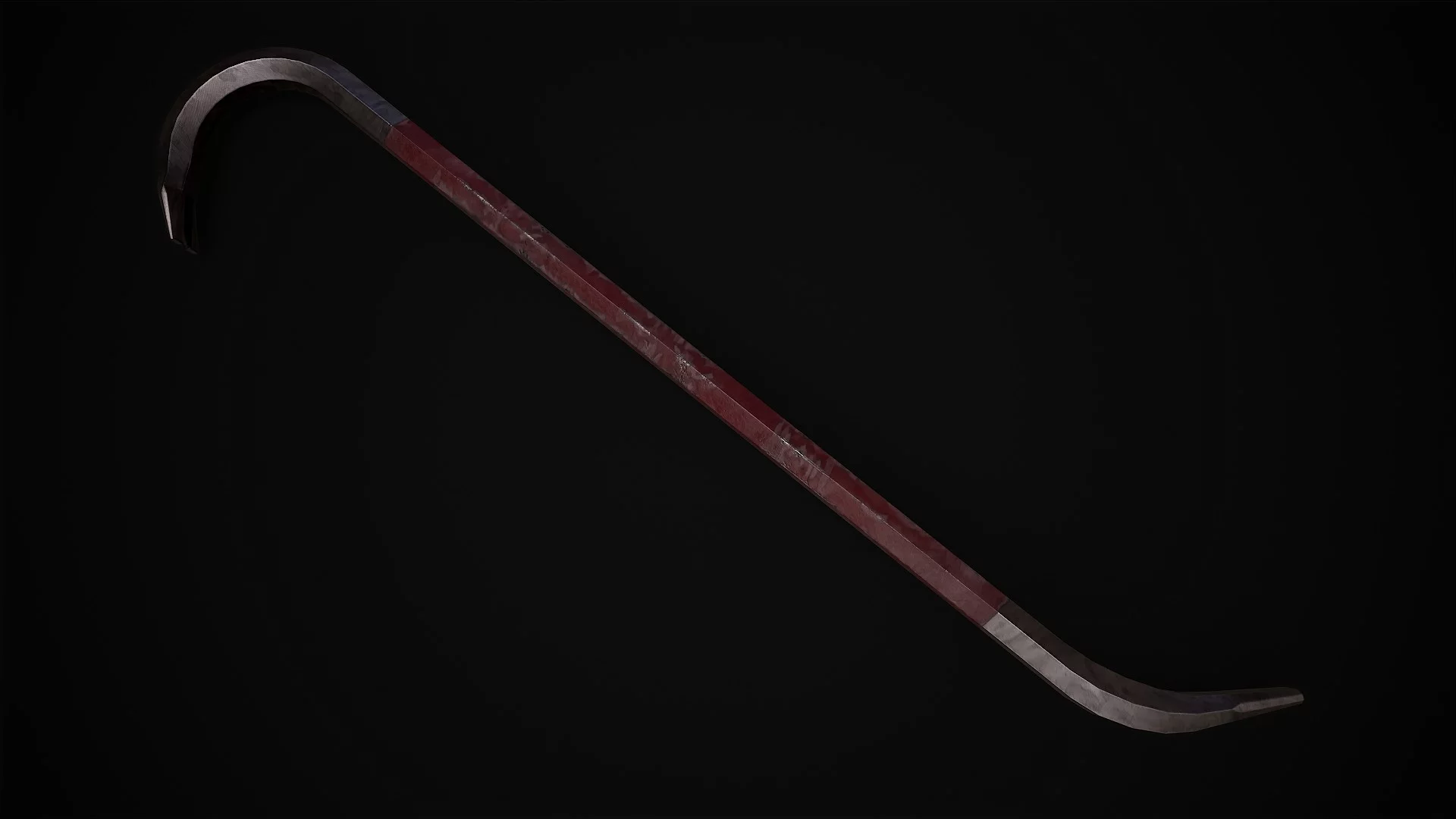
Blade and Sorcery — Crowbar
Download
Crowbar (PCVR) (U10). A right person in the wrong place can change the world. This mod adds a classic crowbar for taking down your enemies. The model is highly detailed.
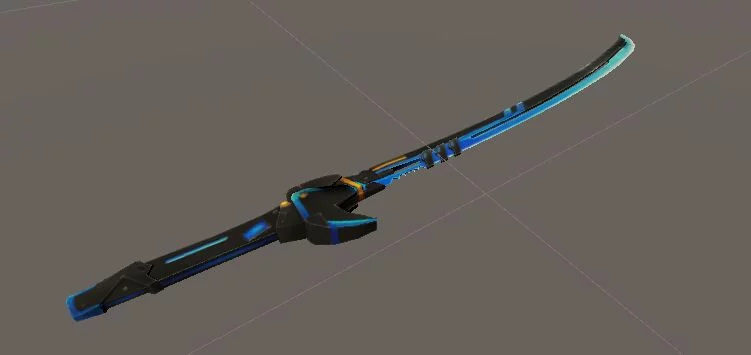
Blade and Sorcery — Viper
Download
Viper (U10). This mod introduces a new stylish one-handed sword to the game, designed in the likeness of a katana. The sword has a futuristic appearance and is extremely sharp. The model is crafted with excellent quality.
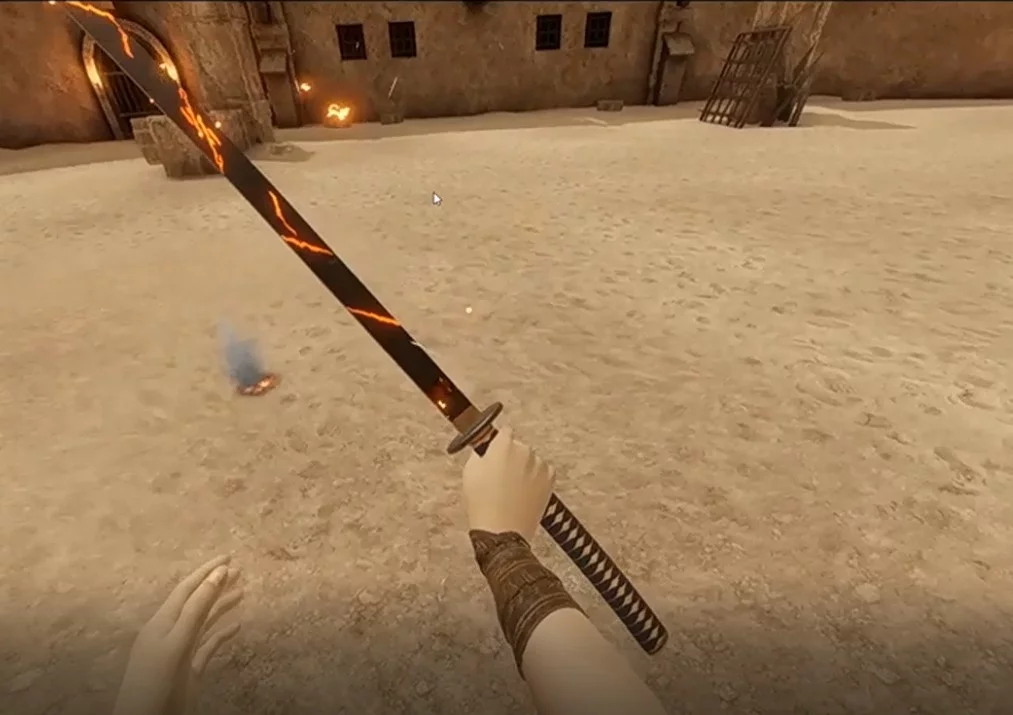
Blade and Sorcery — Katana
Download
DarrylsKatana. A katana modeled by the author in Blender to test a new texturing tool I named 'armor paint.' The textures aren't the highest quality, but they do the job.
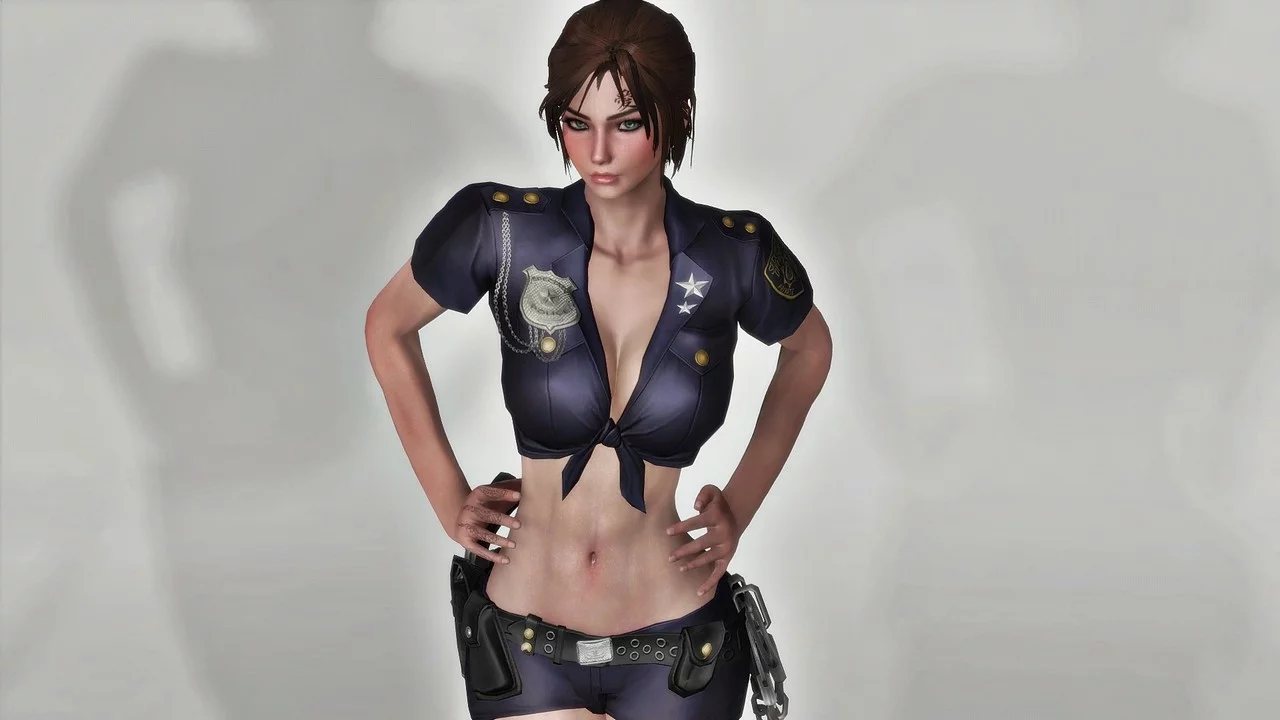
Fallout 4: Game of the Year Edition — TERA Police Uniform
Download
TERA Police Uniform — Fusion Girl — CBBE. Adds a police uniform from TERA online. Several colors to choose from. High Heels and Fusion Girl and CBBE versions available. For women only. Requirements: - Fusion Girl or CBBE: you need one ...
Fallout 4: Game of the Year Edition — Nurse Uniform

Download
TERA Nurse Uniform (CBBE — CBBE Physics — BodySlide). Another "treat" from TERA Online with a custom color replacement. We have a sexy nurse uniform with syringes... but with unused needles. Yes... it's yet another nurse outfit. Yes... it's also from ...
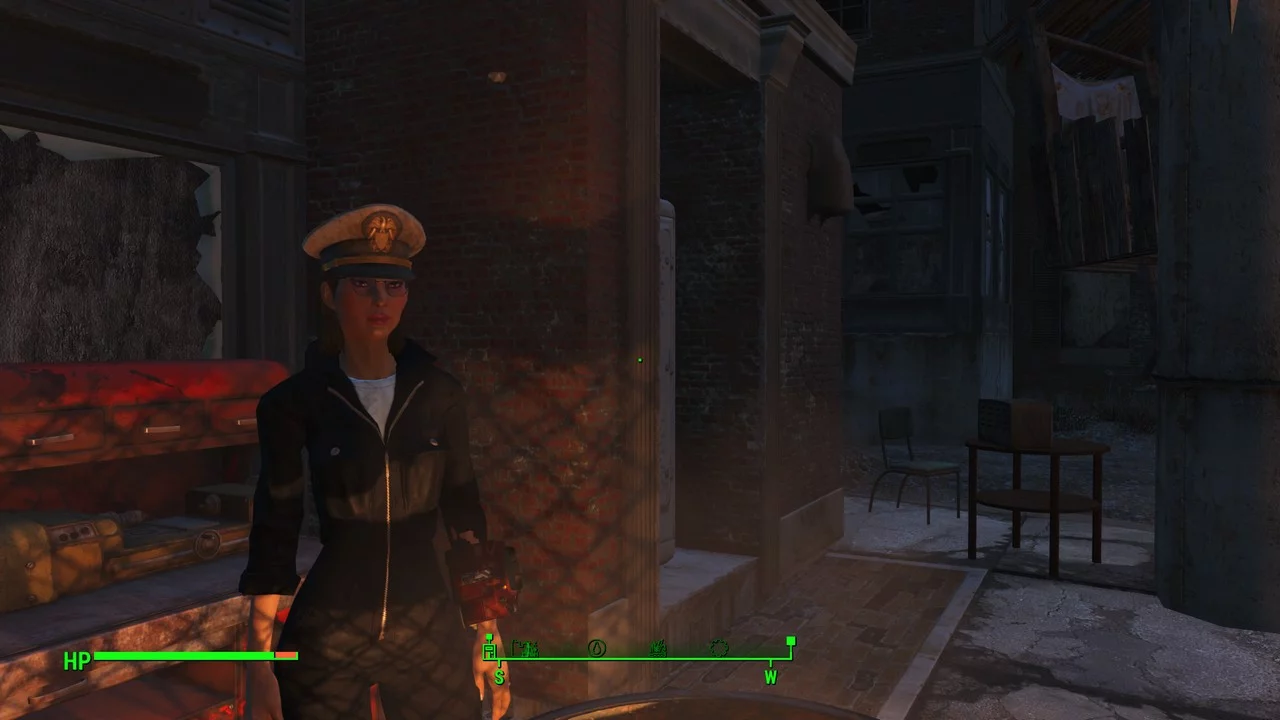
Fallout 4: Game of the Year Edition — Black Mechanic Jumpsuit
Download
Mechanic Jumpsuit Black Standalone. A standalone version of the mechanic jumpsuit replacement by Ryu and Margin that can be crafted in the chemistry lab. The clothing item in this mod is based on the Red Rocket jumpsuit with some minor additions. It ...
Fallout 4: Game of the Year Edition — Classic Pulse Grenades and Mines

Download
Classic Pulse Grenades and Mines. This mod introduces pulse grenades and mines inspired by Fallout 3 into Fallout 4. Available as replacements or as standalone weapons. There are 2 file options: Option 1 - replacement: replaces all pulse grenades ...