Game files / Other files / Page 6
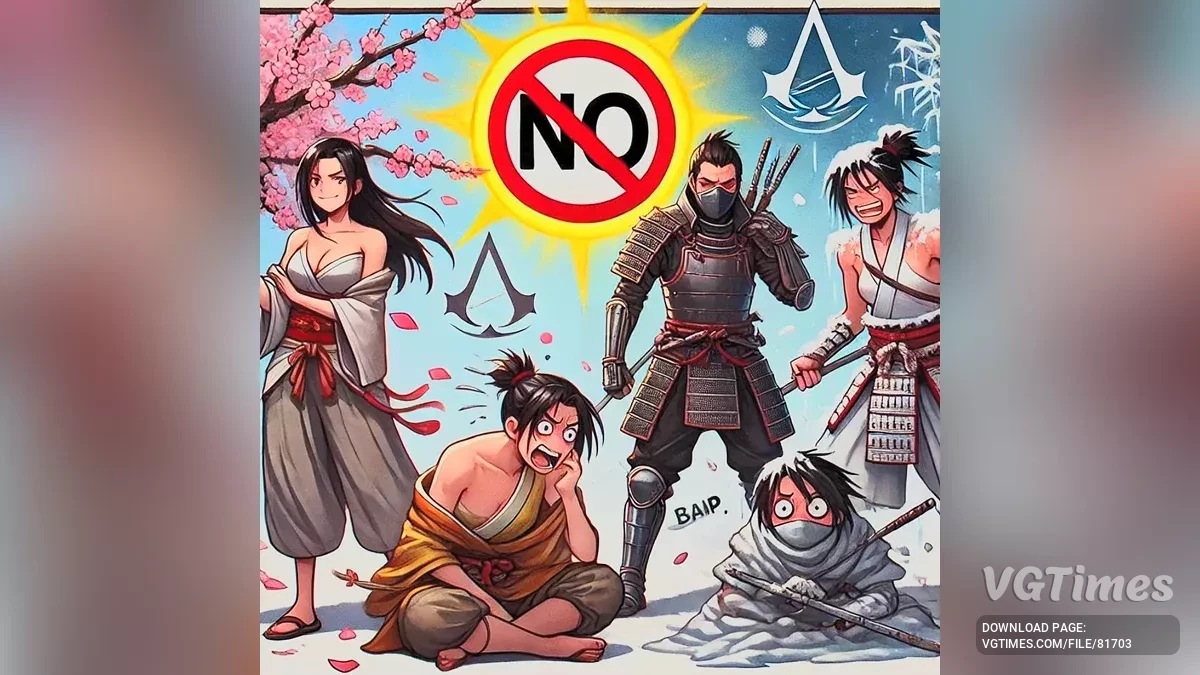
Assassin's Creed Shadows — Skipping seasonal change cutscenes

Download
This mod completely disables the cutscenes that appear when the season changes. How to run: Unpack into the game folder.
Assassin's Creed Shadows — No-Intro
Download
Significantly speeds up game launch by automatically skipping startup or introductory videos. How to launch: Extract and copy the folder from the zip archive to the game's root folder, replacing the existing folders and files! Includes an add ...
Assassin's Creed Shadows — Fast Launch (Skip Startup - Intro Videos)
Download
The game launches much faster by automatically skipping the initial videos. How to launch: Extract and copy the videos folder from the rar archive and paste it into the game folder, overwriting the existing folders and files.
BeamNG.drive — MK's Dynamic Weather v1.0.1 Release (0.34.x)


Download
This Lua script adds dynamic weather to the game. While it may not be the most visually stunning, given the engine's capabilities (rain, fog, clouds), it still looks quite good. The script is still in beta testing and not fully complete, but the ...
MiSide — Skipping dialogues

Download
Now you can speed through "time 10" some moments, because the game does not get stuck in the audio and text voiceover If you completely remove all the characters, then every sentence will start with "???", so I just added 1 charac ...
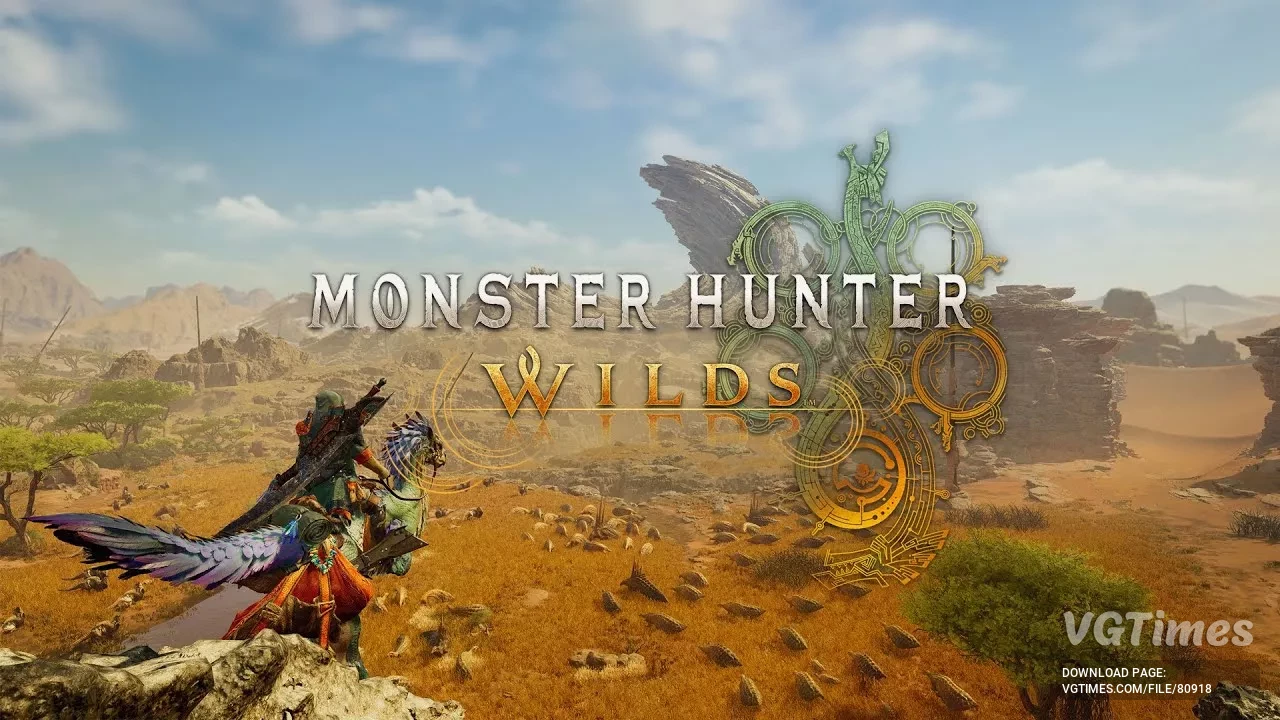
Monster Hunter Wilds — REF Nightly — suport frameworks
Download
This file adds support for custom frameworks in Monster Hunter Wilds. It is necessary for the proper functioning of certain mods and cheats that affect gameplay or game models. Installation Instructions: Download the archive and extract its conten ...
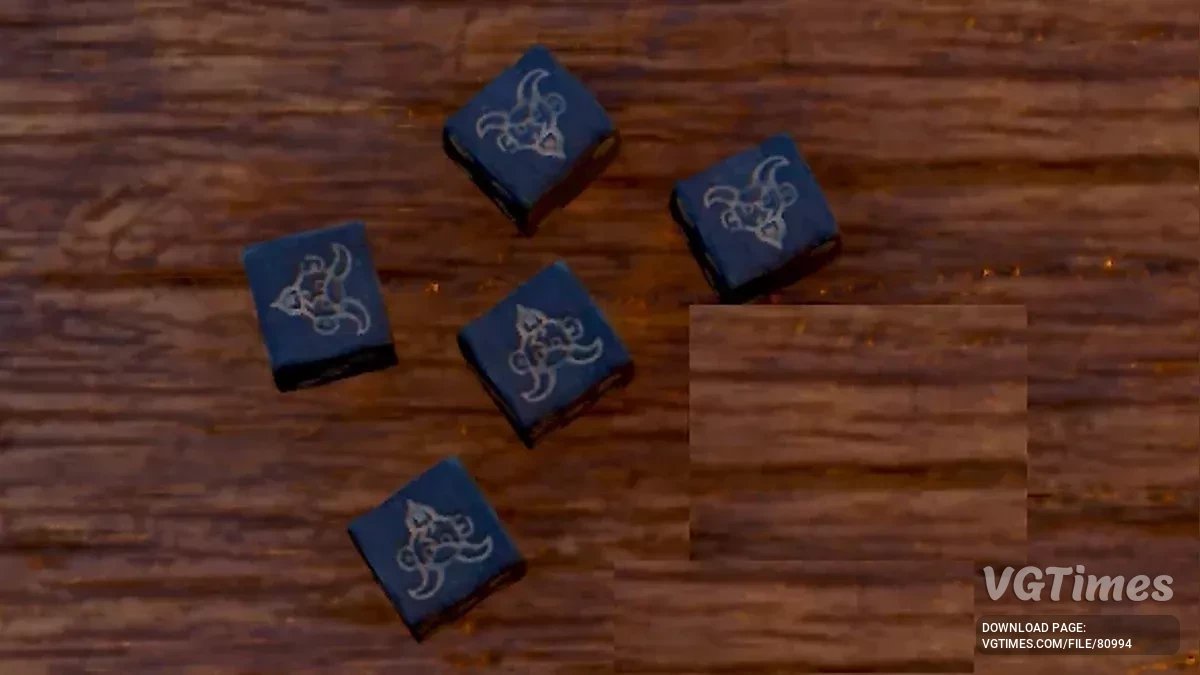
Kingdom Come: Deliverance 2 — Devil's Head Die
Download
The "Devil's Head" die always lands on the "Devil's Head" side. With this die, you can turn a loss into a victory. One side of the die is replaced with the "Devil's Head" and acts as a "wild card,&quo ...
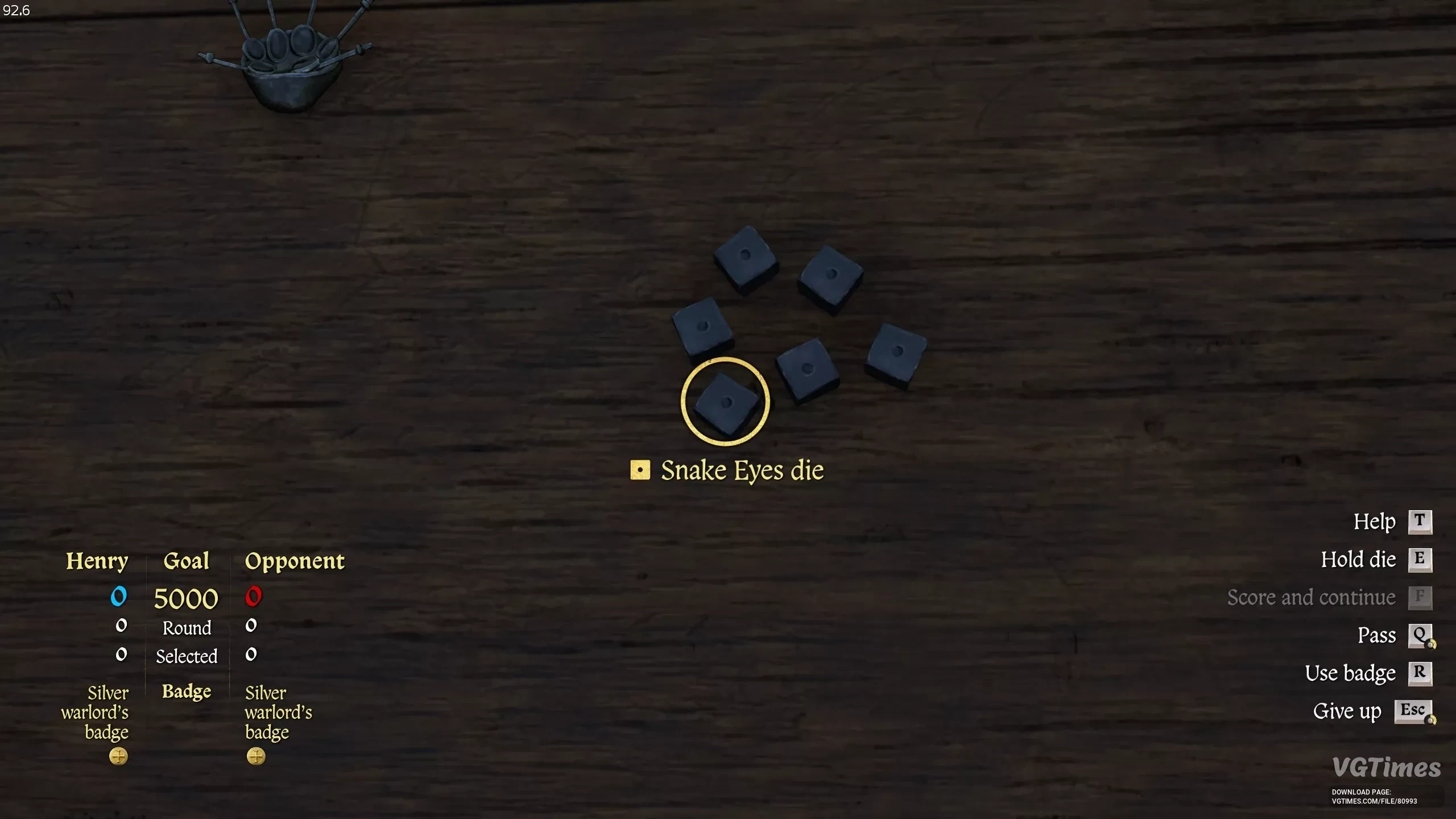
Kingdom Come: Deliverance 2 — New Dice - Snake Eyes
Download
Adds a new set of dice to the game called "Snake Eyes". These dice always roll a 1 (PTF). You can add them using the console with the following command: wh_cheat_addItem d7d3530e-8117-464d-8cf5-5666e3166cd8. How to launch: Download; ...
S.T.A.L.K.E.R. 2: Heart of Chornobyl — Faster Intro Screens
Download
This mod speeds up the intro screens and reduces their display time. Keep in mind that the game still needs to load, so skipping the intro sequence will result in a black screen. This mod was designed to minimize loading times, preventing you from fa ...
Avowed — Skip Intro
Download
Allows you to skip the initial/introductory videos. Press Space or Esc to skip black screens. How to launch: Unpack into the game folder.
Avowed — Quick death screen
Download
For some reason, the death screen lasts about 8 seconds. The mod makes it very short, about 2 seconds. How to launch: Unpack the archive contents into the game folder. If everything is done correctly, there will be 3 files 000_ShorterDeath_P in Al ...
Kingdom Come: Deliverance 2 — Blood Stays Longer
Download
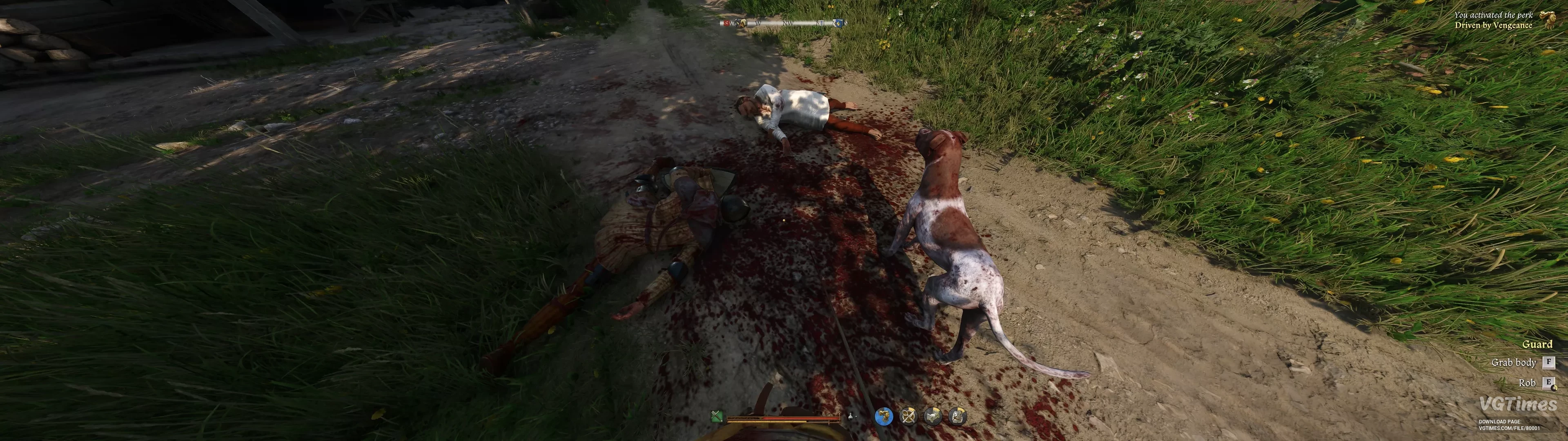
This mod ensures that blood from battles and deceased remains on the ground for a significantly extended period. In the original version, the lifespan of decals is limited to just 10 to 20 seconds for blood. This can break immersion and appear somewh ...
Marvel's Spider-Man 2 — Removal of Map Boundaries
Download
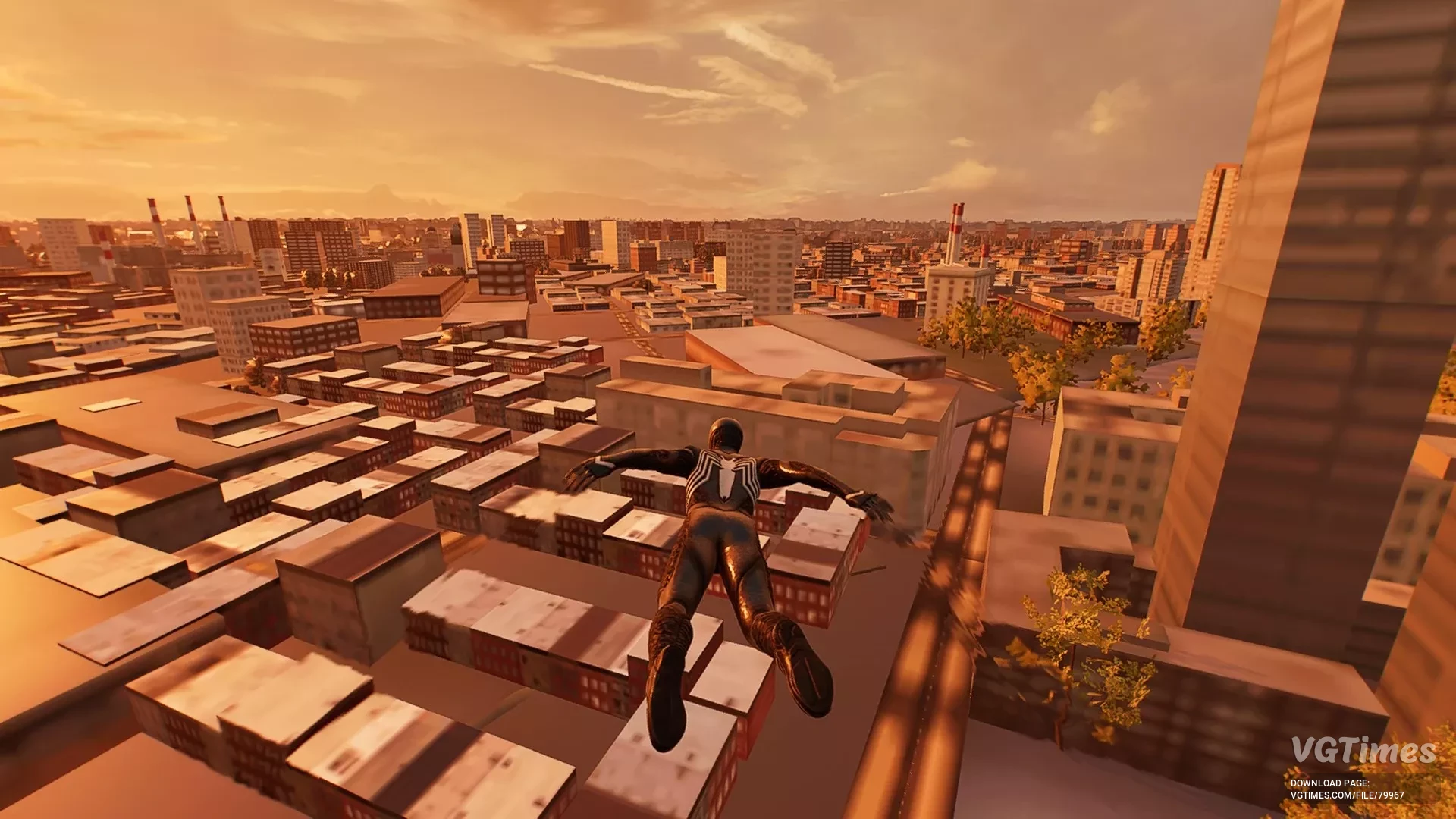
This mod removes the map boundaries. There is actually quite a bit of space beyond the map, and there are even cars and pedestrians. How to launch: Use Overstrike to add the file Remove Map Boundaries.stage, then click "Install mods". .
Kingdom Come: Deliverance 2 — Quick Launch
Download
The game starts much faster due to the automatic skipping of introductory videos. How to launch: Extract the FastLaunch folder from the archive and place it in this path Kingdom Come Deliverance II/mods.
Kingdom Come: Deliverance 2 — Disabling Intro Videos
Download
Skips all cutscenes, including one that is usually unskippable. How to launch: Extract the contents of the archive to \KingdomComeDeliverance2\Mods\ (if the Mods folder does not exist yet, create it). How to uninstall: Delete the mod folde ...