
Game files / Page 1478


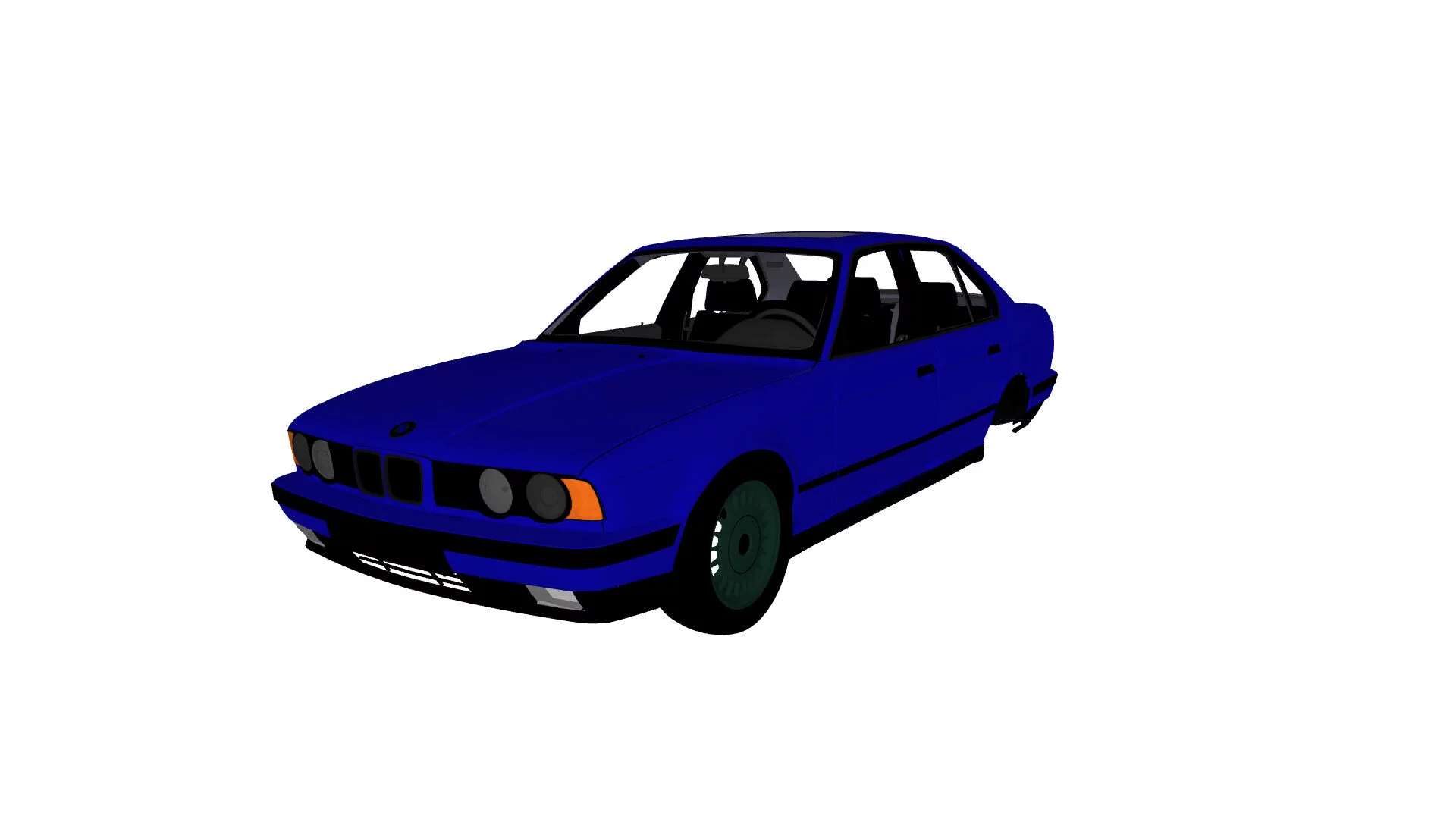
Simple Car Crash Physics Sim — BMW E34 520i

Download
A classic BMW crafted with exceptional quality.
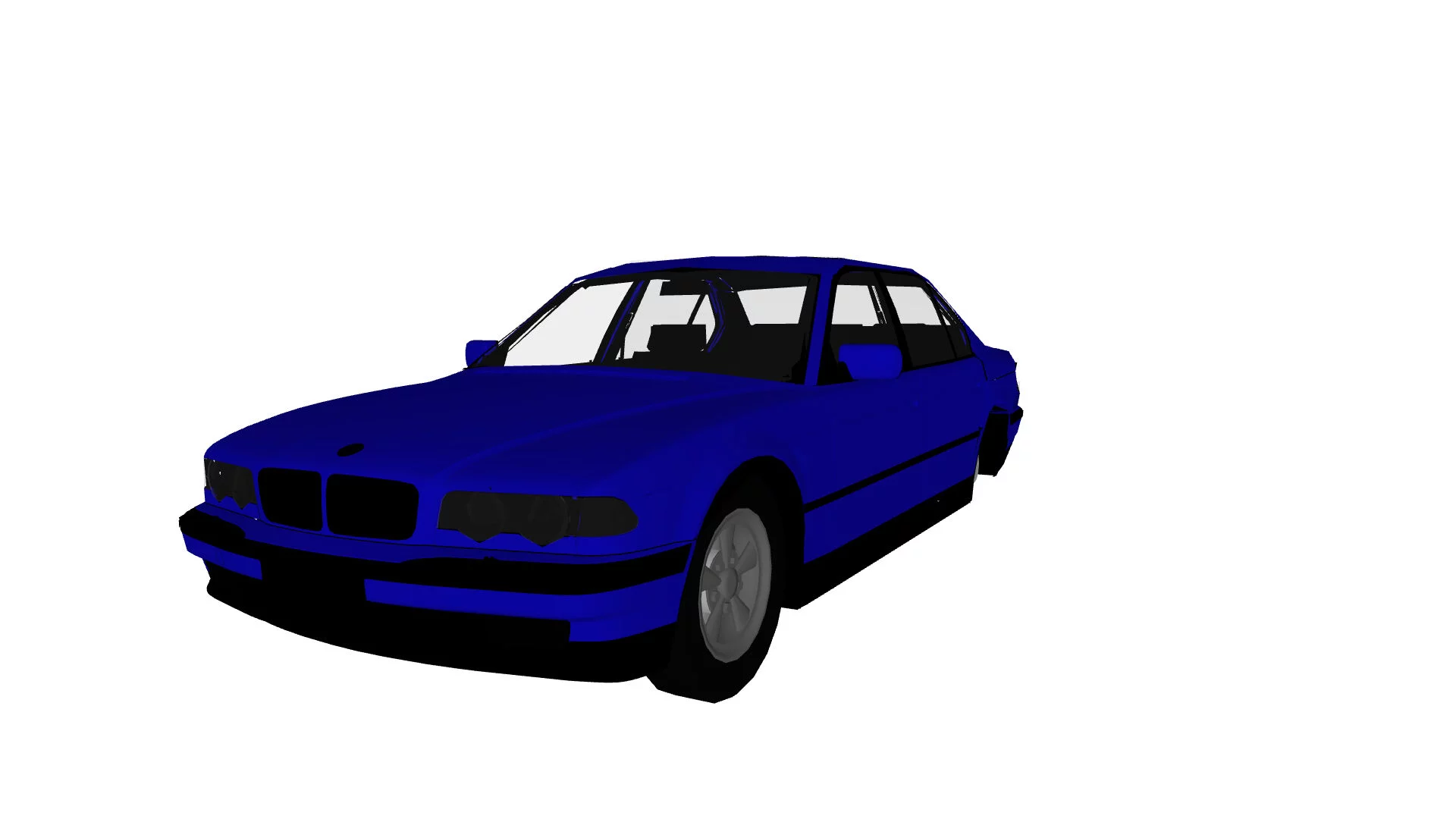
Simple Car Crash Physics Sim — BMW 750L
Download
The vehicle is produced with outstanding quality.
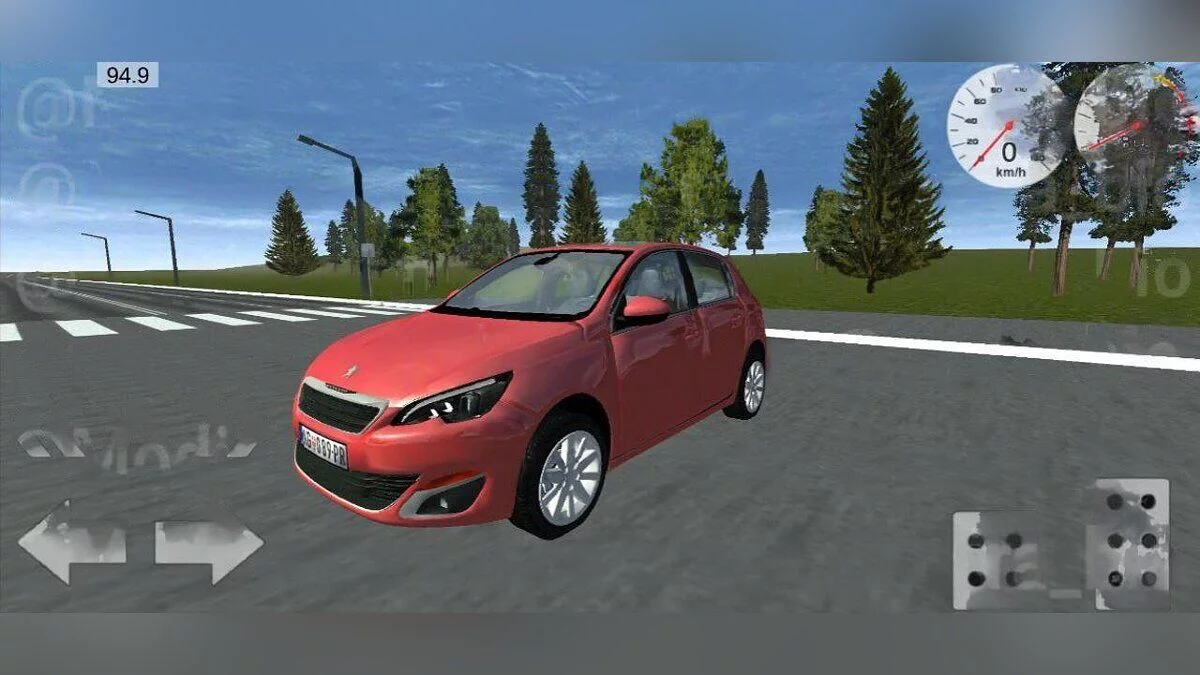
Simple Car Crash Physics Sim — Peugeot 308
Download
The car boasts an impressive exterior and interior design.
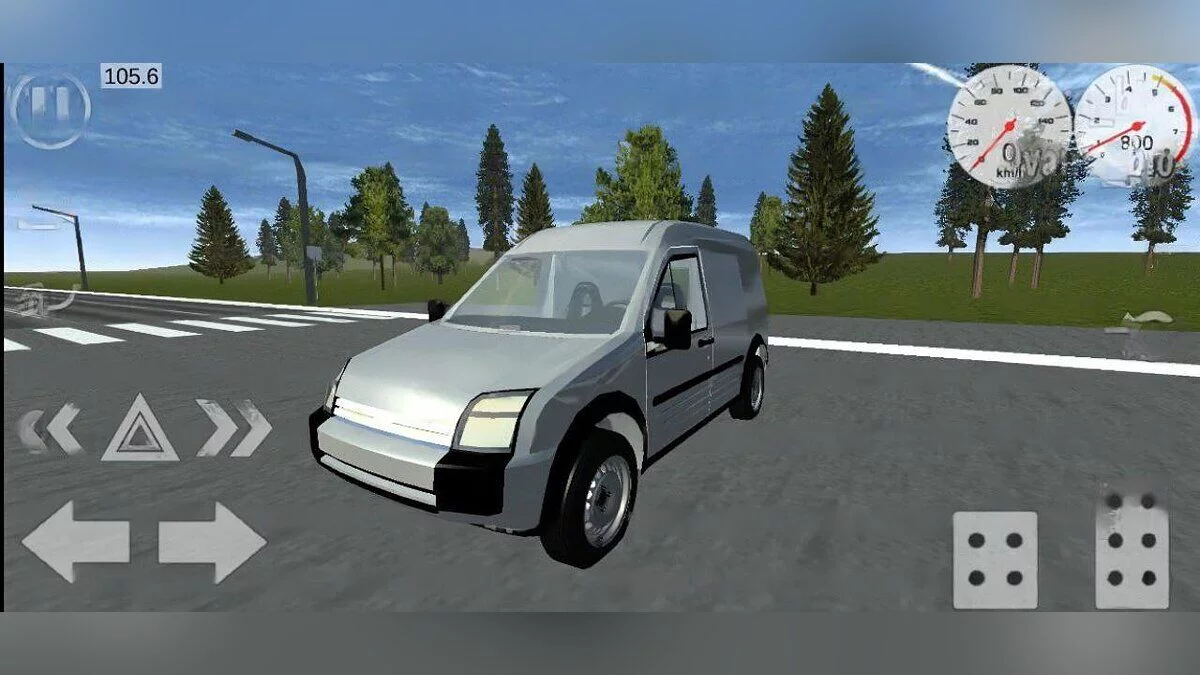
Simple Car Crash Physics Sim — Ford Connect Torneo
Download
The vehicle is made with good quality.
Dragon Age: The Veilguard — Handsome Man Preset

Download
The archive contains screenshots of slider placements to achieve a character like in the screenshots.
Dragon Age: The Veilguard — Syaotan - Elf Save

Download
Saves from which you can import a character when starting a new game. How to launch: extract to this path Documents/BioWare/Dragon Age The Veilguard/save games.
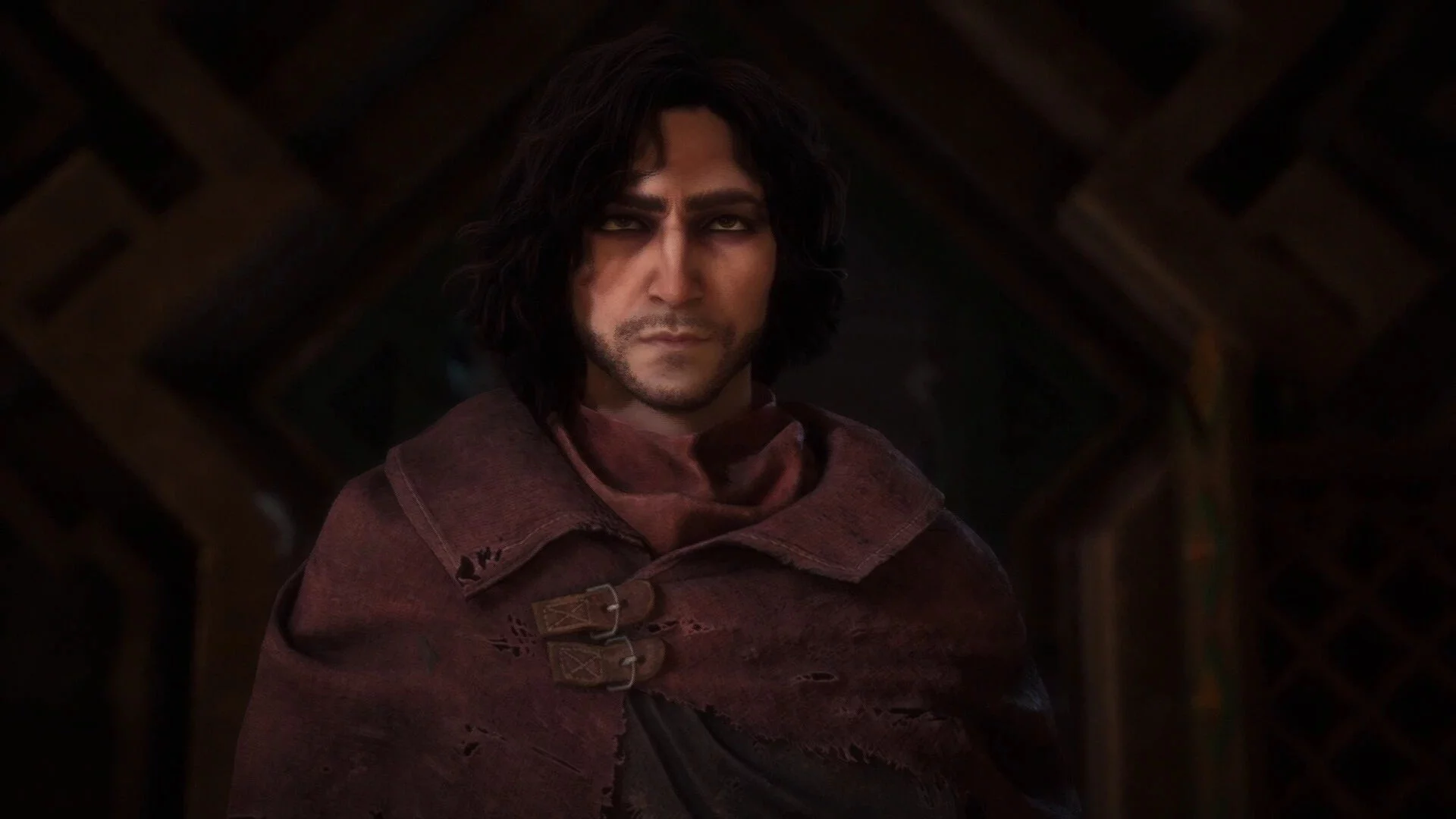
Dragon Age: The Veilguard — Mote Ingelvar - Male Preset
Download
Sliders for creating a male character.
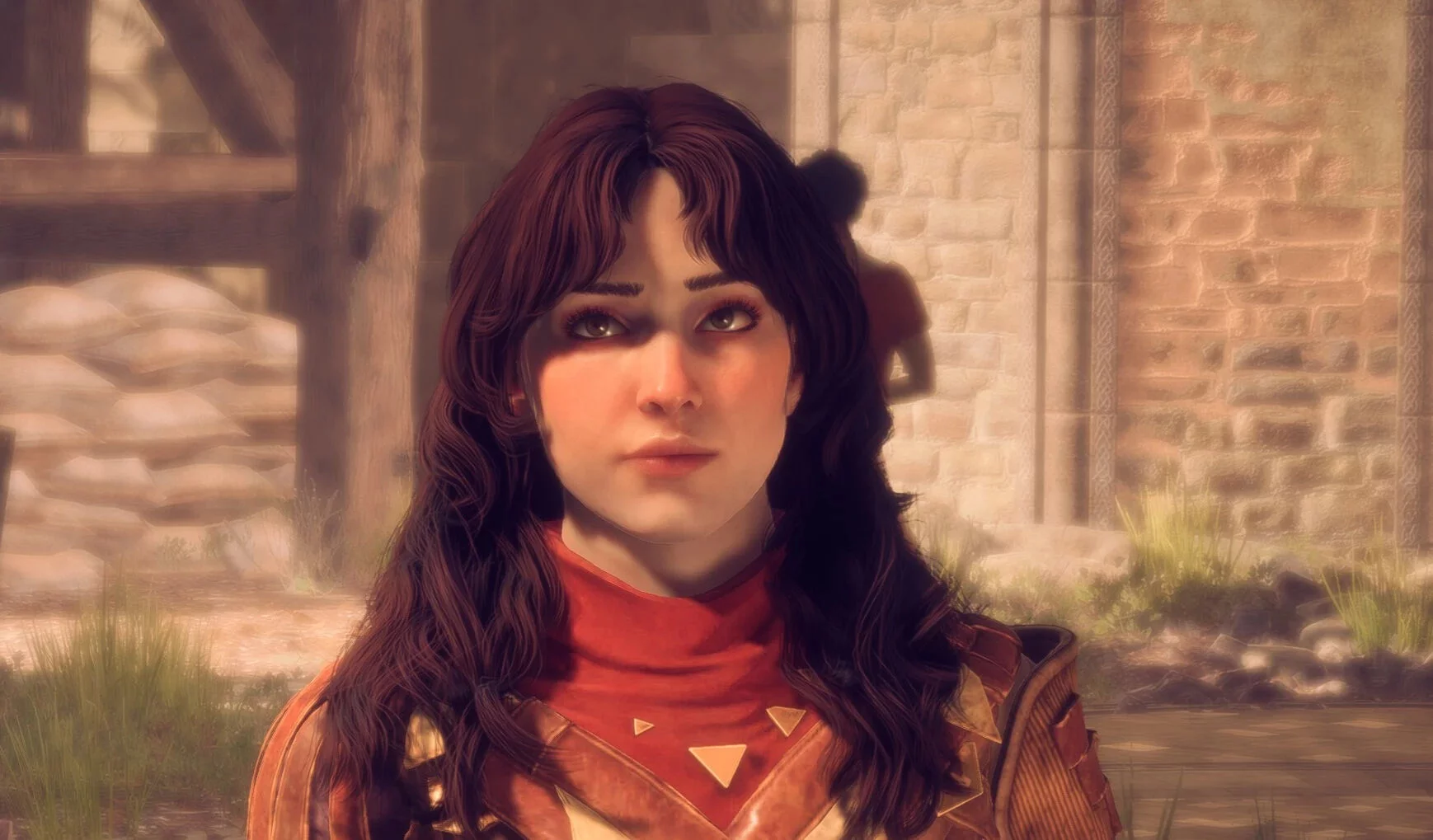
Dragon Age: The Veilguard — Elmira Oldweir - Appearance Sliders
Download
Contains screenshots of slider placements in the character editor. For best results, Head -> Cheeks -> Roughness can be set in the range of -40% to -30%. Some makeup sections are not shown because they are not present on her.
Dragon Age: The Veilguard — Ayse de Riva - Character Preset

Download
Presets and sliders for a female mage and elf. Includes 2 files: one with presets and one with a save. The save file starts immediately after character creation. Name: Ayse de Riva; Race: female elf; Faction: anti-Vanquis crows; Class: ...
Dragon Age: The Veilguard — Improved Stability and Fewer Crashes

Download
This mod is a simple registry file tweak to enhance game stability and works on all systems.
Dragon Age: The Veilguard — High Process Priority (Lag Fix)

Download
This registry change will give the game priority over any other process on the CPU, disk, network, or page file, preventing stuttering and freezing.
Dragon Age: The Veilguard — High CPU and Disk Priority
Download
A simple registry edit to enable high CPU and disk priority for the executable file of Dragon Age: The Veilguard. This will help improve performance on weak CPUs and slow disks. It helps reduce stuttering on all CPUs and disks.
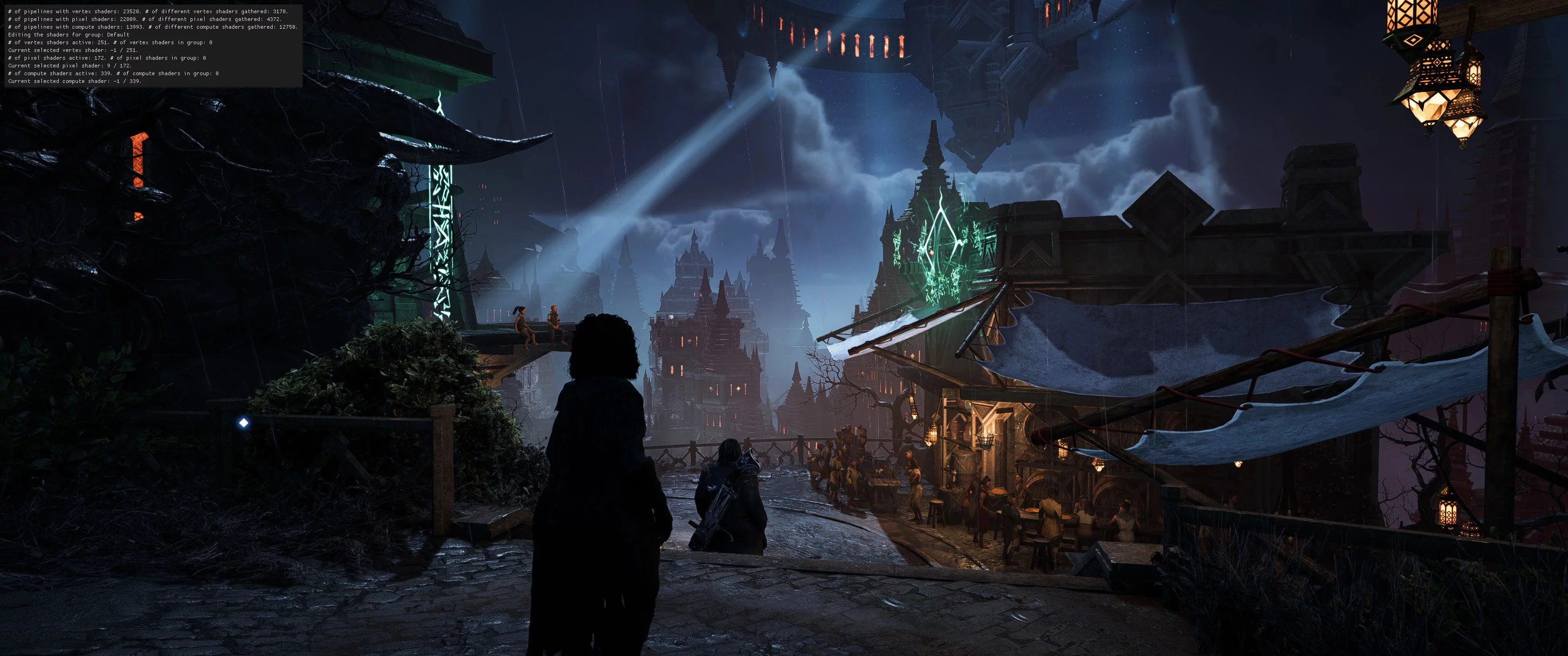
Dragon Age: The Veilguard — Removing Bloom Effect
Download
A small ini tweak to remove bloom. How to run: go to User/Documents/BioWare/Dragon Age The Veilguard/settings/ProfileOptions_profile; open this file with Notepad and change the line GstRender.UI_Bloom 1 to GstRender.UI_Bloom 0.
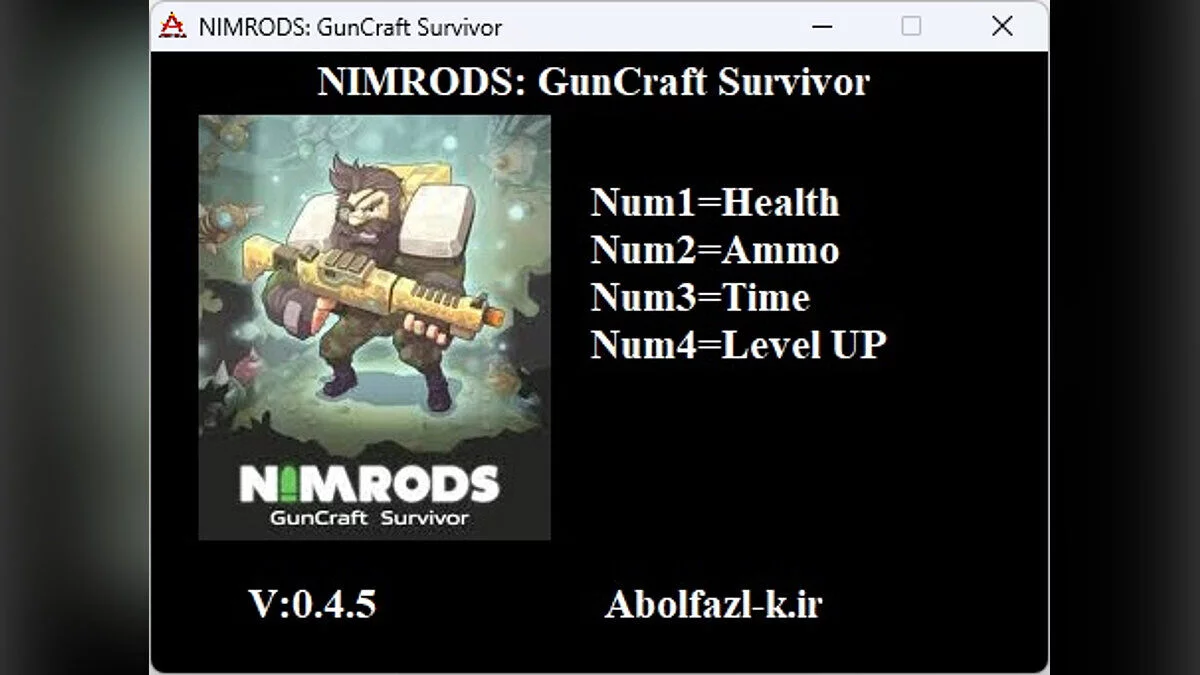
NIMRODS: GunCraft Survivor — Trainer (+4) [0.4.5]

Download
Functions and commands: Numpad 1 : health; Numpad 2 : ammo; Numpad 3 : time; Numpad 4 : increase level.
NIMRODS: GunCraft Survivor — Cheat Engine Table [UPD: 30.10.2024]

Download
Functions and commands: Freeze Ammo — freeze ammo; Infinite SpaceBar and RMB Uses — infinite space and use of yuan. How to run: Open 'Cheat Engine'; Click 'Load' and select the table; Click 'Select a process to open' and choose ...