
Game files / Page 3143


Final Fantasy VII Remake — Lara Croft Instead of Tifa


Download
Replaces Tifa with Lara Croft from the game "Lara Croft: Temple of Osiris". Extract the archive and copy and paste the file zLaraCroft-Tifa.pak into FFVIIRemakeIntergrade/End/Content/Paks/~mods.
Final Fantasy VII Remake — Seductive Scarlet

Download
Some parts of her default outfit have been removed to make her sexier! Replaces her standard attire. Place the pak file in the ~mod folder (..../Final Fantasy VII Remake Intergrade/End/ContentPaks/~mods).
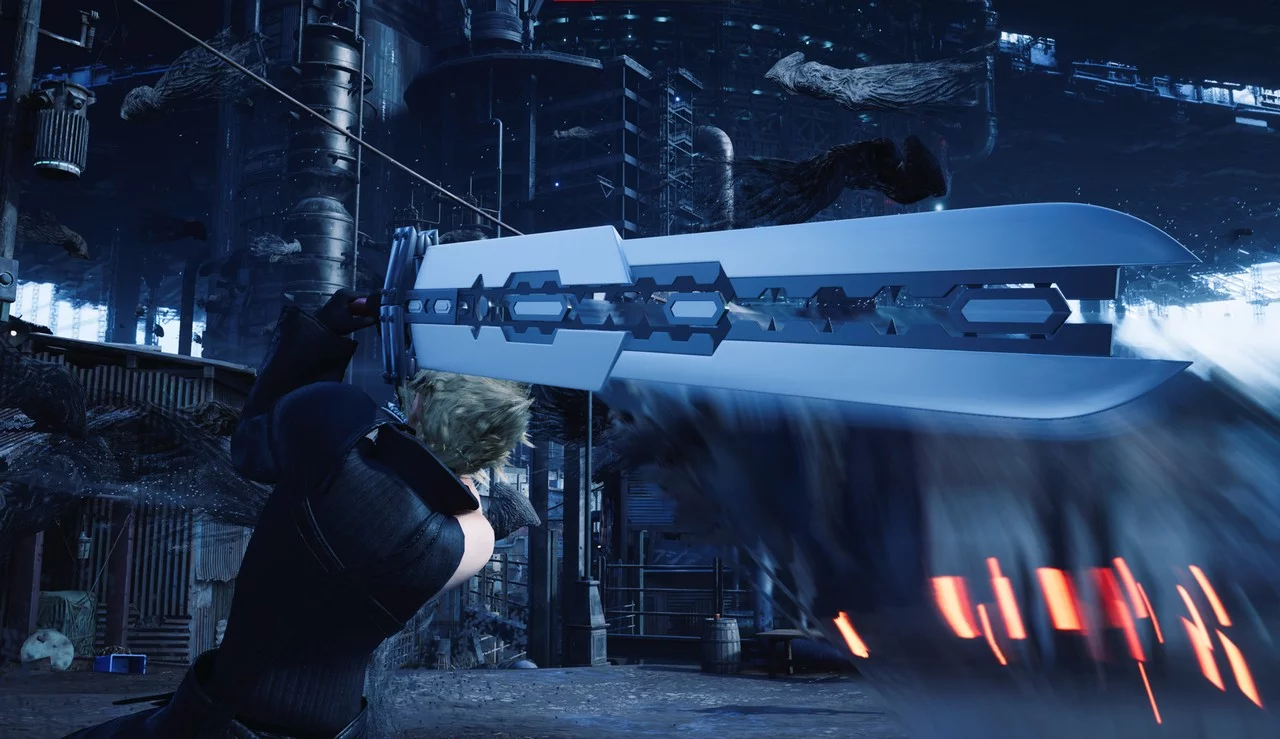
Final Fantasy VII Remake — Fusion Sword - Main Blade
Download
AC Fusion Sword — Main blade (Weapon mode). Replaces Buster Sword or Iron Blade as the main blade of the Fusion Sword in weapon mode. To install, place the pak file in FFVIIRemakeIntergrade/End/Content/Paks/~mods. If you don't have a mods folde ...
Final Fantasy VII Remake — Final Boss Jessie

Download
Final Boss Jessie. The true villain reveals themselves. To install, place the pak file in FFVIIRemakeIntergrade/End/Content/Paks/~mods.
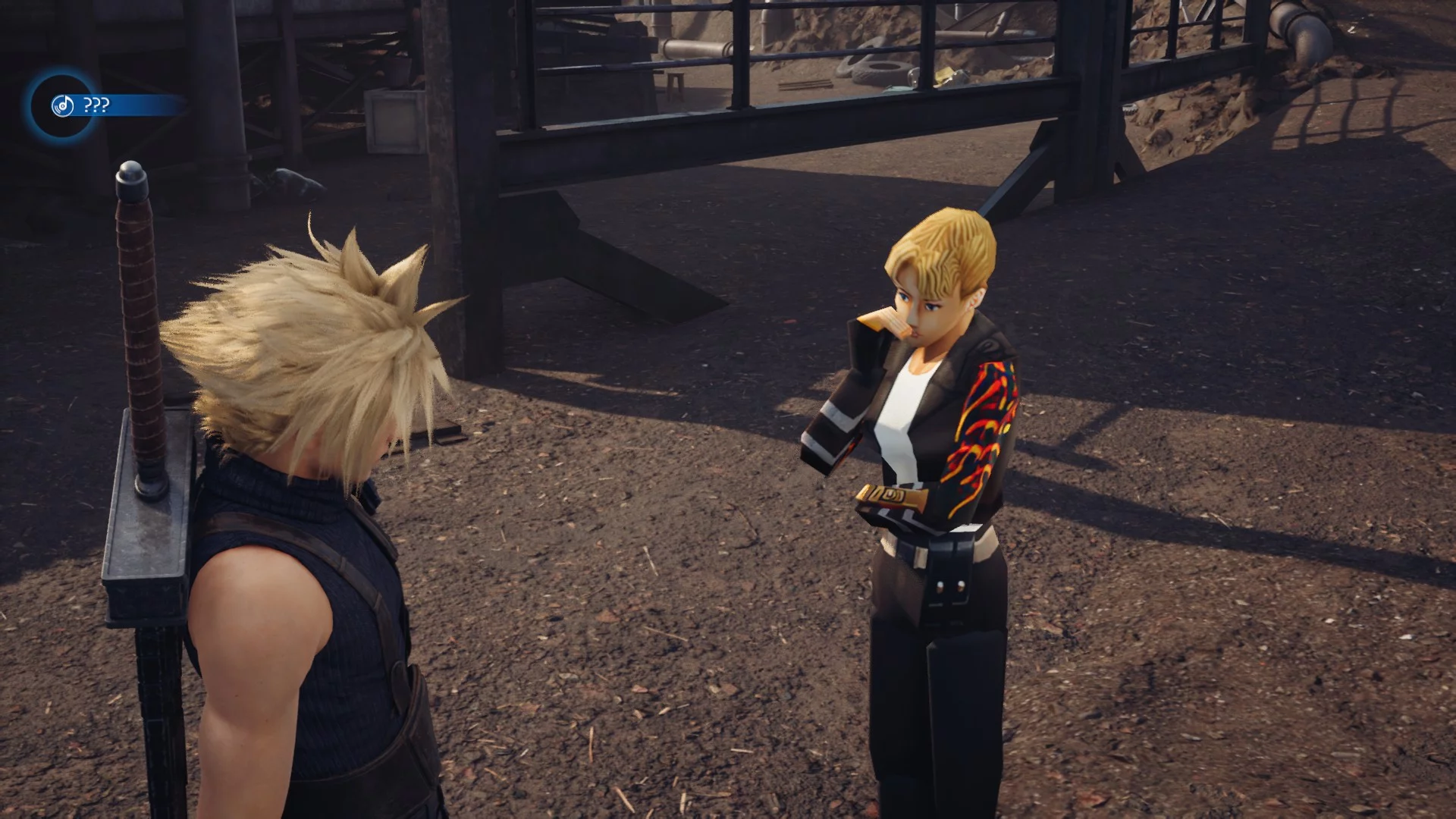
Final Fantasy VII Remake — Elza Walker Instead of Tifa
Download
Elza Walker for Tifa. This mod transforms Tifa into Elza Walker. It replaces Tifa's standard outfit. Place the pak folder inside: Final Fantasy VII Remake Intergrade/End/Content/Paks/mods.
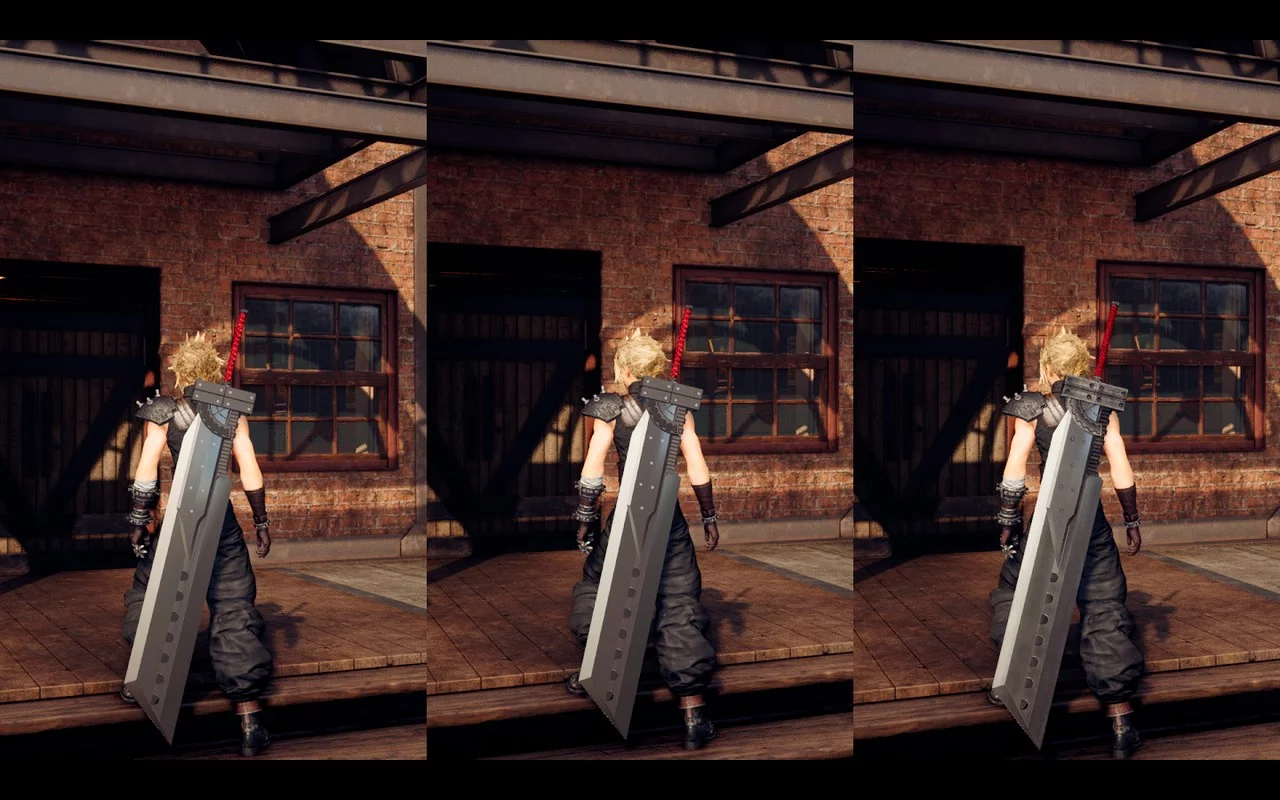
Final Fantasy VII Remake — Textures for the Fusion Sword
Download
FFVII AC Fusion Sword. This mod features a set of textures for Fusion Sword , with 3 models to choose from. - FFVII AC Fusion Sword. This texture set is based on the original Fusion Sword model — PAK, I modified the brightness, smoothed the t ...
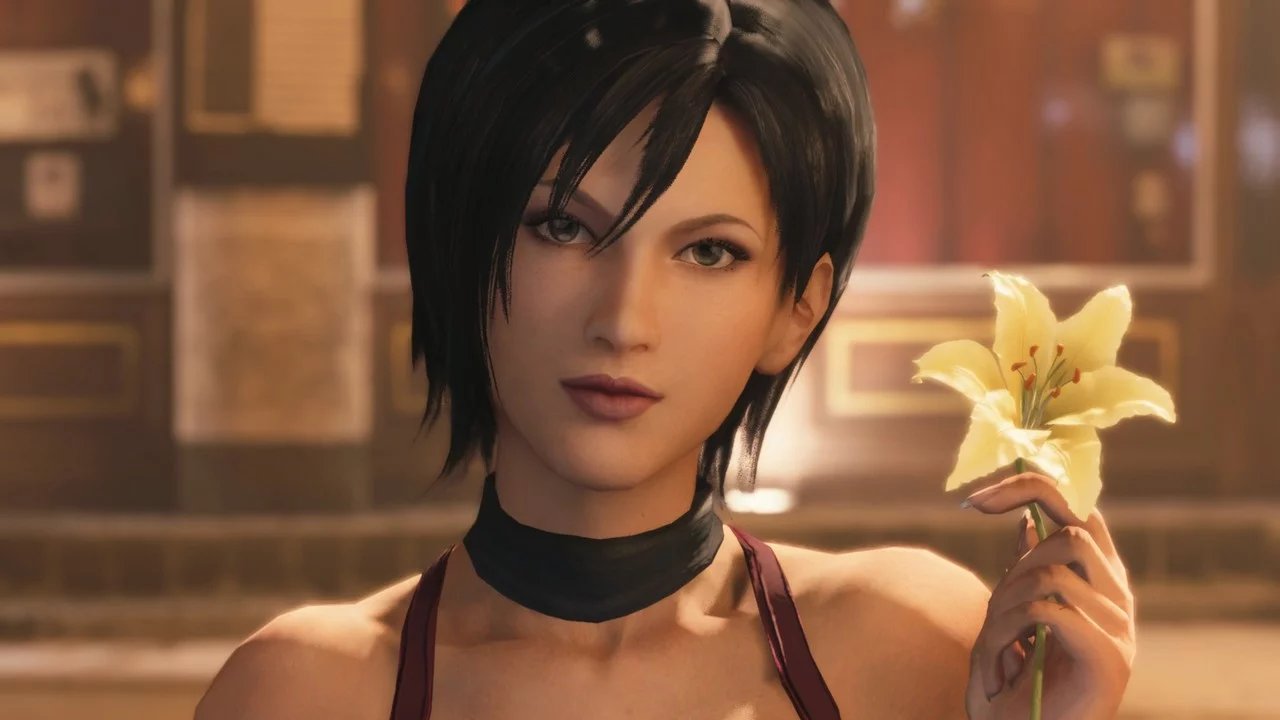
Final Fantasy VII Remake — Ada Wong instead of Aerith
Download
Transforming Aerith into Ada Wong. The mod includes hair physics, dress physics, and ribbon physics, replacing the default Aerith and her dirty dress. Place the pak folder inside Final Fantasy VII Remake Intergrade/End/Content/Paks/~mods.
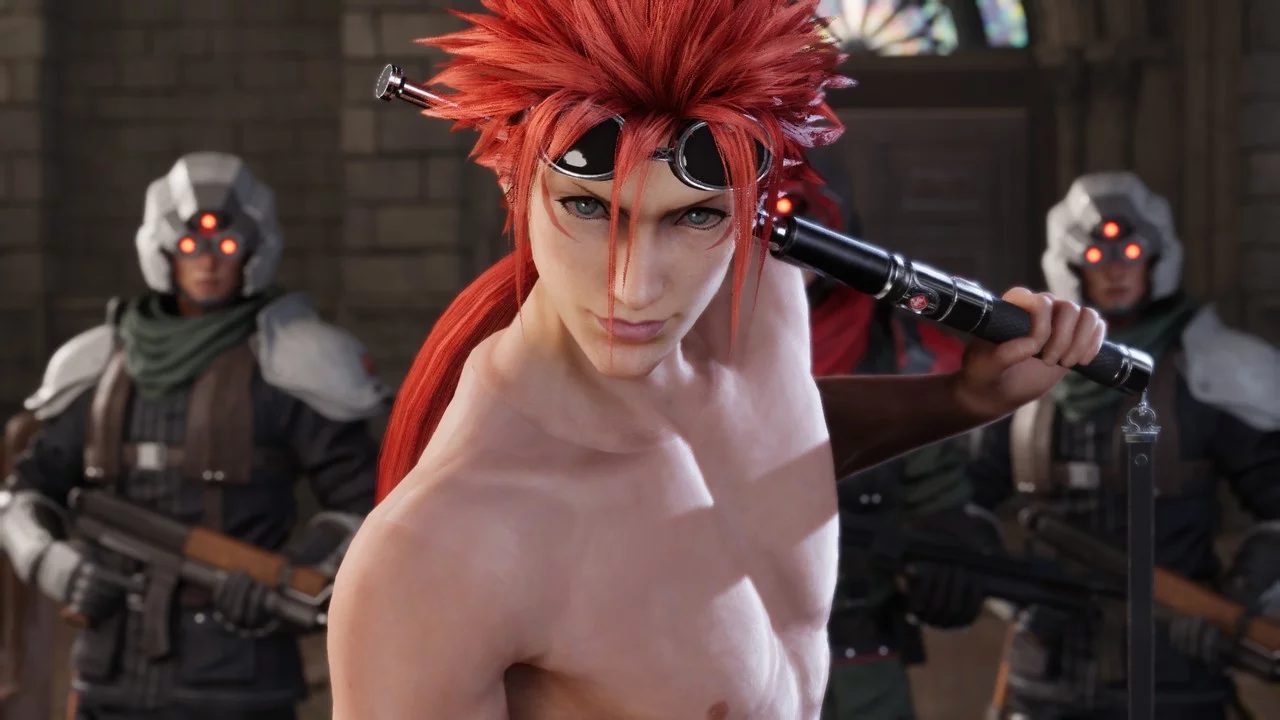
Final Fantasy VII Remake — Shirtless Reno
Download
Reno's standard outfit without the jacket and shirt. Place the pak file in the mod folder (....../Final Fantasy VII Remake Intergrade/End/Content/Paks/mods).
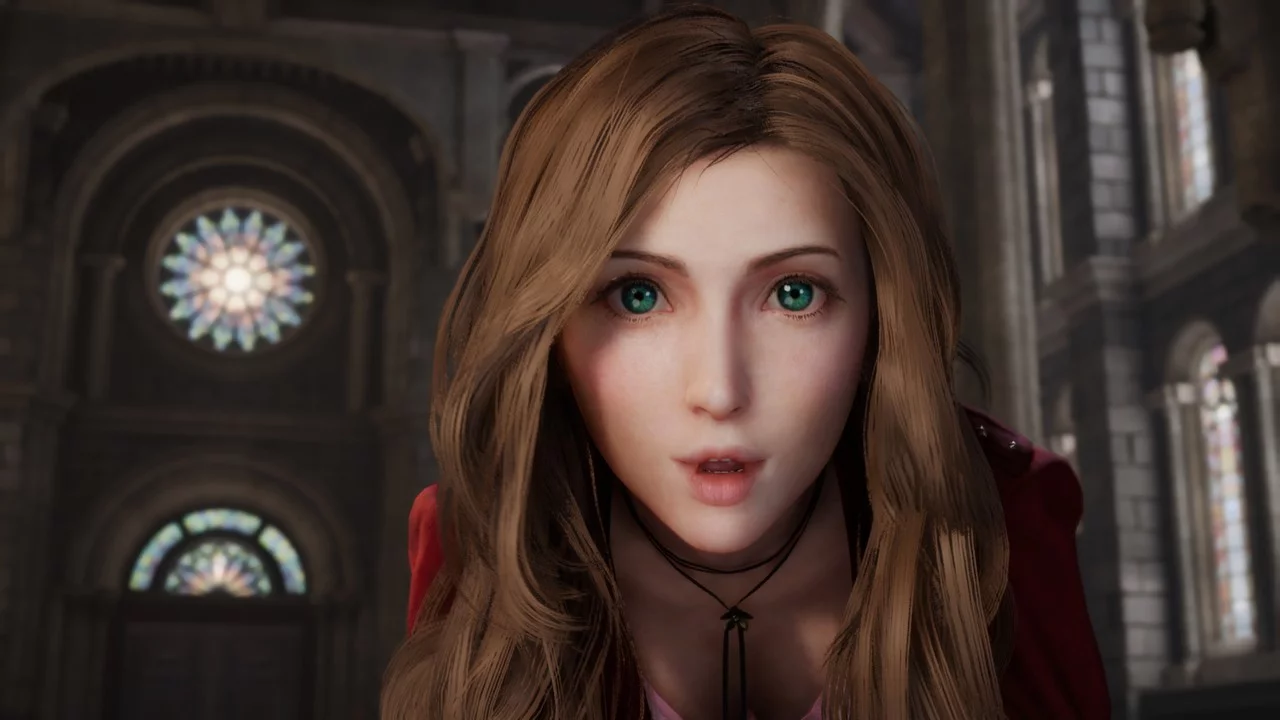
Final Fantasy VII Remake — Aerith with Long Hair
Download
Aerith Long Hair. Gives Aerith a new hairstyle with long hair! This mod changes the hairstyle of the standard Aerith and the Aerith in the sexy dress. The cheap dress and the regular dress will still have the original hairstyle. Unzip the archive and ...
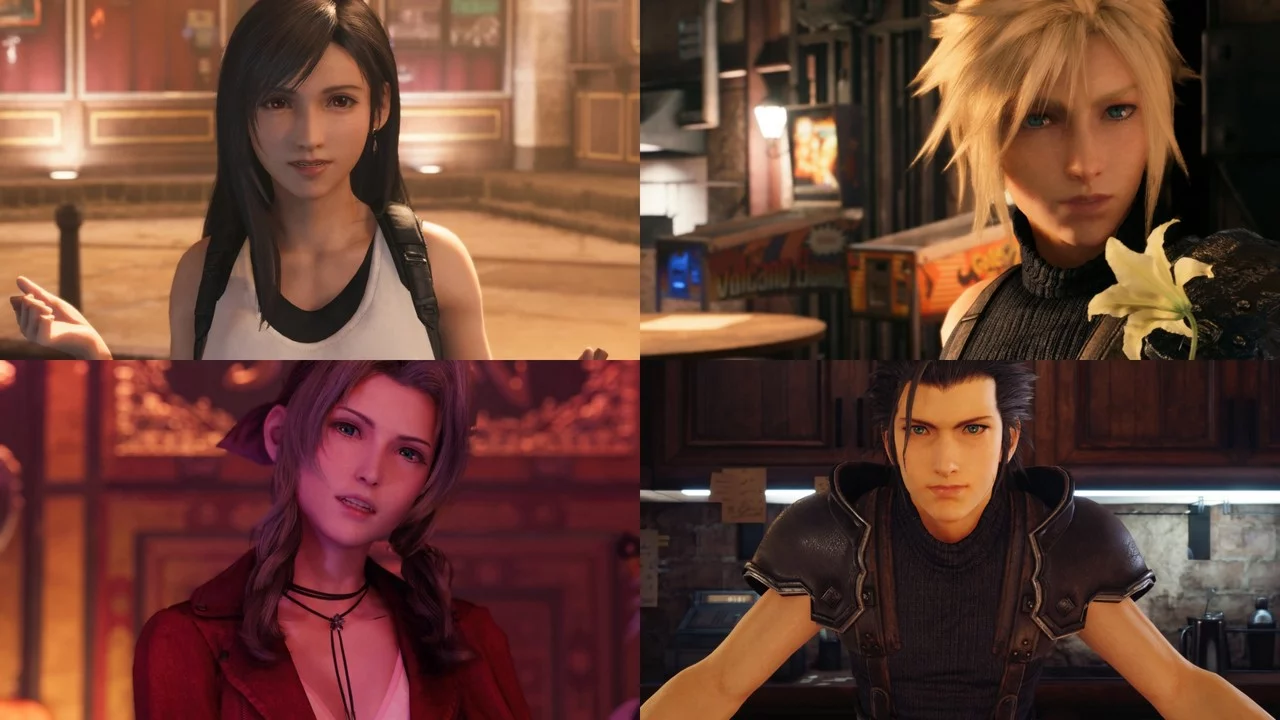
Final Fantasy VII Remake — Character Model Swaps
Download
Model Swaps with Cloud, Aerith, Zack, and Tifa. Some models are swapped around for you to play with. Cloud, Aerith, and Zack replace Tifa, while Tifa replaces Aerith. To install, place the pak file in FFVIIRemakeIntergrade/End/Content/Paks/~mods.
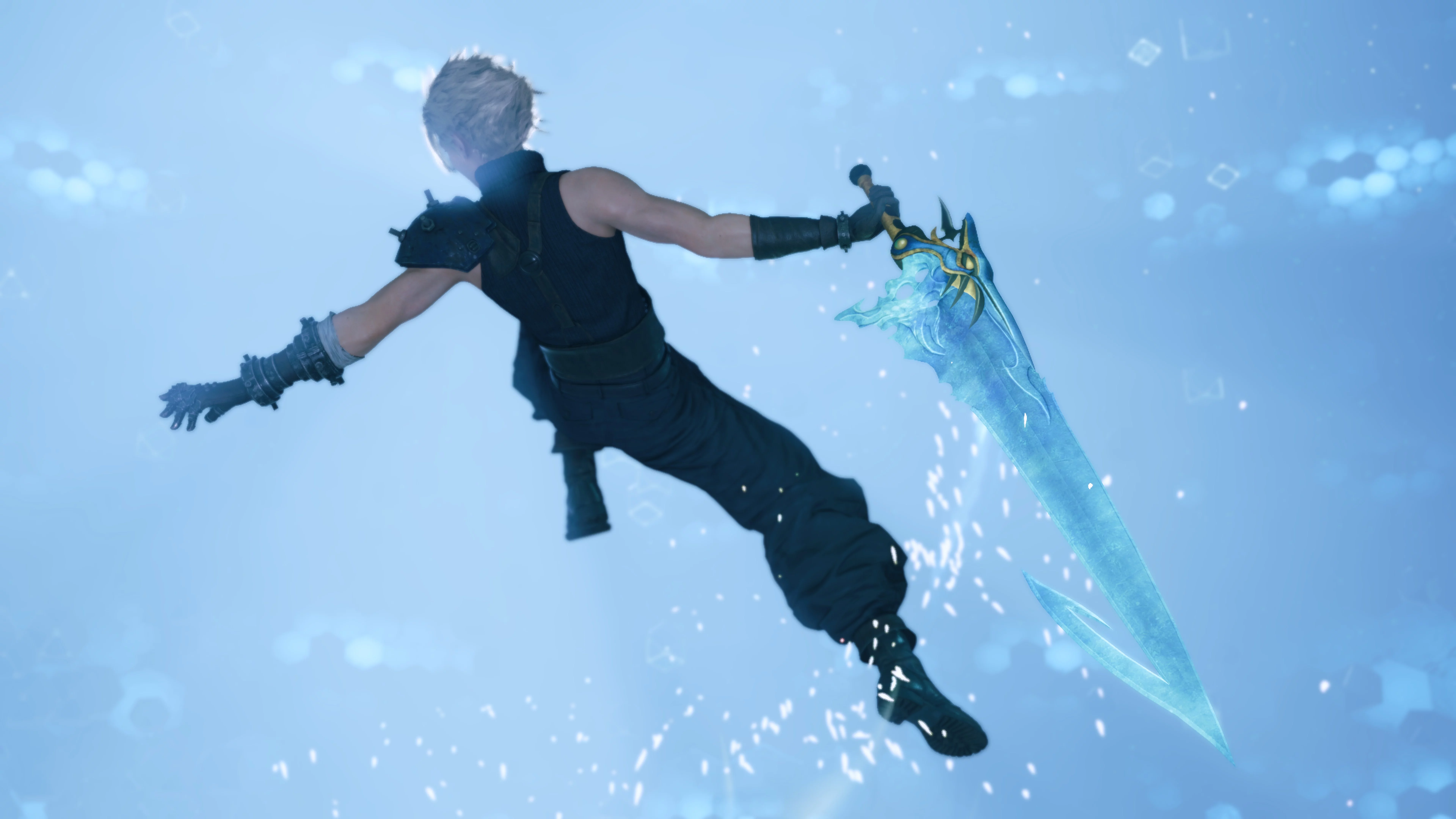
Final Fantasy VII Remake — Tidus's Sword "Brotherhood"
Download
Brotherhood over the Buster Sword. This mod replaces Cloud's Buster Sword with Tidus's "Brotherhood" from Final Fantasy 10. It will also affect the Sorceress's Wand, so keep that in mind.
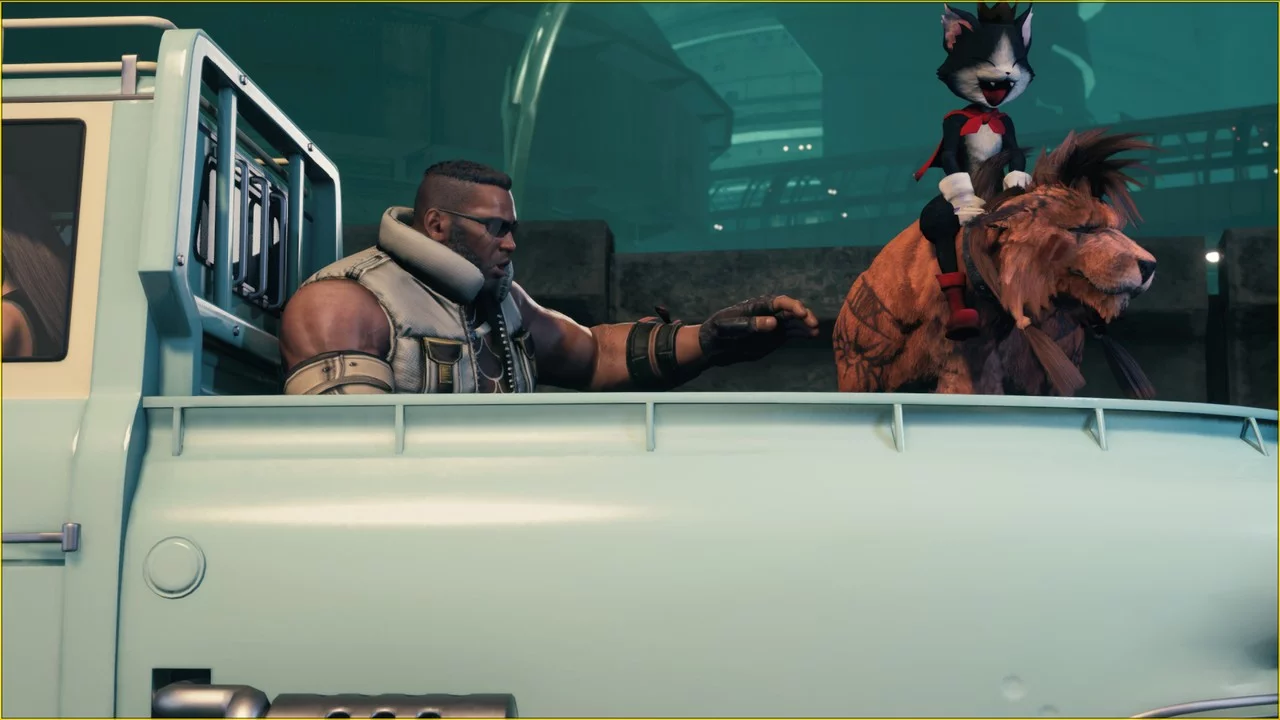
Final Fantasy VII Remake — Cat on Red XIII's Back
Download
Red XIII Advent Children Outfit (Cait Sith). This mod will make the cat always ride on Red XIII's back. To install, unpack the downloaded archive to this path Epic Games/FFVIIRemakeIntergrade/End/Content/Paks/mods.
Final Fantasy VII Remake — Cloud's Outfit from Advent Children

Download
Cloud Fenrir Suit Dissidia FFNT. This mod replaces Cloud's default outfit with his attire from Advent Children. I also altered the black color and shine of the cloak, bracers, and gloves, and added shine to the shoulder pad.
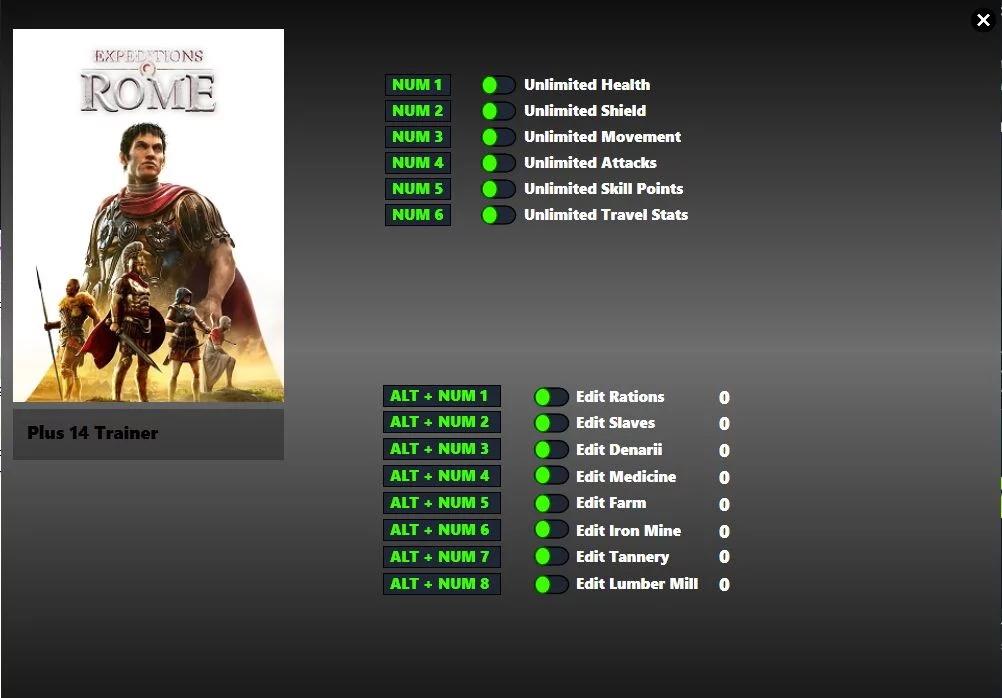
Expeditions: Rome — Trainer (+14) from June 26, 2022

Download
Num 1 — Unlimited health Num 2 — Unlimited armor Num 3 — Unlimited movement Num 4 — Unlimited attacks Num 5 — Unlimited skill points Num 6 — Unlimited travel stats Alt+Num 1 — Edit ration amount Alt+Num 2 — Edit number of slaves Alt+Num 3 — Edit amo ...
Dying Light - Enhanced Edition — Cheat Mod (Developer Menu)
Download
Recently, everyone has noticed that most dev. menu have stopped working. Now I will guide you step by step on how to install a working dev. menu . Step 1 Download this archive. Step 2 Place the files dide_mod.ini and dsound.dll in the ...