Game files / Page 955
The Elder Scrolls 4: Oblivion Remastered — More Weekly Gold from the Dark Brotherhood

Download
The Dark Brotherhood earns from contracts. It doesn't make sense for the Listener to receive only 200 a week. This mod adjusts the value to make it more exciting, 2000 a week, as the Dark Brotherhood is the leading faction killing for gold. How ...
The Elder Scrolls 4: Oblivion Remastered — Improved Graveyard
Download
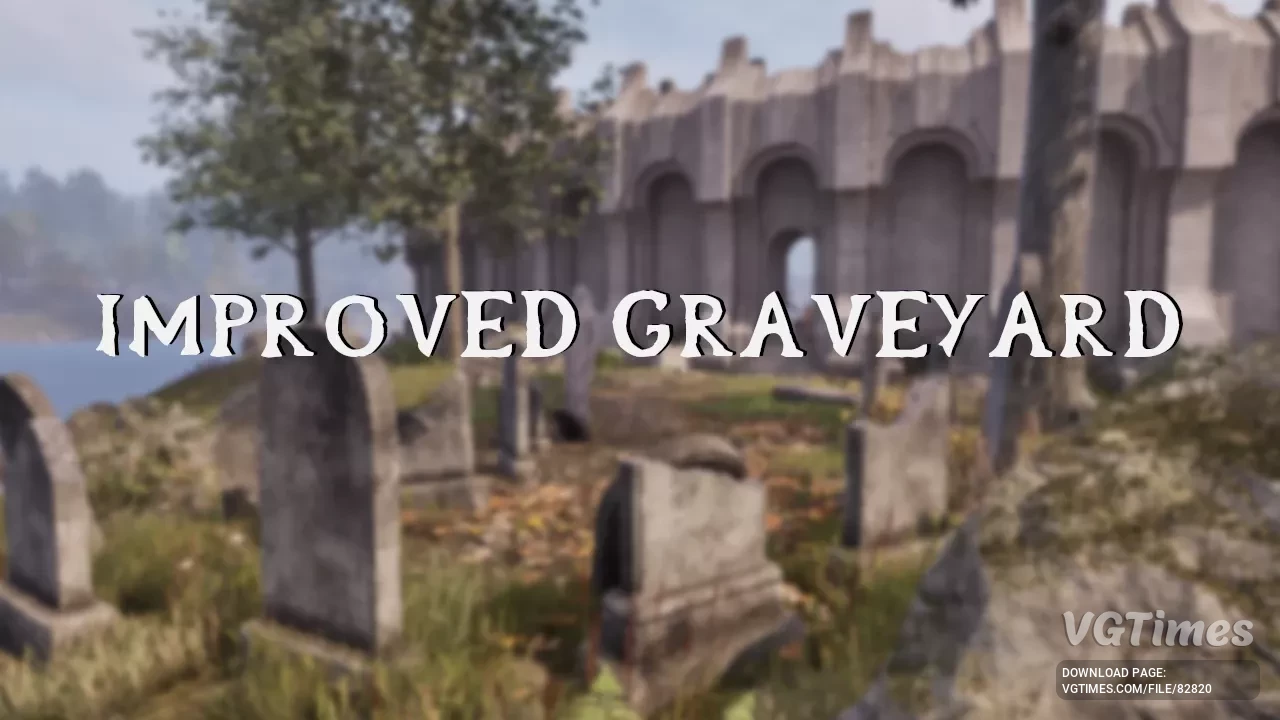
This mod improves a small graveyard near The Imperial City Waterfront. The original version of the graveyard had about 5 graves. Now we have a lot more graves, a cool statue, and 2 lootable coffins. How to launch: Place ImprovedGraveyard.esp into ...
The Elder Scrolls 4: Oblivion Remastered — Naked Female Imperials
Download
Removes the upper clothing of Female Imperials and increases breast size. How to install: Place the files in: SteamLibrary\steamapps\common\Oblivion Remastered\OblivionRemastered\Content\Paks.
The Elder Scrolls 4: Oblivion Remastered — Naked Khajiit Women
Download
Khajiit woman with a sexy hourglass-shaped naked body. Work in progress. How to launch: Place the ~paks folder in OblivionRemastered\Content\Paks.
The Elder Scrolls 4: Oblivion Remastered — Enhanced Female Bodies
Download
Replacers for female bodies to give them more feminine shapes and nudity with detailed anatomy and textures. Changes have been made to remove underwear, add new topology to the body mesh, and ensure the preservation of vertex colors, weight painting, ...
The Elder Scrolls 4: Oblivion Remastered — New body with breast physics
Download
Replaces the body mesh with a new figure, adds breast jiggle physics and new underwear. Currently for: Breton, Dark Elf, High Elf, Imperial, Redguard, Nord, Orc, Wood Elf. Doesn't affect textures or materials other than the default underwear, s ...
inZOI — Long hair with bangs
Download
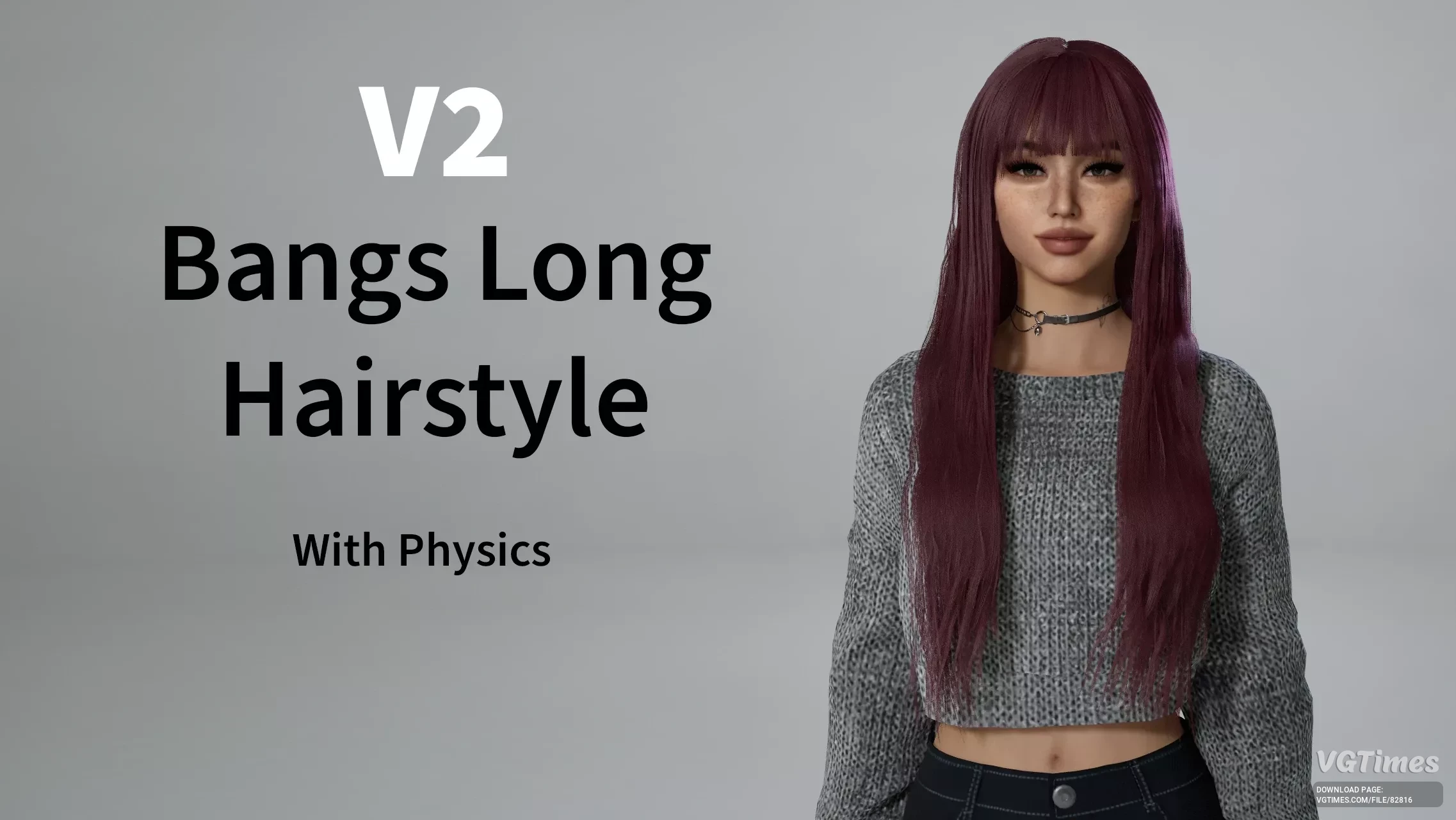
This mod adds a long hair with bangs hairstyle with full physics. Works with hats. How to run: Install inZOI Mod Enabler; Extract the content of the mod zip file into inZOI\BlueClient\Content\Paks\~mods. Known issues: Some clipping with clo ...
inZOI — Bella Hair

Download
This mod adds a brand-new twin-tail hairstyle with structured volume, soft framing strands, and a crisp, customizable hairline. Designed as an add-on, it won’t replace any existing hairstyles in the game. Fully color-compatible; Available for tee ...
inZOI — Air Jordan 1 Mid
Download
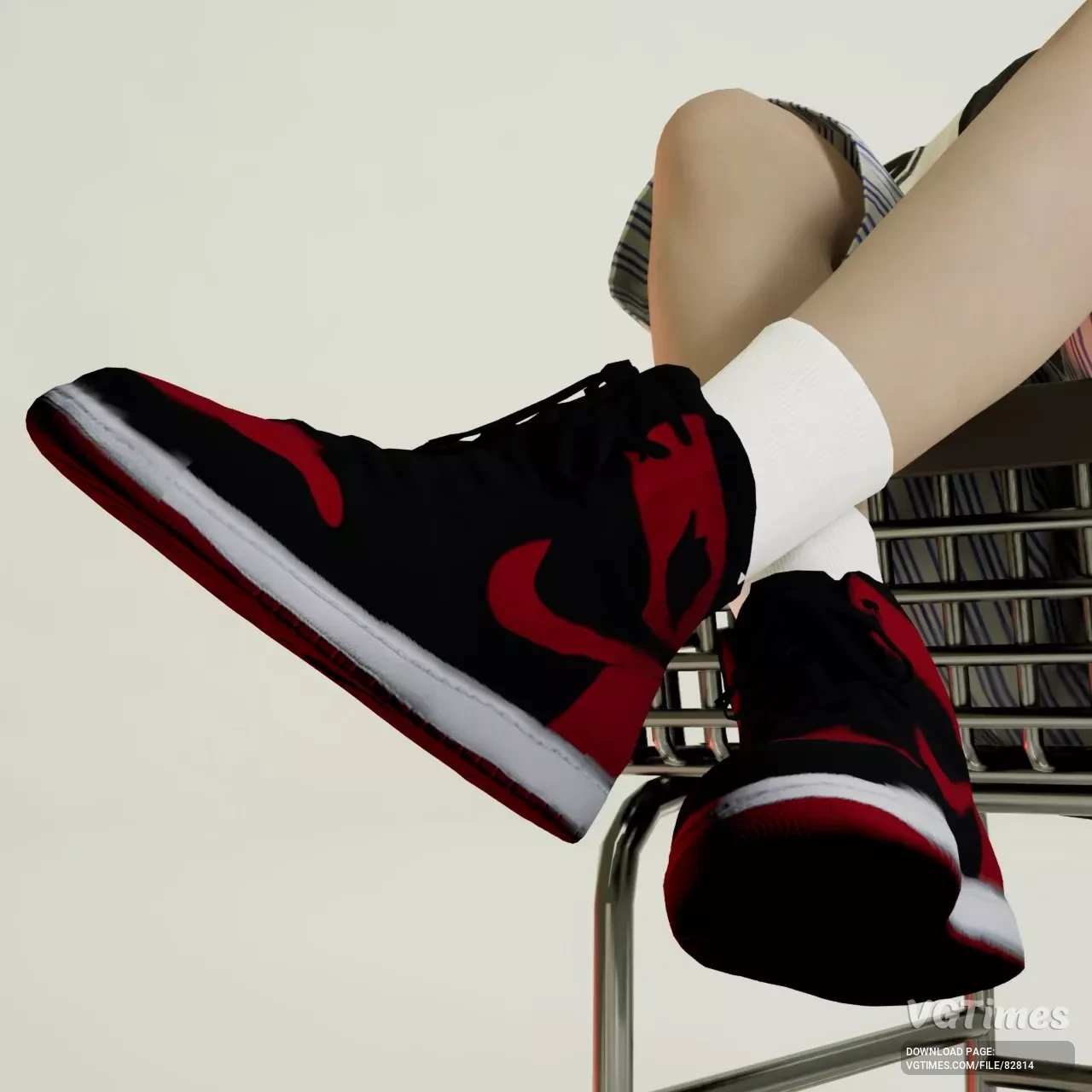
Replaces Sneaker 003 (base game model); Accurate shape based on the Air Jordan 1 Mid; Full color variation; Game-ready optimization (low-poly with clean normal maps); Fits most pants with minor clipping depending on mesh; Available for a ...
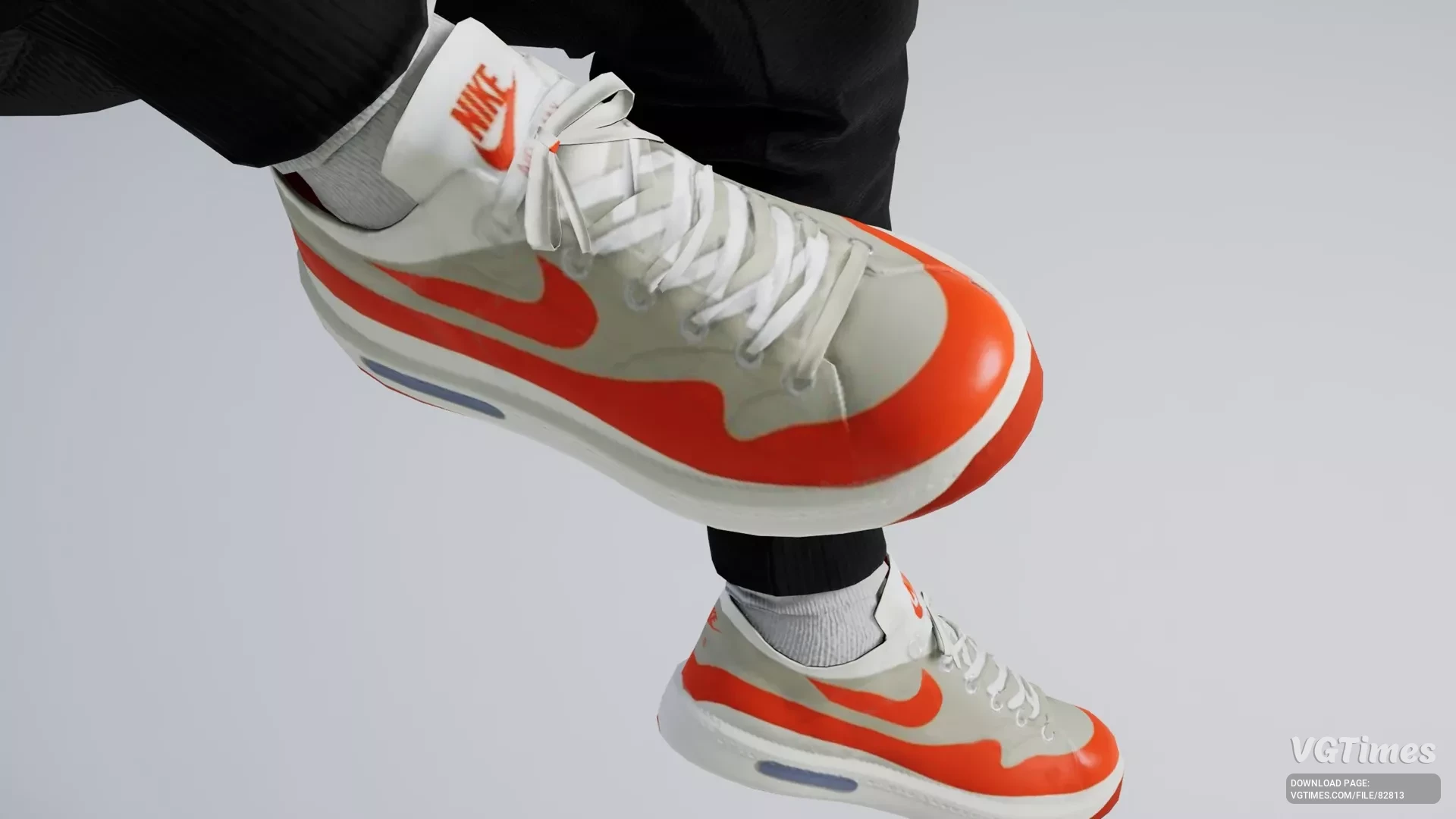
inZOI — Nike - Air Max 1
Download
Inzoi outfit preset contains the Nike Air Max 1 (handcrafted so not with the help of the 3D printer tool) and a Nike t-shirt.
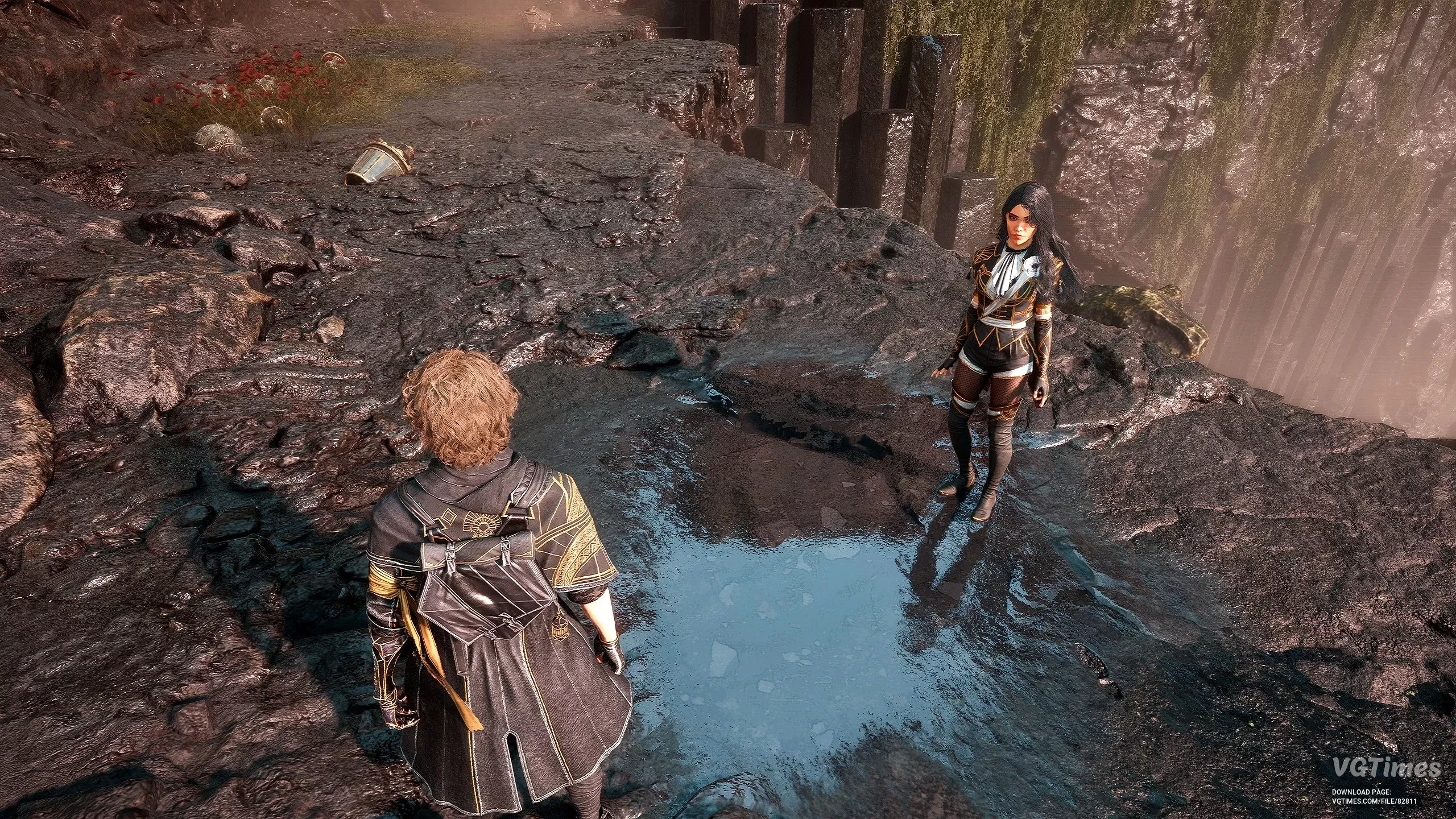
Clair Obscur: Expedition 33 — Improved reflections
Download
Improved reflections of surfaces, removing much noise. How to launch: Place file in LOCALAPPDATA\Sandfall\Saved\Config\Windows and set it to read only or write these lines in Engine.ini: [SystemSettings] r.Lumen.Reflections.DownsampleFactor=0 ...
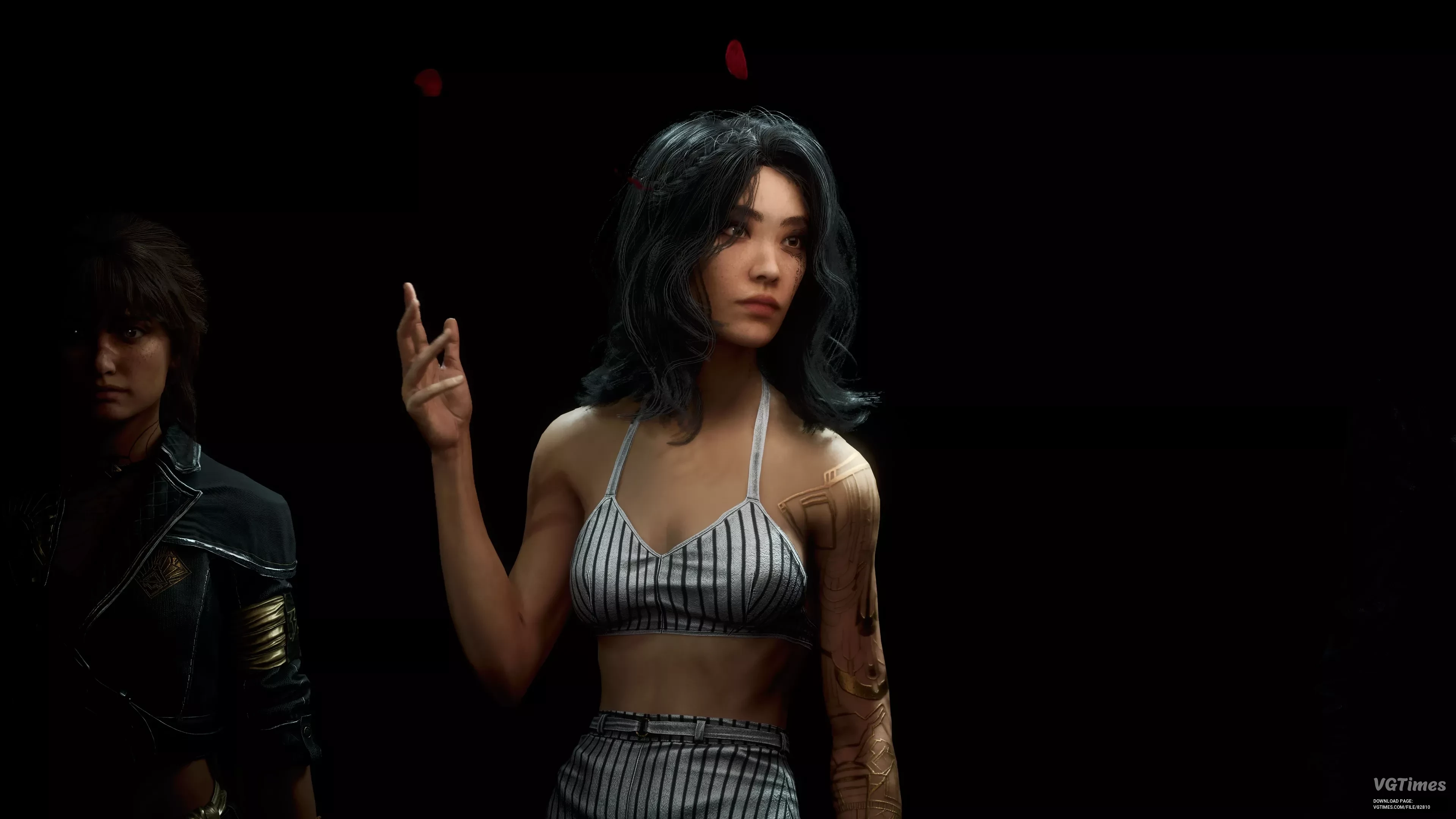
Clair Obscur: Expedition 33 — Perfect image clarity
Download
Reduce pop in, increase draw distance and massively improve character models. Disables depth of field, sharpening, chromatic aberration, vignette and film grain. Smooth out motion blur. This may or may not negatively impact your performance. This is ...
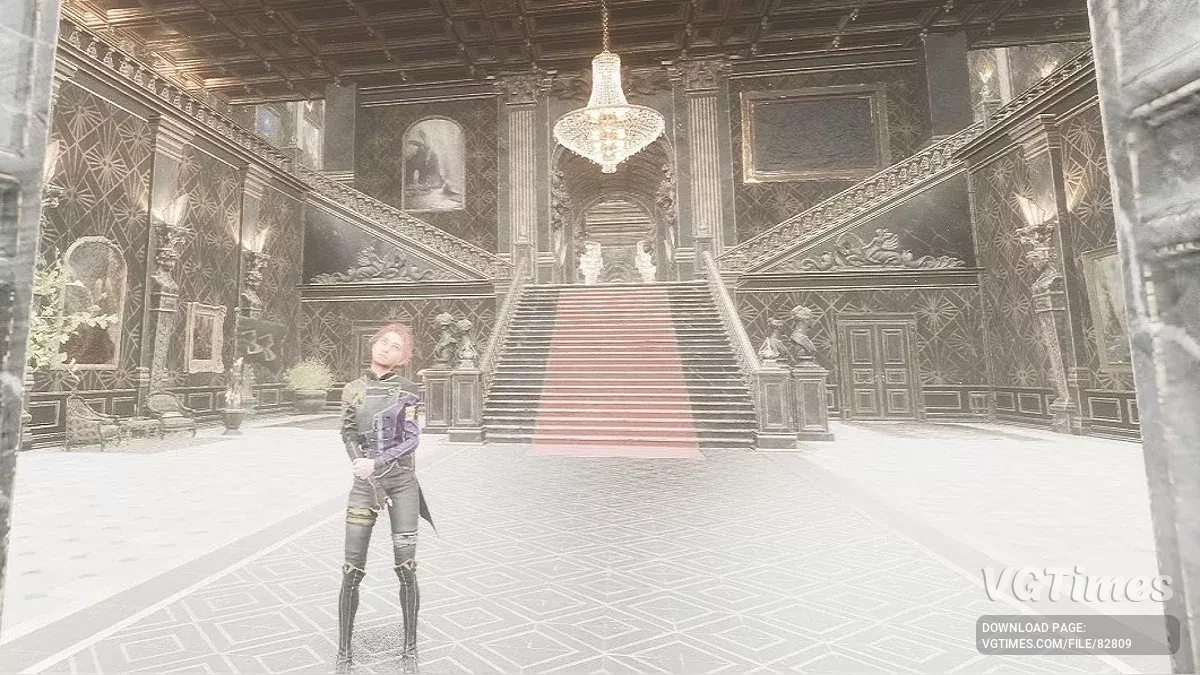
Clair Obscur: Expedition 33 — Fix for flickering screen
Download
This addresses Lumen Global Illumination rendering issues commonly found on devices with integrated GPUs and handheld gaming PCs like the ASUS ROG Ally, Lenovo Legion Go, and others. What It Fixes: Black or flickering screen; Missing or broken r ...
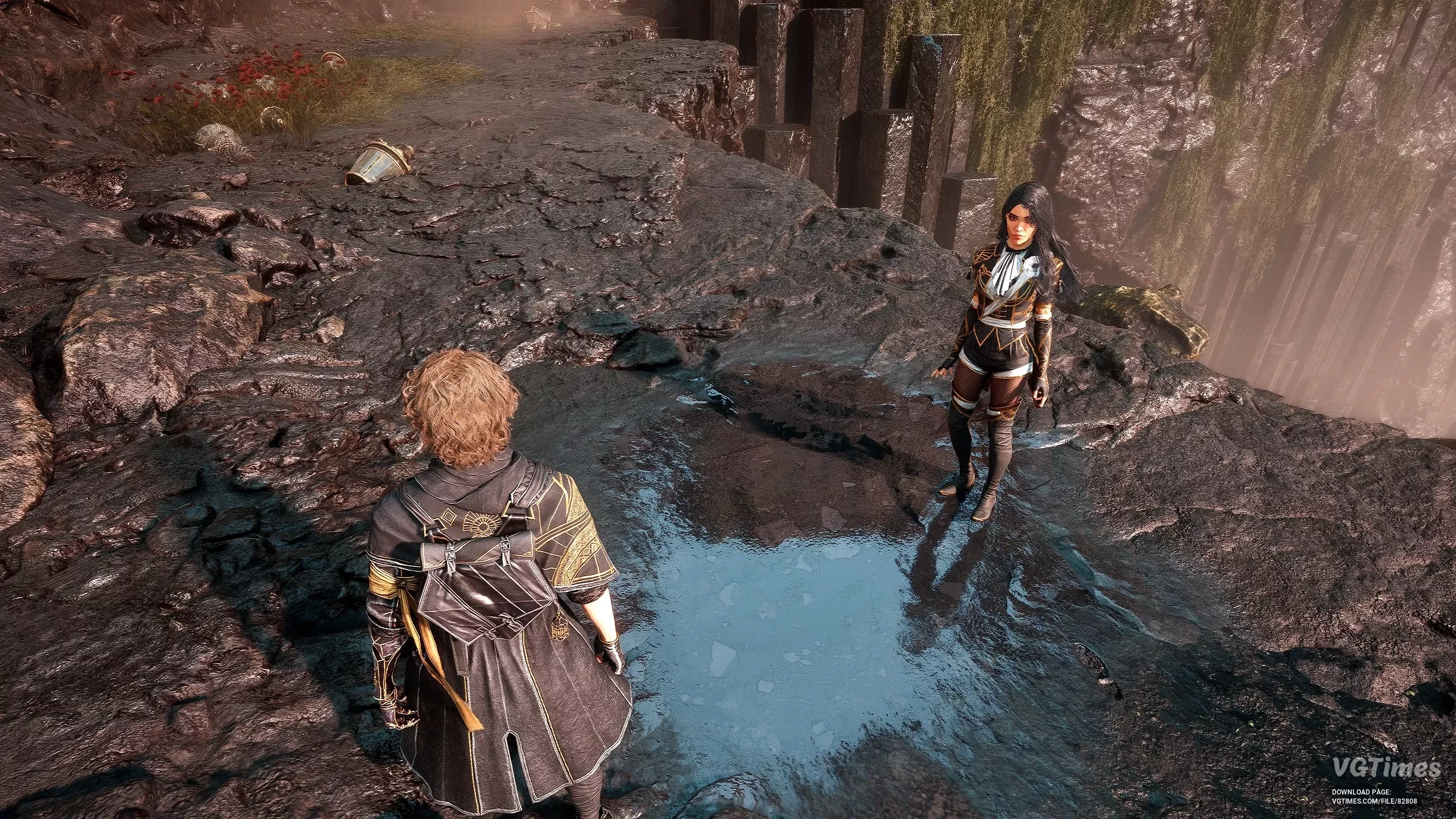
Clair Obscur: Expedition 33 — Kalebjayboss

Download
This mod improves surface reflections by significantly reducing visual noise, resulting in cleaner visuals. Installation: Place the file in the following folder: %LOCALAPPDATA%\Sandfall\Saved\Config\Windows.
Clair Obscur: Expedition 33 — Skip intro
Download
This mod skips the epilepsy warning, save warning, and three intro logos — the fastest way to reach the main menu. Warning: Do not use if you suffer from epilepsy — the epilepsy warning will be skipped. Installation: Unzip the three file ...