Games Clair Obscur: Expedition 33 Files Cheat Mods ClairObscurFix — enabling the developer console, removing black bars, and unlocking FPS

Atmospheric role -playing game with an unusual setting and dynamic step -by -step battles. In the center of the plot is a mysterious artist whose gloomy tradition... Read more
VGTimes:
Players:
Steam:
Metacritic:

ClairObscurFix — enabling the developer console, removing black bars, and unlocking FPS
Author:
Lyall
Uploaded by:

Size:
717.18 kB
Date:
April 25, 2025, 12:22 PM
Downloads:
255

-
Download (717.18 kB)April 25, 2025, 12:22 PMSteamclairobscurfix-vkljuchenie-konsoli_1745572971_728498.zip
-
Download (717.20 kB)April 25, 2025, 12:22 PMGame Passclairobscurfix-vkljuchenie-konsoli_1745572971_527049.zip
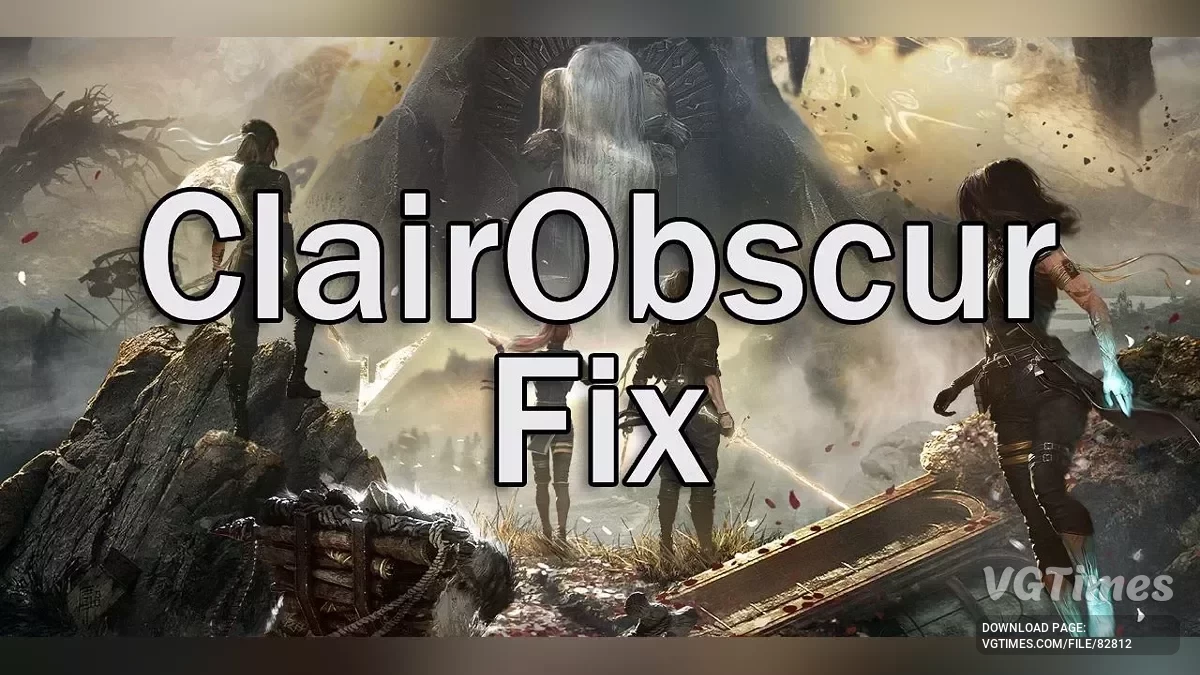
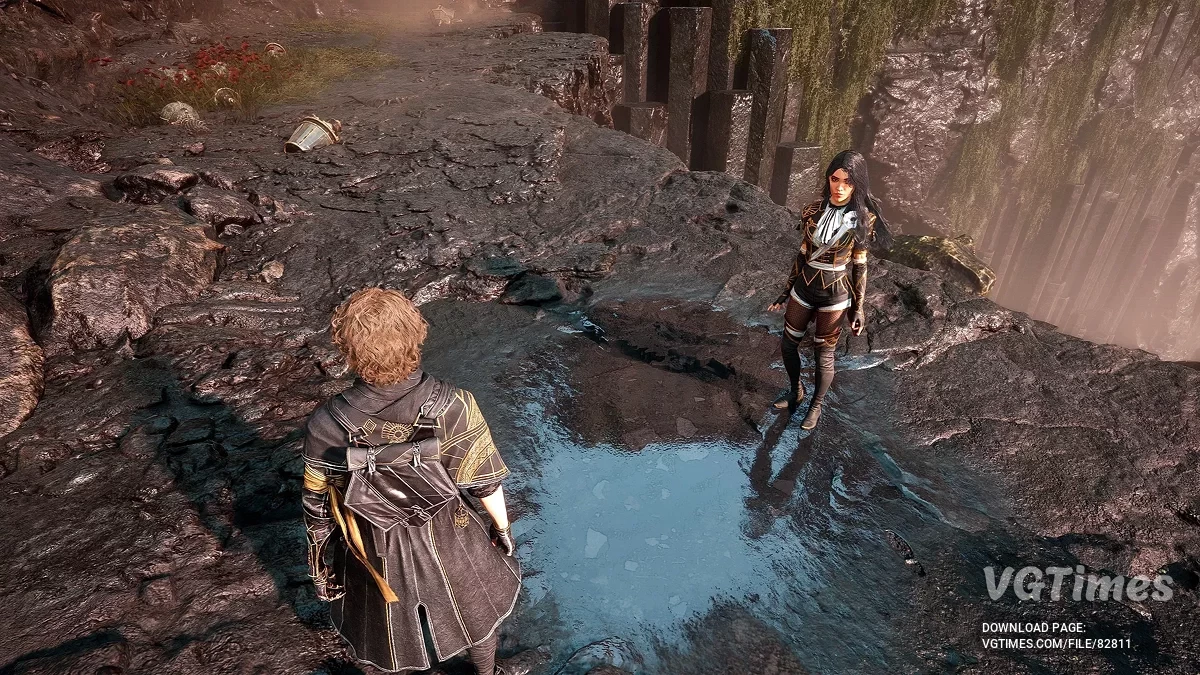
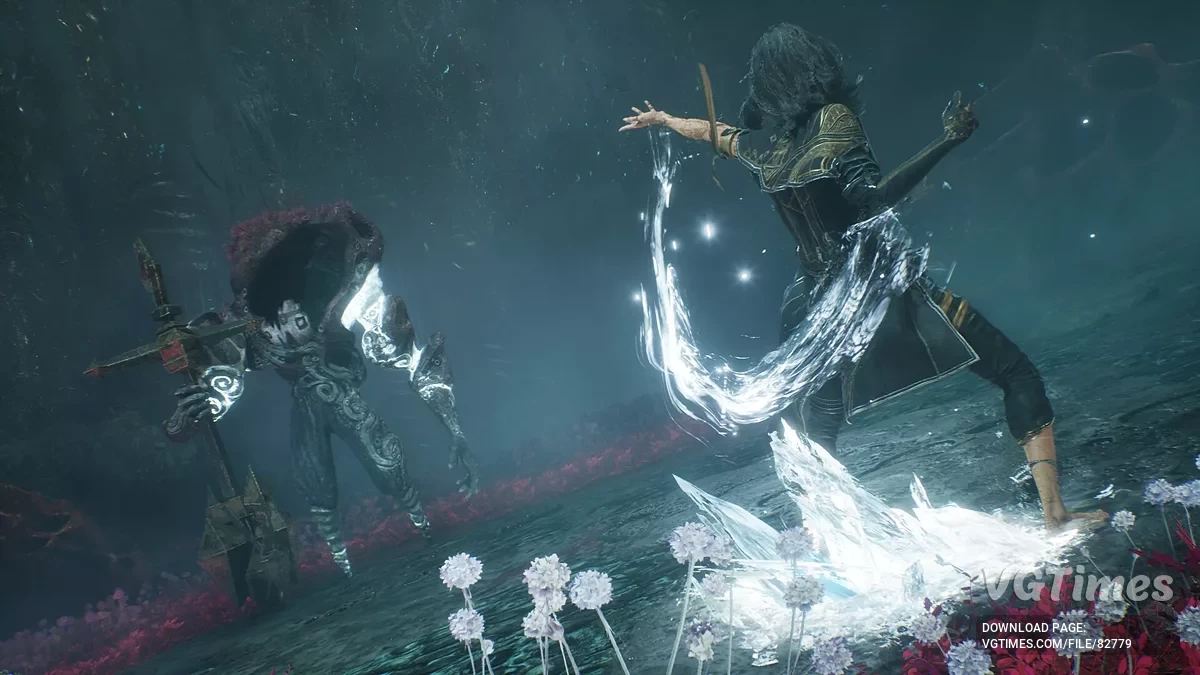
ClairObscurFix is an ASI plugin for Clair Obscur: Expedition 33 that removes the 30fps cap in cutscenes, fixes ultrawide issues and more.Features:
- Skip intro logos.
- Enable developer console.
- Remove 30fps cap in cutscenes.
- Disable letterboxing/pillarboxing in cutscenes.
- Fix FOV issues when using ultrawide resolutions.
Installation:
- Extract the contents of the release zip in to the the game folder.
Steam Deck/Linux Additional Instructions:
- You do not need to do this if you are using Windows.
- Open up the game properties in Steam/Epic and add WINEDLLOVERRIDES="dsound=n,b" %command% to the launch options.
Configuration
- Open ClairObscurFix.ini to adjust settings.
Useful links: