An atmospheric horror with survival elements from the creators of the remake of Silent Hill 2, the events of which unfold in a gloomy future world that has... Read more
VGTimes:
Players:
Steam:
Metacritic:

Enabling FSR on older GPUs
Author:
Nukem
Uploaded by:

Size:
1.02 MB
Date:
September 4, 2025, 11:44 AM
Updated:
September 6, 2025, 03:19 AM
Downloads:
261

-
Download (1.03 MB)September 6, 2025, 03:19 AM2.0vkljuchenie-fsr-na-starykh-videokartakh_1757117957_113444.zipArchive password: vgtimes
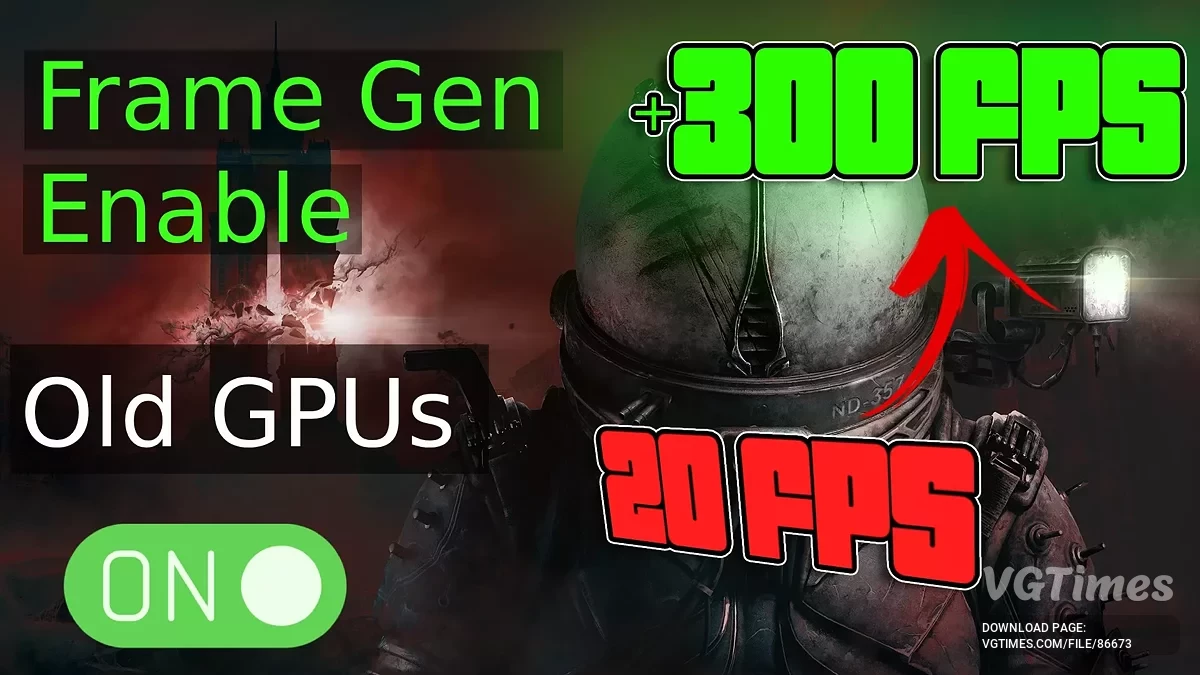
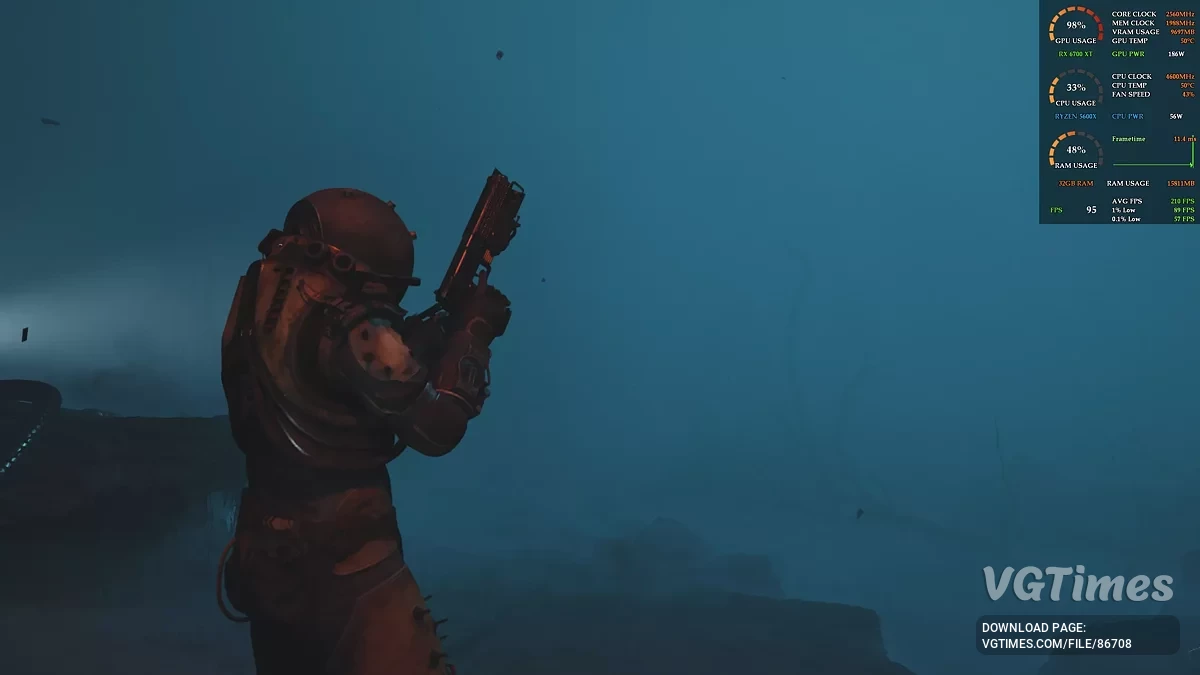
This mod replaces DLSS Frame Generation with FSR 3 Frame Generation, allowing you to use frame generation technology on older GPUs such as the NVIDIA RTX 3000 series or AMD Radeon RX 6000 series. With it, you can achieve higher FPS and smoother gameplay even on hardware that doesn’t officially support this feature.
How to install:
- Download and extract the mod files.
- Copy and paste (or drag & drop) the files into the folder: \Cronos The New Dawn\Cronos\Binaries\Win64
- Example: D:\Games\Cronos The New Dawn\Cronos\Binaries\Win64 or C:\Program Files (x86)\Steam\steamapps\common\Cronos The New Dawn\Cronos\Binaries\Win64
- Launch the game and enable FrameGen in the settings. If the Framegen option dont shows up, simple add -dx12 in launch options.
Useful links:

![Cronos: The New Dawn — Table for Cheat Engine [05.09.2025]](https://files.vgtimes.com/download/posts/2025-09/thumbs/tablica-dlja-cheat-engine-05-09-2025_1757152677_281935.webp)
![Cronos: The New Dawn — Table for Cheat Engine [04.09.2025]](https://files.vgtimes.com/download/posts/2025-09/thumbs/tablica-dlja-cheat-engine-04-09-2025_1757150250_47749.webp)
![Cronos: The New Dawn — Table for Cheat Engine [04.09.2025]](https://files.vgtimes.com/download/posts/2025-09/thumbs/tablica-dlja-cheat-engine-04-09-2025_1757149843_20508.webp)