A game from CD Projekt RED, the creators of The Witcher, based on Mike Pondsmith’s Cyberpunk 2020 tabletop game. The player is sent to the year 2077... Read more

Walking


-
www.nexusmods.comDownload
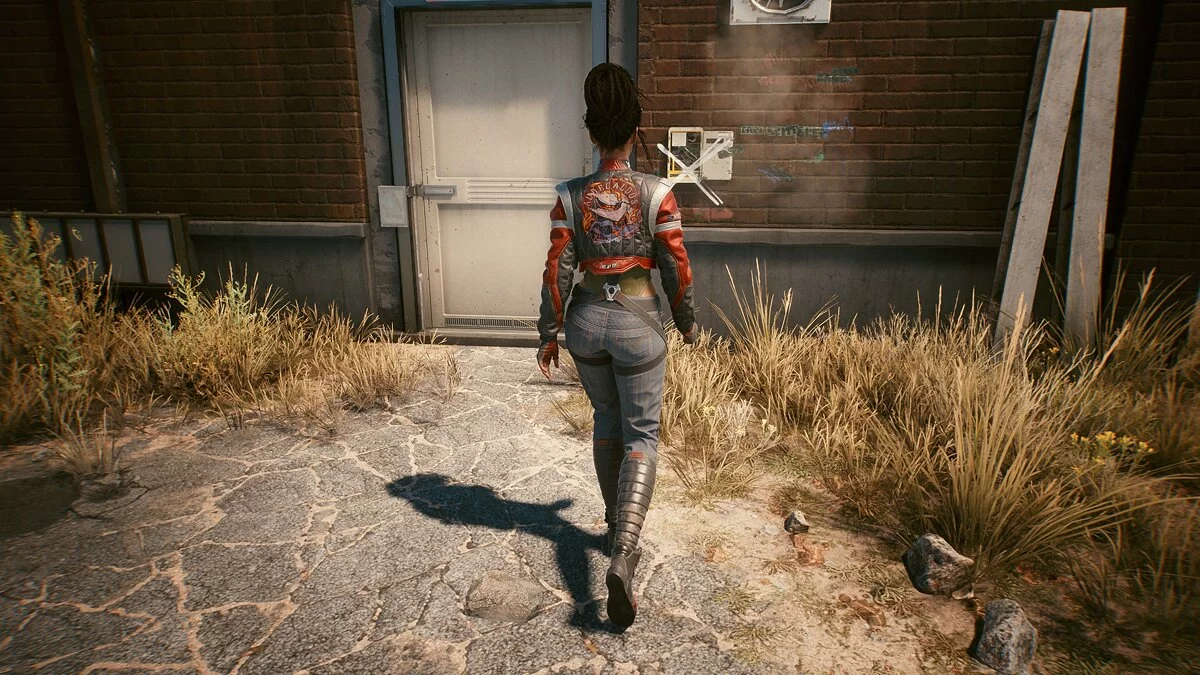
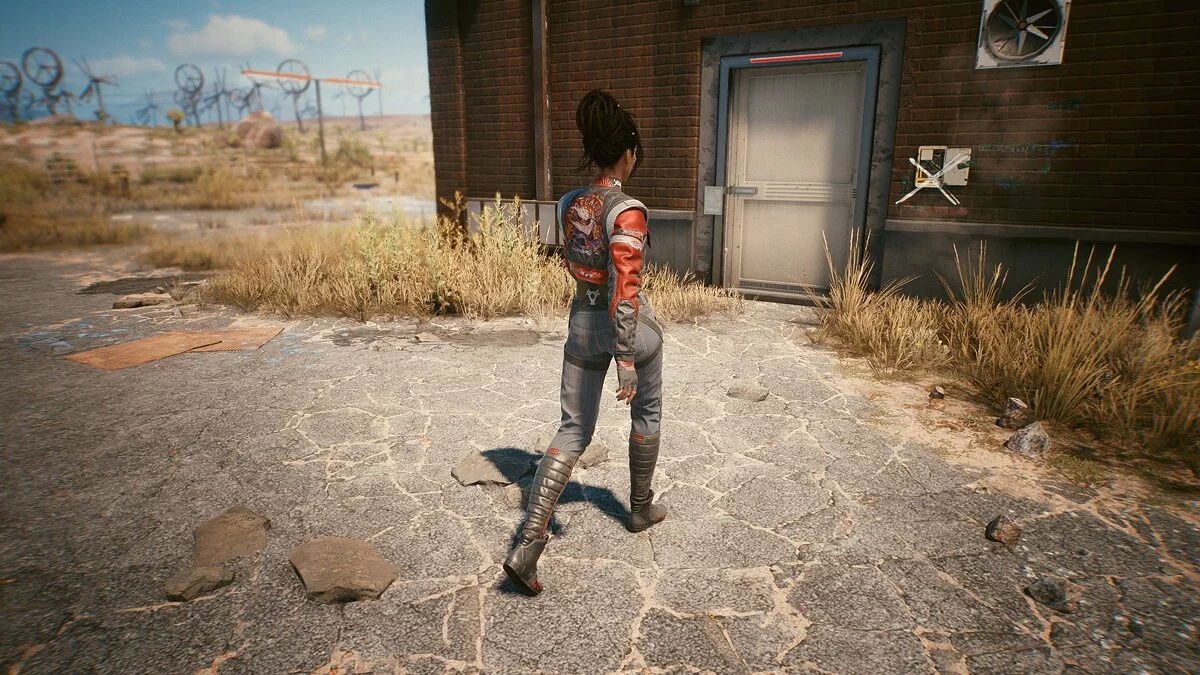
Walker (all directions).
Move in all directions (including diagonals) while holding the Alt key (can be changed in the game).
Installation:
1 Download the file
2 Open the folder / Cyberpunk 2077 / r6 / config
3 Create a backup of the file inputUserMappings.xml
4 Edit the file and replace the mapping blocks LeftX_Axis and LeftY_Axis with the blocks in the downloaded file inputUserMappings.txt.
5 Open the folder / Cyberpunk 2077 / r6 / config / settings / platform / pc
6 Create a backup of the file options.json
7 Edit the file, find "crouchToggle" (Ctrl + F) and place the contents of the downloaded file options.txt between the "crouchToggle" block and the "switchItem" block.
8 In the same file, increase all subsequent "order" lines by 1 (they go from 9 to 34, then they should go from 10 to 35).
Walker (all directions).
Идите во всех направлениях (включая диагонали), удерживая клавишу Alt (можно изменить в игре).
Установка:
1 Скачайте файл
2 Откройте папку / Cyberpunk 2077 / r6 / config
3 Создайте резервную копию файла inputUserMappings.xml
4 Отредактируйте файл и замените блоки сопоставления LeftX_Axis и LeftY_Axis на блоки в загруженном файле inputUserMappings.txt.
5 Откройте папку / Cyberpunk 2077 / r6 / config / settings / platform / pc
6 Создайте резервную копию файла options.json
7 Отредактируйте файл, найдите «crouchToggle» (Ctrl + F) и поместите содержимое загруженного файла options.txt между блоком « crouchToggle » и блоком « switchItem ».
8 В том же файле увеличьте все последующие строки «порядка» на 1 (они идут от 9 до 34, затем они должны идти от 10 до 35).
Useful links:
![Cyberpunk 2077 — Cheat Engine Table [UPD: 12.12.2020 - GoG]](https://files.vgtimes.com/download/posts/2020-12/thumbs/1607855732_aolbmde9eeyzp7d2ac2uksumfxczid2lai5tnzoo.webp)
![Cyberpunk 2077 — Cheat Engine Table [2.0 Fixed]](https://files.vgtimes.com/download/posts/2023-10/thumbs/tablica-dlja-cheat-engine-2-0-fixed_1696329925_781946.webp)
![Cyberpunk 2077 — Cheat Engine Table [UPD: 12.15.2020 - GoG]](https://files.vgtimes.com/download/posts/2020-12/thumbs/1608109071_cyberpunk2077_party_at_night_rgb-en-e04dd18a.webp)
![Cyberpunk 2077 — Cheat Engine Table [UPD: 19.01.2024]](https://files.vgtimes.com/download/posts/2024-01/thumbs/tablica-dlja-cheat-engine-upd-19-01-2024_1705746243_63828.webp)

![Cyberpunk 2077 — Cheat Engine Table [UPD: 26.10.2023]](https://files.vgtimes.com/download/posts/2023-10/thumbs/tablica-dlja-cheat-engine-upd-26-10-2023_1698400056_642748.webp)
![Cyberpunk 2077 — Save (Secret Ending) [1.03]](https://files.vgtimes.com/download/posts/2020-12/thumbs/1608718003_ckfgi5-h6hgn1vwido1n9q.webp)