![Devil May Cry 5 — AntiSoap - ReShade Preset [1.0] / Mods and Skins](https://files.vgtimes.com/si/gameprev_49656_768_1785352173.webp "Devil May Cry 5 — AntiSoap - ReShade Preset [1.0] / Mods and Skins")
Devil May Cry 5 is an action-adventure hack-and-slash game with a third-person perspective. The numbered continuation of the franchise tells the story of what... Read more
AntiSoap - ReShade Preset [1.0]
![Devil May Cry 5 — AntiSoap - ReShade Preset [1.0]](https://files.vgtimes.com/download/posts/2019-03/thumbs/1552345643_vfcmt2if0diczhc7bcc9pq.webp)
![Devil May Cry 5 — AntiSoap - ReShade Preset [1.0]](https://files.vgtimes.com/download/posts/2019-03/thumbs/1552345577_r1ybhosmcn5aaekqd3nzoa.webp)
![Devil May Cry 5 — AntiSoap - ReShade Preset [1.0]](https://files.vgtimes.com/download/posts/2019-03/thumbs/1552403754_1552403731_21.webp)

-
1552345559_1552345559_dmc5.zipDownload (523 байт)
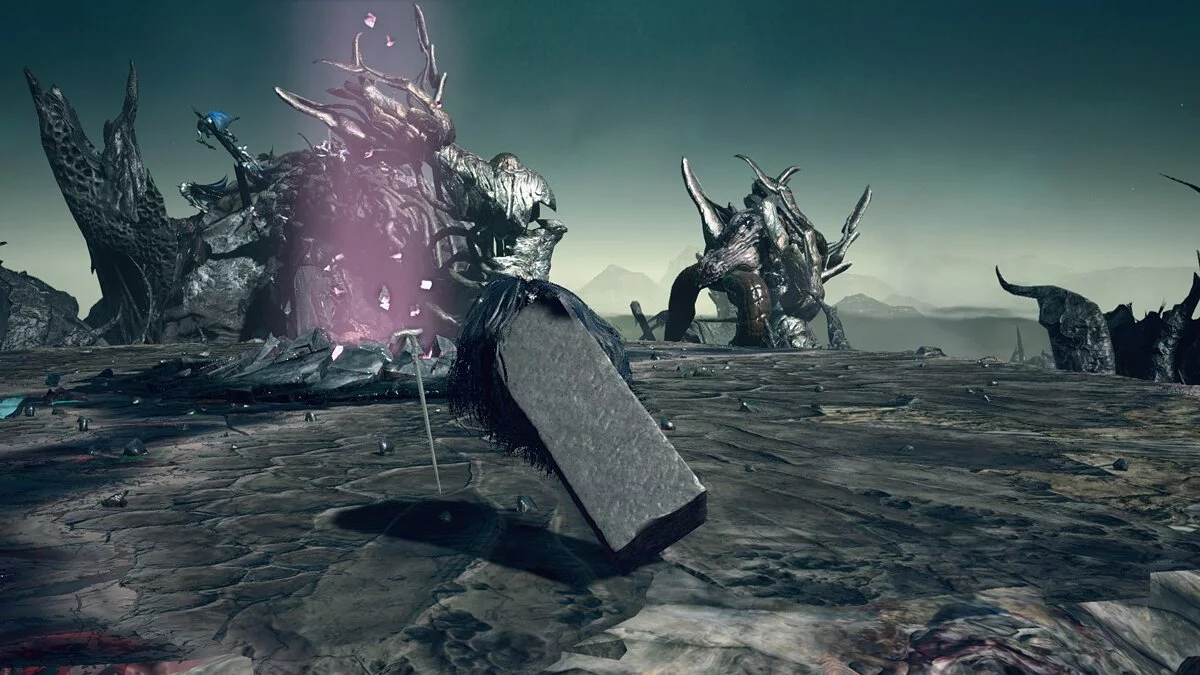
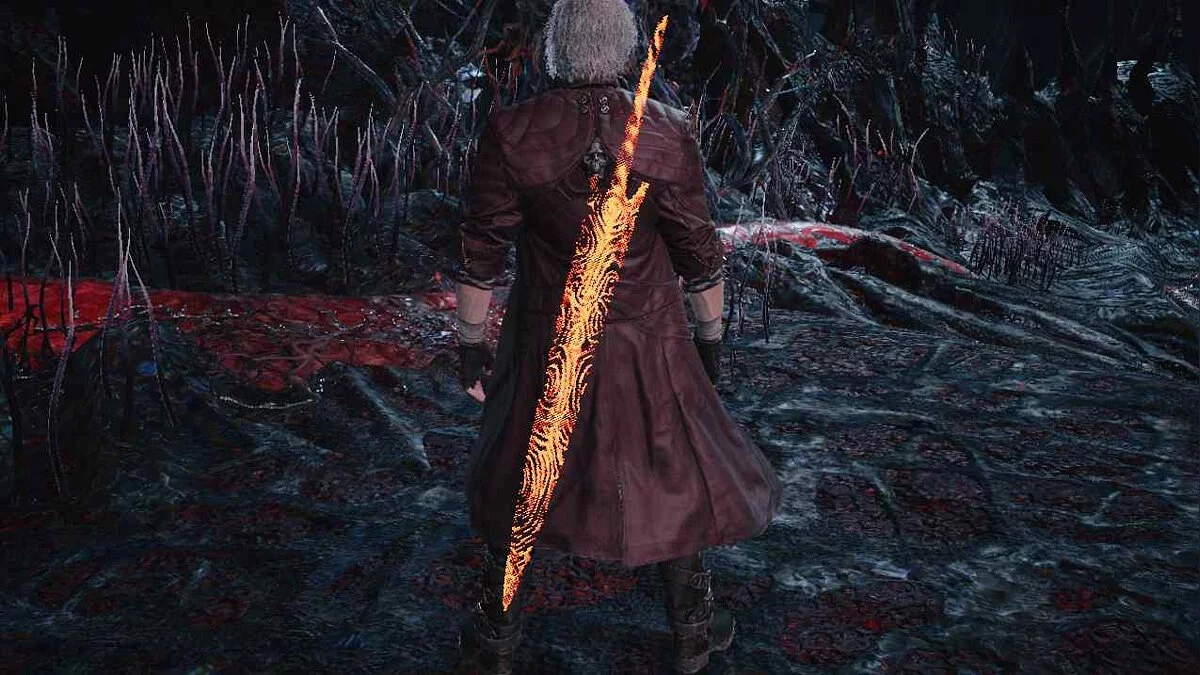
For those who find the graphics of DMC 5 too blurry.
1. Open the file "dmc5config.ini" in the game folder and replace the following numbers in the lines with DirectX11:
Capability=DirectX12
TargetPlatform=DirectX12
2) Download ReShade from https://reshade.me/
3) Place the downloaded file dmc5.ini from the archive into the game directory and select it using ReShade (the console is opened by pressing the Home key).
Для тех, кому графика DMC 5 кажется мыльной.
1. Открыть в папке с игрой "dmc5config.ini", заменить следующие цифры в строках на DirectX11:
Capability=DirectX12
TargetPlatform=DirectX12
2) Скачать решейд с https://reshade.me/
3) Закинуть скачанный из архива файлик dmc5.ini в каталог с игрой и выбрать его при помощи ReShade (консоль вызывается нажатием кнопки Домой).
Useful links:
![Devil May Cry 5 — Trainer (+22) [1.0 - UPD: 07.06.2019]](https://files.vgtimes.com/download/posts/2020-01/thumbs/1579436828_bmijkwt8zofnzsgzmbw-ga.webp)
![Devil May Cry 5 — Cheat Engine Table [UPD: 17.12.2020]](https://files.vgtimes.com/download/posts/2020-12/thumbs/1608546641_maxresdefault-128.webp)
![Devil May Cry 5 — Trainer (+21) [1.0 - UPD: 01.04.2019] [FLiNG]](https://files.vgtimes.com/download/posts/2019-04/thumbs/1554297106_iiz8os0rsoyzvy02j9qy0q.webp)
![Devil May Cry 5 — New Texture in the Void (Hell Area in The Void) [1.0]](https://files.vgtimes.com/download/posts/2019-04/thumbs/1555507714_p4vf-7ojphip9uqzopxh-a.webp)
![Devil May Cry 5 — Cheat Engine Table [1.0] [ColonelRVH]](https://files.vgtimes.com/download/posts/2019-03/thumbs/1552155773_1552155754_17.webp)
![Devil May Cry 5 — Cheat Engine Table [UPD: 10.03.2019] [JessieKazama]](https://files.vgtimes.com/download/posts/2019-03/thumbs/1552397280_1552397269_859.webp)
![Devil May Cry 5 — Trainer (+9) from 05.02.2022 [WeMod]](https://files.vgtimes.com/download/posts/2022-02/thumbs/1644054931_2022-02-05_125419.webp)