

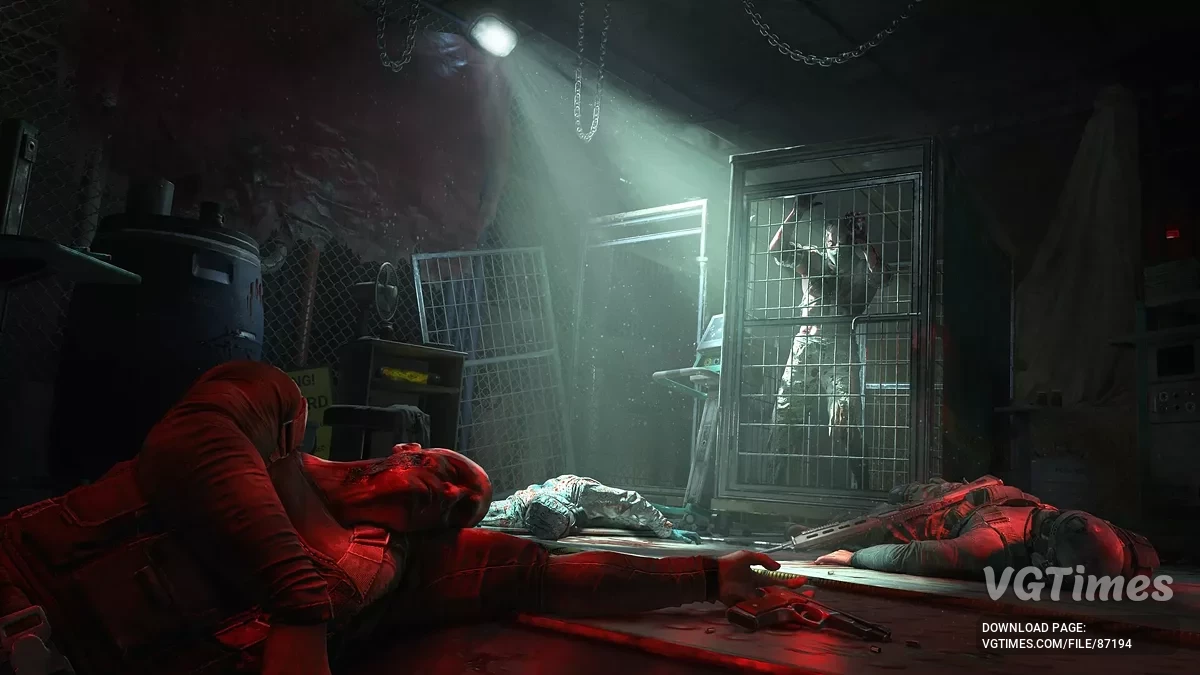
The story-driven spin-off of the Dying Light 2 Stay Human series with an open world and drivable vehicles. The game takes place in an entirely new... Read more

Game optimization for RTX 20 and 30 series
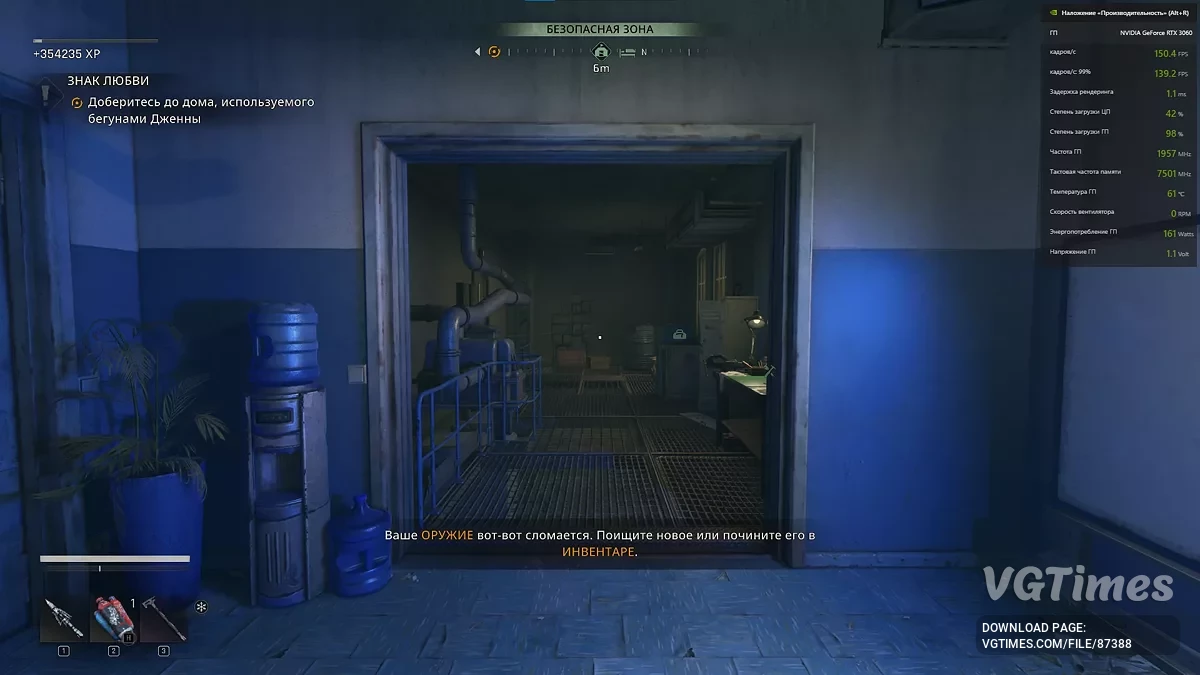
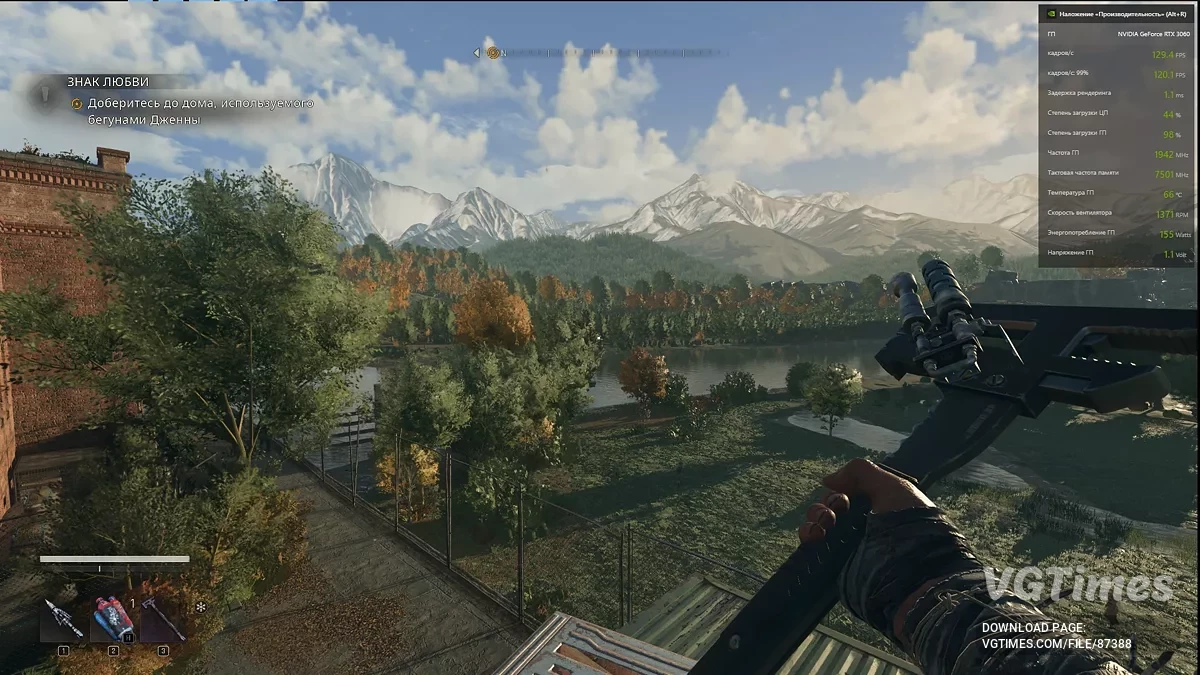
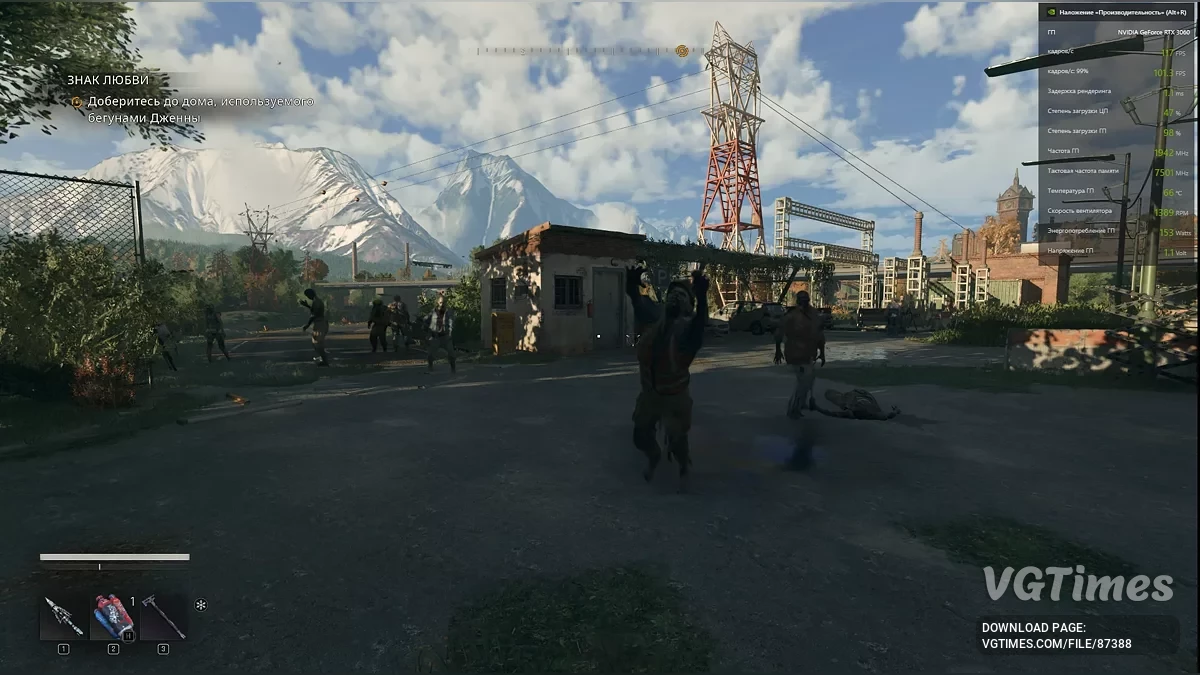


-
Download (4.29 kB)September 26, 2025, 12:19 AMoptimizacija-igry-dlja-rtx-20-i-30_1758835149_364202.zip
Game optimization for RTX 20 and 30 series.
- By reducing shadows (not noticeable).
- By increasing FSR (not noticeable).
- By reducing GPU memory consumption (6GB and 8GB GPUs should perform well).
Main files:
- In the maximum optimization folder, find the video.scr file (place it in Dying Light The Beast\ph_ft\work\out\settings). For RTX 20 series.
- In the medium optimization folder, find the video.scr file (place it in Dying Light The Beast\ph_ft\work\out\settings). For RTX 30 series.
My tests on an RTX 3060 12GB:
Before creating these files, the fps was around 60-70 with DLSS balanced and FSR + low settings. — After creating these files:
- With maximum optimization, fps increased to 150-200.
- With medium optimization, fps increased to 130-160.
You can adjust the game settings as you like after adding the file (it's best to leave the FSR enabled). The main thing is to leave the shadows alone. The image is quite acceptable and doesn't hurt the eyes, but the gameplay is much smoother.
PS: These files can improve performance on higher-end RTX 40/50 series GPUs, and at least slightly improve performance on lower-end GTX series GPUs (if you can get it to run).
Useful links:

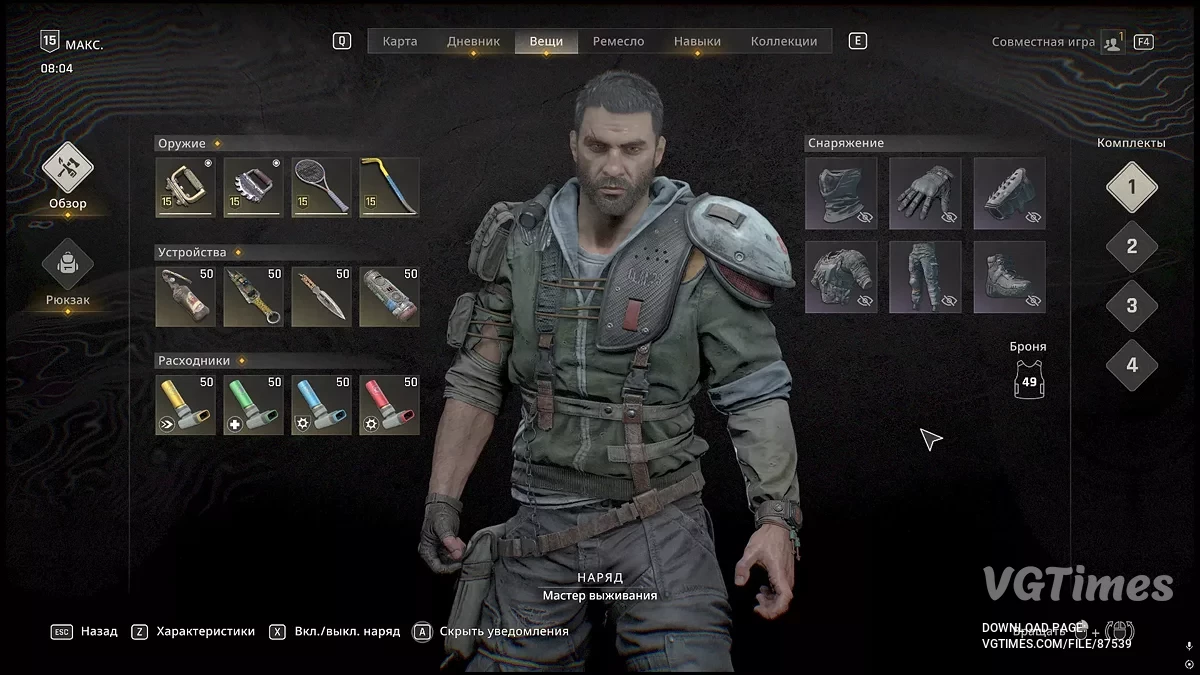
![Dying Light: The Beast — Table for Cheat Engine [1.0.3]](https://files.vgtimes.com/download/posts/2025-10/thumbs/tablica-dlja-cheat-engine-1-0-3_1759827269_50852.webp)
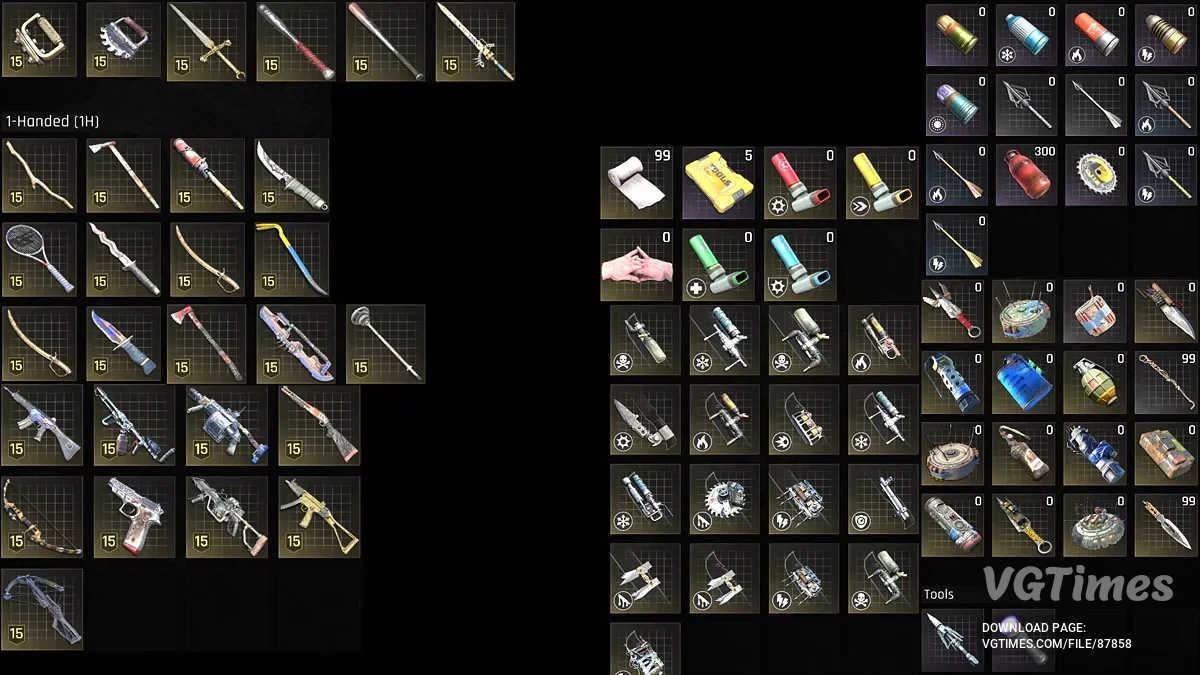
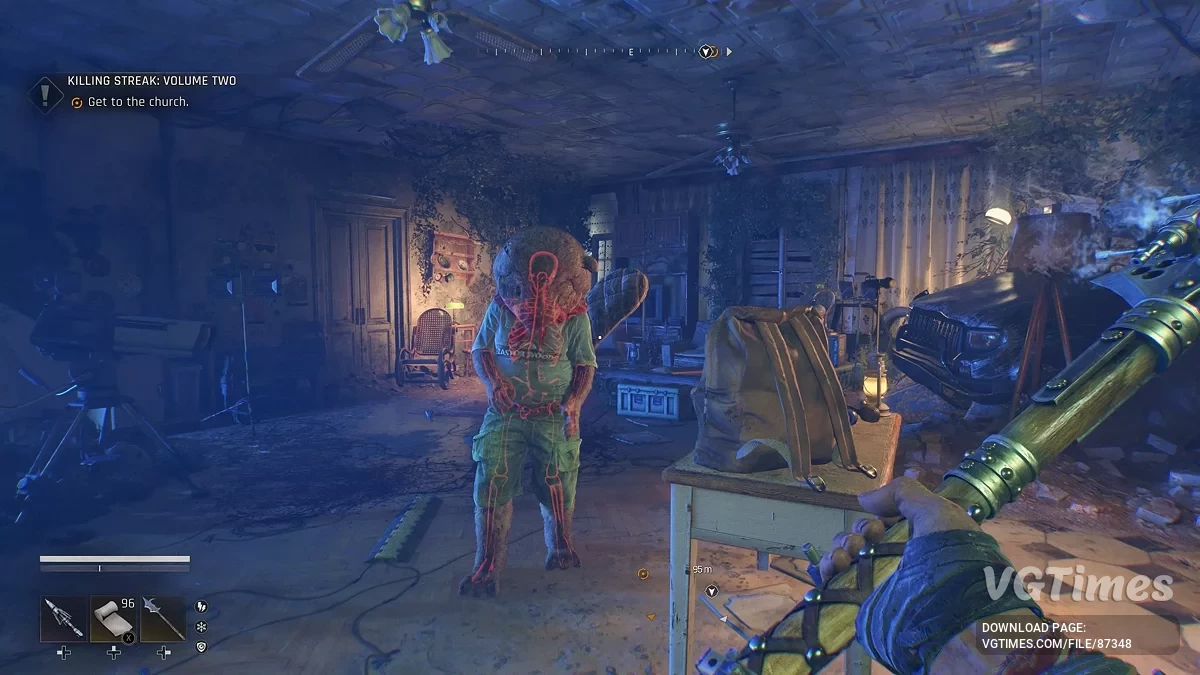
![Dying Light: The Beast — Table for Cheat Engine [V8.1]](https://files.vgtimes.com/download/posts/2025-10/thumbs/tablica-dlja-cheat-engine-v8-1_1759393076_595581.webp)

![Dying Light: The Beast — Trainer (+31) [1.2]](https://files.vgtimes.com/download/posts/2025-09/thumbs/trejjner-31-1-2_1758270513_535742.webp)
![Dying Light: The Beast — Table for Cheat Engine [1.1.2]](https://files.vgtimes.com/download/posts/2026-03/thumbs/tablica-dlja-cheat-engine-1-1-2_1774953549_707934.webp)