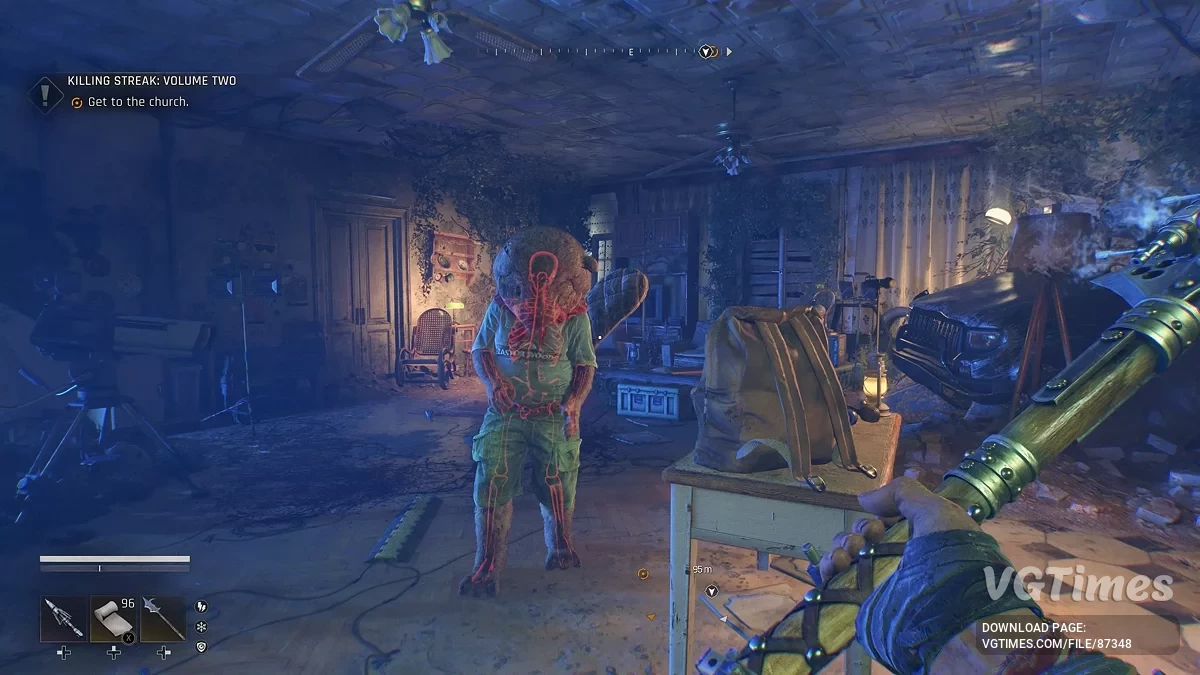
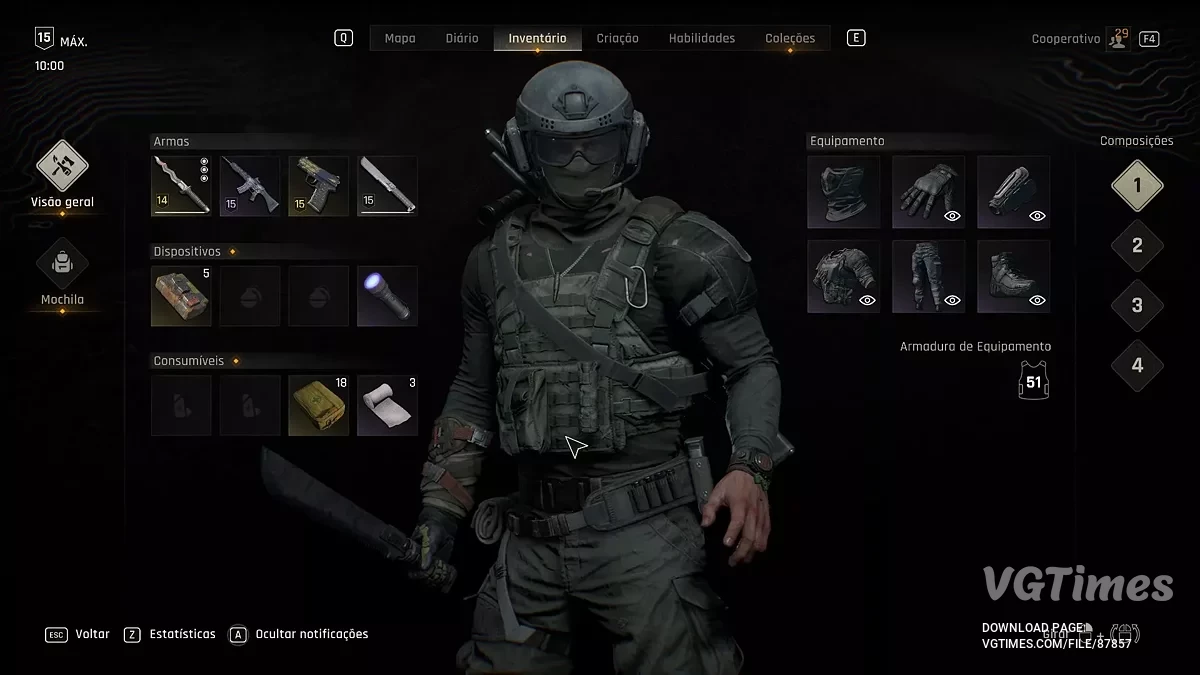
The story-driven spin-off of the Dying Light 2 Stay Human series with an open world and drivable vehicles. The game takes place in an entirely new... Read more
VGTimes:
Players:
Steam:
Metacritic:

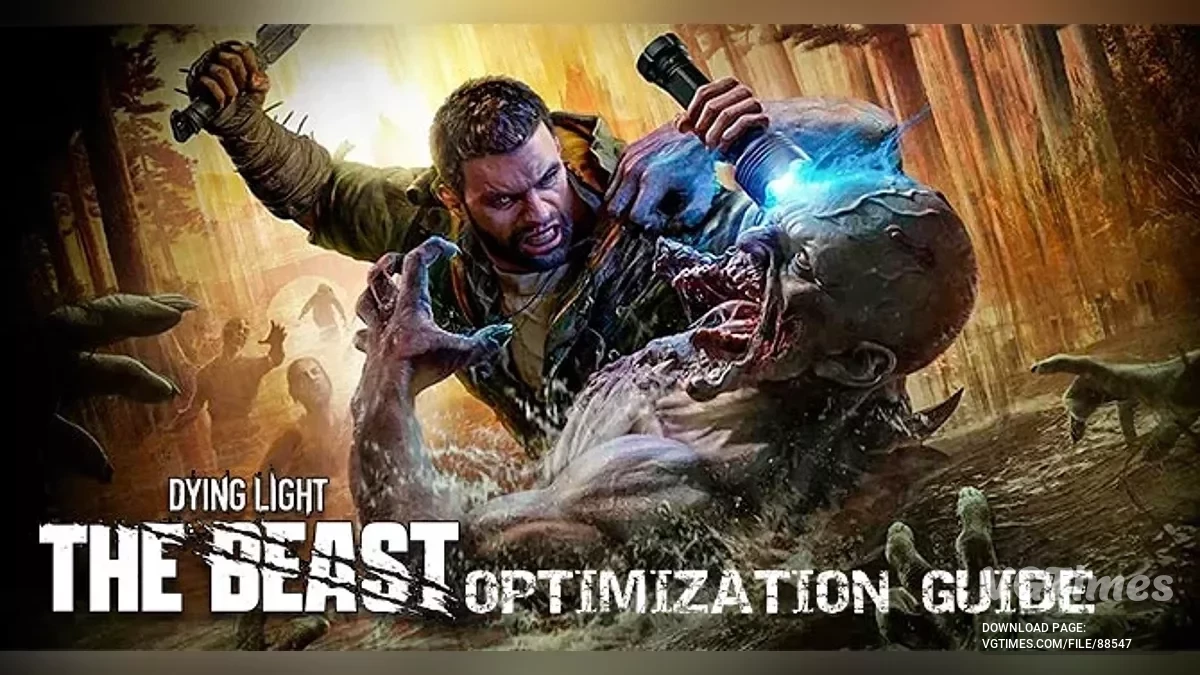
Optimization for low-end PC's
Author:
ThePelaoYT
Uploaded by:

Size:
1.97 kB
Date:
October 31, 2025, 05:29 AM
Downloads:
445

-
Download (1.97 kB)October 31, 2025, 05:29 AMoptimizacija-dlja-slabykh-pk_1761877749_588886.zip
This custom video.scr file is carefully crafted to provide a smoother and more responsive gameplay experience without losing essential visual clarity. The script optimizes the game's internal rendering settings, balancing draw distance, shadow quality, and post-processing for maximum FPS stability, especially in resource-intensive areas.
- Optimized frame rate stability: finely tuned settings reduce performance spikes and maintain a high, stable FPS — crucial for survival during intense chases and battles;
- Minimal visual compromise: while focused on performance, the script preserves important details (such as zombie textures and environmental elements) necessary for immersion and tactical awareness;
- Reduced input lag: optimized rendering processes make controls as responsive as possible when navigating the dangerous urban landscape;
- Easy installation: simply place the provided video.scr file in your game folder.
How to launch:
- Download the video.scr file;
- Go to the main Dying Light: The Beast installation folder;
- Find the existing video.scr file (if present) and make a backup copy;
- Paste the downloaded file into this folder, replacing the original;
- Launch the game and enjoy the performance boost.
Useful links:
![Dying Light: The Beast — Trainer (+18) [Ver 1.5.0 Update / 09.01.2026]](https://files.vgtimes.com/download/posts/2026-01/thumbs/trejjner-18-ver-1-5-0-update-09-01-2026_1768130887_227272.webp)
![Dying Light: The Beast — Table for Cheat Engine [30.10.2025]](https://files.vgtimes.com/download/posts/2025-10/thumbs/tablica-dlja-cheat-engine-30-10-2025_1761893520_491828.webp)
![Dying Light: The Beast — Table for Cheat Engine [1.0.7]](https://files.vgtimes.com/download/posts/2026-01/thumbs/tablica-dlja-cheat-engine-1-0-7_1768900900_989502.webp)
![Dying Light: The Beast — The air is full of secrets [1.2.0c]](https://files.vgtimes.com/download/posts/2025-09/thumbs/vozdukh-polon-sekretov-1-2-0c_1759238376_837505.webp)
![Dying Light: The Beast — Table for Cheat Engine [V10]](https://files.vgtimes.com/download/posts/2025-10/thumbs/tablica-dlja-cheat-engine-v10_1760355749_667478.webp)