
An adventure soulslike action game in a dark fantasy world, created by the developers of the Dark Souls series with the involvement of the author of *A Song of Ice... Read more
Enhanced HDR

-
www.nexusmods.comDownload
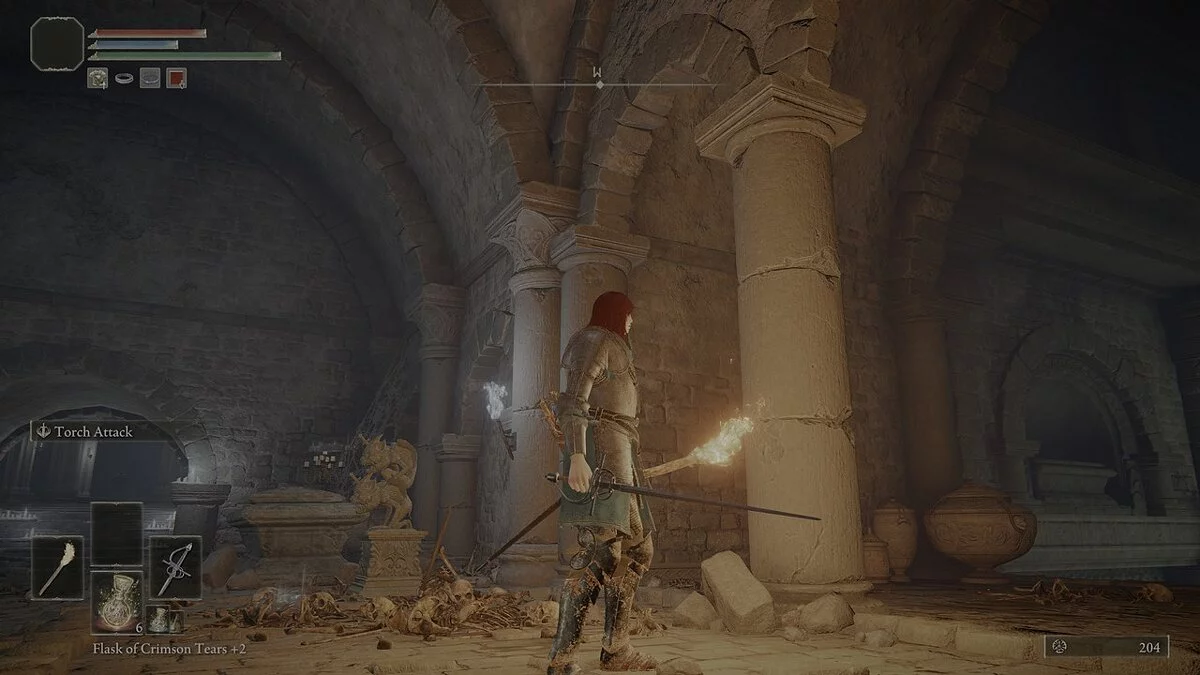
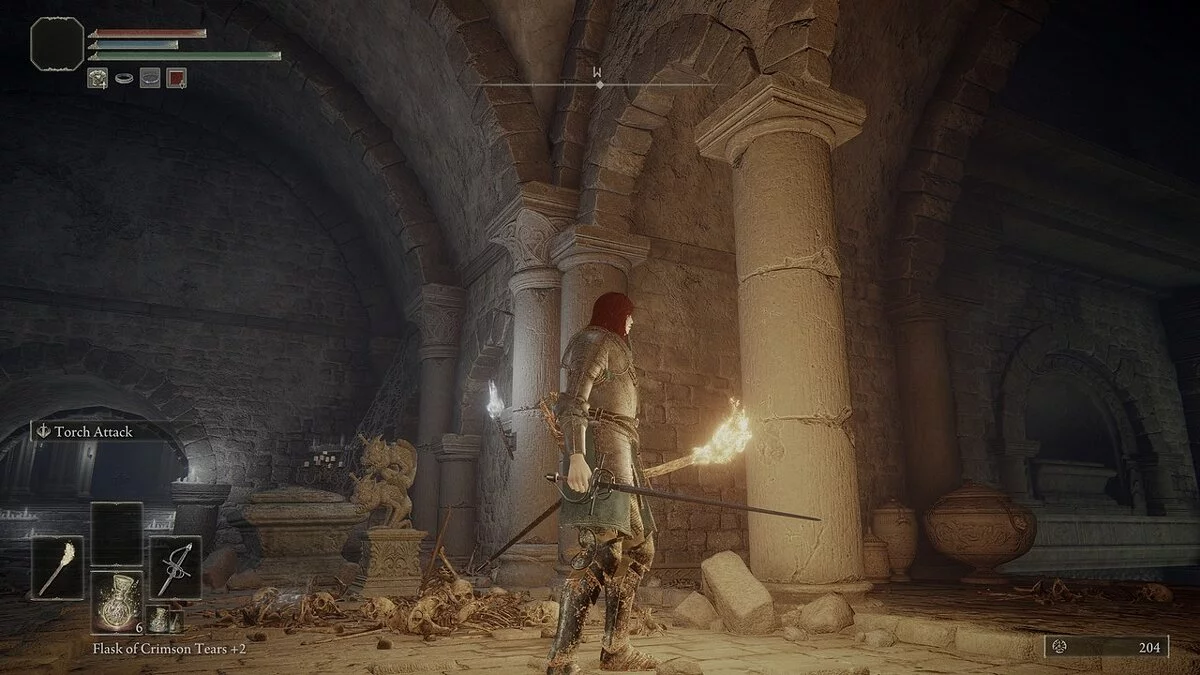
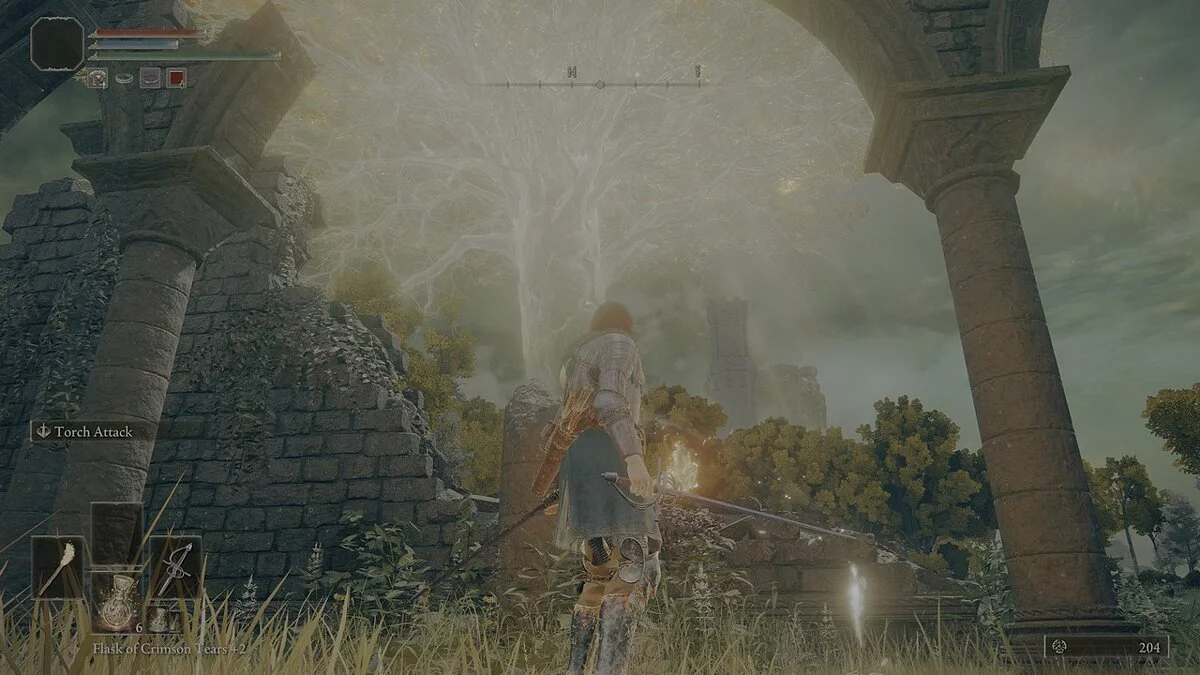
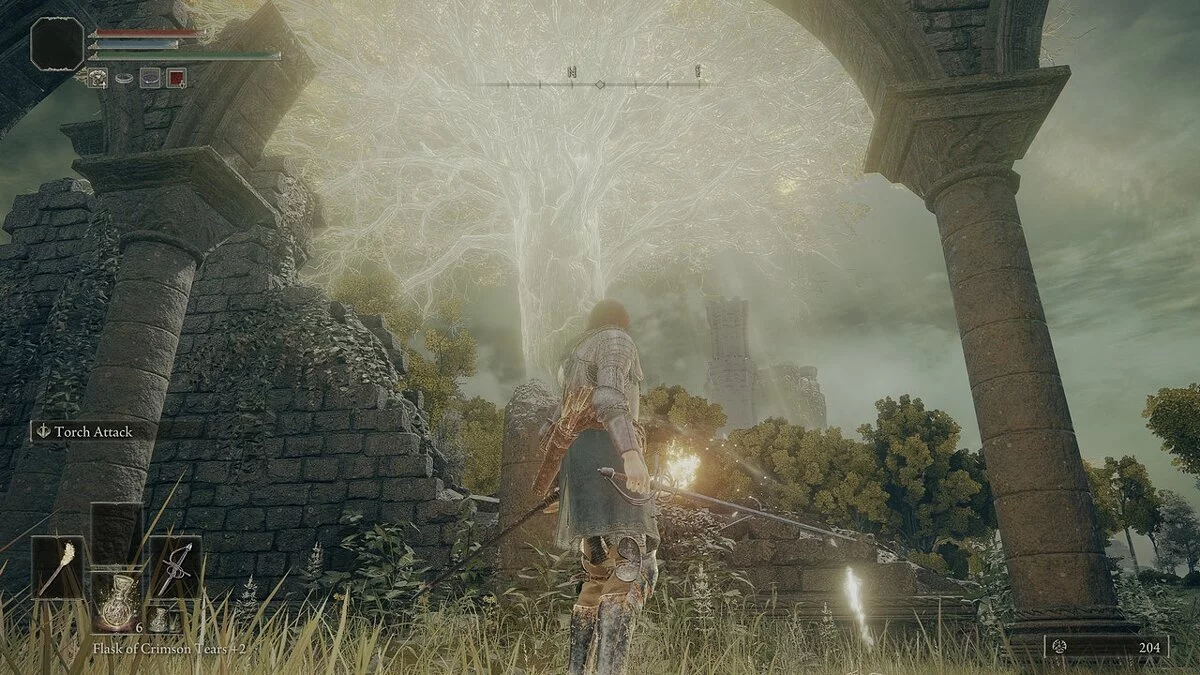
HDR Enhanced (ReShade for HDR Mode).
This is a basic ReShade preset that I created in the game with HDR enabled. It will make the HDR mode clearer, brighter, and generally improve contrast/brightness.
Installation Instructions:
1. Download ReShade
2. Place ReShade in the root directory of Elden Ring (where the exe is located)
3. When installing ReShade, be sure to install all "legacy" effects, some of which are used in this ReShade (I usually install all available shaders during installation in case I want to change the preset or help create my own)
4. (Optional) Use the Reshade user interface after completing the initial installation to select a preset so you don't have to fiddle with Reshade settings in-game if you don't want to.
5. Enjoy (in my opinion) a more beautiful HDR :)
HDR Enhanced (ReShade for HDR Mode).
Это базовый пресет ReShade, который я создал в игре с включенным HDR. Это сделает режим HDR более четким, ярким и в целом повысить контраст/яркость.
Инструкции по установке:
1. Загрузите решейд
2. Поместите решейд в корневой каталог Elden Ring (где находится exe)
3. При установке ReShade обязательно установите все «устаревшие» эффекты, некоторые из них используются в этом ReShade (я обычно устанавливаю все доступные шейдеры при установке на случай, если захочу изменить пресет или помочь создать свой собственный)
4. (Необязательно) используйте пользовательский интерфейс Reshade после завершения первоначальной установки, чтобы выбрать предустановку, чтобы вам не нужно было возиться с параметрами Reshade в игре, если вы этого не хотите.
5. Наслаждайтесь (на мой взгляд) более красивым HDR :)
Useful links:
![Elden Ring — Cheat Engine Table [UPD: 27.03.2022 Fixed]](https://files.vgtimes.com/download/posts/2022-03/thumbs/1648459955_fnyjvmw8evghzbri3gwgrj.webp)
![Elden Ring — Cheat Engine Table [Updated: 03/23/2022]](https://files.vgtimes.com/download/posts/2022-03/thumbs/1648118850_44aa9a5db0e5c15b3b3406e9ba4636987c3b8ee54c517118c678239393e227f7.webp)
![Elden Ring — Cheat Engine Table [UPD: 27.02.2022]](https://files.vgtimes.com/download/posts/2022-02/thumbs/1645999560_elden-ring-new-header-mobile.webp)
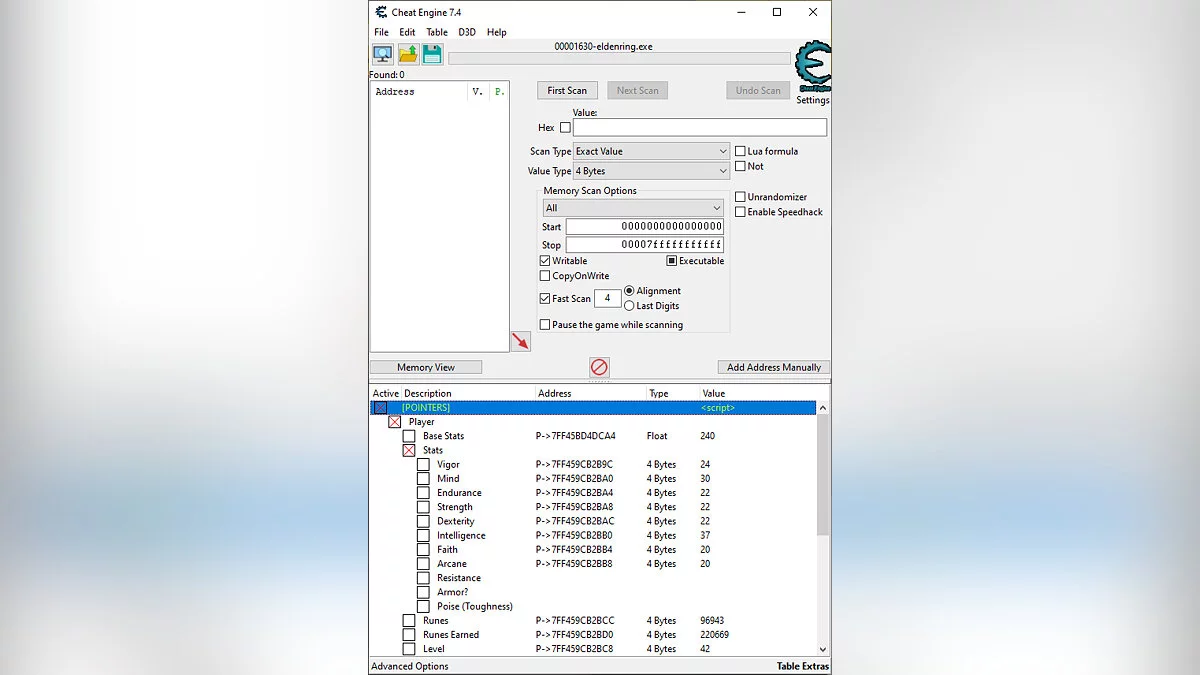
![Elden Ring — Cheat Engine Table [UPD: 04.05.2022]](https://files.vgtimes.com/download/posts/2022-04/thumbs/1649232145_yd7wwvwd6ecst2rpu3sgje.webp)
![Elden Ring — Cheat Engine Table [UPD: 25.02.2022 Fixed]](https://files.vgtimes.com/download/posts/2022-02/thumbs/1645871665_elden-ring-cover.webp)
![Elden Ring — Cheat Engine Table [UPD: 01.03.2022 Fixed]](https://files.vgtimes.com/download/posts/2022-03/thumbs/1646129295_1.webp)
![Elden Ring — Cheat Engine Table [UPD: 21.03.2022]](https://files.vgtimes.com/download/posts/2022-03/thumbs/1647939417_a9927a21-6203-4b98-9484-2e37566fccf1.webp)
![Elden Ring — Cheat Engine Table [UPD: 01.03.2022]](https://files.vgtimes.com/download/posts/2022-03/thumbs/1646212386_cyberedb237ee2ab.webp)
![Elden Ring — Cheat Engine Table [1.03.1 Fixed]](https://files.vgtimes.com/download/posts/2022-03/thumbs/1647677570_1d5bc84f-2135-4e2f-8ca6-bb000d97db7f.webp)