
An adventure soulslike action game in a dark fantasy world, created by the developers of the Dark Souls series with the involvement of the author of *A Song of Ice... Read more
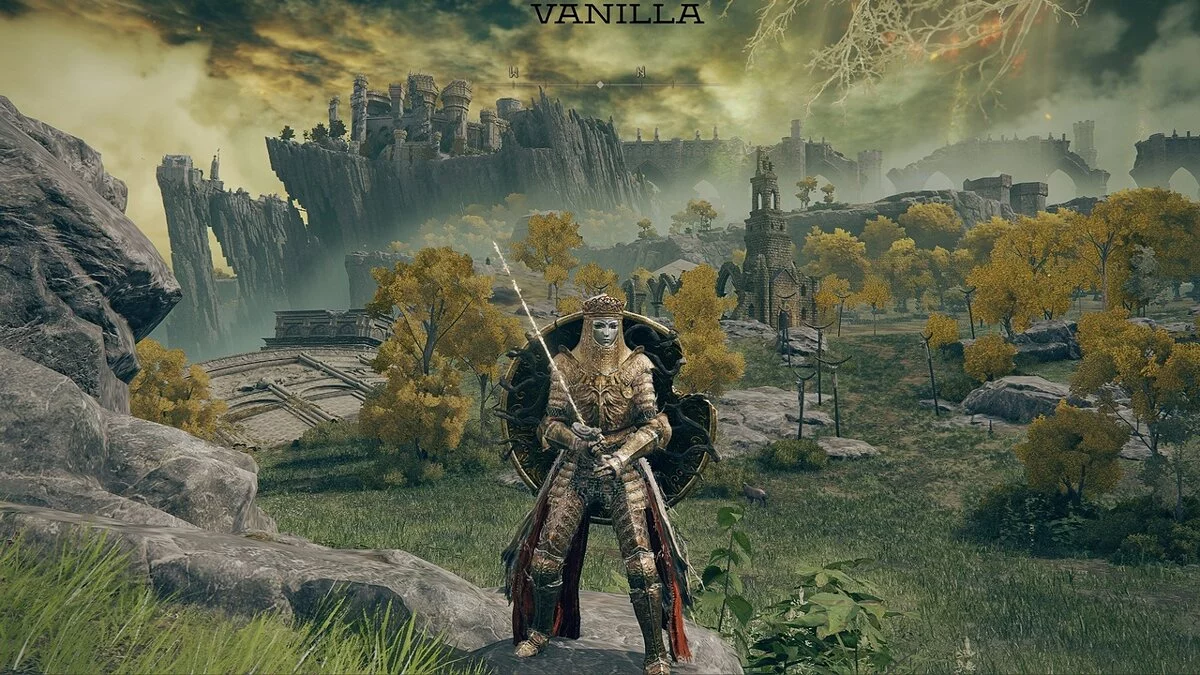
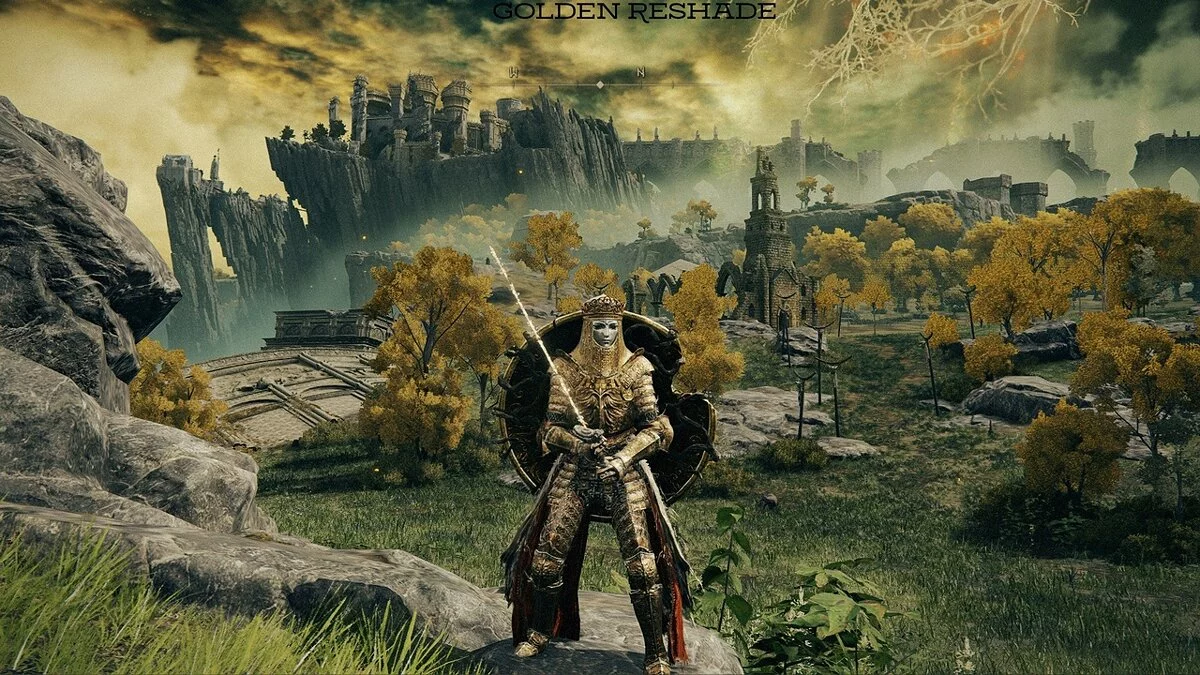
Golden ReShade

-
www.nexusmods.comDownload
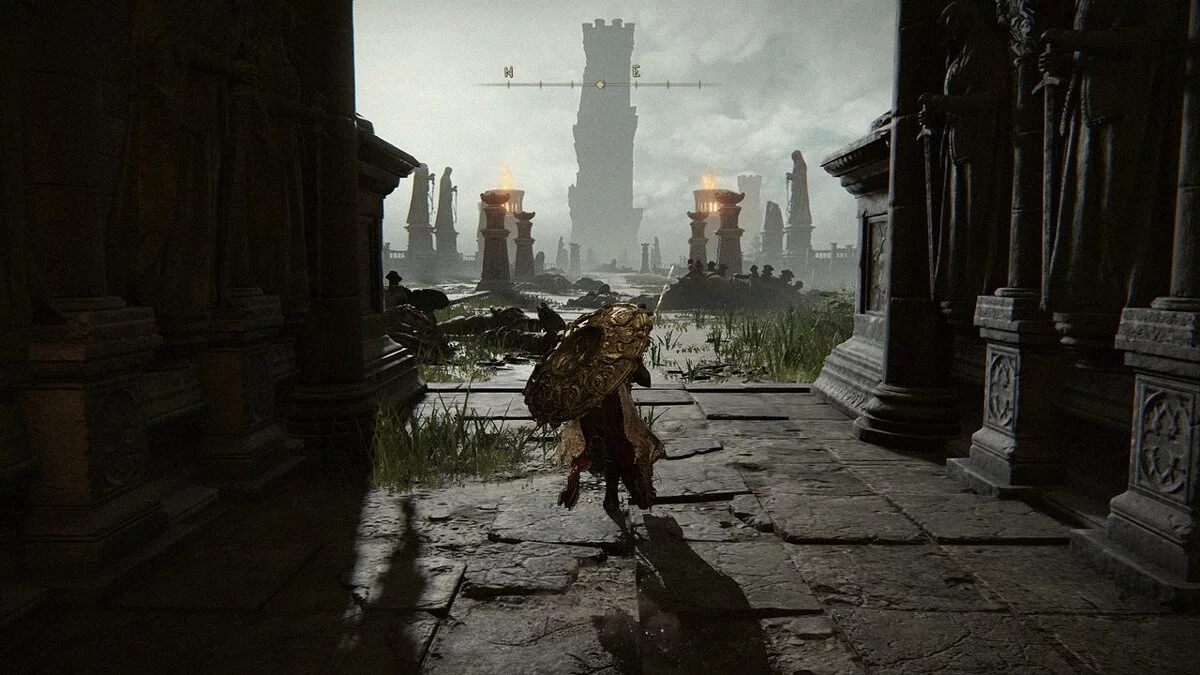
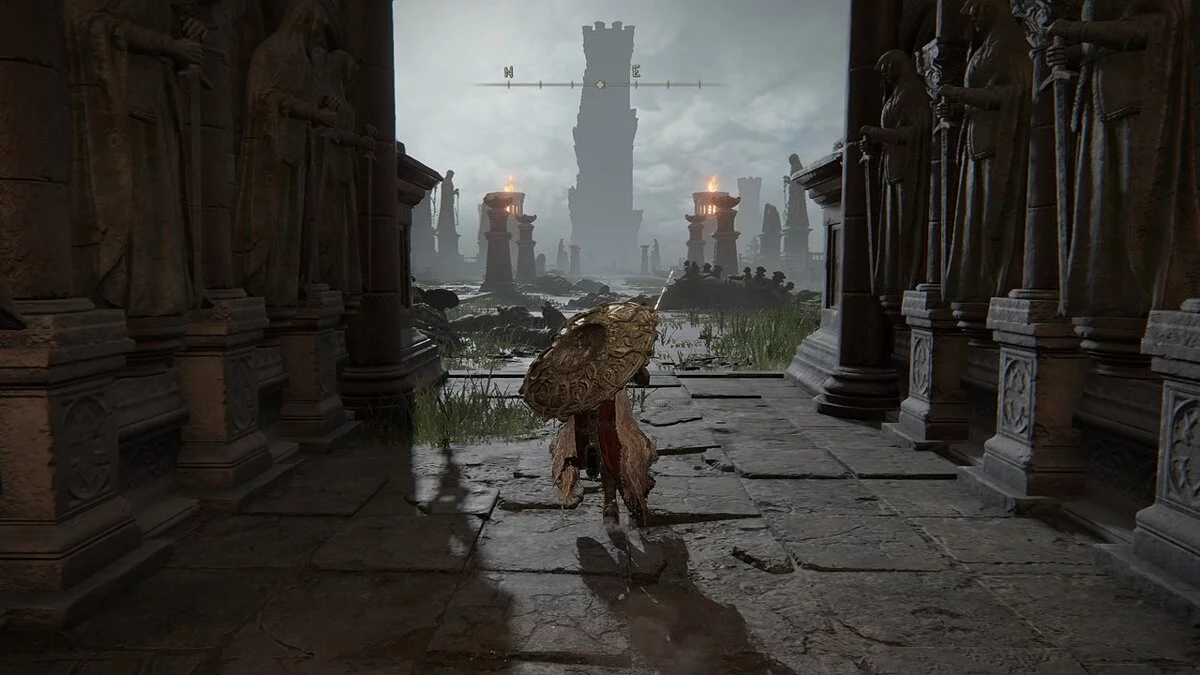
GOLDEN ReShade.
This ReShade creates depth in the scene, making dark objects darker and light areas brighter and more contrasted. It also maintains the readability of objects in the frame, making everything clearly visible even in the darkest areas. ReShade consumes an average of 5 FPS, Filmic 5-15 FPS.
Installation:
1 Launch the ReShade installation file and select 'Click here to select a game and manage its ReShade installation'.
2 Find 'Elden Ring (eldenring.exe)' in the list of games that appears and select it
3 If you can't find it, click the browse button in the bottom right corner and locate
the executable file located in the steamapps/common/ELDEN RING/Game folder, wherever
you have your Steam games installed.
4 Select 'Direct3D 10/11/12' for the rendering API
5 Check the boxes for the shader packs that need to be installed.
GOLDEN ReShade.
Этот решейд создает глубину пространства в сцене, темные объекты становятся темнее, светлые участки ярче и контрастнее. Также сохраняется читаемость объектов в кадре, все хорошо видно даже в самых темных участках. Reshade потребляет в среднем 5 FPS, Filmic 5-15 FPS.
Установка:
1 Запустите файл установки ReShade и выберите «Нажмите здесь, чтобы выбрать игру и управлять ее установкой ReShade».
2 Найдите «Elden Ring (eldenring.exe)» в списке игр. который появится, и выберите его
3 Если вы не можете его найти, нажмите кнопку обзора в правом нижнем углу и найдите
исполняемый файл, расположенный в папке steamapps/common/ELDEN RING/Game, где бы
у вас ни были установлены игры Steam.
4 Выберите «Direct3D 10/11/12» для API рендеринга
5 Установите флажки для пакетов шейдеров, которые необходимо установить.
Useful links:
![Elden Ring — Table for Cheat Engine [UPD: 07.05.2022]](https://files.vgtimes.com/download/posts/2022-07/thumbs/1657101538_bbyhky6jemxqwxkpv9dzsg.webp)
![Elden Ring — Cheat Engine Table [UPD: 28.02.2022]](https://files.vgtimes.com/download/posts/2022-03/thumbs/1646129341_1633102423_fanxcivwqauxhrb.webp)
![Elden Ring — Cheat Engine Table [UPDATED: 28.02.2022]](https://files.vgtimes.com/download/posts/2022-03/thumbs/1646129168_eldenring_21.0.webp)
![Elden Ring — Cheat Engine Table [UPD: 02.03.2022]](https://files.vgtimes.com/download/posts/2022-03/thumbs/1646302738_elden-ring-1645785760542.webp)
![Elden Ring — Cheat Engine Table [1.02.3 Fixed v6]](https://files.vgtimes.com/download/posts/2022-03/thumbs/1647164072_b79e1557-180a-44ec-8060-d1cf7c1d0eed.webp)
![Elden Ring — Cheat Engine Table [1.02.3 #2]](https://files.vgtimes.com/download/posts/2022-03/thumbs/1646645748_poigrali-v-elden-ring_16444960261311191147.webp)
![Elden Ring — Cheat Engine Table [UPD: 01.03.2022]](https://files.vgtimes.com/download/posts/2022-03/thumbs/1646212386_cyberedb237ee2ab.webp)
![Elden Ring — Cheat Engine Table [1.03.1 v4]](https://files.vgtimes.com/download/posts/2022-03/thumbs/1648028325_a7mxcvvm62h7.webp)
![Elden Ring — Cheat Engine Table [UPD: 02.03.2022]](https://files.vgtimes.com/download/posts/2022-03/thumbs/1646302693_nova-filepond-nvmtju.webp)
![Elden Ring — Cheat Engine Table [UPD: 25.02.2022 Fixed]](https://files.vgtimes.com/download/posts/2022-02/thumbs/1645871485_elden-ring-pc-game-steam-europe-wallpaper-1.webp)